Skip to Navigation


The best email APIs for Python developers are Mailtrap, AgentMail, Mailgun, SendGrid, Amazon SES, and Postmark.
I tested the original five using a demo application, and added AgentMail later based on its docs, SDK, and pricing. The idea was to get an unbiased evaluation of each provider under typical scenarios like sending transactional and marketing (bulk) emails, testing out the webhooks, etc.
You can jump to the specific areas using the links below.
Disclaimer: This article contains references to software catalog ratings, feature offerings, and pricing. These were valid at the time of writing, but could be subject to change.
Best email SDKs for Python: a snapshot
Before diving into the details, here’s a quick overview of each provider and their ideal use case:
- Mailtrap – the best for Python developers and product teams with high deliverability rates, excellent analytics, developer-friendly experience, and reliability.
- AgentMail – best for Python developers building AI agents that need their own inboxes, threaded replies, and a way to sign in to apps
- Mailgun – best for senders who need email validation and flexible routing options
- SendGrid – best for businesses that need both transactional and marketing email in one platform
- Amazon SES – best for AWS-native applications with AWS-savvy engineers where cost optimization is critical
- Postmark – best for applications focused on transactional emails and businesses with a flexible budget.
| Provider | Free Tier | Starting Price |
| Mailtrap | 4,000 emails/mo | $15/mo (10K emails) |
| AgentMail | 3,000 emails/mo | $20/mo (10K emails) |
| Mailgun | 100 emails/day | $15/mo (10K emails) |
| SendGrid | 100 emails/day | $19.95/mo (50K emails) |
| Amazon SES | 3,000 per month (during the first year) | $0.10/1,000 emails |
| Postmark | None (free trial only) | $15/mo (10K emails) |
Python email API comparison: methodology & criteria
I evaluated each provider across six dimensions, use the links below to jump to the section that’s of your interest.
SDK quality & framework compatibility
All six providers offer Python SDKs and they’re compatible with popular frameworks. I tested the original five with Django, Flask, and FastAPI to assess real-world integration. Even so, note that the given packages have their quirks, some requiring manual intervention and additional configurations to work as intended.
| Provider | SDK Package | PyPI Downloads | Python Support |
| Mailtrap | mailtrap | ~10-15K/week | 3.9+ |
| AgentMail | agentmail | ~300K/week | 3.8+ |
| Mailgun | mailgun | ~50-100K/week | 2.7/3.6+ |
| SendGrid | sendgrid | ~500K+/week | 3.6+ |
| Amazon SES | boto3 | 323M+/week | 3.9+ |
| Postmark | postmarker | ~30-50K/week | 2.7/3.6+ |
Mailtrap and Postmark offer the cleanest, most focused SDKs for email with full type hint support. As the oldest and one of the most popular players, SendGrid has the highest adoption by email-specific downloads. And boto3 tops the PyPl downloads, but it’s a general AWS Python SDK used across all AWS services, not just emails.
Important note: Postmark doesn’t have an official Python SDK, but rather a well-built, community supported option.
Developer experience
Setup time & learning curve
Generally, all providers offer a relatively fast setup and quickstart instructions after you get verified as a sender. I haven’t accounted for the domain and sender verification since it partially depends on the domain you’re using. And there are provider specific procedures, for instance, AWS SES keeps you in a Sandbox for one or two work days.
- Mailtrap: ~5 minutes – Clear documentation and intuitive API key setup make the process pretty easy.
- Postmark: ~5 minutes – Similar to Mailtrap, Postmark requires minimal configuration and clean documentation helps speed up the process.
- AgentMail: ~5 minutes – pip install agentmail, add an API key, and one call creates an inbox you can send from.
- Mailgun: 10-15 minutes – Navigating the docs to get the SDK up and running can get tricky, especially if you want to add the email verification.
- SendGrid: 10-15 minutes – There are additional configurations for API key management, and you can also structure payloads in different ways.
- Amazon SES: 15-20 minutes – the steepest learning curve mostly due to AWS specifics, including the IAM setup. The given estimate is for someone already familiar with Amazon setup, not a novice.
Documentation quality
Overall, I can’t say that any of the providers have poor documentation, otherwise they wouldn’t be in the list. However, the clarity and depth of the docs make all the difference.
For instance, Mailtrap and Postmark are the clearest and easiest to navigate. SendGrid is the most comprehensive by far, but it’s at the expense of navigation (maybe even clarity) since they have a bunch of legacy docs.
Check the table below for links I found most useful to speed up your configuration and integration.
| Provider | Knowledge base | API documentation | Blog articles | YouTube videos |
| Mailtrap | Link | Link | Python Flask Django | Python Flask Django |
| AgentMail | Link | Link | N/A | N/A |
| SendGrid | Link | Link | Python Flask FastAPI | N/A |
| Mailgun | Link | Link | Flask FastAPI | N/A |
| Amazon SES | *N/A | Link | N/A | N/A |
| Postmark | Link | Link | Python | N/A |
*SES has extensive documentation and FAQ resources that function as a standard knowledge base. However, it’s not a separate, user-facting “knowledge base” property that you can find with most competitors. Instead, it’s rather contextual; based on the instances you need, which, in my mind, isn’t a negative thing.
MCP server support
All six providers offer MCP (Model Context Protocol) support for AI-powered email workflow integrations. The differences are whether a provider has an official MCP and what API calls you can make via the protocol. Here’s a quick breakdown:
| MCP Server | Summary | Capabilities |
| Mailtrap | Official MCP (API-based) | Email sending (including multiple recipients), template management, and sandbox management |
| AgentMail | Official MCP server | Create inboxes, send and reply to email, read threads, manage drafts |
| SendGrid | Community MCP servers | Campaigns, contacts, stats. Complex API surface (may require manual tuning) |
| Mailgun | Official open-source MCP | Send emails, retrieve analytics |
| Amazon SES | SESv2 MCP via AWS APIs | AI-assisted sending with a technical setup |
| Postmark | Official MCP server | Email and template management, stats, and tracking |
Webhooks
Webhooks let your application react to email events in real-time. Here’s what each provider supports:
| Event | Mailtrap | AgentMail | Mailgun | SendGrid | Amazon SES | Postmark |
| Delivered | ✅ | ✅ | ✅ | ✅ | ✅ | ✅ |
| Opened | ✅ | ✅ | ✅ | ✅ | ❌ | ✅ |
| Clicked | ✅ | ❌ | ✅ | ✅ | ✅ | ✅ |
| Bounced | ✅ | ✅ | ✅ | ✅ | ✅ | ✅ |
| Spam Complaint | ✅ | ✅ | ✅ | ✅ | ✅ | ✅ |
| Unsubscribed | ✅ | ❌ | ✅ | ✅ | ❌ | ✅ |
Mailtrap supports up to 40 webhook retries every 5 minutes with event batching up to 500 events per call. Amazon SES requires additional configuration via SNS for most webhook events.
Email infrastructure
This is where things get interesting. Email infrastructure determines whether your messages actually reach inboxes; and it largely determines whether you can reliably scale email sending.
Deliverability
I ran deliverability tests across the original five providers (AgentMail wasn’t part of this round) using identical test emails sent to Gmail, Outlook, Yahoo, and Apple Mail accounts. Testing was conducted on free/trial plans with shared IPs, the same email template, and no domain warmup.
Here’s how each provider scored.
| Provider | Inbox Placement | Tabs | Spam | Missing |
| Mailtrap | 78.8% | 4.8% | 14.4% | 2.0% |
| Postmark | 83.3% | 1.0% | 14.3% | 0.9% |
| Amazon SES | 77.1% | 1.9% | 20.0% | 1.0% |
| Mailgun | 71.4% | 3.8% | 23.8% | 1.0% |
| SendGrid | 61.0% | 1.0% | 17.1% | 20.9% |
Postmark’s focus on transactional emails contributes to its 83.3% deliverability. Mailtrap’s separate infrastructure for transactional and bulk emails helps maintain clean sender reputation. SendGrid had the highest “missing” rate at 20.9%, indicating potential delivery issues.
Click here to check the details of the tests we ran.
Scalability
How each provider handles volume matters when your application grows. To make things work smoothly, you’d need multiple MTAs, a dedicated IP, and possibly an SLA, and it would be great to have a deliverability expert at hand.
| Provider | Scalability |
| Mailtrap | Cloud-based infrastructure, multiple MTAs, and deliverability experts for custom setup |
| AgentMail | Cloud-based infrastructure, per-plan daily and 5-minute send limits, custom limits and dedicated IPs on Enterprise |
| SendGrid | Cloud-based infrastructure, distributed load balancers across the globe, scaling with multiple dedicated IPs |
| Mailgun | Cloud-based infrastructure, Rapid Fire Delivery SLA |
| Postmark | Cloud-based infrastructure, multiple load balancers in different regions |
| Amazon SES | Cloud-based infrastructure (AWS), auto-scaling sending quotas, and multi-region availability |
Reliability & uptime
All providers offer enterprise-grade reliability where SES benefits from AWS’s globally distributed infrastructure.
There were some hiccups though mostly with SendGrid, but they were quickly resolved. And I’m not accounting for the CloudFlare incident in late 2025 that affected a bunch of SaaS solutions globally.
Here’s a table with a snappy breakdown, and you can check things yourself of pages like this one.
| Provider | Uptime SLA |
| Mailtrap | 99.99% |
| AgentMail | SLA on Enterprise (figure not published) |
| Mailgun | 99.99% |
| Postmark | 99.99%+ (implied) |
| SendGrid | 99.95% – 99.99% (under SLA) |
| Amazon SES | Region-dependent (AWS SLA) |
IP pools & email streams
Managing your sending reputation requires control over IP allocation and email categorization:
| Provider | Dedicated IP | Separate Streams | IP Warmup |
| Mailtrap | Business plan+ | Transactional/Bulk | Automatic |
| AgentMail | Enterprise plan | Separation by inbox and custom domain | Not documented |
| Mailgun | Scale plan+ | Traffic separation via IP pools, domains or subdomains | Automatic (or manual) |
| SendGrid | Pro plan+ | Traffic separation via IP pools | Automatic (or manual) |
| Amazon SES | $24.95/mo each | Via configuration sets | Automatic by default (manual available) |
| Postmark | Available | Transactional/Bulk | Automatic (or manual) |
Mailtrap’s and Postmark’s approach stand out here: separate transactional and bulk streams on different infrastructure means your critical emails maintain pristine reputation even if marketing emails face deliverability challenges.
Pricing comparison
The prices at low volumes are relatively close by. To give you a more holistic view I included a breakdown by email volume and the overages pricing.
| Monthly Volume | Mailtrap | Mailgun | SendGrid | Amazon SES | Postmark |
| 10,000 emails | $15 | $15 | $19.95 | ~$1 | $15 |
| 50,000 emails | $20 | $35 | $35 | ~$5 | $55 |
| 100,000 emails | $30-85 | $75-90 | $60-90 | ~$10 | ~$100 |
| 250,000 emails | $200 | $215 | $200 | ~$25 | ~$250 |
| Overage per 1,000 emails | ~$1.00 | ~$1.80 | ~$0.90 – $1.33 | ~$0.10 | ~$0.85 – $1.25 |
Amazon SES is the clear winner on raw cost at high volumes – roughly 80-90% cheaper than alternatives. However, you need to factor in the dev time to set it all up, and a third-party or custom integration to keep up with the email stats and analytics.
Postmark is the most expensive but offers the highest deliverability. And Mailtrap is the most ballanced offering competitive pricing with the best feature set for development teams.
Support & community
Let’s be real, things tend to break at times even with the best of email providers. Check the table below to see what to expect from each provider. Overall, in my experience, Mailtrap and Postmark excel in responsiveness even on a free plan, and SendGrid and SES tend to be slowest for free users.
| Provider | Free Plan Support | Paid Plan Support | Response Time |
| Mailtrap | Ticket | 24/7 Business support | <2 hours (Priority) |
| AgentMail | Discord community | Email (Developer+), shared Slack channel (Enterprise) | Not published |
| Mailgun | Ticket | Chat/phone (Scale+) | 48 hours (Basic) |
| SendGrid | Ticket | Chat (Pro+) | Varies by tier |
| Amazon SES | AWS Support tiers | Depends on AWS plan | Varies |
| Postmark | AI + tickets | All plans | Under 3 hours |
Mailtrap: Best Python email API
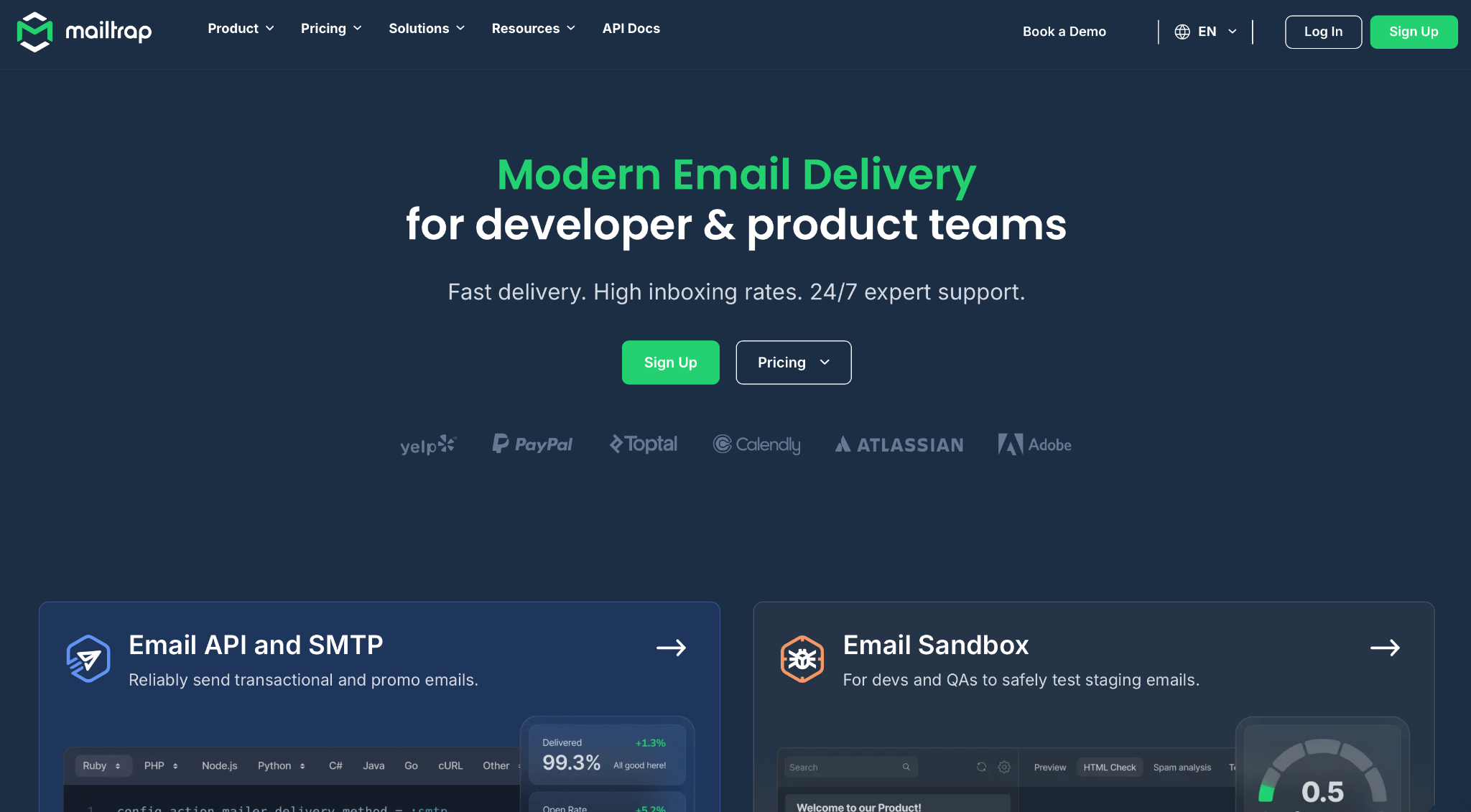
Mailtrap works best for Python development teams building applications that require high inboxing rates and industry-best analytics.
The platform offers both SMTP and API-based sending with no rate limits and customizable throttling. Key capabilities include 500 messages per batch call, up to 10MB payload support, and 40 webhook retries every 5 minutes with event batching up to 500 events per call.
Python SDK integration
The official mailtrap package provides a clean, Pythonic interface with full type hints. Install with pip install mailtrap. Requires Python 3.9+.
import mailtrap as mt

API_TOKEN = "<YOUR_API_TOKEN>"  # your API key here https://mailtrap.io/api-tokens

client = mt.MailtrapClient(token=API_TOKEN)

# Create mail object

mail = mt.Mail(

    sender=mt.Address(email="sender@example.com", name="John Smith"),

    to=[mt.Address(email="recipient@example.com")],

    subject="You are awesome!",

    text="Congrats for sending test email with Mailtrap!",

)

client.send(mail)
Framework compatibility: Works seamlessly with Django (via SMTP backend or direct SDK), Flask (with Flask-Mail or direct), and FastAPI (async-friendly SDK). Framework-agnostic design means it works with any Python web framework using HTTP requests. Also, there’s an integration between Mailtrap and Anymail, you can check it here.
Pricing
| Plan | Monthly Emails | Price |
| Free | 4,000 | $0 |
| Basic | 10,000 | $15/mo |
| Business | 100,000 | $30 – $85/mo |
| Enterprise | Custom | From $750/mo |
Pros & cons
| Pros | Cons |
| Separate transactional/bulk streams | Smaller community than SendGrid |
| Official MCP server available | |
| 99.99% uptime SLA | |
| Straightforward setup |
Security & compliance
Mailtrap is ISO 27001:2022 certified (since April 2024) and GDPR compliant. And the platform also obtained SOC 2 Type II certification, with SOC 3 report available. All data is encrypted in transit via TLS, with SSO and 2FA support.
Testimonials
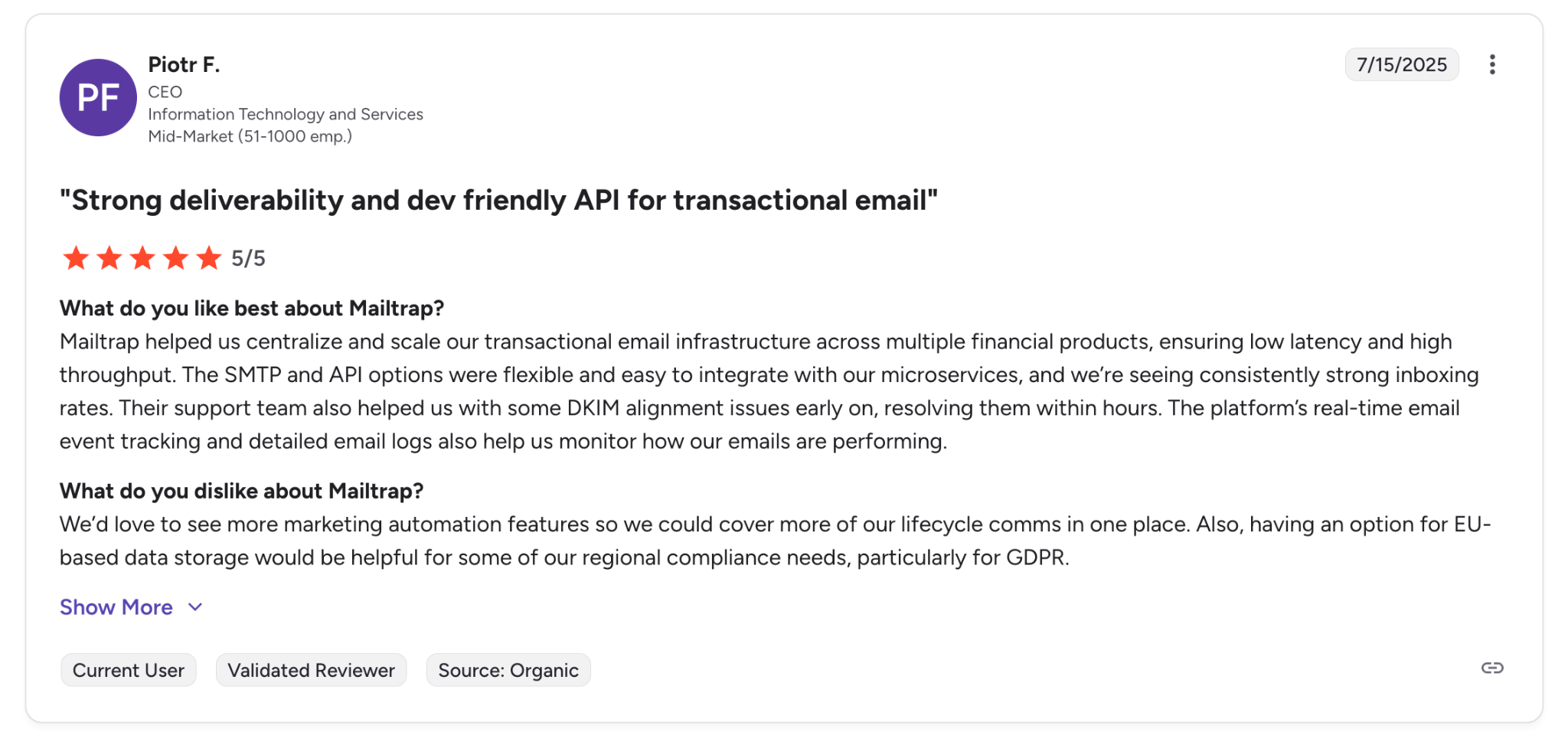
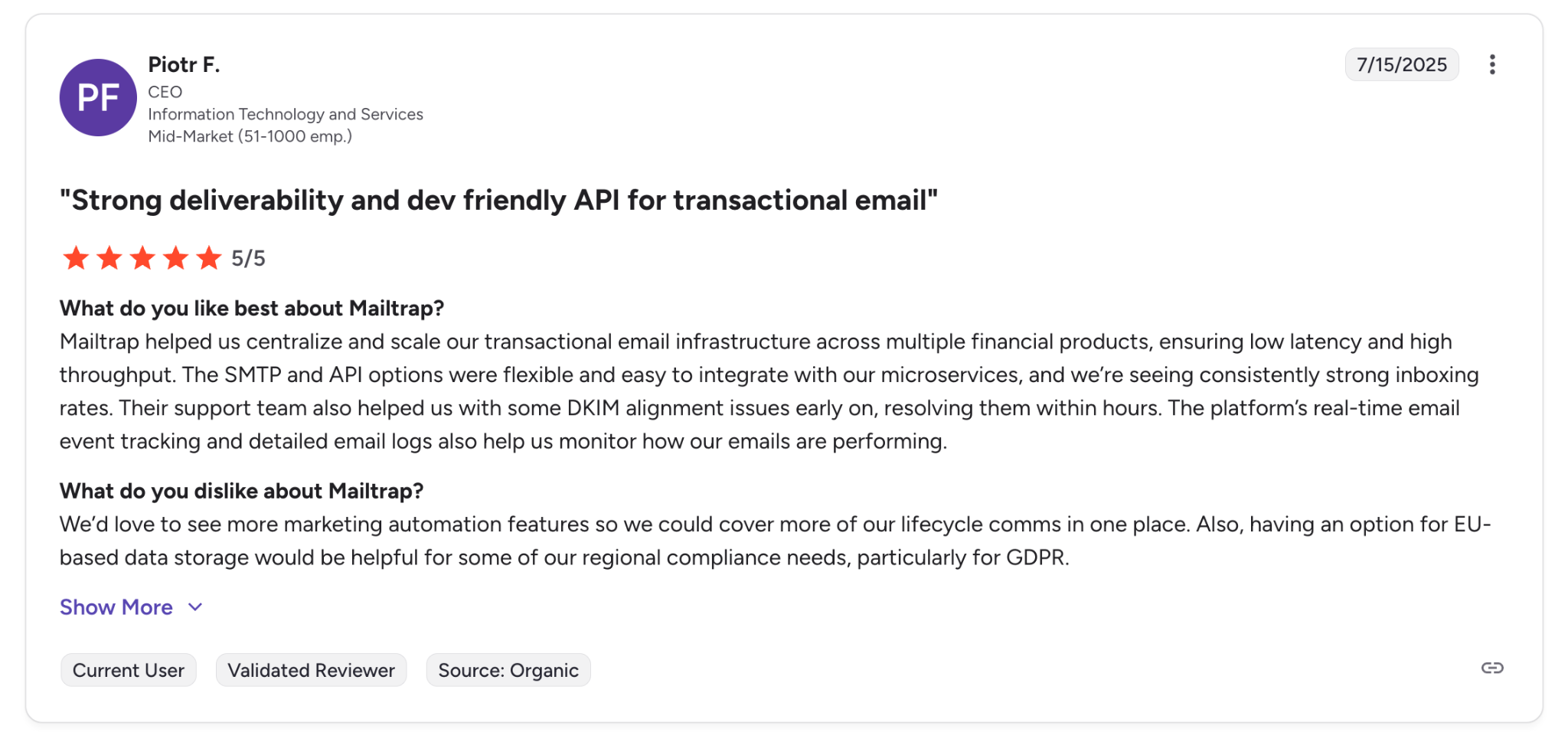
“Strong deliverability and dev friendly API for transactional email.” — Verified G2 Reviewer, CEO, IT and Services
AgentMail: Best for AI agents that own inboxes
Capterra: 4.7/5
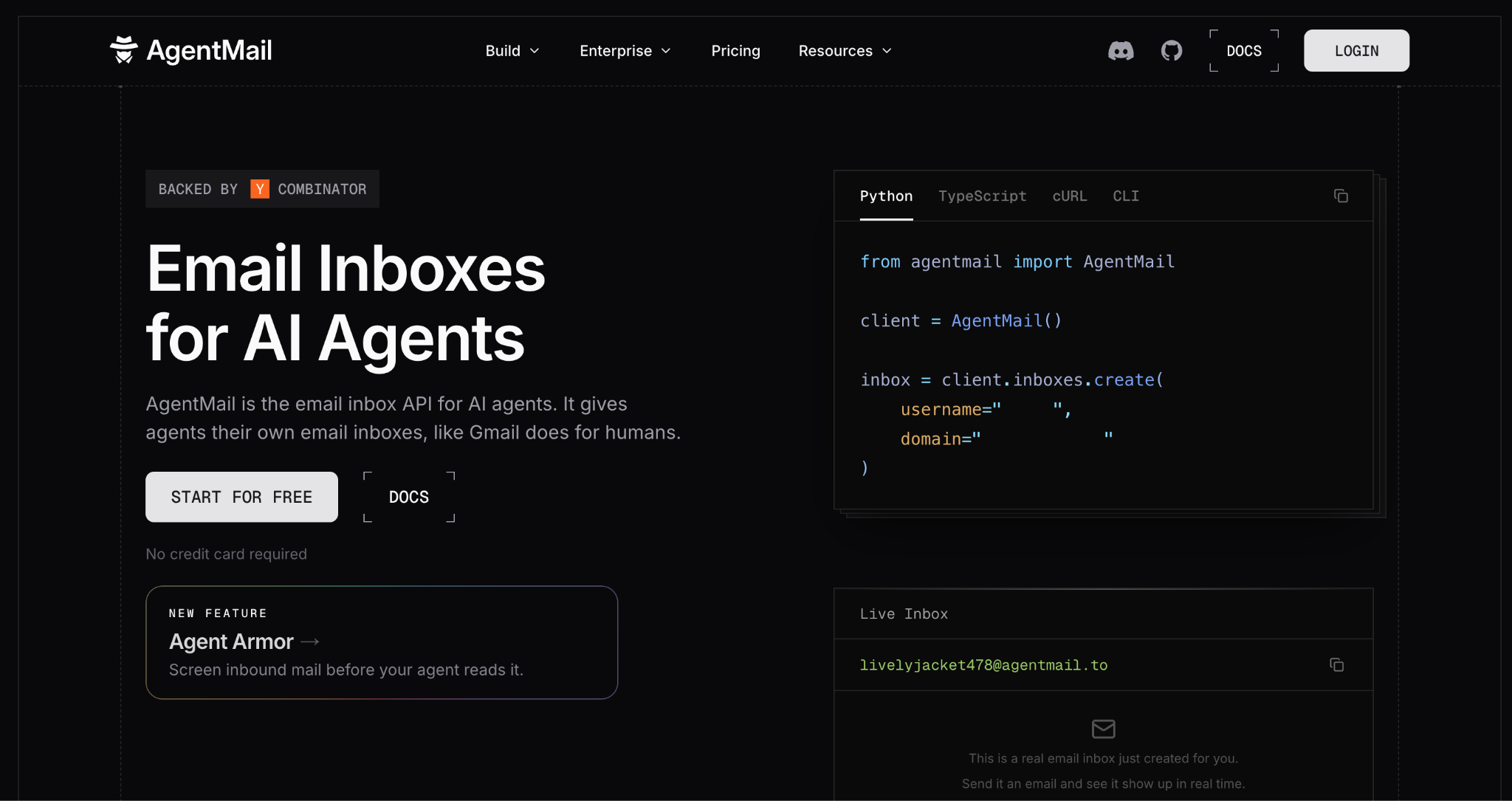
AgentMail is an email API for AI agents. A Python app can give every agent its own inbox with one call, then let that agent send, receive, and reply in threads. Incoming mail is grouped into threads, and the new reply is pulled out of the quoted history.
The same inbox is the agent’s login. AgentID, an OpenID Connect provider built on AgentMail, lets an agent sign in to apps with its own verified email identity instead of a human’s password. AgentMail also has webhooks, WebSockets, IMAP and SMTP access, and an official MCP server.
Python SDK integration
The official agentmail package supports Python 3.8+ and ships sync and async clients. Install with pip install agentmail.
import os
from agentmail import AgentMail

client = AgentMail(api_key=os.environ["AGENTMAIL_API_KEY"])

# create an inbox for the agent (client_id makes retries safe)
inbox = client.inboxes.create(client_id="support-agent-v1")

# send from the agent's own address
client.inboxes.messages.send(
    inbox.inbox_id,
    to="customer@example.com",
    subject="Your refund is on its way",
    text="Hi, the refund went out today.",
)
Framework compatibility: the sync client drops into Django and Flask, and the async client (AsyncAgentMail) fits FastAPI. The SDK also opens WebSocket connections, so a worker can receive new mail in real time without exposing a webhook URL.
Pricing
| Plan | Monthly Emails | Price |
| Free | 3,000 | $0 |
| Developer | 10,000 | $20/mo |
| Startup | 15,000/day | $200/mo |
| Enterprise | Custom | Contact sales |
Pros & cons
| Pros | Cons |
| An inbox per agent from one API call | No template editor or marketing campaign tools |
| AgentID sign-in for agents, built on the same inbox | Dedicated IPs only on the Enterprise plan |
| Threads and reply extraction built in | |
| Sync, async, and WebSocket support in the Python SDK |
Security & compliance
AgentMail is SOC 2 Type II compliant and offers a DPA covering EU and UK GDPR. SMTP, IMAP, and API connections require TLS, and API keys can be scoped to a single inbox.
Testimonials
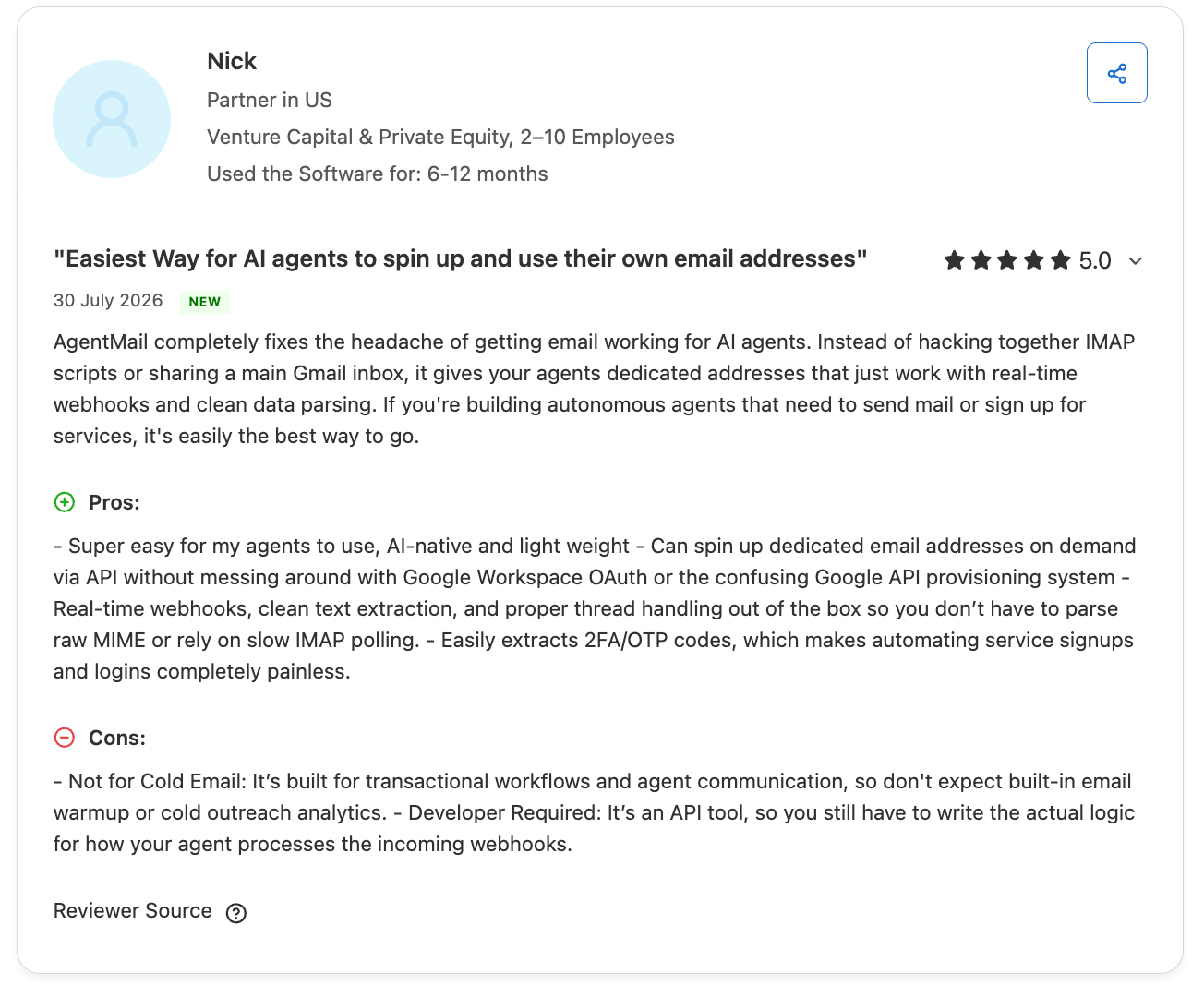
“AgentMail completely fixes the headache of getting email working for AI agents.” — Capterra Review, Partner in Venture Capital & Private Equity
Mailgun: Best for validation
Mailgun is built for developers who need to send at scale and want granular control over routing, validation, and delivery optimization. The comprehensive email validation tools help maintain clean recipient lists and protect sender reputation.
The service provides both REST API and SMTP access, plus inbound email parsing. Features include message IDs for debugging and comprehensive webhook support for delivered, opened, clicked, bounced, complained, and unsubscribed events.
Python SDK integration
The official mailgun package supports Python 2.7 and 3.6+. A new Python SDK is expected later in 2025. Install with pip install mailgun.
import os

from pathlib import Path

from mailgun.client import Client

key: str = os.environ["MAILGUN_API_KEY"]

domain: str = os.environ["DOMAIN"]

client: Client = Client(auth=("api", key))

def post_message() -> None:

    # Messages

    # POST /<domain>/messages

    data = {

        "from": os.getenv("MESSAGES_FROM", "test@test.com"),

        "to": os.getenv("MESSAGES_TO", "recipient@example.com"),

        "subject": "Hello from python!",

        "text": "Hello world!",

        "o:tag": "Python test",

    }

    req = client.messages.create(data=data, domain=domain)

    print(req.json())
Framework compatibility: API-first design works with Django, Flask, FastAPI, and any Python web framework.
Pricing
| Plan | Monthly Emails | Price |
| Free | ~3000 | $0 |
| Scale | 50,000 | $30/mo |
| Scale+ | 100,000 | $75-90/mo |
| Enterprise | Custom | Contact sales |
Pros & cons
| Pros | Cons |
| Comprehensive email validation | Interface feels dated |
| Open-source MCP available | Our testing indicated higher than expected spam rate (23.8%) |
| 99.99% uptime SLA |
Security & compliance
Mailgun holds SOC 2 Type II certification, ISO 27001, and is HIPAA eligible (BAA available). GDPR compliant with DPA available.
Testimonials
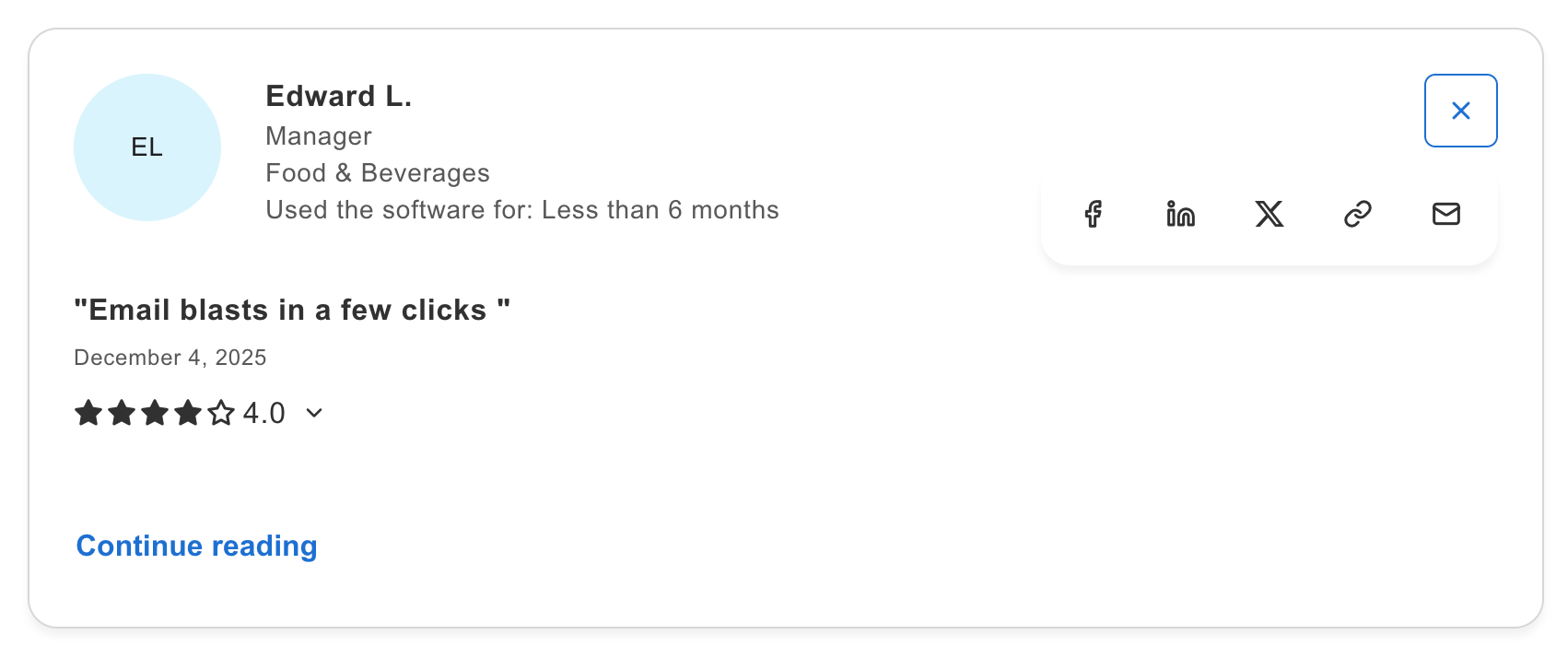
“Email blasts in a few clicks.” — Capterra Review, Manager in Food & Beverages industry
SendGrid: Best for enterprises
SendGrid suits teams that need to handle both transactional emails and marketing campaigns from a single platform. The integration with Twilio’s broader communication APIs enables omnichannel applications. With the largest ecosystem (1.65M+ npm downloads equivalent), it has the most community resources available.
It provides extensive APIs for email, marketing campaigns, and contact management. Template support with Handlebars syntax enables dynamic content. However, as mentioned earlier, the platform has experienced multiple outages during peak periods according to historical data.
Python SDK integration
The official sendgrid package is well-maintained by Twilio with extensive documentation. Requires Python 3.6+. Install with pip install sendgrid.
import sendgrid

import os

from sendgrid.helpers.mail import *

sg = sendgrid.SendGridAPIClient(api_key=os.environ.get('SENDGRID_API_KEY'))

from_email = Email("test@example.com")

to_email = To("test@example.com")

subject = "Sending with SendGrid is Fun"

content = Content("text/plain", "and easy to do anywhere, even with Python")

mail = Mail(from_email, to_email, subject, content)

response = sg.client.mail.send.post(request_body=mail.get())

print(response.status_code)

print(response.body)

print(response.headers)
Framework compatibility: Works with Django, Flask, and FastAPI. Largest ecosystem with 500K+ weekly PyPI downloads means more Stack Overflow answers available.
Pricing
| Plan | Monthly emails | Price |
| Free | 100/day (60-day trial) | $0 |
| Essentials | 50,000 | $19.95/mo |
| Pro | 100,000 | $89.95/mo |
| Premier | Custom | Contact sales |
Pros & cons
| Pros | Cons |
| Largest ecosystem and community | Complex pricing with many add-ons |
| Combined marketing + transactional | Multiple historical outages noted |
| Community-created MCP available | |
| 500K+ weekly PyPI downloads |
Security & compliance
SendGrid holds SOC 2 Type II certification and is PCI DSS compliant. GDPR compliant with DPA available.
Testimonials
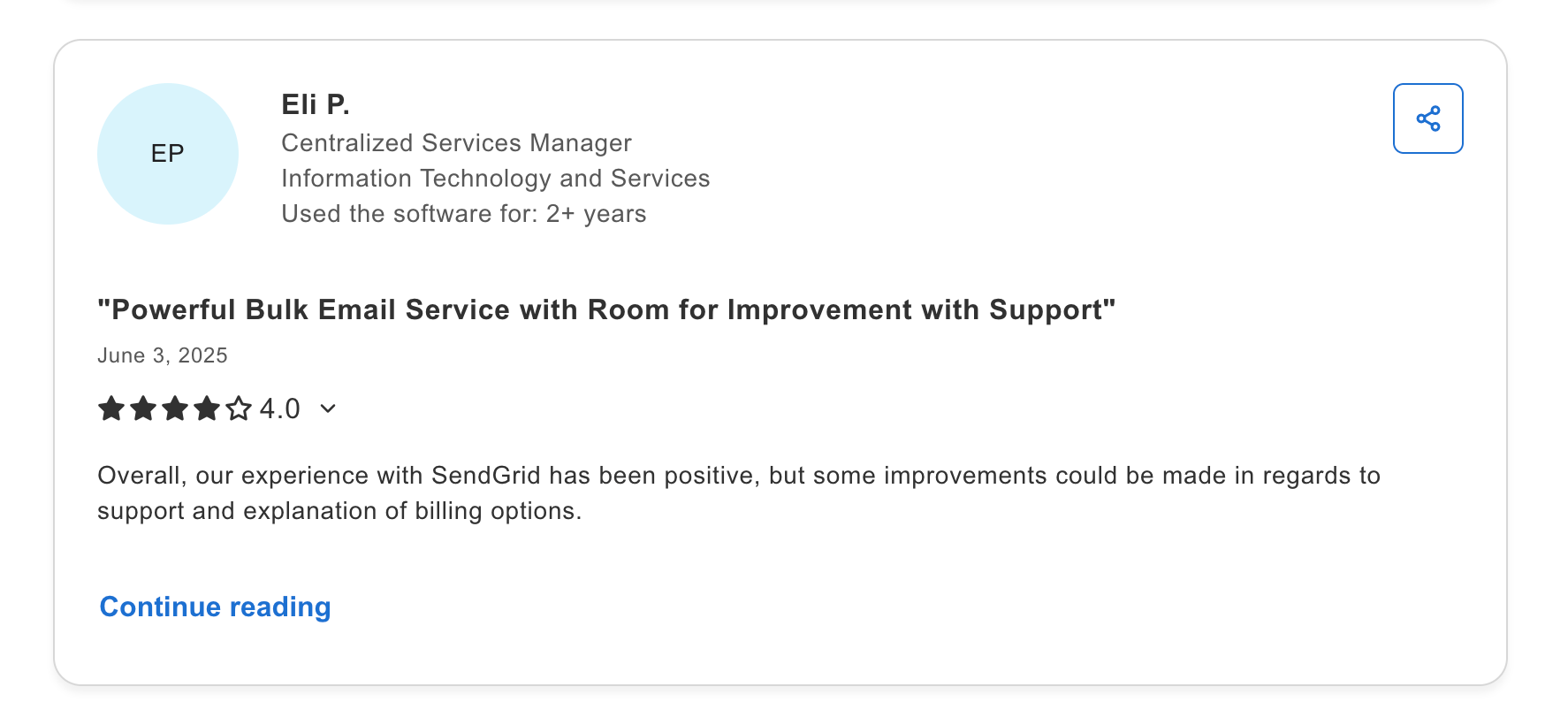
“Powerful bulk email service with room for improvement with support.” – Capterra Review, Centralized Services Manager, IT and Services.
Amazon SES: Best for existing AWS users
Amazon SES is ideal for teams already using AWS infrastructure who want to minimize email costs. At $0.10 per 1,000 emails with no monthly minimum, it’s the most economical option for high volumes. But, to stress yet again, it requires AWS knowledge and more complex setup.
SES provides both SMTP and API access, plus inbound email processing via S3. Native integration with Lambda, SNS, and CloudWatch enables sophisticated serverless email workflows.
Python SDK integration
AWS provides email support through boto3, the official AWS SDK. Requires Python 3.9+. Install with pip install boto3.
import boto3

client = boto3.client('ses', region_name='us-east-1')

response = client.send_email(

    Source='sender@verified-domain.com',

    Destination={'ToAddresses': ['recipient@example.com']},

    Message={

        'Subject': {'Data': 'Hello from SES'},

        'Body': {

            'Text': {'Data': 'Welcome to our service!'},

            'Html': {'Data': '<h1>Welcome!</h1>'}

        }

    }

)
Notes on the code snippet above: This is just an exemplary minimal usage snippet at ‘us-east-1’ – depending on your project it may look different.
Framework compatibility: Works with Django (django-ses package), Flask, FastAPI, and has native Lambda support for serverless.
Reminder: SES requires domain verification and sandbox exit approval before production sending (24-72 hours).
Pricing
| Volume | Cost |
| 3,000/mo | Free (12 months) |
| Per 1,000 emails | $0.10 |
| Dedicated IP | $24.95/mo each |
| Virtual Deliverability Manager | Additional cost |
Pros & cons
| Pros | Cons |
| Lowest cost (~$0.10/1K emails) | Complex setup for non-AWS users |
| No monthly minimum | Manual reputation management |
| Virtually unlimited scaling | Requires extensive AWS knowledge |
| Sample MCP server available | |
| Globally distributed infrastructure |
Security & compliance
Amazon SES inherits AWS’s comprehensive compliance: SOC 1/2/3, ISO 27001, PCI DSS Level 1, HIPAA eligible, FedRAMP authorized, GDPR compliant. The most comprehensively certified option.
Testimonials
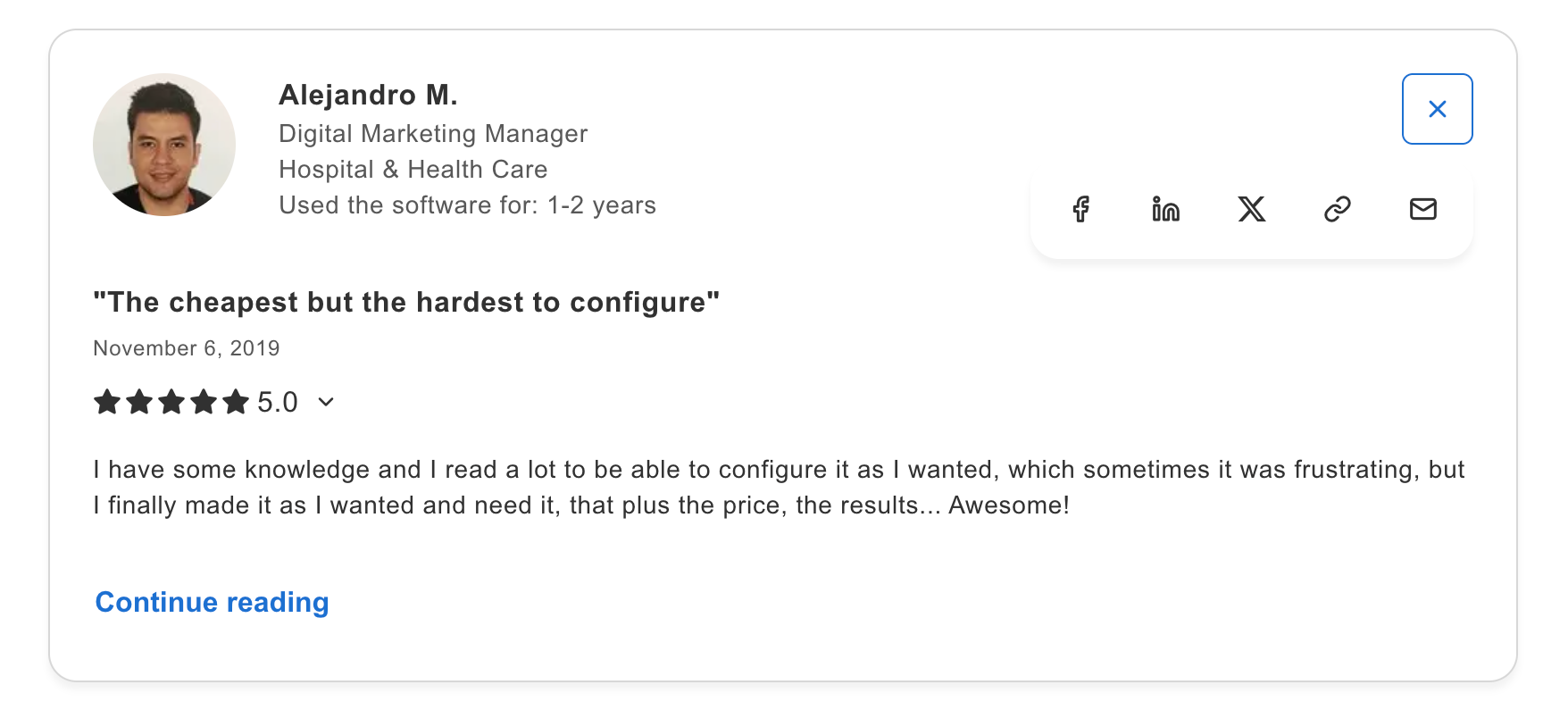
“The cheapest but the hardest to configure.” — Capterra Customer Review, Digital Marketing Manager, Hospital and Health Care
Postmark: For transactional emails at a higher cost
Postmark focuses on transactional email, though they also offer a bulk (Broadcast) stream and achieves fast delivery times and high deliverability. If your password reset emails or order confirmations need to arrive in seconds with high inbox placement, Postmark delivers.
Like Mailtrap, Postmark keeps transactional email on dedicated infrastructure with no marketing email allowed. This singular focus on transactional enables high deliverability.
Python SDK integration
The official postmarker package supports Python 2.7 and 3.6+. Install with pip install postmarker.
from postmarker.core import PostmarkClient

postmark = PostmarkClient(server_token='POSTMARK-SERVER-API-TOKEN-HERE')

postmark.emails.send(

  From='sender@example.com',

  To='recipient@example.com',

  Subject='Postmark test',

  HtmlBody='HTML body goes here'

)
Framework compatibility: Compatible with Django email backend, Flask, and FastAPI. Similar setup patterns to Mailtrap. Also, note that the example above is taken from the most popular (and updated) community Python SDK for Postmark, there’s no official SDK.
Pricing
| Plan | Monthly Emails | Price |
| Starter | 10,000 | $15/mo |
| Pro | 50,000 | $55/mo |
| Platform | 100,000 | $100/mo |
| Enterprise | 250,000+ | $250/mo+ |
Note: Postmark has no free tier, free trial only.
Pros & cons
| Pros | Cons |
| High deliverability | No free tier |
| Fast setup | Higher price per email |
| Under 3-hour support response | No official Python SDK |
Security & compliance
Postmark holds SOC 2 Type II certification and is GDPR compliant with DPA available. Strict sender guidelines maintain platform reputation.
Testimonials
“One of the best in the industry for transactional email.” — G2 Review, Software Consultant, Computer and Network Security
Wrapping Up
After comparing all six providers, here’s my recommendation based on use case:
Choose Mailtrap if you need a modern email platform with focus on high deliverability, fast delivery, and industry-best analytics. With 78.8% inbox placement, 99.99% uptime SLA, and a generous 4,000 emails/month free tier, it offers the best overall developer experience.
Choose AgentMail if your Python app runs AI agents that need their own email addresses, with threaded replies and AgentID sign-in built in.
Choose Mailgun if you’re sending high volumes and need built-in email validation to maintain list hygiene.
Choose SendGrid if you need combined transactional and marketing email in one platform with the largest community support. The 500K+ weekly PyPI downloads mean extensive community resources, though deliverability was the lowest in testing.
Choose Amazon SES if you’re running on AWS and cost optimization is your priority. At $0.10 per 1,000 emails with no monthly minimum, nothing else comes close on price; just plan for the dev time involved in the setup.
Choose Postmark if you need high delivery speed and separate message streams.
FAQs
What is the best email API for Python developers?
For most Python developers, Mailtrap offers the best balance of features, deliverability, and developer experience. It has an official Python SDK with full type hints, achieves 78.8% inbox placement, and offers 4,000 emails/month free.
Though, the “best” choice depends on your priorities: Mailtrap for overall developer experience, Postmark for delivery speed, Amazon SES for cost, SendGrid for community size and marketing integration.
How do I integrate an email API with a Python application?
The basic integration follows these steps:
- Install the SDK: Each provider has a pip-installable package (
pip install mailtrap,pip install sendgrid, etc.) - Get API credentials: Sign up for an account and generate an API key from the provider’s dashboard. Store this key securely; never commit it to version control.
- Configure your application: Store the API key in environment variables (
os.environ.get('MAILTRAP_API_KEY')). For Django, configure the email backend insettings.py. For Flask, use Flask-Mail or direct SDK integration. For FastAPI, import the SDK directly. - Verify your domain: Add SPF, DKIM, and DMARC records to your DNS. This typically takes 24-72 hours for propagation.
- Send emails: Use the SDK to construct and send messages. Start with simple text emails, then add HTML, attachments, and templates as needed.
All six providers support SMTP as a fallback, which works with Django’s built-in django.core.mail.backends.smtp.EmailBackend. This is useful for applications already using SMTP or for quick prototyping.
What features should I prioritize when choosing an email service for Python?
Prioritize based on your specific use case:
For transactional email (password resets, order confirmations):
- Deliverability: Postmark (83.3%), Mailtrap (78.8%), or SES (77.1%)
- Delivery speed: Postmark specializes in sub-second delivery
- Webhook support: All providers support key events (delivered, bounced, complained)
- Reliable uptime: Mailtrap, Mailgun, and Postmark all offer 99.99% SLA
For development teams:
- Quality documentation with Python examples: All have good docs
- SDK with type hints: Mailtrap offers full TypeScript support
- MCP integration: All six have MCP servers (official or community)
For scaling applications:
- Rate limits: Mailtrap has no rate limits with customizable throttling
- Dedicated IP options: Available on paid tiers for all providers
- Separate streams: Mailtrap’s transactional/bulk separation protects reputation
Which email service is most cost-effective for Python developers?
Amazon SES is the most cost-effective at scale: $0.10 per 1,000 emails with no monthly minimum. Here’s how monthly costs compare:
However, cost isn’t everything. Factor in:
- Setup time
- Deliverability
- AWS expertise
- Free tier
For volumes under 50,000 emails/month, the cost difference is minimal ($15-30/month). At this scale, developer experience and deliverability matter more than raw price.