Skip to Navigation



Together with Mailtrap’s engineers and deliverability experts, we tested Mailtrap, SendGrid, Mailgun, Brevo, Amazon SES, and Postmark to find the best transactional email service in 2026.
We evaluated each provider across transactional email deliverability, pricing, developer experience, AI readiness, security, and compliance.
Disclaimer: Mailtrap publishes this comparison and ranks its own product, tested alongside all six under identical conditions. This article also contains references to pricing, features, and software catalog reviews. These were valid at the time of publication, but could be subject to change.
Best transactional email services: a snapshot
- Mailtrap is best for developer and product teams focused on high deliverability (78.8% inbox placement on shared IPs, separate transactional and bulk emails), in-depth analytics, and AI-ready MCP & Skills infrastructure.
- SendGrid is best for enterprise teams already in the Twilio ecosystem that need high-volume API throughput.
- Mailgun is best for developers who need EU/US data region flexibility and email validation built in on top of transactional sending.
- Brevo is best for teams that need to send both transactional and marketing emails with SMS and CRM capabilities.
- Amazon SES is best for teams already on AWS infrastructure who prioritize low-cost sending and have dedicated email engineers to configure it.
- Postmark is best for teams where fast transactional delivery is the top requirement, with the caveat that costs scale quickly above 50K emails/month.
| Provider | Best for | Free tier | Pricing |
| Mailtrap | High deliverability, AI-ready infrastructure | 4,000 emails/month | From $15 |
| SendGrid | Enterprise volume, Twilio ecosystem | 100 emails/day (60-day trial) | From $19.95 |
| Mailgun | API-first sending, EU/US data residency | 100 emails/day | From $15 |
| Brevo | Marketing + Transactional + other channels | 300 emails/day | From $9 |
| Amazon SES | Low-cost sending, AWS infrastructure | 3,000 message charges/month (first 12 months) | $0.10 per 1,000 emails |
| Postmark | Fast delivery, pricing scales at high volumes | 100 emails/month | From $15 |
Mailtrap: Best for high email deliverability
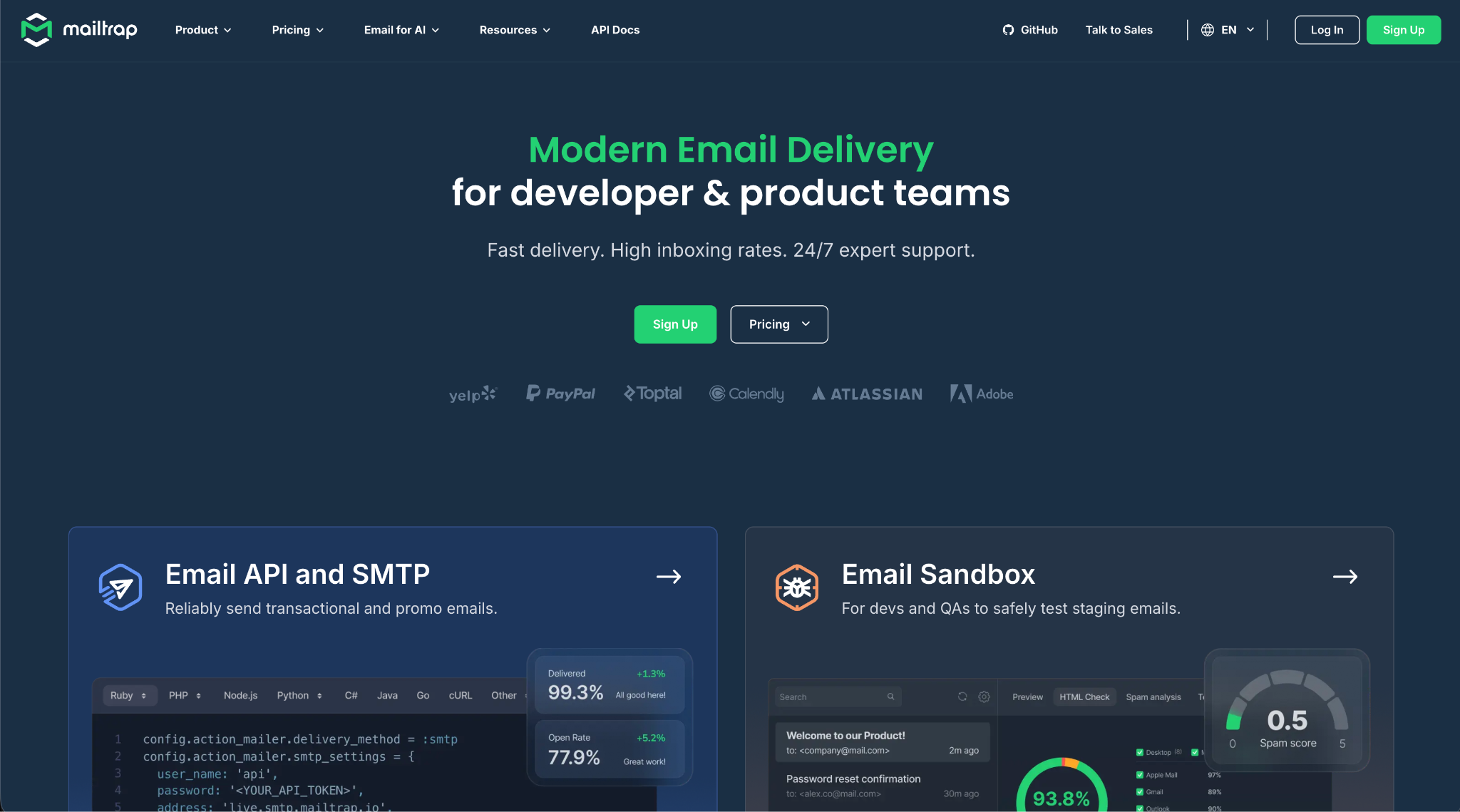
Mailtrap is a transactional email platform for development and product teams, focusing on high email deliverability, a modern dev experience, and detailed analytics. It provides SMTP relay, an email API, and an MCP server for AI agent workflows.
The thing I like the most is that Mailtrap does all the handholding despite being an infrastructure tool designed for devs (I’m not a dev 😀, so I need it).
Once you verify a domain, the only thing you need to do is share Mailtrap Skills and MCP into Claude, Cursor, Codex, JetBrains, or whatever. Ask it for an integration plan with your app or service; and, from there, you just approve and make sure .env variables are added safely.
The five skills cover the full sending lifecycle: domain setup, template management, sending emails, sandbox to test emails, and contact management.
Key features
- Deliverability: Separate transactional and bulk sending streams prevent marketing traffic from contaminating your sender reputation for critical emails. Mailtrap backs that with full coverage of industry-standard authentication protocols (SPF, DKIM, DMARC), dedicated IP addresses, and direct deliverability consulting – available 24/7 from the Business plan onwards.
- Delivery speed: Of 4.5 million transactional emails tracked in a single month, 50% reached inboxes in 0.57 seconds, 75% in 0.72 seconds, and 95% within 1.95 seconds – backed by a 99.99% uptime SLA.
- Developer experience: SMTP setup includes 25+ ready-made code snippets; the email API ships with official SDKs for Node.js, Ruby, PHP, Python, and Elixir. The API supports multiple MTAs, customizable throttling, 500 messages/batch, and multi-tenancy. Webhooks add 40 retries every 5 minutes with per-domain event tracking across both sending streams.
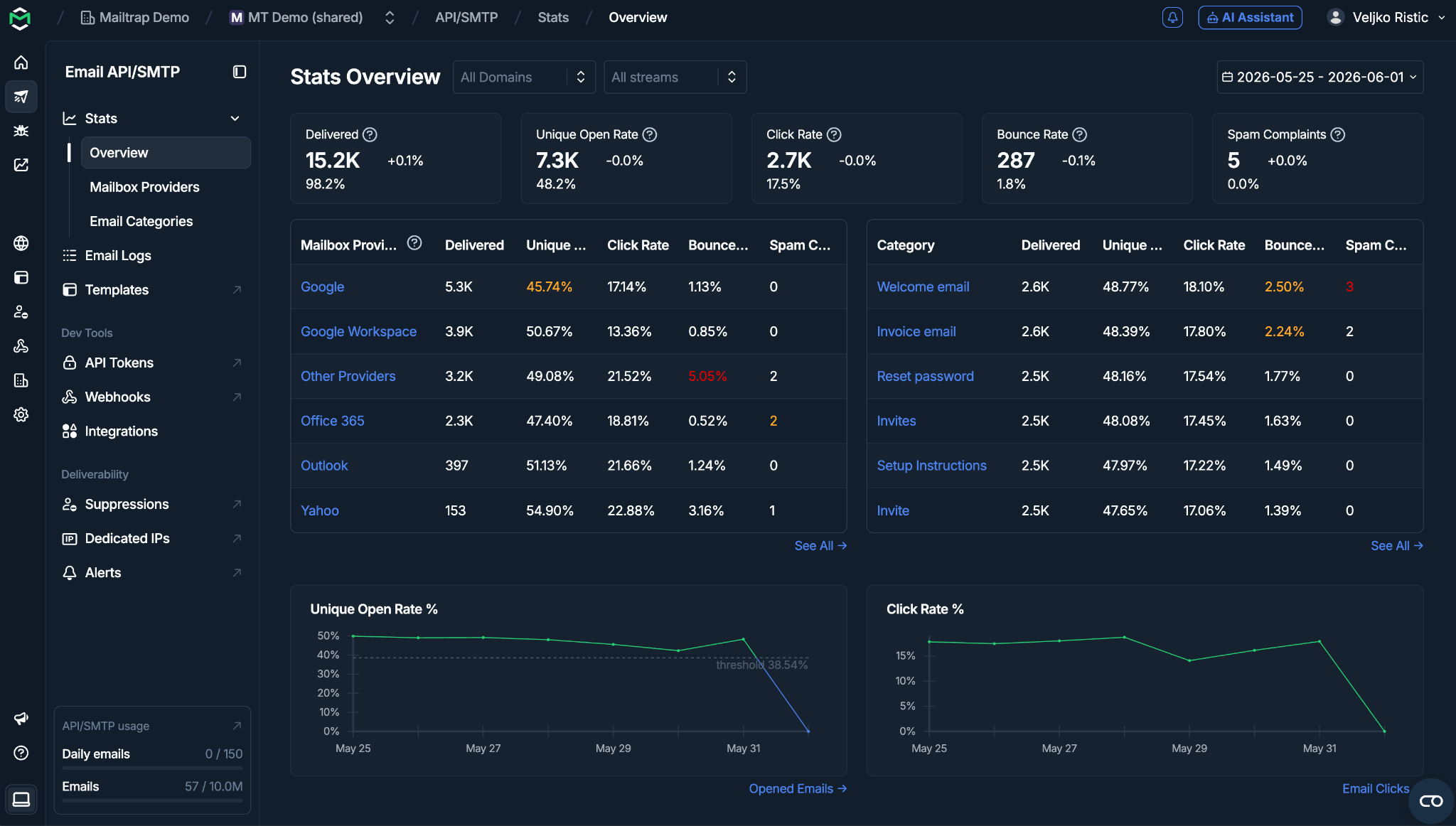
- Analytics and logs: Helicopter-view dashboards and drill-down metrics cover unique open rates, delivery rates, click rates, bounce rates, and spam complaints – filterable by email category, mailbox provider, domain, and sending stream. Email logs are retained for up to 30 days, email body up to 15 days, with full spam analysis included.
- Expert support: The support team consists of deliverability experts and consultants available 24/7 from the Business plan onwards, covering everything from initial domain setup to fine-tuning your email infrastructure.
Pros & cons
| Pros | Cons |
| High inbox placement rates | European data storage not currently available |
| Separate transactional and bulk streams | 24/7 support available from Business plan onwards |
| In-depth email analytics and logs | Log retention limited on lower plans |
| Suppression lists for bounce handling | |
| Deliverability expert support | |
| AI agent readiness (MCP, skills, CLI) | |
| Automatic DKIM rotation every month |
Email deliverability test results
Mailtrap conducted deliverability tests with the top email infrastructure platforms. All tests used free-tier plans, a shared IP environment, identical email templates, and seed testing for accurate inbox placement tracking.
| Email placement results | Spam filter rating | Inbox delivery by provider |
| Inbox: 78.8% Tabs: 4.8% Spam: 14.4% Missing: 2.0% | Google: Not spam Barracuda: Score 0 SpamAssassin: -3.8 | Gmail: 67.50% Outlook: 77.78% Hotmail: 100% Yahoo: 55.56% |
Pricing
| Plan | Monthly cost | Email limit |
| Free | $0 | Up to 4,000 emails |
| Basic | From $15 | 10,000+ emails |
| Business (most popular) | From $85 | 100,000+ emails |
| Enterprise | From $750 | 1,500,000 emails |
| Custom | Custom | From 1,500,000 |
For more details, see the official Mailtrap pricing page.
Security & compliance overview
Mailtrap enforces TLS and MTA-STS, supports SPF, DKIM, and DMARC alignment, and provides granular API keys, IP whitelisting, MFA, RBAC, and detailed exportable audit logs.
On the compliance side, Mailtrap holds ISO/IEC 27001:2022, SOC2 Type II, SOC 3, and HIPAA certifications, is GDPR compliant with DSAR support and data deletion on request, and has a DPA available.
Full details at Mailtrap Trust Center.
Testimonials: what do people say about Mailtrap?
Across nearly 100 G2 reviews, 96% of Mailtrap customer experience ratings are positive. The most common themes: email API/SMTP reliability, analytics depth, separate sending streams, email performance, and support quality.
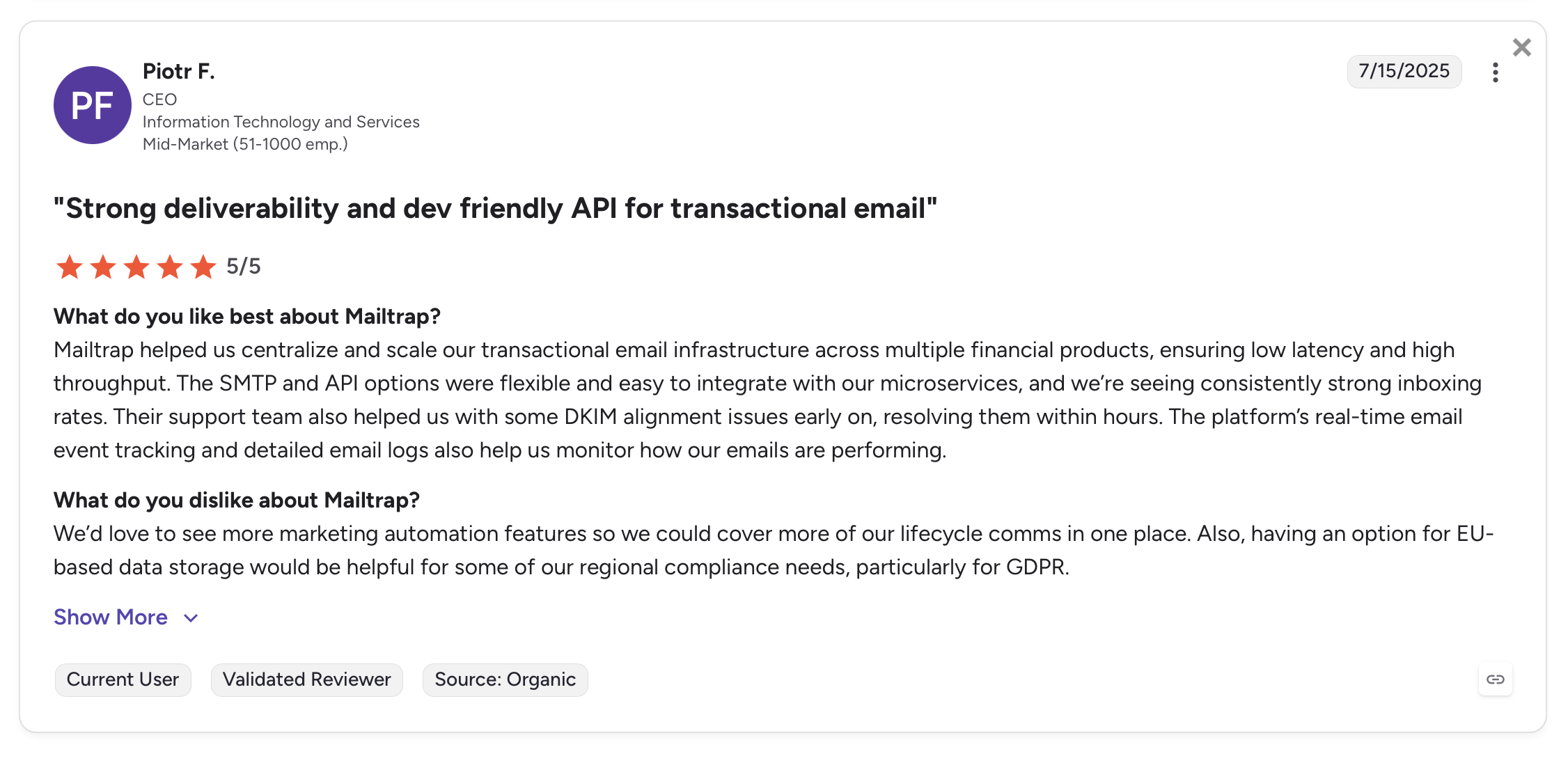
A FinTech mid-market user said:
“Mailtrap helped us centralize and scale our transactional email infrastructure across multiple financial products, ensuring low latency and high throughput.”
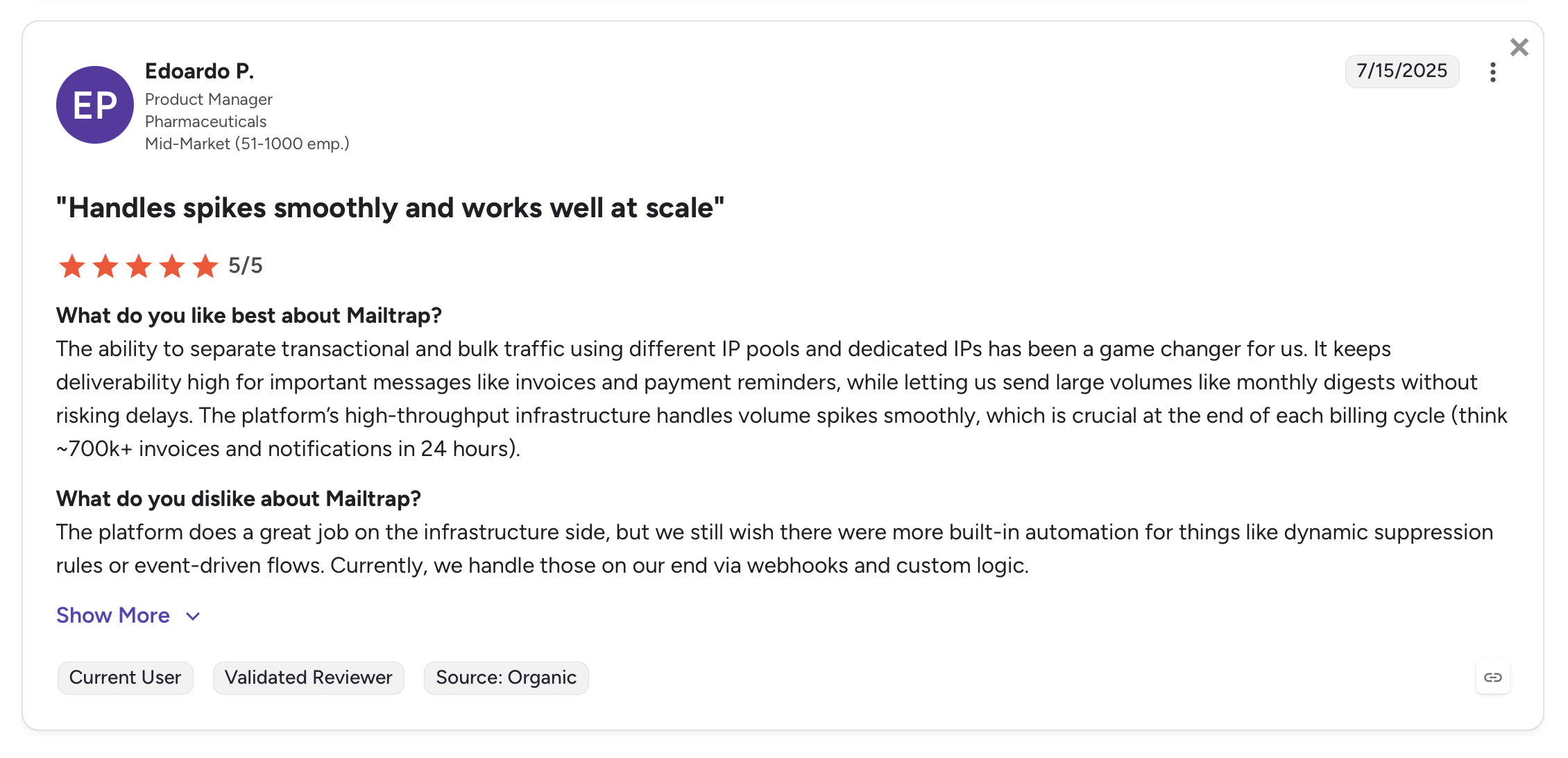
A high-volume sender reported:
“The ability to separate transactional and bulk traffic using different IP pools and dedicated IPs has been a game changer for us. It keeps deliverability high for important messages like invoices and payment reminders, while letting us send large volumes like monthly digests without risking delays.”
SendGrid: Best for the Twilio ecosystem
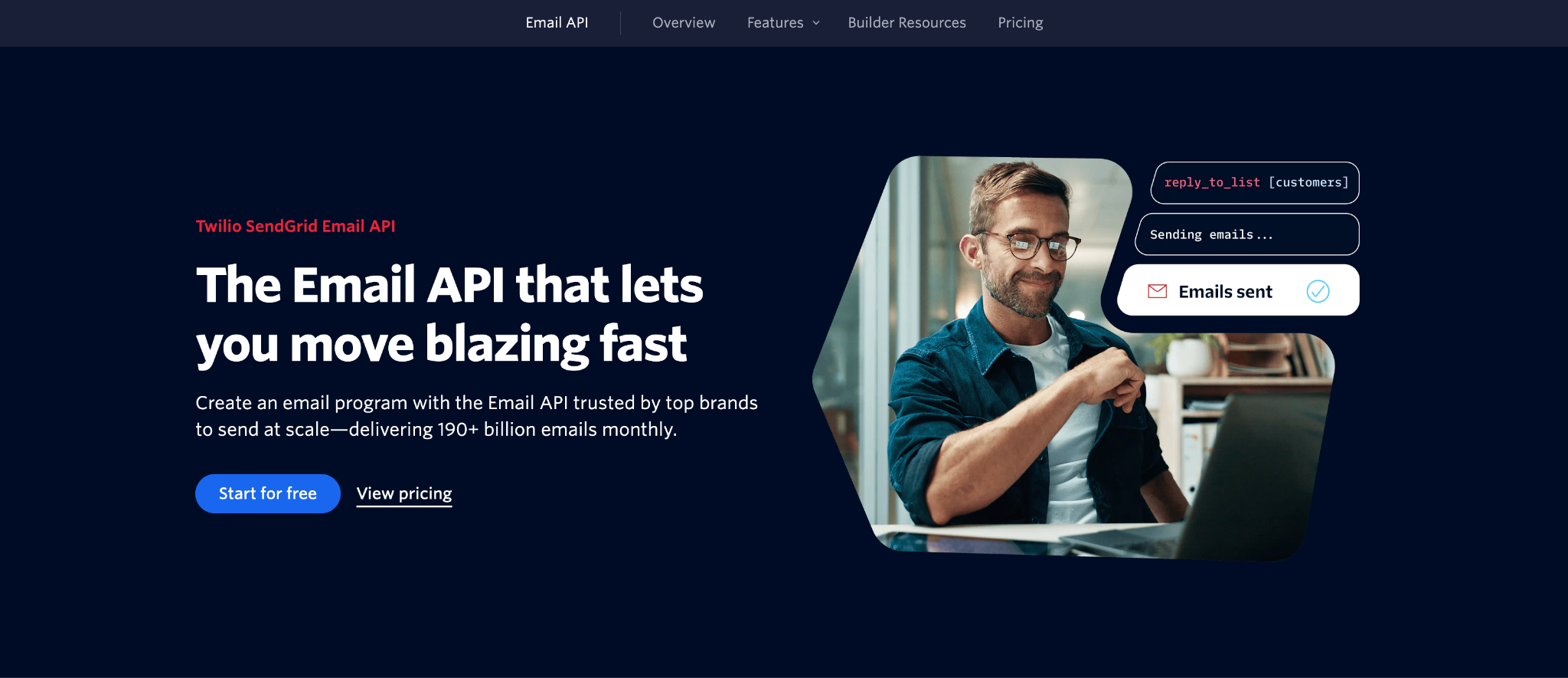
SendGrid’s Email API has a high-throughput API that processes ~190 billion emails monthly. Dynamic Templates use Handlebars for variable substitution, making it straightforward to personalize triggered messages at scale. The API documentation is thorough, though it has a known learning curve.
The analytics are similar. I find them detailed but scattered across multiple views rather than surfaced in a single unified dashboard.
What I like the most is the multi-channel support. If your product sends transactional emails alongside SMS alerts, WhatsApp messages, and voice notifications, SendGrid consolidates all of that under the Twilio API. To stress, that integration is genuine infrastructure-level, not a third-party add-on.
Key features
- High-throughput API: – 1,000 recipients/call, 2048-bit DKIM rotation automated
- Dynamic Templates: Handlebars templating with conditional logic for personalization
- Email validation: Verify addresses before sending to protect sender reputation
- Dedicated IPs: Available from 50K/month, automated 41-day warmup included
- SDKs: Java, Python, Node.js, PHP, Ruby, C#, Go
- Webhooks: Event-based notifications for delivery, opens, clicks, bounces, and spam reports
Pros & cons
| Pros | Cons |
| Twilio multi-channel integration | Reports of unresponsive customer support |
| High API throughput | No permanent free plan (60-day trial only) |
| Email validation API | Twilio MCP server in Public Beta, not yet GA |
| Pre-warmed dedicated IP options | Analytics scattered across multiple dashboards |
| Comprehensive documentation | Steep learning curve for documentation |
Email deliverability test results
| Email placement results | Spam filter rating | Inbox delivery by provider |
| Inbox: 61.1% Tabs: 1.0% Spam: 17.1% Missing: 20.9% | Google: Not spam Barracuda: Score 0 SpamAssassin: -0.1 | Gmail: 75% Outlook: 0% Hotmail: 0% Yahoo: 33.33% |
Note: Results from free-tier, shared IP, no warmup – consistent with our methodology across all providers. Inbox placement rates typically improve significantly with warmed dedicated IPs.
Pricing
SendGrid dropped its permanent free plan in May 2025. All accounts now start with a 60-day trial at 100 emails/day.
| Plan | Monthly cost | Email volume |
| Free | $0 | 100 emails/day (60-day trial) |
| Essentials | $19.95 | 50,000 emails |
| Pro | $89.95 | 100,000 emails |
| Premier | Custom | Enterprise volume |
For more details, see the official Twilio SendGrid pricing page.
Security & compliance overview
SendGrid enforces TLS and MTA-STS, supports SPF, DKIM, and DMARC, and provides scoped API keys with IP access management, MFA, RBAC, and SSO.
On the compliance side, SendGrid holds SOC 2, ISO 27001, and HIPAA certifications, is GDPR compliant with DSAR support and data export, and has a DPA available. EU region is selectable; US is the default.
Full details at SendGrid Trust Center.
Testimonials
Most SendGrid users are satisfied with the platform’s pricing, throughput, and ease of initial integration.
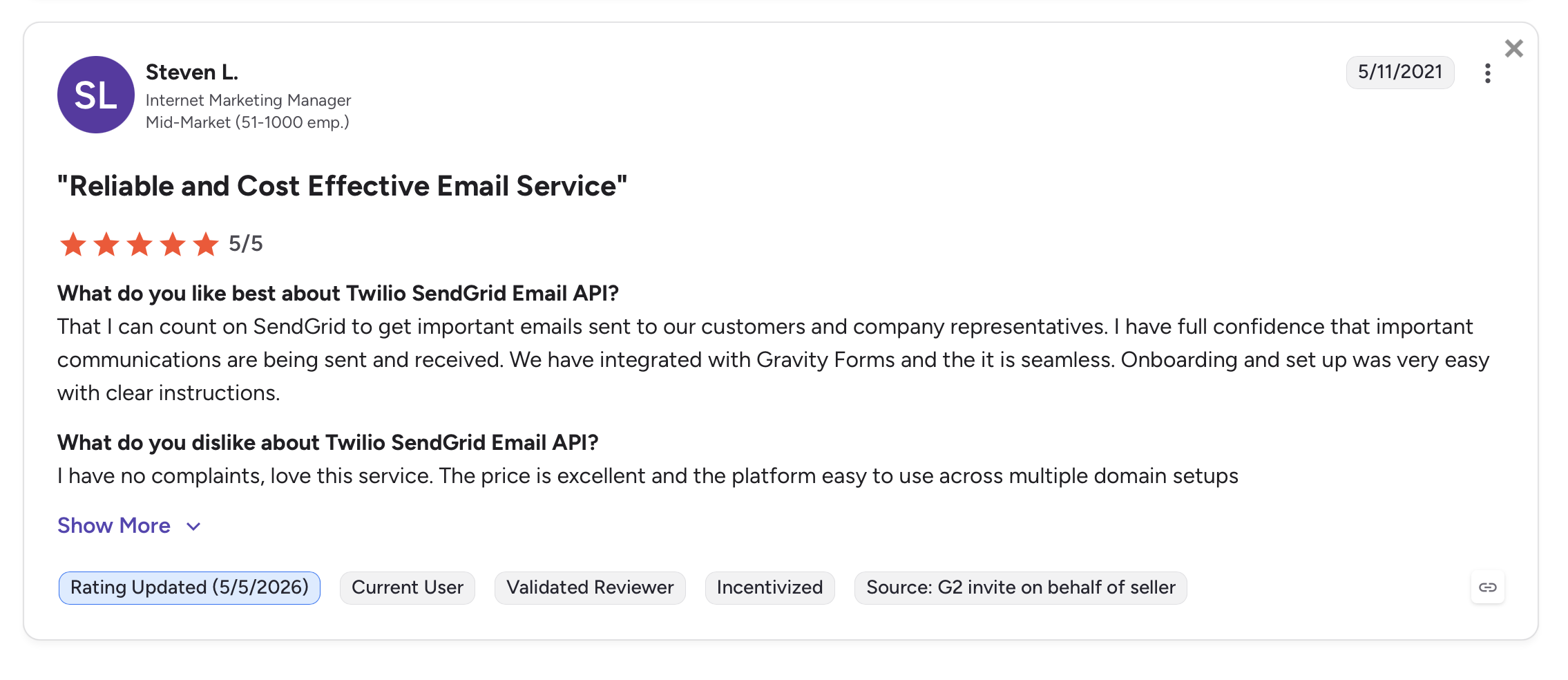
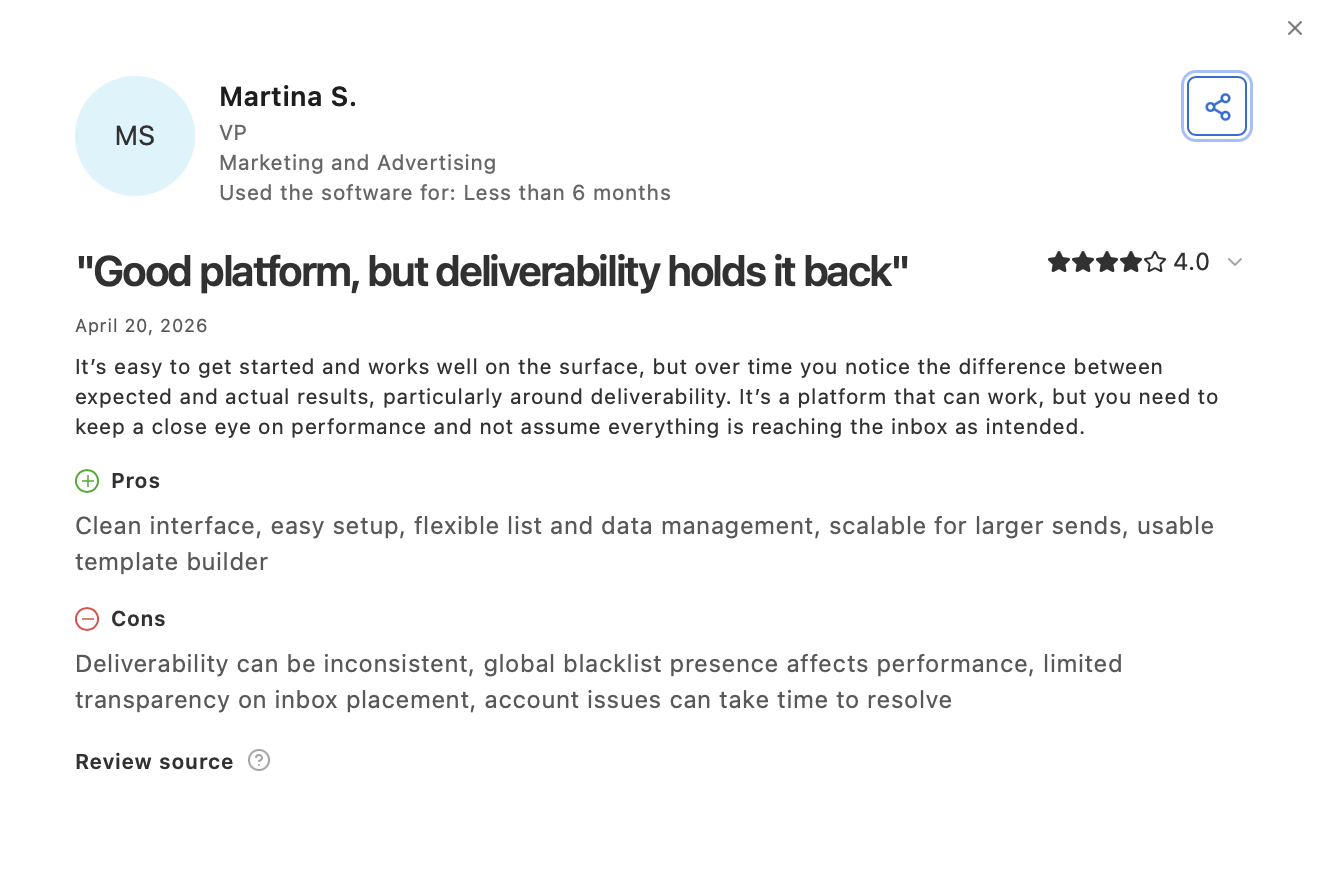
Some users report issues with customer support responsiveness, and there are accounts of deliverability challenges on free-tier shared IPs – though users at higher volumes generally appreciate the ability to scale.
For a deeper comparison, see our SendGrid alternatives guide.
Mailgun: Best for email validation
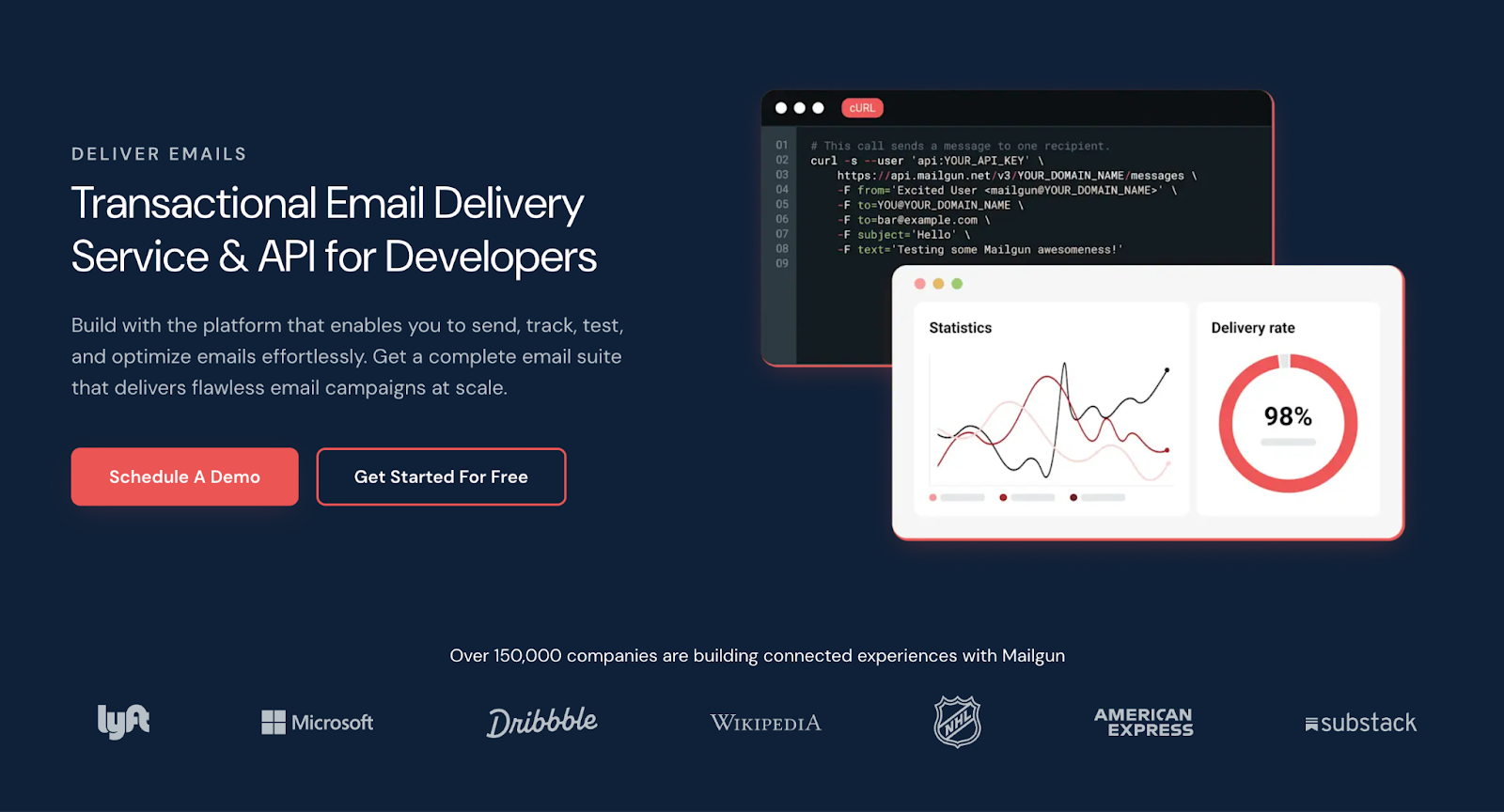
Mailgun provides an SMTP relay and email API alongside a couple of features that set it apart. As I mentioned earlier, these are:
- An email validation API for cleaning address lists before sending.
- The option to route traffic through either US or EU data centers.
For me, catching undeliverable addresses at the point of entry rather than after bounce is the standout feature. It’s a simple way to optimize infrastructure for deliverability a the first touchpoint. Combined with the choice of EU or US endpoints for SMTP relay and API traffic, it’s the most flexible option on this list for teams with specific data residency requirements.
Mailgun templates are functional for transactional use cases like verification messages and account notifications. However, they’re not optimized for complex marketing email layouts.
Key features
- Email validation API: Verify addresses to protect sender reputation before sending
- EU and US data centers: Route SMTP relay and API traffic to the region that fits your compliance needs (paid plans)
- Analytics dashboard: Real-time tracking of delivery events, open rates, and click rates
- SDKs: Node.js, Go, PHP, Java, Ruby
- Webhooks: Event notifications for delivery, bounces, opens, clicks, and spam complaints
- Infrastructure: Scalable architecture processing high email volumes annually
Pros & cons
| Pros | Cons |
| Email validation API | Learning curve for non-technical users |
| EU and US data centers | No official MCP server or CLI for AI agents |
| High sending throughput | |
| Real-time tracking | |
| Widely integrated across frameworks |
Email deliverability test results
| Email placement results | Spam filter rating | Inbox delivery by provider |
| Inbox: 71.4% Tabs: 3.8% Spam: 23.8% Missing: 1.0% | Google: Not spam Barracuda: Score 0 SpamAssassin: -5.3 | Gmail: 100% Outlook: 66.67% Hotmail: 40% Yahoo: 33.33% |
Pricing
| Plan | Monthly cost | Email volume |
| Free | $0 | 100 emails/day |
| Basic | $15 | 10,000 emails |
| Foundation | $35 | 50,000 emails |
| Scale | $90 | 100,000 emails |
For more details, see the official Mailgun pricing page.
Security & compliance overview
Mailgun enforces TLS and MTA-STS, supports SPF, DKIM, and DMARC, and provides scoped API keys with IP restrictions, MFA, and granular user permissions.
On the compliance side, Mailgun holds SOC 2 Type II and ISO/IEC 27001 certifications, is GDPR compliant with data deletion and subject access request support, and has a DPA available. No HIPAA certification.
Full details at Mailgun Trust Center.
Testimonials
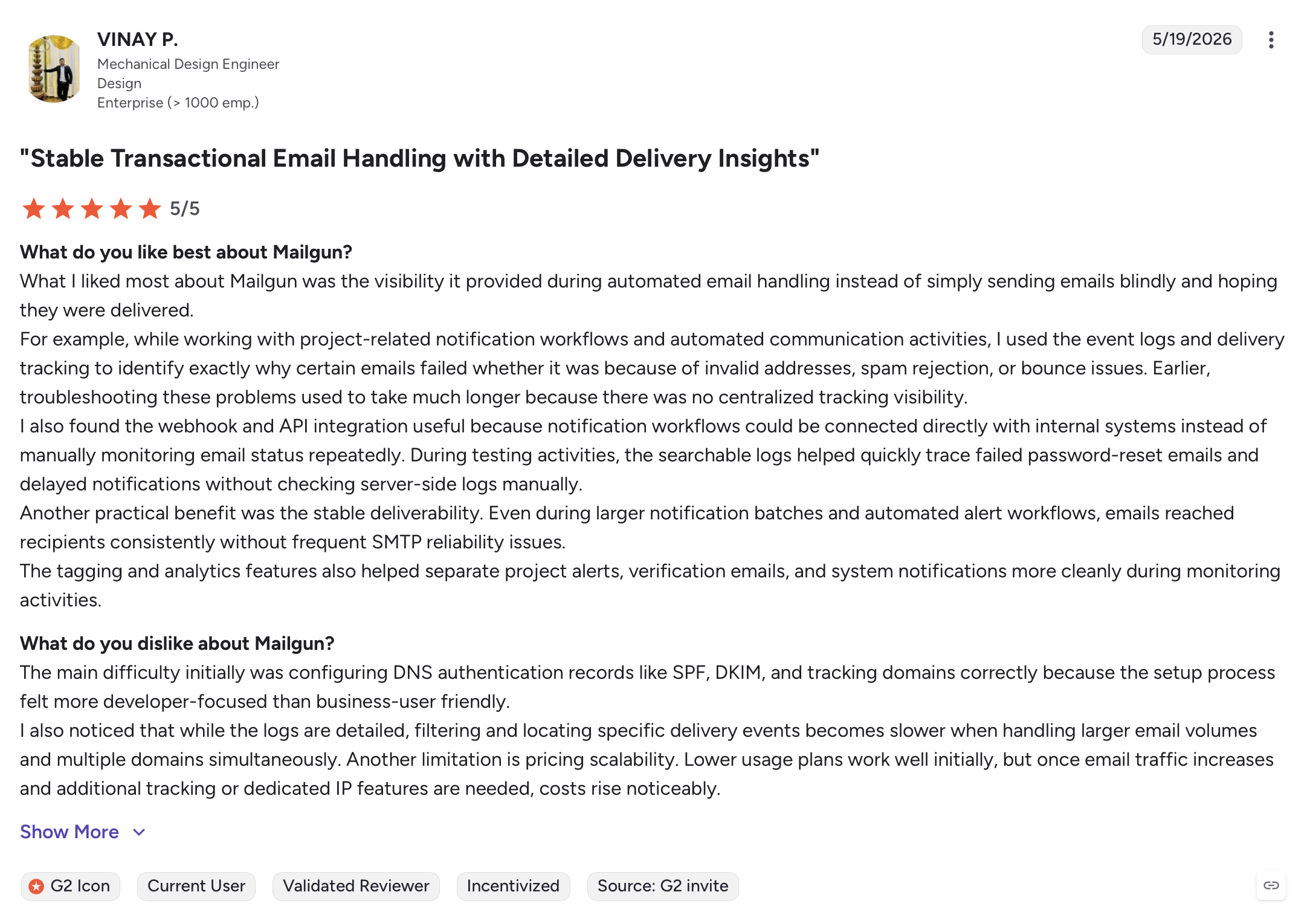
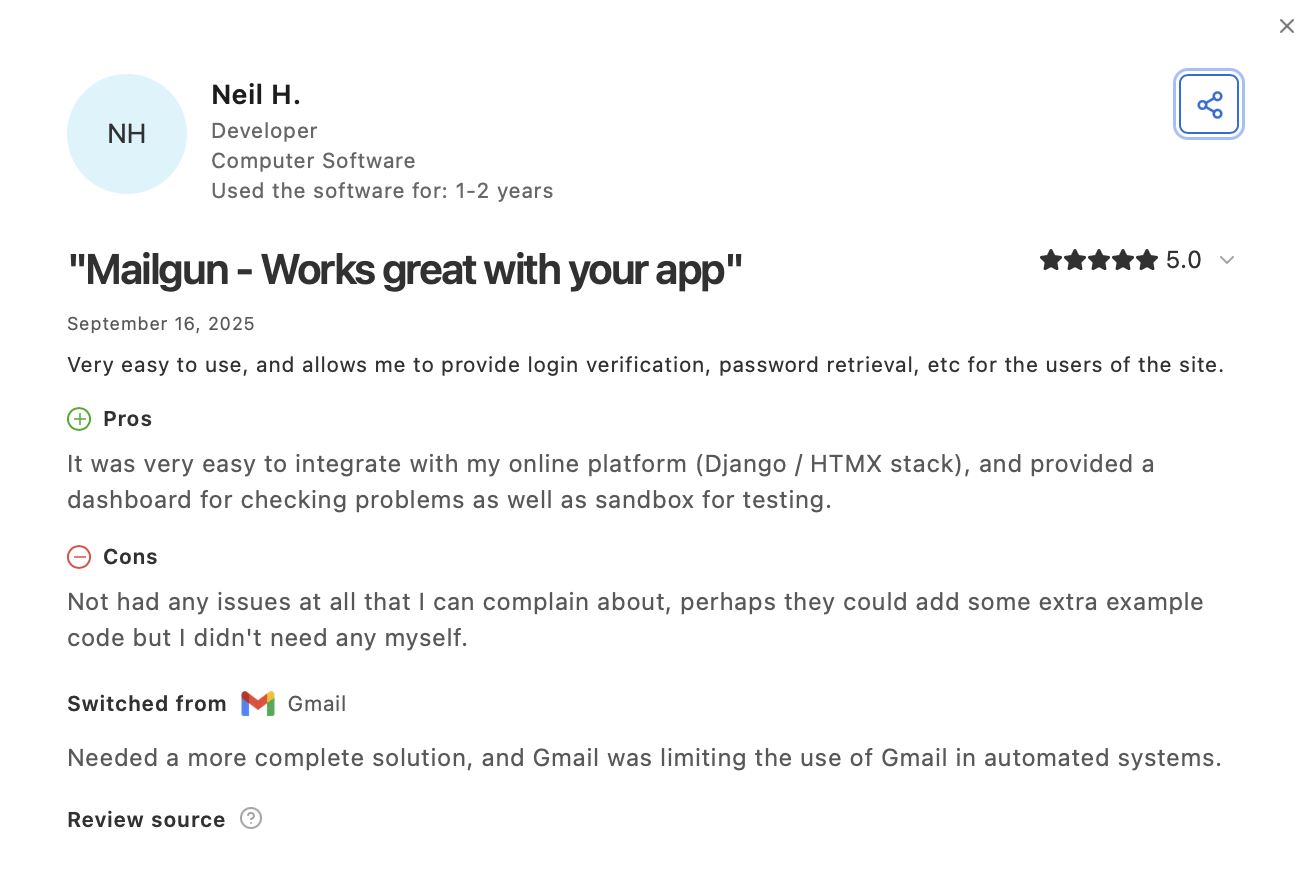
Mailgun gets consistently positive reviews for high-volume sending, email management, and how easy it is to set up verification emails, password resets, and similar transactional messages.
For more comparisons of Mailgun and its competitors, see our Mailgun alternatives guide.
Brevo: Best for multi-channel integrations
Brevo’s integration options cover SMTP relay and API, with official SDKs for multiple languages and frameworks. If you’re already using Brevo email marketing tool, adding transactional is only a configuration update.
The interface is genuinely user-friendly, and the documentation covers setup clearly. What surprised me is that Brevo allows sending without verifying a domain. It’s technically possible but will hurt deliverability in the long run, especially with Gmail and Yahoo.
So, I’d suggest using this convenience only to test the service out. And when you go production, make sure to add and authenticate a sending domain with DKIM, SPF, and DMARC.
Brevo also shipped a full MCP server in 2026 as part of Brevo AI Lab. It covers campaigns, contacts, CRM, SMS/WhatsApp, templates, and analytics – making it one of two providers on this list (alongside Mailtrap) with a complete AI agent integration.
Lastly, similar to SendGrid, Brevo bundles an all-in-one SMS and WhatsApp marketing suite into the same platform as transactional email.
Key features
- Drag-and-dropemail builder: Visual template editor for transactional and marketing email campaigns
- SMSand WhatsApp: Send transactional and marketing messages via SMS and WhatsApp from the same platform
- CRM integration: Contacts, deals, pipelines, and segmentation built in
- Ecommerce integrations: Shopify, WooCommerce, and other platforms
- Marketing automation: Workflows triggered by user actions and email campaigns
- Customized log retention: Configurable retention for email tracking and analytics
- SDKs: Node.js, PHP, Python, Ruby, Java
- MCP server: Full-featured, shipped 2026 via Brevo AI Lab
Pros & cons
| Pros | Cons |
| Easy to set up and use | Multiple users allowed only on higher-tier plans |
| Generous free tier (300 emails/day) | |
| SMS and WhatsApp built in | |
| Email tracking and analytics | |
| AI assistant and drag-and-drop email builder | |
| Ecommerce integrations (Shopify, WooCommerce) | |
| Full MCP server via Brevo AI Lab (2026) |
Email deliverability test results
| Email placement results | Spam filter rating | Inbox delivery by provider |
| TBA | TBA | TBA |
Deliverability test data for Brevo is pending. We’ll update this as soon as we get the latest results.
Pricing
| Plan | Monthly cost | Email limit |
| Free | $0 | 300 emails/day |
| Starter | $9 | From 5,000/month |
| Business | $18 | From 5,000/month |
| Enterprise | Custom | Custom |
For more details, see the official Brevo pricing page.
Security & compliance overview
Brevo enforces TLS/SSL for data in transit, encrypts data at rest with backup across three geographically distinct servers, supports SPF, DKIM, and DMARC, and provides MFA, IP whitelisting, intrusion detection, and access controls.
On the compliance side, Brevo holds ISO 27001:2022 certification, is GDPR, CCPA, and CASL compliant with data subject rights support (rectification, portability, right to be forgotten), and has a DPA available. Data is EU-hosted. No SOC 2 or HIPAA.
Full details at Brevo data security page.
Testimonials
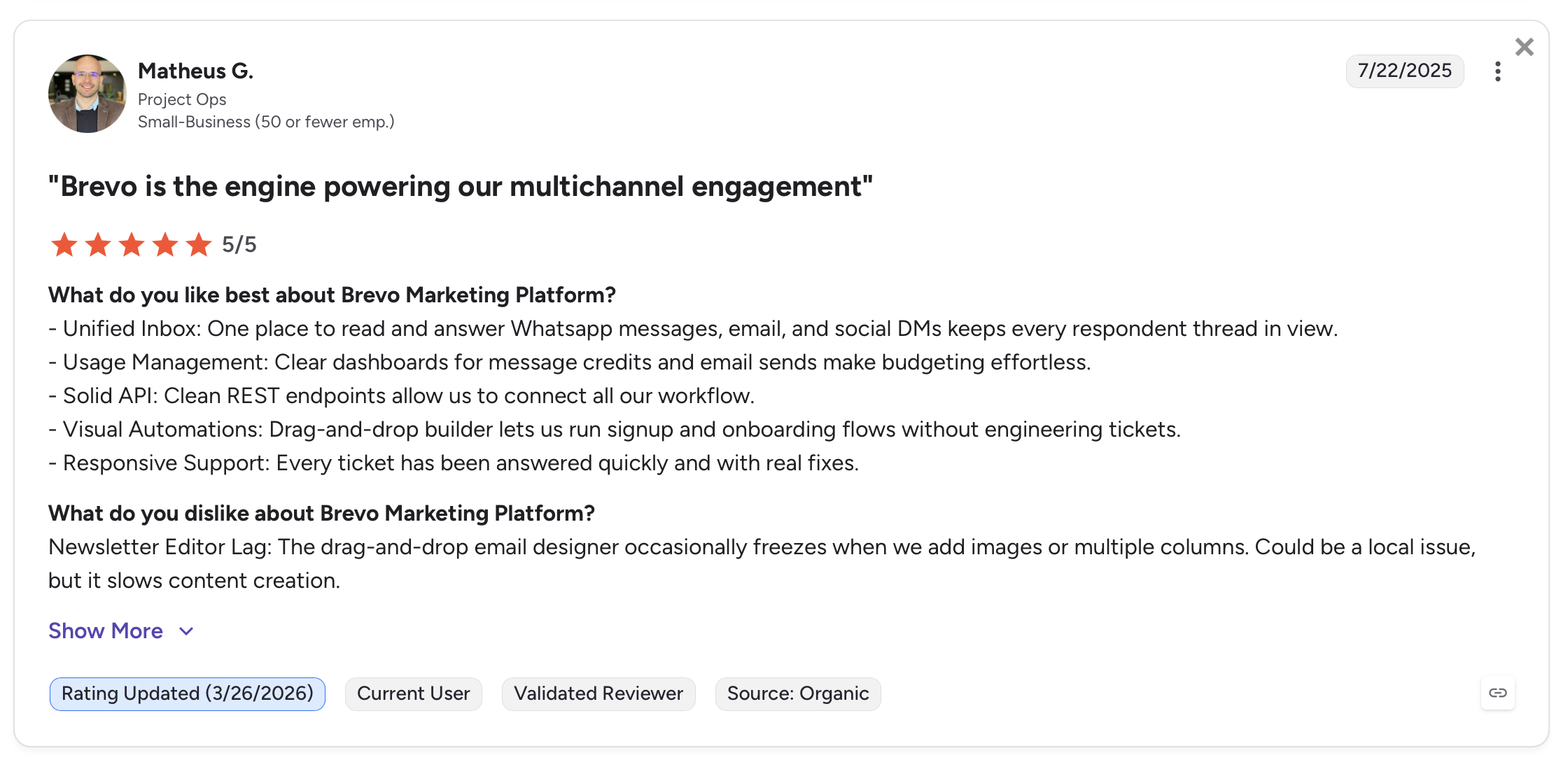
Most Brevo reviews note that the platform reliably sends both transactional emails and newsletters, has a developer-friendly API, and is stable in production.
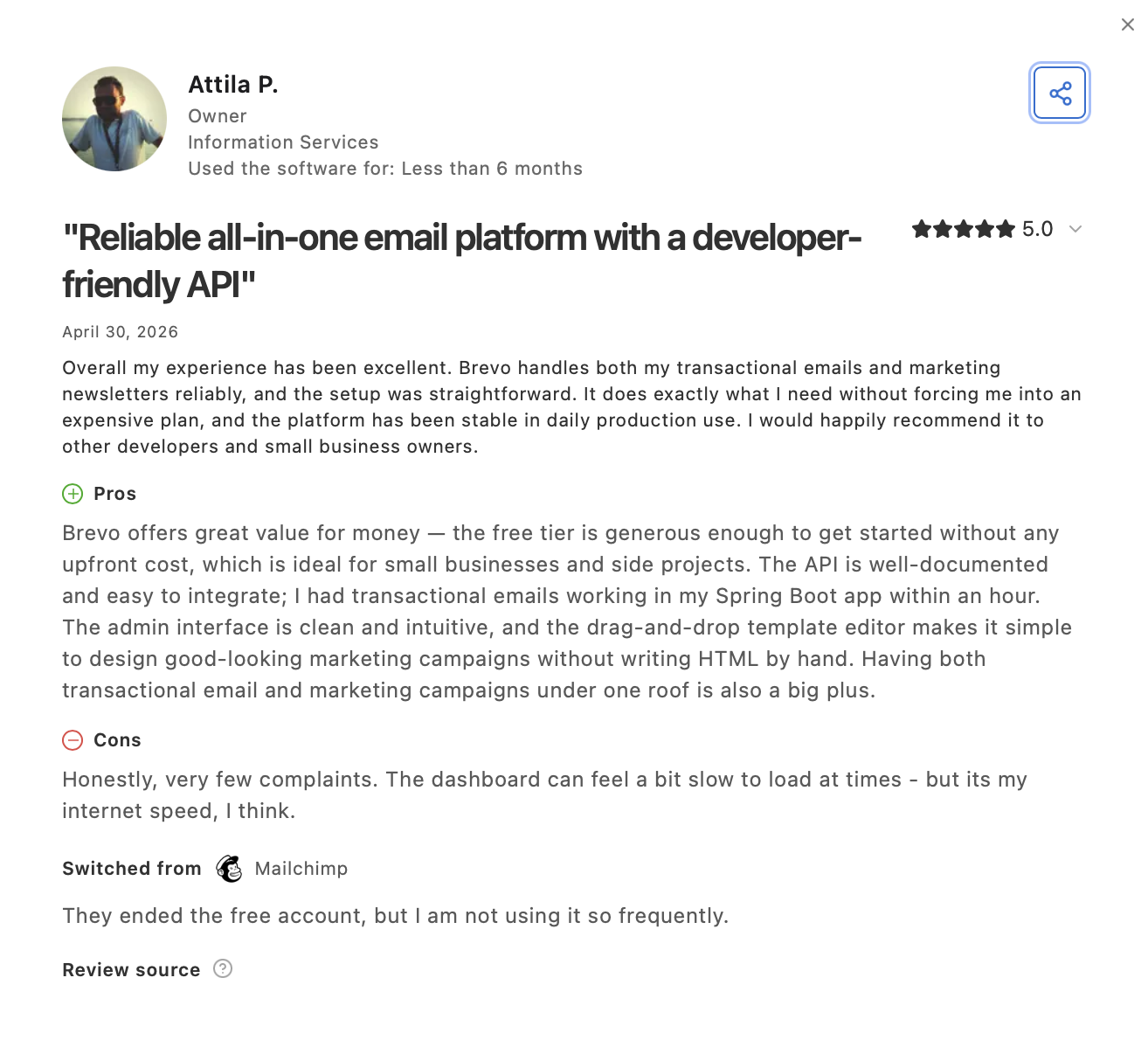
Many users run Brevo as their multichannel solution – using the API for transactional emails while also using Brevo for WhatsApp and SMS. Customer support consistently gets positive mentions as well.
Amazon SES: Best for AWS-native teams
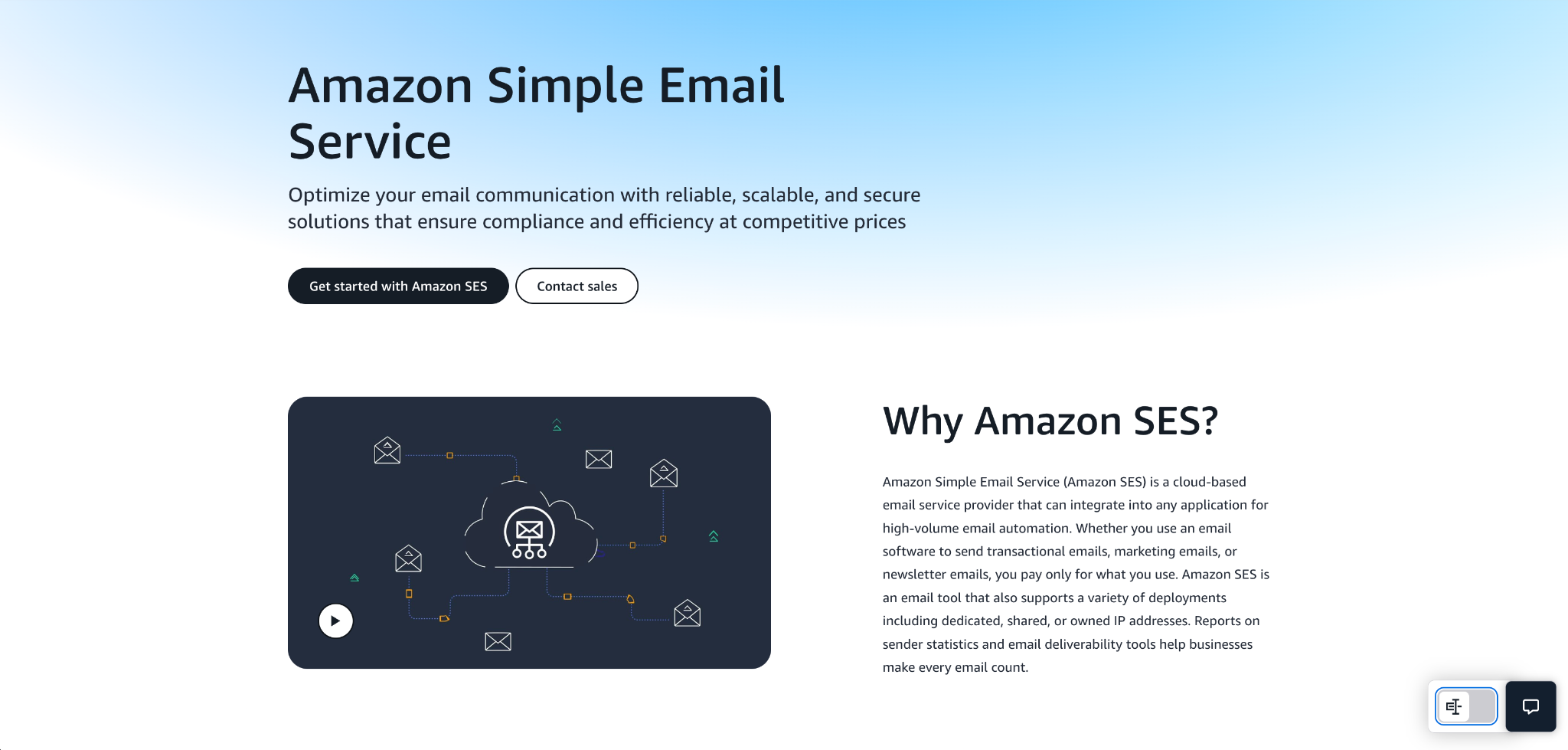
Amazon SES (Simple Email Service) is the most cost-effective option on this list. At $0.10 per 1,000 emails, it costs a fraction of what other providers charge at volume. The tradeoff is setup complexity: SES is built for teams with AWS experience and the technical staff to configure infrastructure, IAM policies, and logging via CloudWatch.
SES supports SMTP relay, a REST API, and the full range of AWS SDKs. The Virtual Deliverability Manager (VDM) provides inbox placement dashboards, engagement data, and configuration recommendations. It helps compensate for the lack of built-in analytics that you’d get from Mailtrap or Brevo; but you still need to know how to configure VDM properly.
Key features
- SMTP relayand API: Three integration paths: SMTP relay, API, and AWS SDKs
- Virtual Deliverability Manager: Dashboards for inbox placement, engagement tracking, and sending configuration advice
- Region selection: Choose from multiple AWS regions for data locality (EU, US, Asia-Pacific)
- IAM policies: Granular access control via AWS Identity and Access Management
- CloudWatch/CloudTrail integration: Email events and logs feed into AWS’s native monitoring and audit tools
- Configurable infrastructure: IP pools, dedicated IPs, custom MAIL FROM domains
Pros & cons
| Pros | Cons |
| Lowest cost at scale ($0.10/1K emails) | Requires AWS technical knowledge to set up |
| Virtual Deliverability Manager | Limited built-in analytics (use CloudWatch/SNS for opens/clicks) |
| AWS ecosystem integration | No out-of-the-box deliverability consulting |
| Region-specific data storage | Pricing structure is nuanced; model carefully |
| Supports bulk and transactional sending | No official MCP server or AI agent integration |
| Full IAM-based security controls |
Email deliverability test results
| Email placement results | Spam filter rating | Inbox delivery by provider |
| Inbox: 77.1% Tabs: 1.9% Spam: 20.0% Missing: 1.0% | Google: Not spam Barracuda: Score 0 SpamAssassin: -4.3 | Gmail: 87.50% Outlook: 100% Hotmail: 100% Yahoo: 44.44% |
Pricing
For the first 12 months, users get 3,000 message charges free per month. These charges include both inbound and outbound emails as well as VDM usage. After the free period, you pay $0.10 per 1,000 emails.
Note: Data transfer fees and add-ons apply even during the free tier. The pricing structure has several nuances, so check the AWS SES pricing page to model your specific costs.
Security & compliance overview
Amazon SES supports opportunistic and forced TLS with MTA-STS (manual setup), SPF, DKIM, custom MAIL FROM, and DMARC, and provides IAM policies for granular access control, MFA, and audit logging via CloudTrail and CloudWatch.
On the compliance side, Amazon SES holds SOC 2, ISO 27001, and HIPAA certifications, is GDPR compliant with region-specific data storage across EU, US, and Asia-Pacific, and has a DPA available through the AWS DPA.
Full details at AWS SES security documentation.
Testimonials
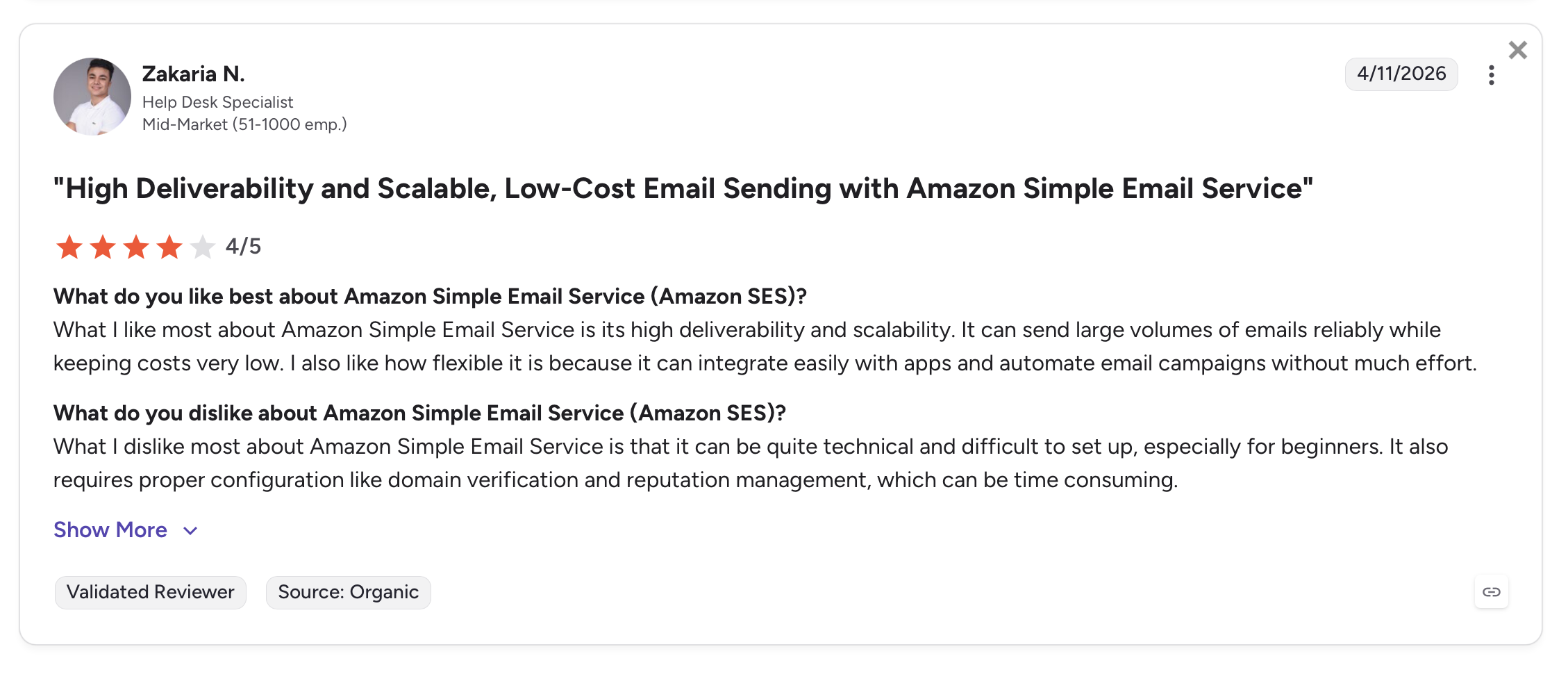
Users consistently find AWS a challenge to configure initially – which is expected for an infrastructure service – but note that once set up, it delivers reliably and scales without issue.
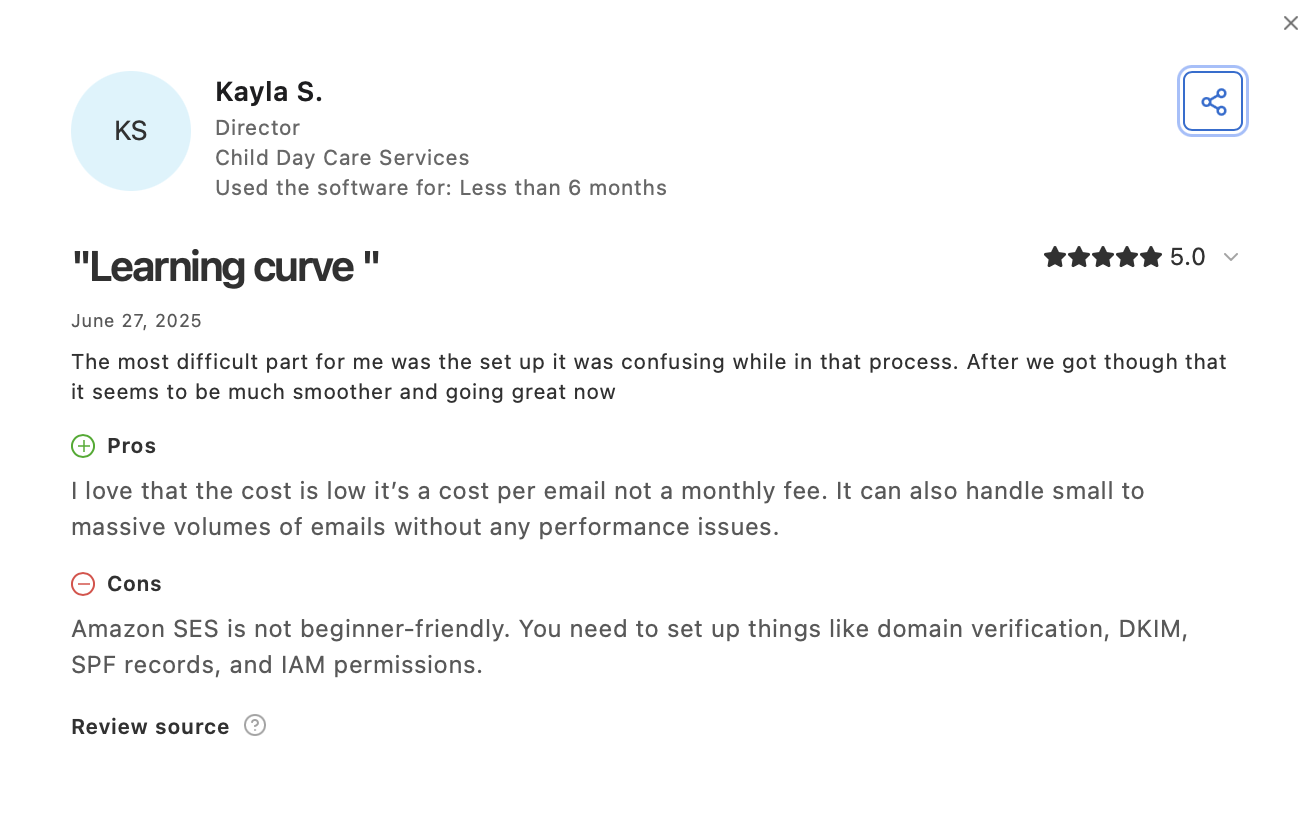
Scalability is the most common theme in SES reviews, which makes sense for a service embedded in the AWS ecosystem.
For more on Amazon SES and its alternatives, see our Amazon SES alternatives guide.
Postmark: Best for fast delivery
Postmark is an email delivery service built around a single promise: fast transactional email. It offers both an SMTP relay and a well-documented email API, with a clear focus on separation of sending streams (transactional and bulk) and delivery speed.
The interface is clean but uses slightly non-standard terminology. The top-level concept is “Servers,” which function as projects and have no connection to actual infrastructure servers.
The Transactional stream includes both SMTP server access and an API integration. This architecture makes it clear-cut to keep transactional and bulk traffic separate, which is good for sender reputation management.
The tradeoff is pricing: the new overage-based model means costs escalate significantly above 50K emails/month compared to alternatives.
Key features
- Separate streams: Broadcast, and Transactional streams within each project (Server)
- SMTP relayand API: Full integration options with community and official libraries for multiple languages
- Webhooks: Multiple webhook types for delivery, opens, clicks, bounces, spam complaints, and subscription management
- Suppression management: Automatic and manual suppression handling for bounces and unsubscribes
- Templates: Email templates with variable substitution
- Pluginsand integrations: Zapier integrations, plus a wide selection of community libraries
Pros & cons
| Pros | Cons |
| Separate named streams for different email types | Costs scale quickly above 50K/month |
| Well-documented API | Dedicated IPs are a paid add-on with requirements |
| Multiple webhook types | Support via tickets/AI on basic plans, no live chat |
| Wide library and plugin selection | No official MCP server or AI agent integration |
| Suppression management built in |
Email deliverability test results
| Email placement results | Spam filter rating | Inbox delivery by provider |
| Inbox: 83.3% Tabs: 1.0% Spam: 14.3% Missing: 0.9% | Google: Not spam Barracuda: Score 0 SpamAssassin: -4.3 | Gmail: 100% Outlook: 100% Hotmail: 80% Yahoo: 77.78% |
Pricing
Postmark moved to an overage-based pricing model. All paid plans start from a 10,000 email base with per-thousand overage charges above that:
| Plan | Monthly base | Emails included | Overage per 1,000 |
| Free | $0 | 100 emails | – |
| Basic | $15 | 10,000 | $1.80 |
| Pro (most popular) | $16.50 | 10,000 | $1.30 |
| Platform | $18 | 10,000 | $1.20 |
At higher volumes, effective monthly costs are: ~$68.50 (Pro at 50K), ~$133.50 (Pro at 100K), ~$306 (Platform at 250K).
For more details, see the official Postmark pricing page.
Security & compliance overview
Postmark enforces TLS 1.2+, supports SPF, DKIM, and DMARC, and provides restricted API tokens with IP whitelisting, MFA, team roles, and detailed activity logging.
On the compliance side, Postmark holds SOC 2 and ISO 27001 certifications, is GDPR compliant with data subject rights support, and has a DPA available. US data hosting by default with an EU option available. No HIPAA certification.
Full details at Postmark security page.
Testimonials
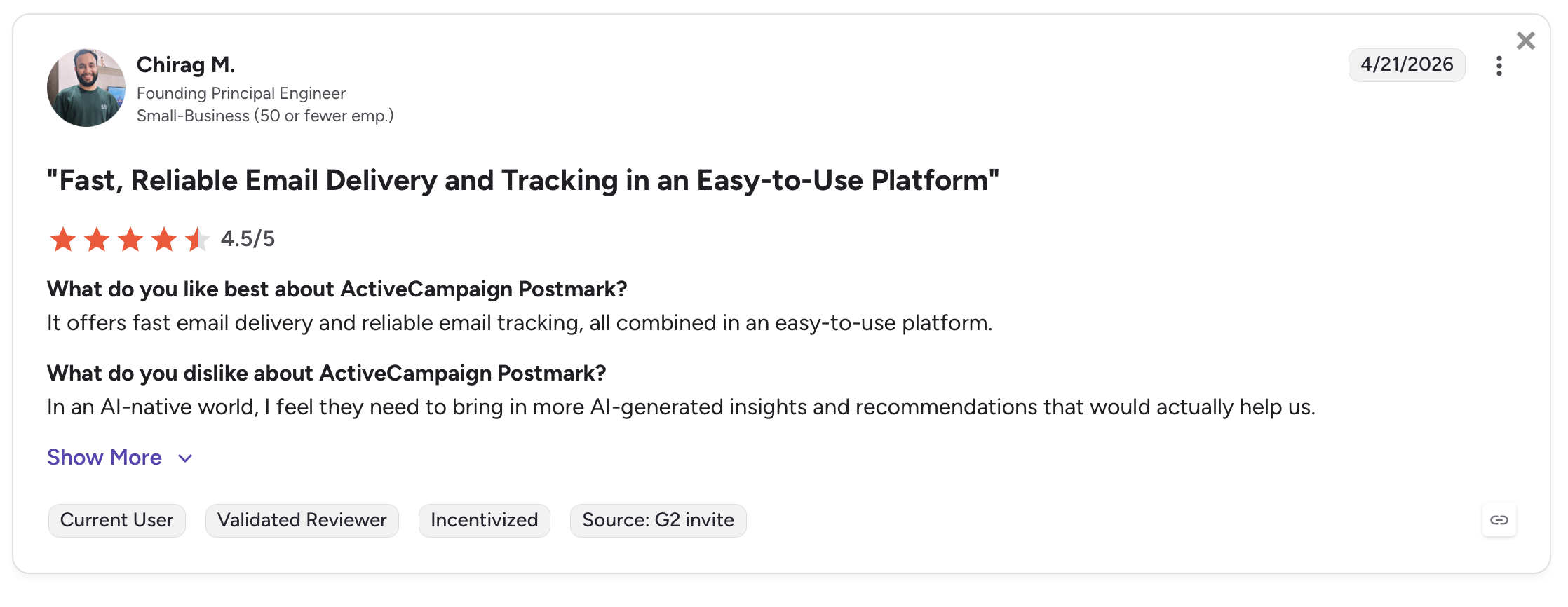
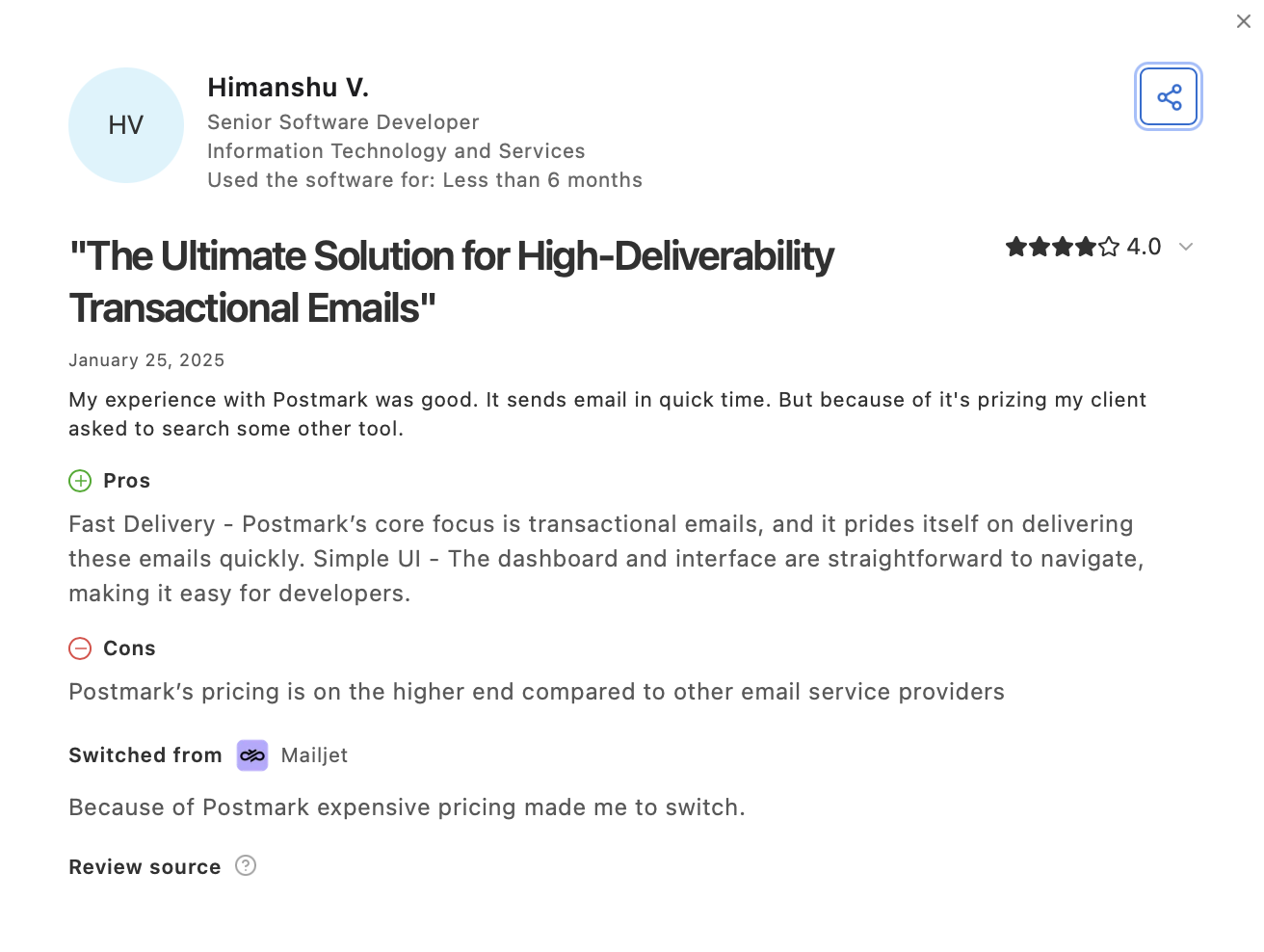
Users find Postmark fast and reliable, consistent with how the service presents itself. Some report wanting more AI features; others note the pricing at higher volumes.
For more on Postmark and its alternatives, see our Postmark alternatives guide.
How we tested transactional email service providers
We ran structured tests across deliverability, infrastructure, cost, security, and developer experience to give you an objective comparison. Here’s what each test covered and what we found.
Transactional email deliverability test
For the deliverability test, conditions were identical across all providers:
- Free-tier subscription
- Shared IP environment
- Identical email template across all providers
- Seed testing for accurate inbox placement tracking
Important note: We ran the first run of internal infrastructure testing across all providers except Brevo. New round of testing is under way, we’ll update results for all providers once the tests are done.
Here are the summarized results:
| Email service provider | Inbox | Tabs | Spam | Missing |
| Mailtrap | 78.8% | 4.8% | 14.4% | 2.0% |
| SendGrid | 61.0% | 1.0% | 17.1% | 20.9% |
| Mailgun | 71.4% | 3.8% | 23.8% | 1.0% |
| Brevo | TBA | – | – | – |
| Amazon SES | 77.1% | 1.9% | 20.0% | 1.0% |
| Postmark | 83.3% | 1.0% | 14.3% | 0.9% |
For full methodology and detailed results, see our deliverability comparison guide.
The cost of undelivered emails at scale is significant. There’s also a bonus video where our product lead Oleksii discusses this with Constantin von Hoffman from MarTech.
Email infrastructure comparison
We evaluated infrastructure across email sending streams, IP pool configuration, dedicated IP availability, authentication support, retry logic, and uptime SLAs.
Key differences:
- Mailtrap and Postmark both offer named, separate streams for transactional vs. bulk traffic. Mailtrap includes webhooks with 40 retries; Postmark offers multiple webhook types per stream.
- Amazon SES gives the most infrastructure configurability (IP pools, custom MAIL FROM, CloudWatch integration) but requires the most setup.
- Mailgun is the only provider with a built-in SMTP relay endpoint choice between EU and US regions on paid plans. For a full breakdown of IP pool tradeoffs, see our guide to shared vs. dedicated IPs.
If you’re interested to learn more about, check our email infrastructure providers comparison.
Transactional email cost comparison
| Platform | 10,000 emails | 50,000 emails | 100,000 emails | 250,000 emails |
| Mailtrap | $15 | $20 | $30 | $200 |
| SendGrid | $19.95 | $35 | $60 | $200 |
| Mailgun | $15 | $35 | $75 | $215 |
| Brevo | $15 | $35 | $69 | Custom |
| Amazon SES | $1.00 | $5.00 | $10.00 | $25.00 |
| Postmark | $15 | ~$68.50 | ~$133.50 | ~$306 |
- Under 10K/month, starting with a free tier: Mailtrap (4K free), Mailgun or Brevo (100-300/day). SendGrid is trial-only.
- 10K-100K/month, cost-sensitive: Amazon SES is by far the cheapest. Mailtrap, Mailgun, and Brevo are comparable.
- 100K+/month, predictable pricing: Mailtrap ($30 at 100K) or SendGrid ($60 at 100K) are the most cost-effective at this tier.
- Above 50K/month: Postmark’s costs escalate quickly compared to every other provider on this list.
- AWSteam, any volume: Amazon SES at $0.10/1K is in a different cost category entirely – provided you have the technical staff to configure it.
Beyond the sticker price, calculate cost per successfully delivered email by factoring in each provider’s actual deliverability rates. High deliverability rates matter more than the listed price: a lower-cost service landing 60% of emails in the inbox costs more per delivered message than a pricier one hitting 80% inbox placement.
If you’re interested in the free options, check our free SMTP providers hands-on testing.
Security & compliance comparison
Most providers here cover the core regulations — General Data Protection Regulation (GDPR), SOC 2, ISO 27001, and HIPAA — but coverage varies by provider and plan. Here’s how to match them to your needs:
- Need HIPAA certification: SendGrid, or Amazon SES.
- EU data hosting required: Brevo (EU by default) or Mailgun (EU endpoint on paid plans).
- SOC 2 + ISO 27001 required: all providers except Brevo (ISO only, no SOC 2).
- Broadest compliance coverage for regulated industries: Mailtrap (SOC 2, SOC 3, ISO, GDPR) or Amazon SES.
- FinTech and similar regulated use cases: see our SMTP provider comparison for FinTech.
For a deeper breakdown of security compliance across providers, see our dedicated SMTP providers security comparison or compliance comparison article.
Certifications are only the baseline, so weigh each provider’s data handling and incident response practices against your own requirements.
If you’re specifically sending transactional emails for FinTech, check out our video on automating transaction alerts, choosing an ESP, and following FinTech email best practices.
Wrapping up
I tested Mailtrap, SendGrid, Mailgun, Brevo, Amazon SES, and Postmark against the same criteria – deliverability, pricing, developer experience, AI readiness, and security. Every provider on this list does something well. The question is which tradeoffs fit your situation.
For most SaaS and product teams sending order confirmations, password reset emails, and account notifications, Mailtrap is my recommendation. It delivered consistently high deliverability rates, the clearest analytics, and the most complete AI agent integration. The separate transactional and bulk streams are a genuine deliverability advantage, not just a UI feature.
Here’s a quick summary of my findings:
- SaaS product, transactional email at scale, inbox placement and analytics matter: Mailtrap
- Enterprise team on Twilio, email + SMS + WhatsApp from one API: SendGrid
- Developer team, EU data residency required, email validation needed: Mailgun
- Team already on Brevo for marketing automation or email campaigns: Brevo
- AWS-native team, dedicated email engineers, cost is the primary driver: Amazon SES
- Fast delivery the top requirement, volume under 50K/month: Postmark
FAQs
What is the difference between transactional vs promotional email deliverability?
Transactional emails are sent one-to-one in response to user actions – password reset emails, welcome emails, shipping notifications. Promotional emails are sent in bulk to a list, typically as email campaigns.
The key deliverability difference is that transactional emails carry implicit permission (the user triggered them) and are expected by the recipient, which generally results in higher inbox placement rates.
Tip: This article focuses on transactional (user-triggered) emails. For marketing email tools, see best SMTP services for email marketing and best email marketing platforms.
Which transactional email service has the best deliverability?
In our structured test (free-tier plans, shared IPs, no warmup, identical templates), Postmark scored the highest inbox placement rate at 83.3%, followed by Mailtrap at 78.8% and Amazon SES at 77.1%. Mailgun came in at 71.4%, and SendGrid at 61.1% on the same conditions. Brevo data is pending. For the detailed methodology, see our deliverability comparison guide.
What hidden costs should you model when choosing a transactional email provider?
Here’s what to expect beyond the listed price per email model:
- Dedicated IP costs if you need them (Mailtrap includes them from Business; Postmark charges extra)
- Overage charges (Postmark’s overage model adds up quickly above 10K)
- Data transfer fees (Amazon SES charges separately)
- Add-on costs like email validation (Mailgun charges per validation request)
- Support tier costs (24/7 live support is often on higher-tier paid plans only)
What are the best transactional email APIs for sending automated alerts from AI agents?
For AI agent workflows, Mailtrap is the most complete option: an official MCP server with five skills (sending emails, sandbox testing, template management, domain setup, contact management), plus a CLI and a dedicated AI onboarding page.
Brevo also has a fully functional MCP server via Brevo AI Lab, covering campaigns, contacts, CRM, SMS/WhatsApp, and analytics. For any agent sending password reset emails, order notifications, or automated alerts, start with Mailtrap or Brevo for the most tested integration path.
Read our article about best email APIs for developers or best email API for AI agents to find out more.
What should engineers check to avoid transactional emails going to spam?
Start with email authentication: SPF, DKIM, and DMARC must all be correctly configured on your sending domain. Use a dedicated sending domain rather than a free email address. Keep your transactional and bulk sending streams separate – mixing them can drag your sender reputation down when bulk campaigns get flagged.
Monitor bounce rates and spam complaints; suppress undeliverable addresses immediately. For SMTP relay and API sending, make sure your IP pool is appropriate for your volume – shared IPs are fine for moderate volumes, but dedicated IPs give you full control over your sender reputation at higher volumes.
Check our guide on email sender reputation for a detailed breakdown.
Which transactional email providersoffer webhooks and bounce handling?
All six providers on this list offer webhooks for delivery events. The differences are in depth and reliability:
- Mailtrap’s webhooks support 40 retries every 5 minutes and track events per domain across both sending streams. P
- Postmark offers multiple webhook types per stream, including subscription management webhooks.
- SendGrid, Mailgun, Brevo, and Amazon SES all provide standard delivery, bounce, spam, and open/click event webhooks.
- For automatic bounce handling, Mailtrap, Mailgun, and Postmark all have suppression list management that removes undeliverable addresses from future sends.
If bounce handling is a deciding factor when comparing transactional email services, see our guide to email bounce handling.