
How it works
With the Mailtrap add-on for Salesforce, you add a sandbox to your org, where you can route all of your transactional and promotional emails. This way, you get to inspect the HTML, text, and raw source, and check the spam score before a single message reaches a customer.

Configuration
Once you install the package from AgentExchange, all you need to do is:
Step 1: Open the Mailtrap app from the App Launcher, click Connect Mailtrap account, and paste your Mailtrap API token.
Note: Your API token needs at least Viewer permission for the account and Admin permission for one or more sandboxes, or the add-on can’t be activated.
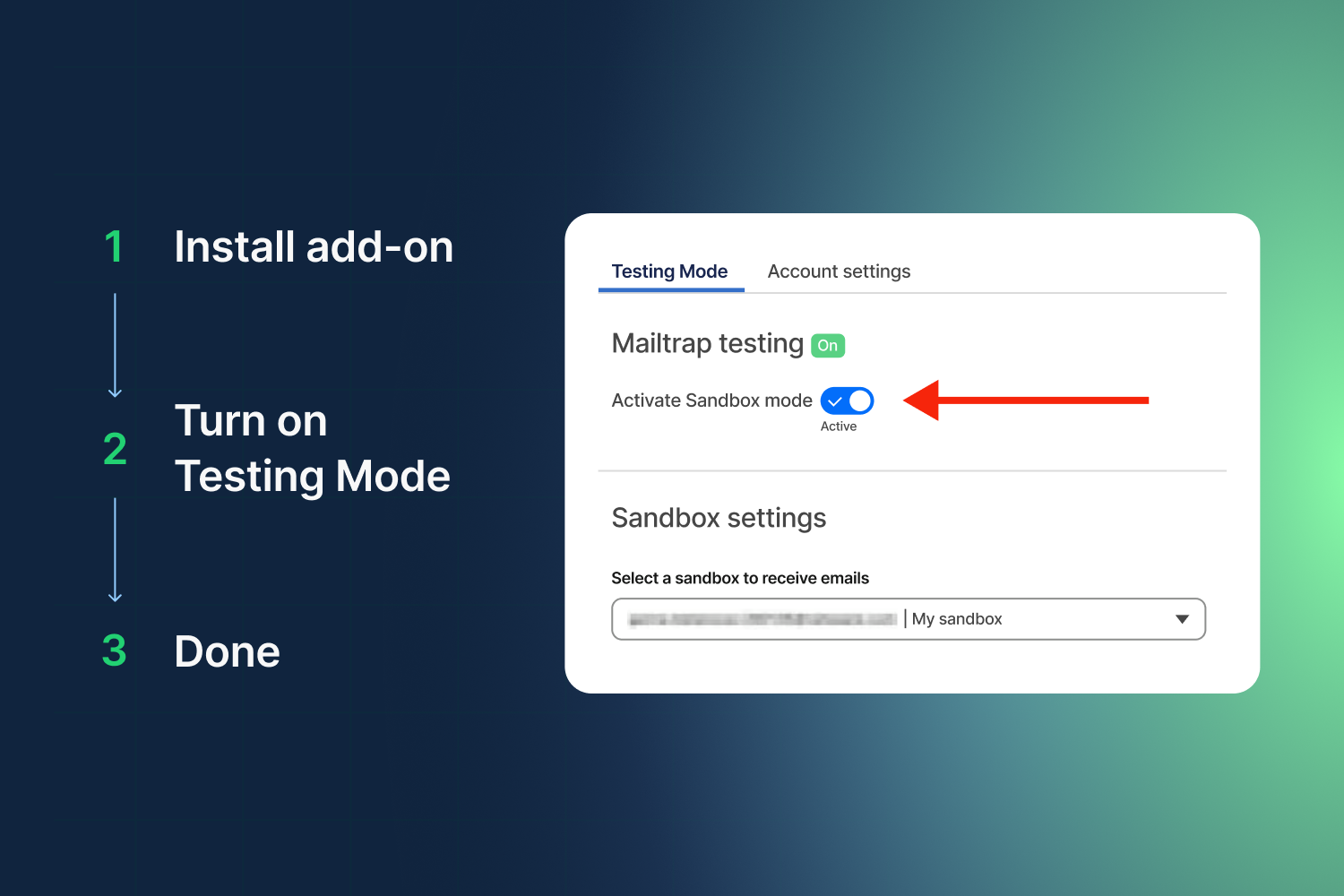
Step 2: In Account Settings, select the Mailtrap sandbox that will receive your emails and activate the Sandbox mode.
With the Sandbox mode on, your organization’s emails will all be diverted to Email Sandbox instead of going to recipients’ inboxes.
ℹ️ The add-on covers Sales Cloud, Service Cloud, Experience Cloud, and platform email, including Flow, Apex, and templates. On paid plans, contact support to enable the add-on and issue your API token.
For detailed guidance, consult the knowledge base article.
Supported functionalities
- Test HTML and plain text bodies, headers, and attachments without sending to real customers
- Catch production bugs by testing your emails against real production data.
- Build Flows, trigger them against a real record, and check what they produced
- Switch testing on and off in two clicks, with no reconfiguration.
- Iterate as much as you need with pricing per user, not per email