
How it works
Route your OpenClaw agent’s outgoing emails to Email Sandbox instead of real inboxes. Review what your agent sends before moving to production: no accidental sends, no leaked data.
Configuration
Step 1: Install the Mailtrap skill
Download the skill file (SKILL.md) and place it in your OpenClaw workspace’s skills directory.
Step 2: Add the Mailtrap credentials
Include MAILTRAP_API_TOKEN and MAILTRAP_INBOX_ID in your .env and .json files and replace the placeholders with your actual credentials.
Step 3: Verify the integration
And that’s it! Your OpenClaw will, from now on, send emails to the Sandbox first. To verify the integration, have it send an email for you and see whether it landed in your Sandbox, just like so.
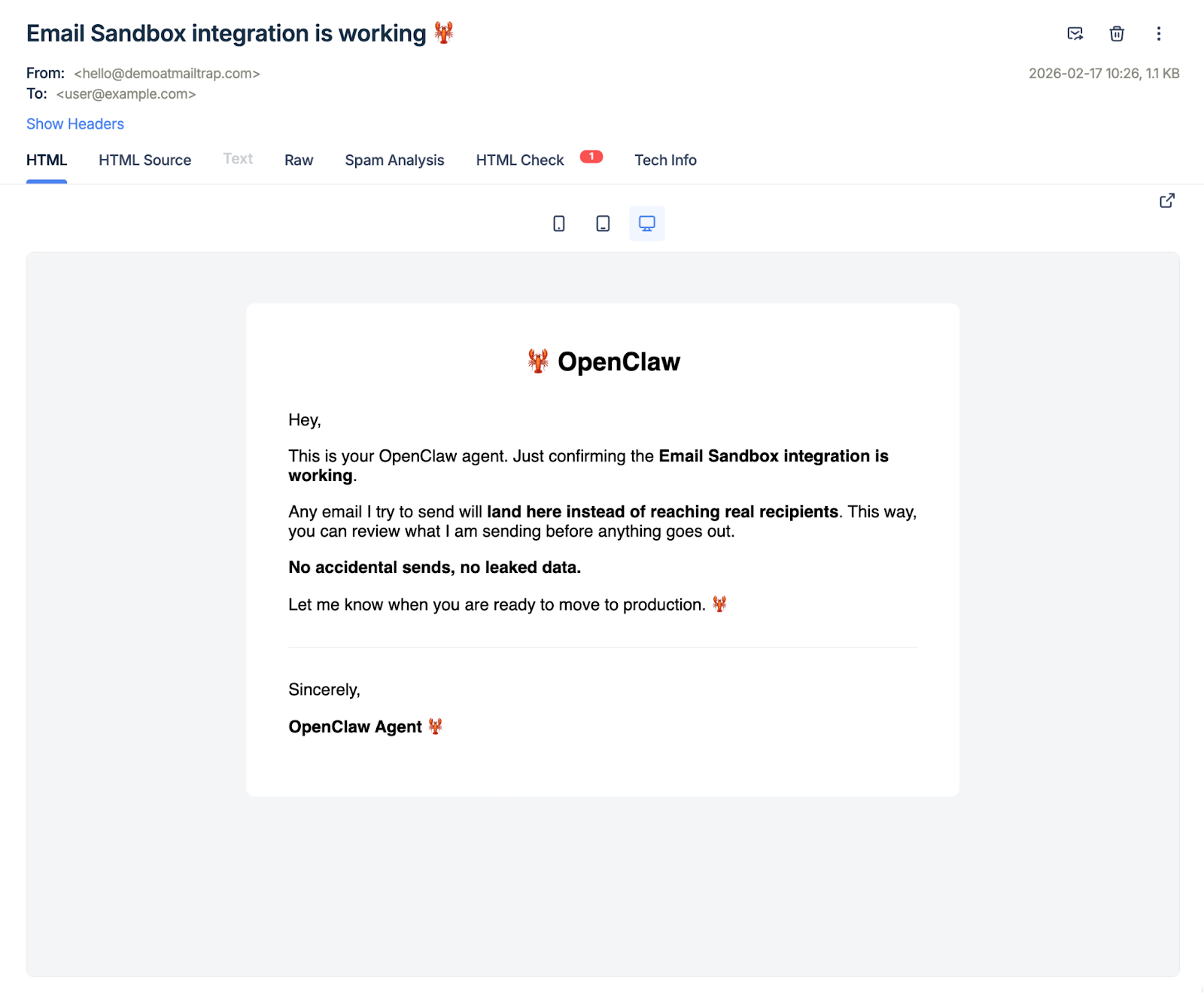
For more information, please consult the official knowledge base article.
Use cases
You can use Email Sandbox with OpenClaw for:
- Safe testing during agent development.
- Reviewing agent email behavior before production.
- Catching unintended sends from misinterpreted instructions.
- Protecting against prompt injection attacks that attempt to exfiltrate data via email.