Skip to Navigation


A generic Gmail address simply isn’t professional enough, and a business email could be expensive for your budget, especially when you’re just starting a brand.
Now, worry not – there is a viable free business email alternative. Neo Mail offers a free domain name and helps in setting up a business email without the usual technical steps.
This review breaks down what Neo Mail does well, what’s not-so-perfect, and whether it’s actually worth choosing for your first business email.
What is Neo?

Neo Mail is a business email platform that provides domain name registration, business email, and a website, all in one place. You can create your business email either by registering your own domain name for free or using your registered domain name (from third-party registrars).
The business email platform supports advanced email management features and a business suite that allows users to manage client interactions, marketing communication, and essential business operations directly from their mailboxes.
How Neo Mail solves the common problem: business email cost + technical setup?
Setting up a professional email can turn into a much bigger task than expected, like:
- First, you pay for a domain.
- Then, you pay again for email hosting.
- And right after that, you are asked to configure DNS records, MX entries, and other backend settings you probably didn’t want to learn about in the first place.
And when you manage to get through the setup, the monthly subscription for a business email from providers like Google Workspace or Microsoft 365 can add up quickly, especially when the business is still building momentum.
However, Neo Mail solves these problems by offering:
- Free domain name, so you need to pay for email hosting plans
- Ready-to-use business email; Neo Mail handles the technical setup at the backend
Getting started with Neo Mail: how it actually works?
The interface uses clear visual cues, guided steps, and clean layouts, so even users with zero technical background can set up their first business email.
The sign-up flow is optimized for beginners with quick clicks, minimal decision-making, and straightforward instructions. So, here’s how you can set up your free domain name with Neo:
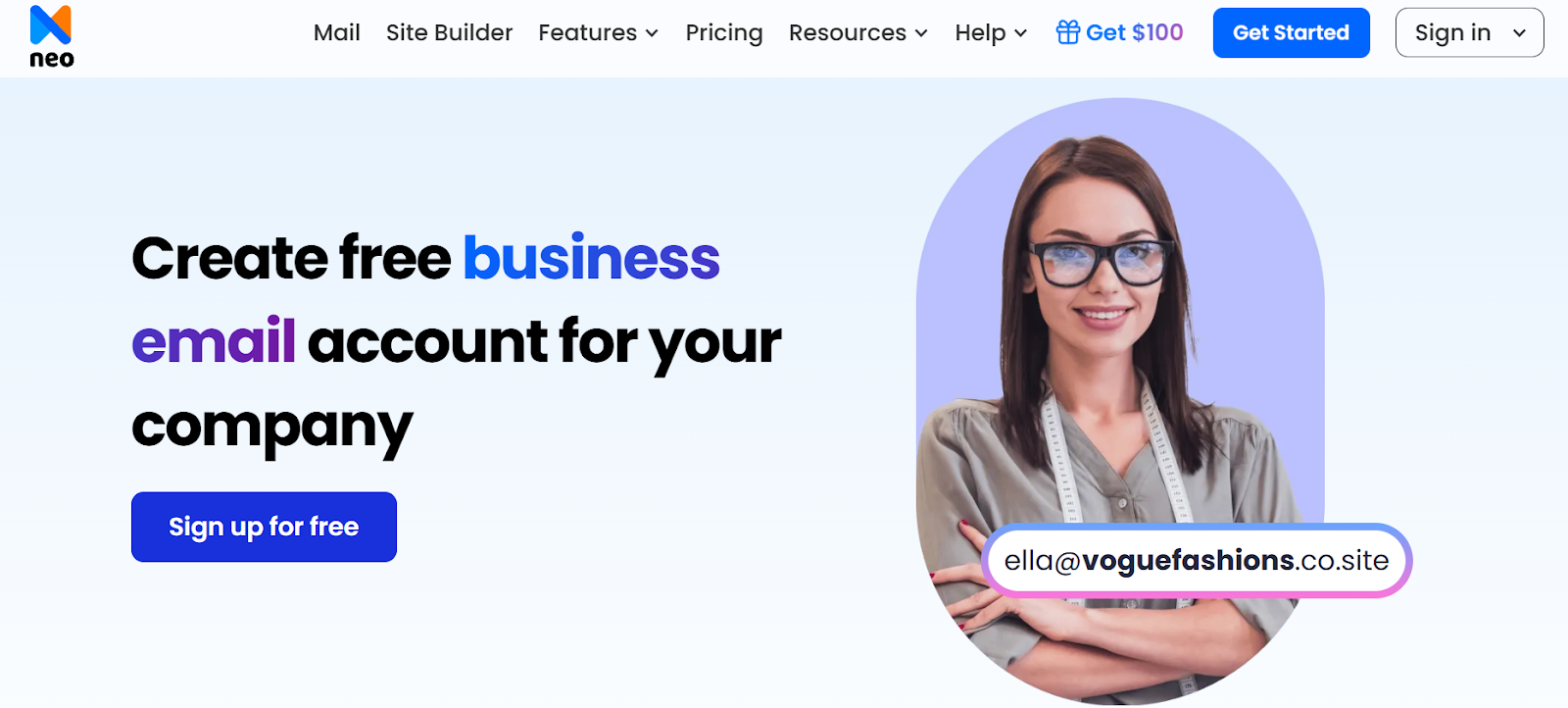
Step 1. Click on Get Started or Sign up for Free.
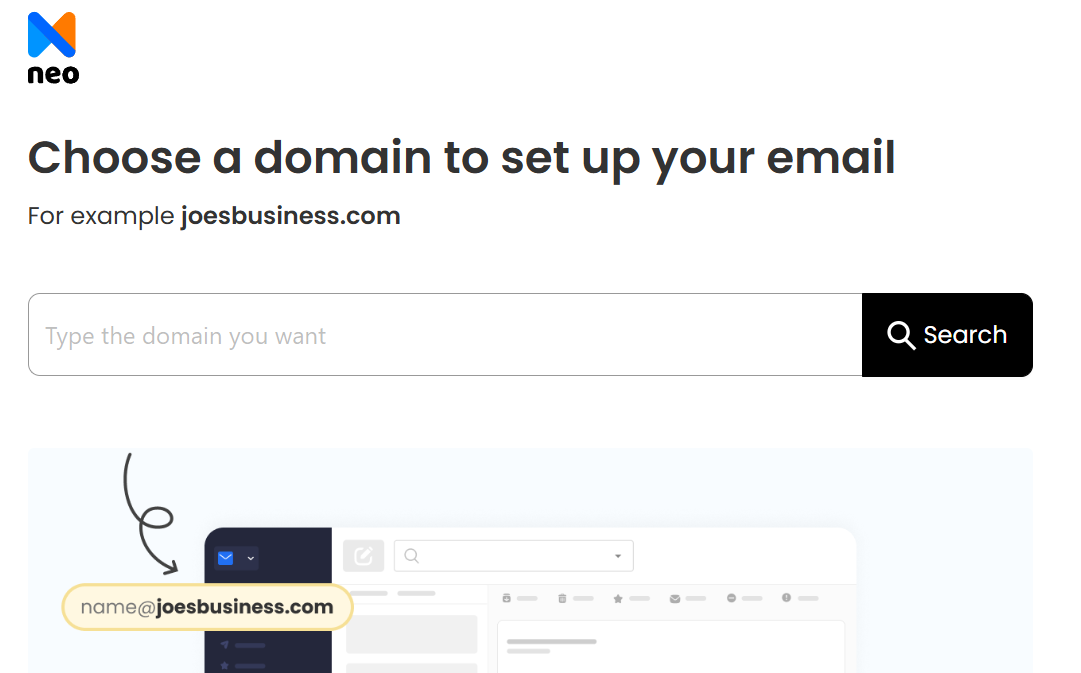
Step 2. Enter your domain name and click Search.
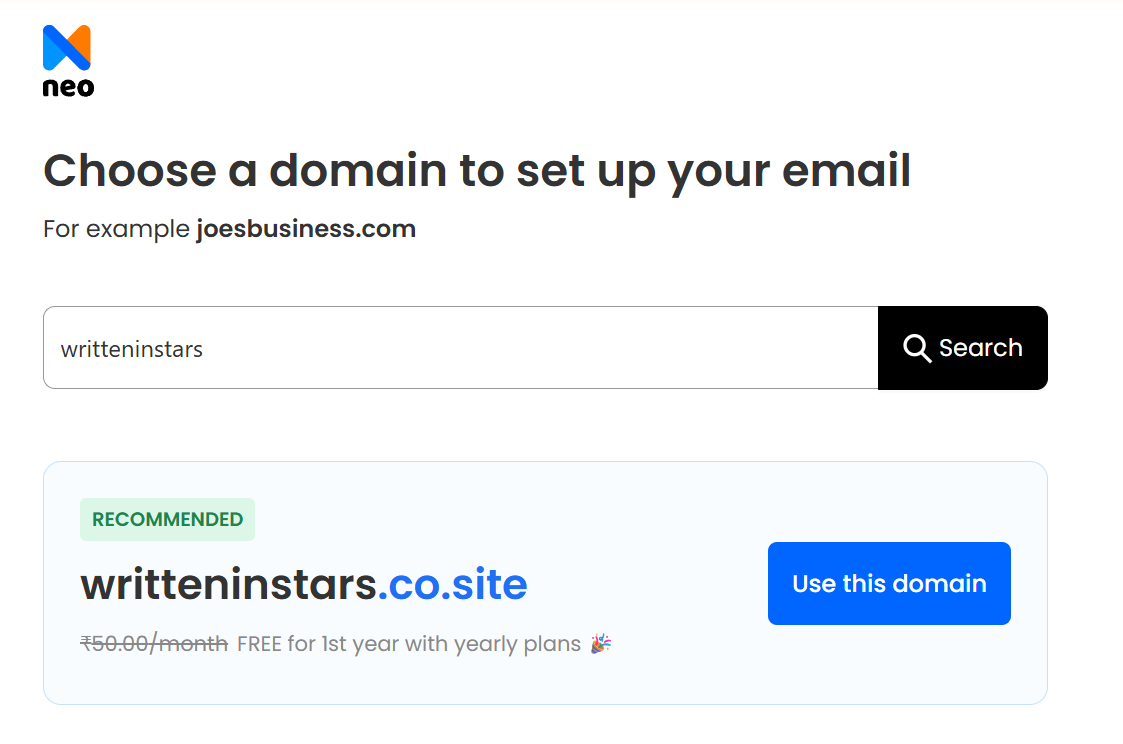
Step 3. Click the Use this Domain button
Step 4. Create a customer account with Neo Mail
(This helps manage your billings for the business email plan and domain name renewal)

Step 5. Create your business email address using the registered domain name
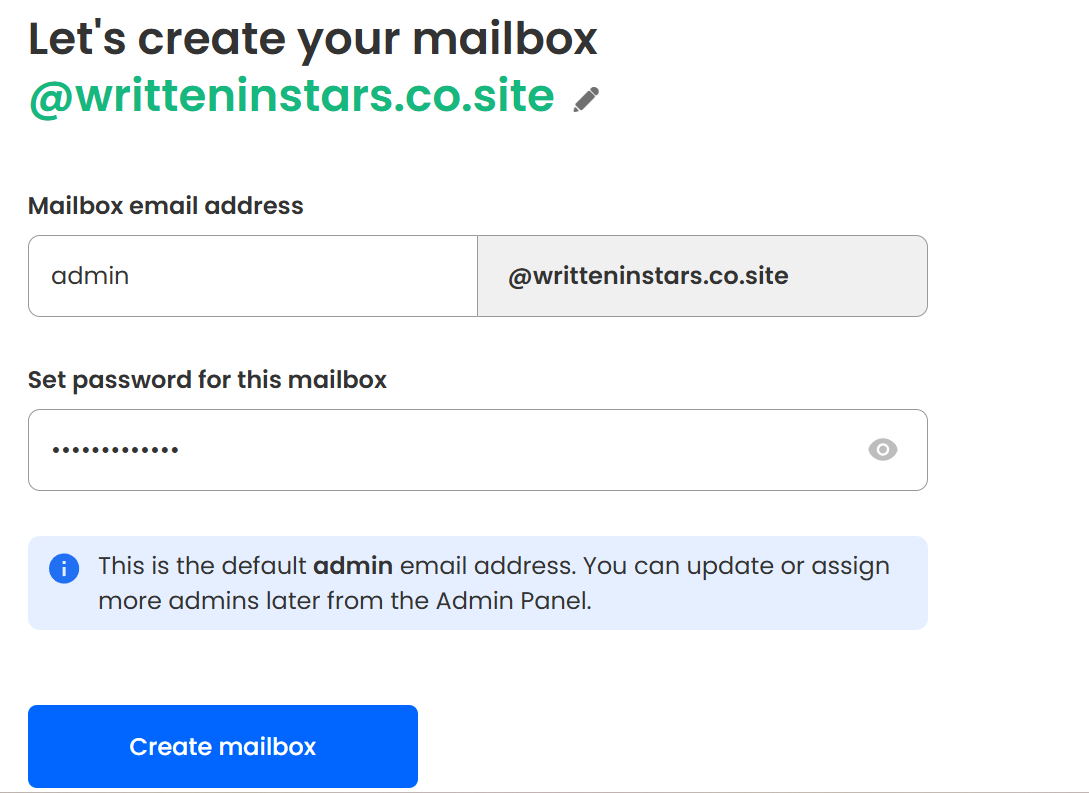
Once you have created the email address for your admin account, here’s how you proceed:
- Create individual mailboxes for your team members
- Add general-purpose mailboxes, like sales, contacts, or info.
- Build a simple website using the AI website builder if you need an online presence.
- Choose the business email plan.
- Select the business email plan that fits your requirements.
- Add your payment details and check out securely.
You can log in to Neo Mail using your business email address (the admin one) and try out the different features. Neo automatically applies all the technical configurations in the background, meaning you can start sending emails immediately without worrying about deliverability or security settings.
What’s the catch?
Free is rarely ever truly free. There’s usually a limitation, an upgrade push, or a hidden cost waiting once you settle in.
So, here’s what to keep in mind regarding Neo’s free domain name:
- The lower tiers feel restrictive, and most of the advanced business tools are only unlocked in the highest plan.
- The platform lacks third-party integrations; however, it offers built-in tools for key business functions.
- Email storage on lower plans is limited, so growing businesses may need to upgrade sooner than expected.
Even with these limitations, Neo Mail offers far more than what you typically get at an entry-level price point. For freelancers, solo entrepreneurs, and small teams starting, the bundled tools can replace multiple paid subscriptions, which keeps the overall cost low and the workflow simple.
What makes Neo Mail suitable for solopreneurs and SMEs ?
Beyond the free domain, Neo Mail offers features to establish and grow your brand presence online, these include:
1. AI-website builder
The AI-powered website builder takes only two inputs: business industry name and business description. Then, it generates 8-9 templates with tailored content and images.
Using the drag-and-drop website editor, the selected template can be customized as per your needs.
2. Invoice builder
Neo’s business suite includes an invoice builder, which streamlines client billing directly from within the platform. Using invoice templates, you can generate professional invoices, add service descriptions, include tax details, track payments, and email the invoices.
The feature is integrated into the same dashboard as your mailbox, appointment scheduler, and client communication tools.
3. Smart Write
Smart Write is an AI-powered email writing tool within Neo’s interface. Write a prompt to give the tool some context, select the length (long/short), choose the tone, and within seconds, the first draft of your email will be ready.
You can also fine-tune the response with built-in grammar tools.
4. Appointment scheduler
The appointment scheduler allows clients to book meetings or consultations using a link you shared. Of course, you can set availability, meeting duration, and booking rules.
Once a slot gets booked, the appointment is added to your Neo calendar, and you receive a notification. This eliminates back-and-forth coordination and helps small businesses manage calls, demos, or consultations without leaving Neo.
5. Signature designer
The signature designer helps users create a professional-looking email signature without graphic design tools. You can add your name, role, company details, contact information, logo, and social links. Multiple style layouts are available, allowing you to create a clean and consistent brand appearance across all team emails.
6. Campaign Mode
Campaign Mode enables users to send bulk emails or marketing campaigns from Neo’s interface. You can create recipient lists through contact groups, draft campaign emails through templates, and track opens or responses through analytics.
While it’s not a replacement for business marketing automation tools, it works well for newsletters, promotions, announcements, or client updates.
7. Read receipts
Read receipts track email open events only. When a recipient opens your email, Neo Mail logs the event and sends you a notification, giving you quick insight into whether your message has been viewed.
Higher-tier plans, such as the Max plan, support advanced analytics, like link tracking (who clicked the link you shared and when) and file tracking (who downloaded your file and when). And all of the activities will be visible in your dashboard.
8. Priority inbox
The priority inbox helps organize your mailbox by automatically categorizing and highlighting the emails that matter most, typically client emails, ongoing threads, or time-sensitive messages.
9. Turbo Search
Turbo Search enables fast, precise searching across your entire mailbox. You can look up emails by sender, keyword, attachment type, or subject line.
This helps users quickly retrieve past proposals, invoices, conversations, or documents without scrolling or manually hunting through folders.
10. HTML in Composer
Neo’s email composer supports HTML editing so that you can create more visually rich emails. This is helpful for mini-campaigns, announcements, visually branded messages, or emails that require structured layouts. You can insert custom styling as well.
How do Neo’s plans compare to Google Workspace?
Here’s a comparison table of Neo Mail with Google Workspace:
| Aspect | Starter | Google Workspace (Starter Plan) |
| Starting Price | $1.99/month/user (billed annually) | Approx. $8.40/month (or $7/month billed annually) |
| Storage | 15GB-100GB | 30GB-5TB |
| Custom Domain Name Registration | Yes, Free Registration | Yes, but Paid |
| AI-Powered Website Builder | Yes | No (Google Sites is a no-code website builder) |
| Appointment Booking Link Creation | Yes | Yes |
| Built-in Invoice Builder | Yes | No |
| Built-in Migration Tool | Yes | Yes |
Neo Mail stands out as a lighter, more cost-efficient alternative for freelancers, micro-businesses, and early-stage teams.
That said, Google Workspace still holds its ground for companies that need advanced collaboration tools, enterprise-level security, and large-scale integrations. So, the entire decision depends on your needs and what stage your business is in.
The bottom line: Is Neo Mail worth it?
Neo Mail delivers solid value for anyone who wants a branded email, a functional website, and lightweight business tools without spending heavily or managing complex setups. If your priority is ease, clarity, and affordability, Neo Mail fits well into that workflow. The best way to know if it’s right for you is to explore the platform yourself and see how comfortably it fits your needs.