 Skip to Navigation
Device Previews
See how your email renders across 100+ clients and devices
Send a test email to Sandbox, open the Device Previews tab, and see how it renders across email clients and devices. Available as an add-on for Business plans and up.
 Request Add-On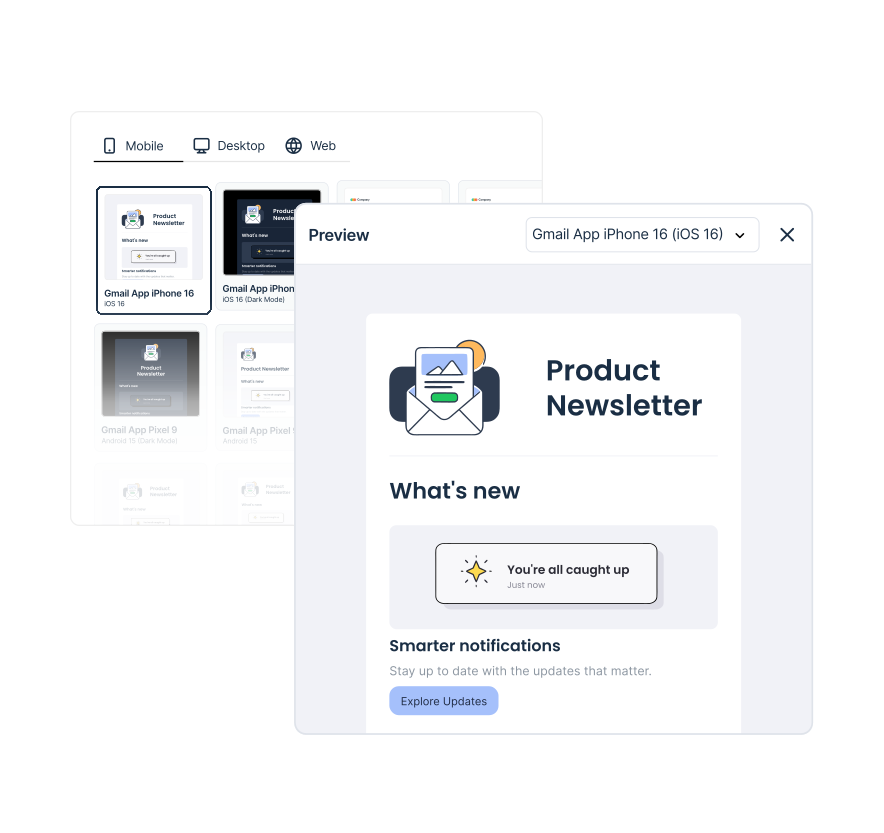
Catch email rendering bugs before they reach the inbox

Cross-client rendering

Light and dark modes

Client-specific issues

Test only what matters

Test on the go

Built into Sandbox
From captured email to client preview in three steps
trapped email → select clients → rendered previews


Built for teams that test email before sending
-

Developers
Catch rendering issues before deployment
- Check HTML, CSS, fonts, and images
- Test responsive layouts across email clients
-
Lifecycle & Email Marketers
Review campaigns before they go live
- Preview campaigns, templates, and automations
- Check desktop, mobile, light, and dark modes
-
QA Engineers
Add cross-client rendering to email QA
- Validate the exact HTML captured in Sandbox
- Check rendering across selected clients and devices


Frequently Asked Questions
-
What counts as one preview?
Each selected client or device configuration counts as one preview. Light- and dark-mode selections count separately.
-
Can I add more clients after starting a preview?
No. Client and device configurations are selected before the preview starts. To test additional configurations, capture the email again and start a new preview. Each selected configuration counts toward your preview allowance.
-
Which Sandbox plans support Device Previews?
Business and Enterprise Email Sandbox plans. Mailtrap Support enables the add-on, after which the Device Previews tab appears on captured HTML messages.
-
Which email clients and devices are supported?
Device Previews supports 100+ email client and device configurations, including Gmail, Outlook, Apple Mail, mobile, desktop, and web variants. Check the Device Previews documentation for the full list of supported clients, devices, and versions.
-
Can I preview light and dark mode?
Yes. Light and dark mode variants are selected separately for available clients, and each selected variant counts as one preview.
-
How long are Device Previews results available?
Preview results are kept for up to 88 days. They may be removed sooner if the related Sandbox message is removed because of your inbox limits.
-
Can I test Templates, Campaigns, and Automations?
Yes. Open the email, click Send Test, select Device Previews and an active Sandbox, then send it to Sandbox. Mailtrap creates the message and opens its Device Previews tab. The send uses your Sandbox quota; configurations use the Device Previews allowance.
-
What happens when I reach my preview limit?
Your preview allowance resets monthly. Once you reach the limit, you won’t be able to generate new previews until the next reset. Contact Mailtrap Support if you need more previews.
-
How much does Device Previews cost?
Contact Mailtrap Support for current pricing. The minimum monthly allowance is 200 previews. If you need a higher volume, Support can set up an allowance that matches your requirements.