
How it works
The Mailtrap MCP Server acts as an AI relay between your editor and Mailtrap’s Email API – no dashboard tab-switching, no manual API calls. Connect it once, describe what you need in plain language and the agent resolves the right Mailtrap tool and executes after you confirm. Covers the full range: send transactional emails, manage templates, pull delivery stats, configure sending domains, and more.
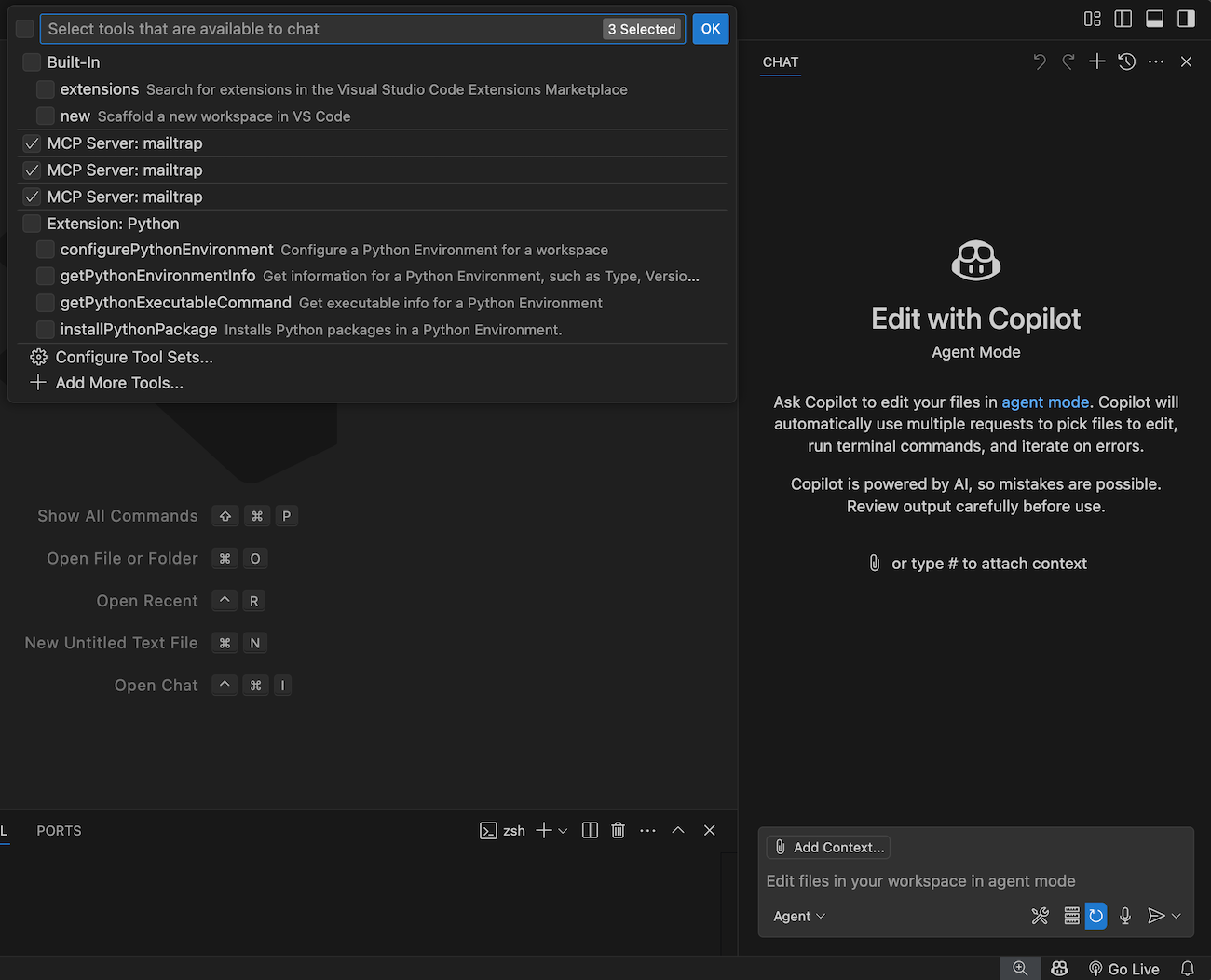
Configuration
Step 1: Install Node.js on your machine
Step 2: Create a Mailtrap account and verify your sending domain
Step 3: Grab your API token from Email API/SMTP > API Tokens > Add Token and your Account ID from Account Settings
Step 4: Add the server to your AI client’s MCP config:
For quick setup:
- One-click install buttons: Cursor and VS Code.
- Claude Desktop users can download the
.mcpbbundle from Releases. Or install via Smithery CLI for any client:npx @smithery/cli install mailtrap.
Cursor / Claude Desktop (manual config)
{
  "mcpServers": {
    "mailtrap": {
      "command": "npx",
      "args": ["-y", "mcp-mailtrap"],
      "env": {
        "MAILTRAP_API_TOKEN": "your_api_token",
        "MAILTRAP_ACCOUNT_ID": "your_account_id",
        "DEFAULT_FROM_EMAIL": "you@yourdomain.com",
        "MAILTRAP_TEST_INBOX_ID": "your_sandbox_inbox_id"
      }
    }
  }
}
VS Code – add the same block under “mcp”: { “servers”: { ... } } in your User Settings JSON.
For detailed guidance, consult the Mailtrap MCP Server docs on GitHub.
Use cases
- Check delivery logs mid-debugging.
- Generate and send email content in one step.
- Manage templates without leaving the CLI.
- Send transactional emails while building features.
Supported functionality
- Send emails via Email API.
- Manage email templates.
- View email delivery logs with filtering and pagination.
- Track sending statistics across date ranges with breakdowns.
- Manage sending domains.