Skip to Navigation

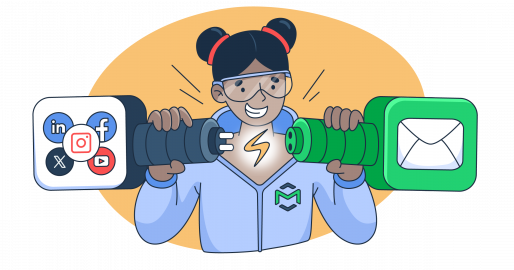
Social media is where people discover you. Email is where you keep them. One runs on algorithms you don’t control, whereas the other lands directly in an inbox you own.
But here’s the catch: most marketers run them separately, which means they’re doing twice the work for half the result. A newsletter goes out on Tuesday. Social posts go out whenever. There’s no connection between the two, no shared narrative, and no strategy for moving someone from a LinkedIn follower to an email subscriber to an actual customer.
This guide covers 10 practical methods you can use to integrate social media and email marketing to bring more engagement and revenue to both channels.
1. The strategic foundation: why synergy matters
Before diving into the “how,” it is vital to understand the “why.” Email marketing offers unparalleled intimacy and control; it is an owned channel where you dictate the delivery. Social media, conversely, offers discovery; it is where new audiences find you through algorithms and viral sharing.
When combined, social media acts as the top of the funnel (awareness), while email marketing serves the middle and bottom (nurture and conversion). By aligning these, you ensure that a user who discovers your brand on LinkedIn doesn’t simply like a post and disappear, but is instead ushered into a long-term relationship via their inbox.
Start by using your social presence to turn your social media followers into your email list contacts. To do this, you can:
- Offer technical lead magnets: Offer API documentation, cheat sheets for SQL, or Postman collections in exchange for an email address.
- LinkedIn lead gen forms: Use native forms to reduce friction and allow users to subscribe to your email list without leaving the app.
- Verify list quality: Look at unsubscribe and bounce rates. If you see them dropping, implement a double opt-in process to filter out low-quality social leads.
One of the most effective ways to use email marketing and social media together is through Custom Audiences, a feature offered by platforms like LinkedIn and Meta. Basically, it lets you upload an encrypted list of your email subscribers to social platforms so you can serve them highly relevant ads. To do this, you can:
- Re-engage cold leads: If a segment of your list opened an email about a new feature but didn’t sign up for a trial, trigger a LinkedIn ad featuring a deep-dive case study or a type of newsletter that highlights the solution.
- Move users through the funnel: This approach keeps your brand top-of-mind across multiple touchpoints and allows you to meet developers at the next digital touchpoint with contextual relevance: moving them from awareness to conversion without being intrusive.
4. Sync content calendars for narrative consistency
Consistency builds authority. If your weekly newsletter focuses on “Optimizing API Performance,” your social media posts for that week should reinforce those same technical concepts to maintain narrative flow.
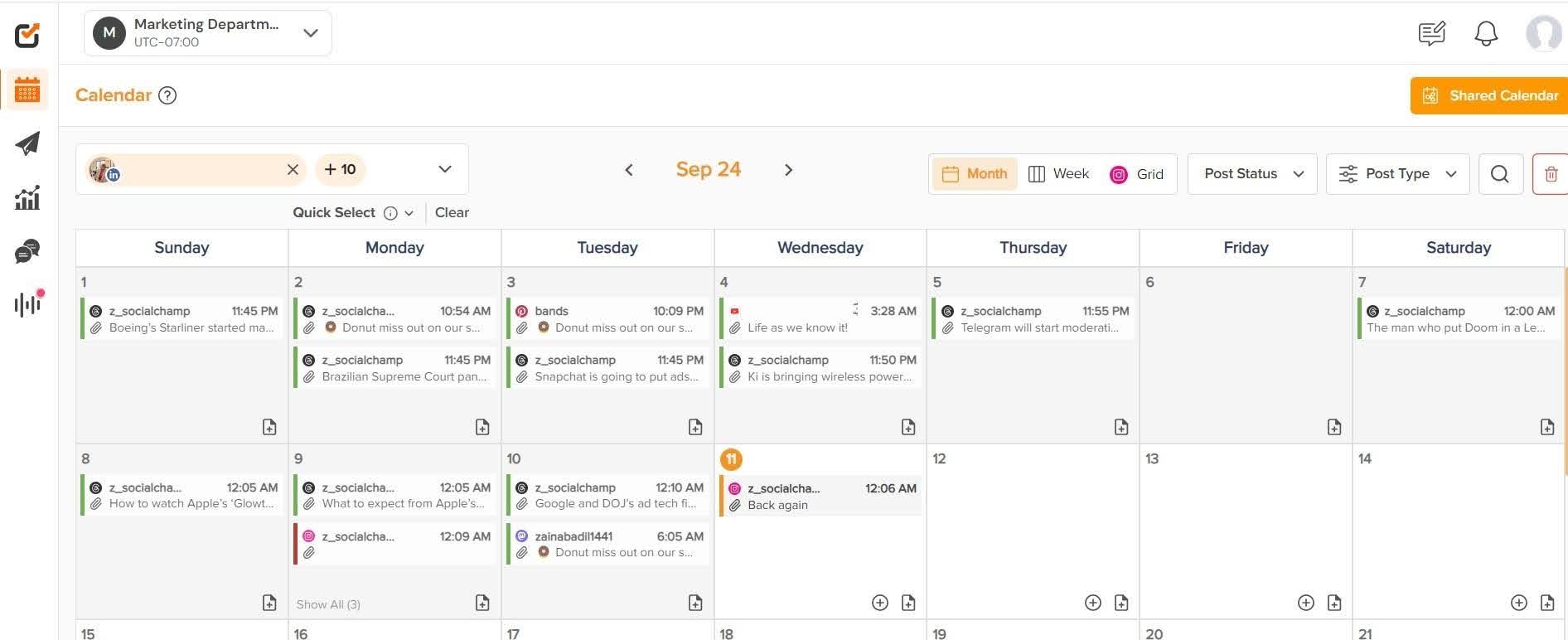
To keep your team organized, utilize email and social media marketing platforms that allow for cross-team visibility. While many teams start with legacy tools, it’s also helpful to schedule LinkedIn posts alongside your email campaigns so both channels reinforce the same message and reach your audience at the right time. There are several modern tools that offer more robust features for managing multi-channel campaigns (i.e., Social Champ or SocialBu).
5. Essential tools for integrated marketing
Executing a combined strategy requires a reliable tech stack. Here are a few tools that we recommend:
Mailtrap
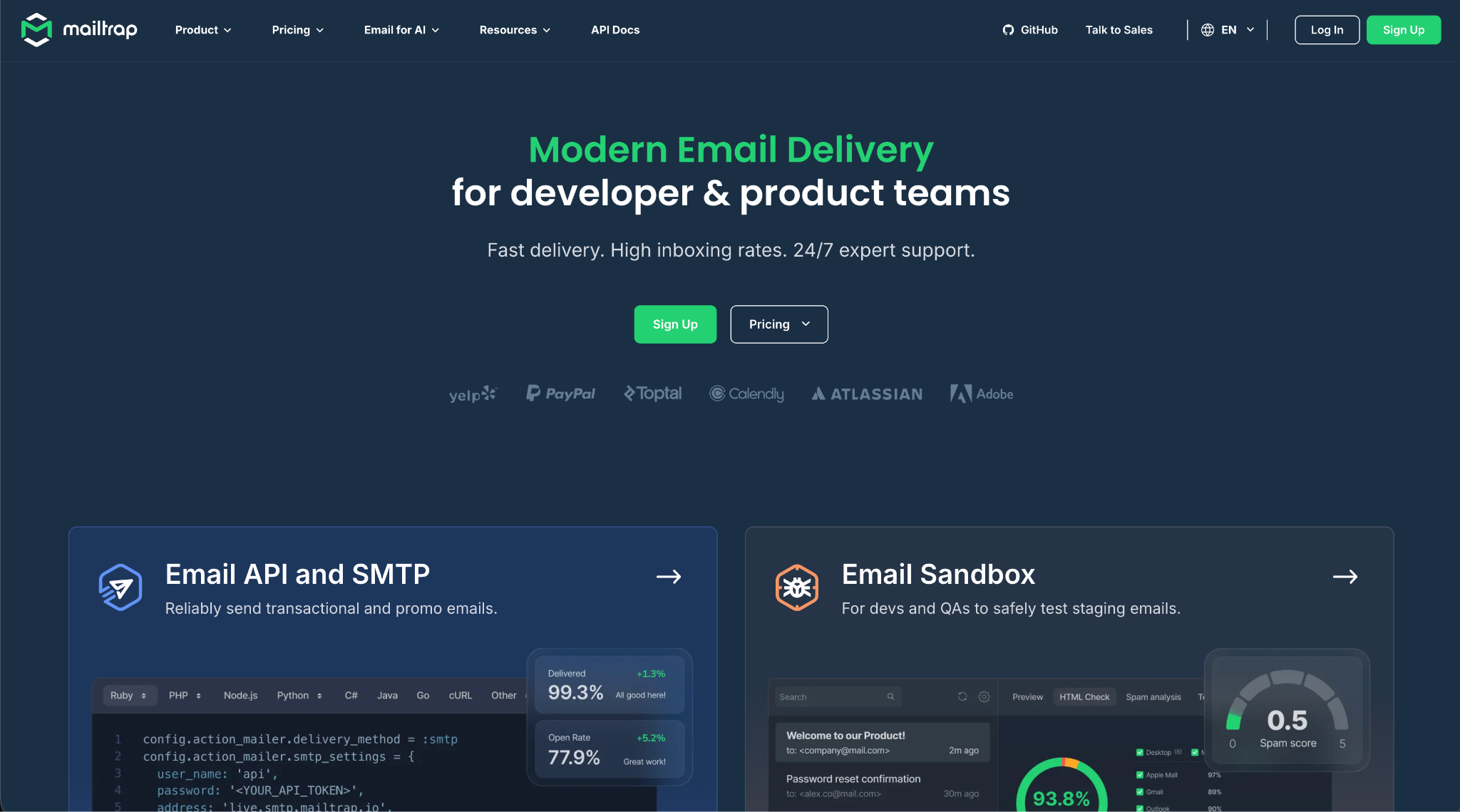
For any integrated campaign, the email side of the equation lives or dies by deliverability rate, or the rate your emails land in your recipients’ inboxes, instead of going to the spam folder.
Mailtrap is a high-deliverability email platform for digital products to send emails at scale. It allows you to send marketing email campaigns, segment contacts, analyze campaign performance, and more. It also comes with fast delivery, industry-best analytics, and 24/7 expert support.
Social Champ
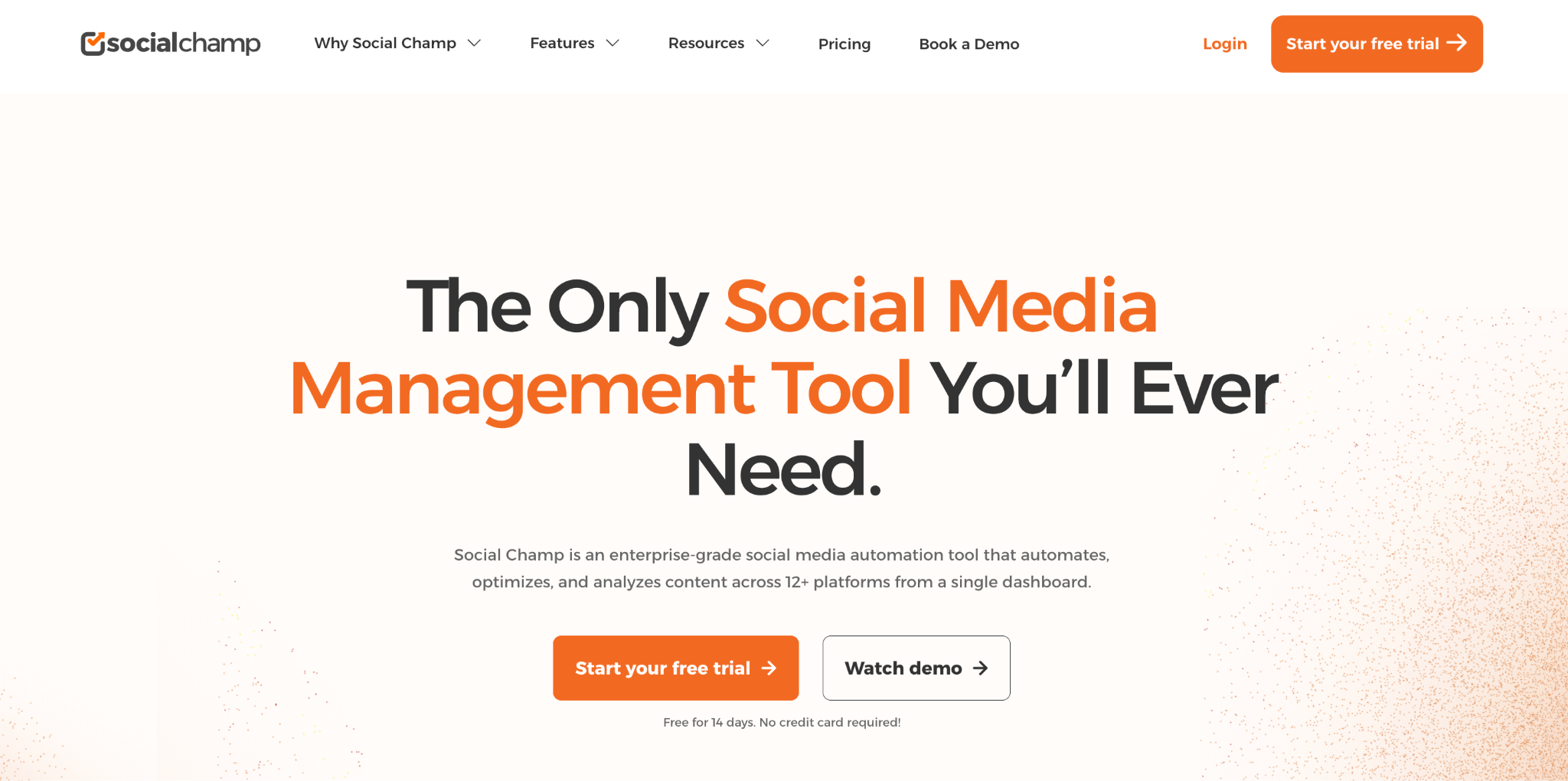
If you’ve heard of Buffer, you probably know about basic scheduling tools. Social Champ is basically an alternative to this tool: a social media automation tool that allows you to schedule posts across multiple platforms simultaneously.
It provides deeper automation features and a more intuitive all-in-one calendar view; this is a top contender. Social Champ makes it incredibly easy to ensure that when your weekly newsletter goes live, your LinkedIn, X, and Instagram accounts are immediately echoing that same narrative.
For teams whose scheduling goes beyond a shared calendar, an AI social media scheduling tool can auto-generate post variations, learn optimal send times per platform, and cut down the manual work of queuing content across channels.
Clearscope
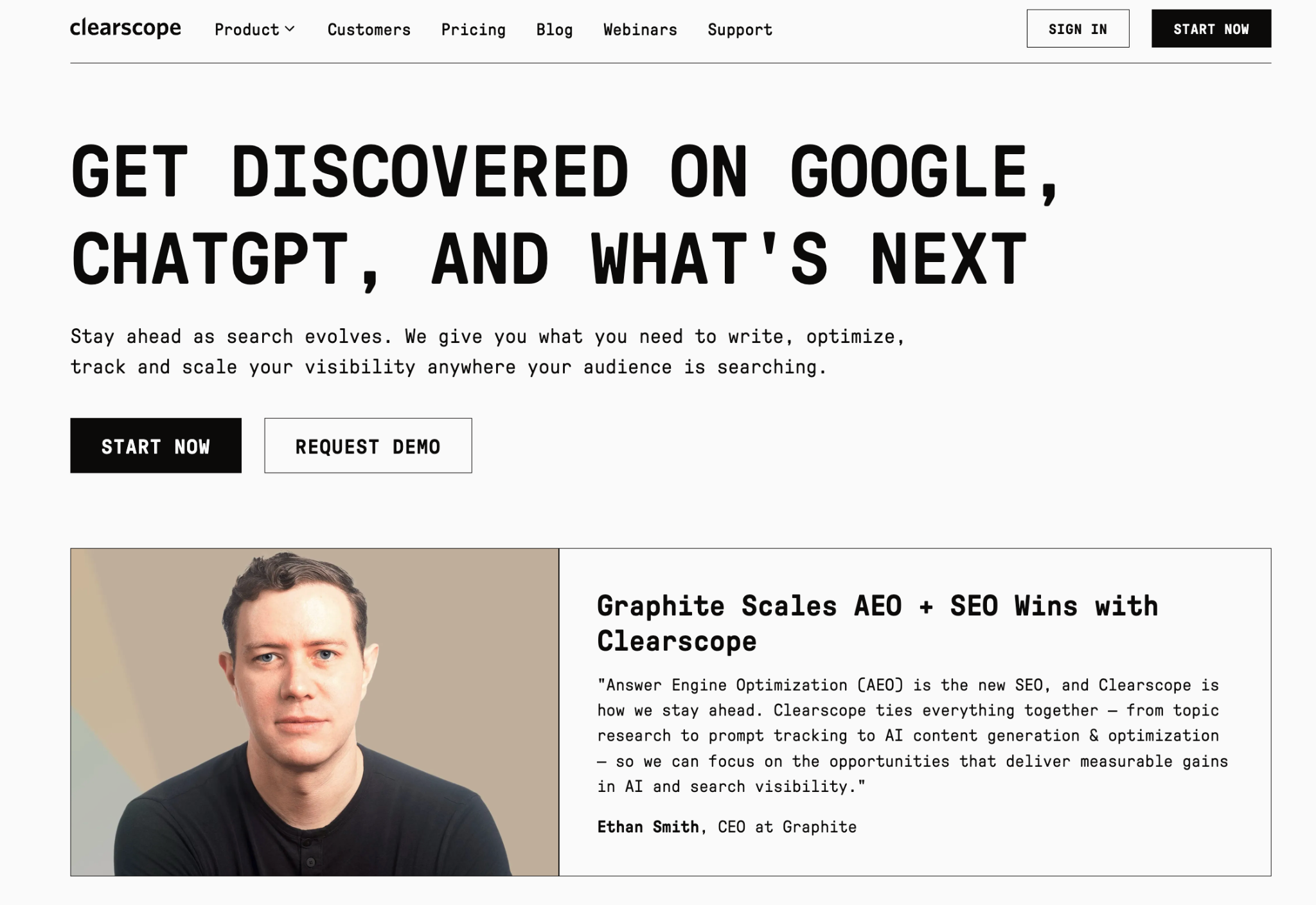
Content is only effective if it’s discoverable. Clearscope is an AI-powered SEO tool used to ensure your integrated content, whether it’s a blog post linked in your email or a long-form caption for social media, meets high market requirements.
It helps you identify the exact terms and technical sub-topics your audience is searching for, allowing you to reach the top of SERPs and drive organic traffic that eventually feeds into your email list.
Canva
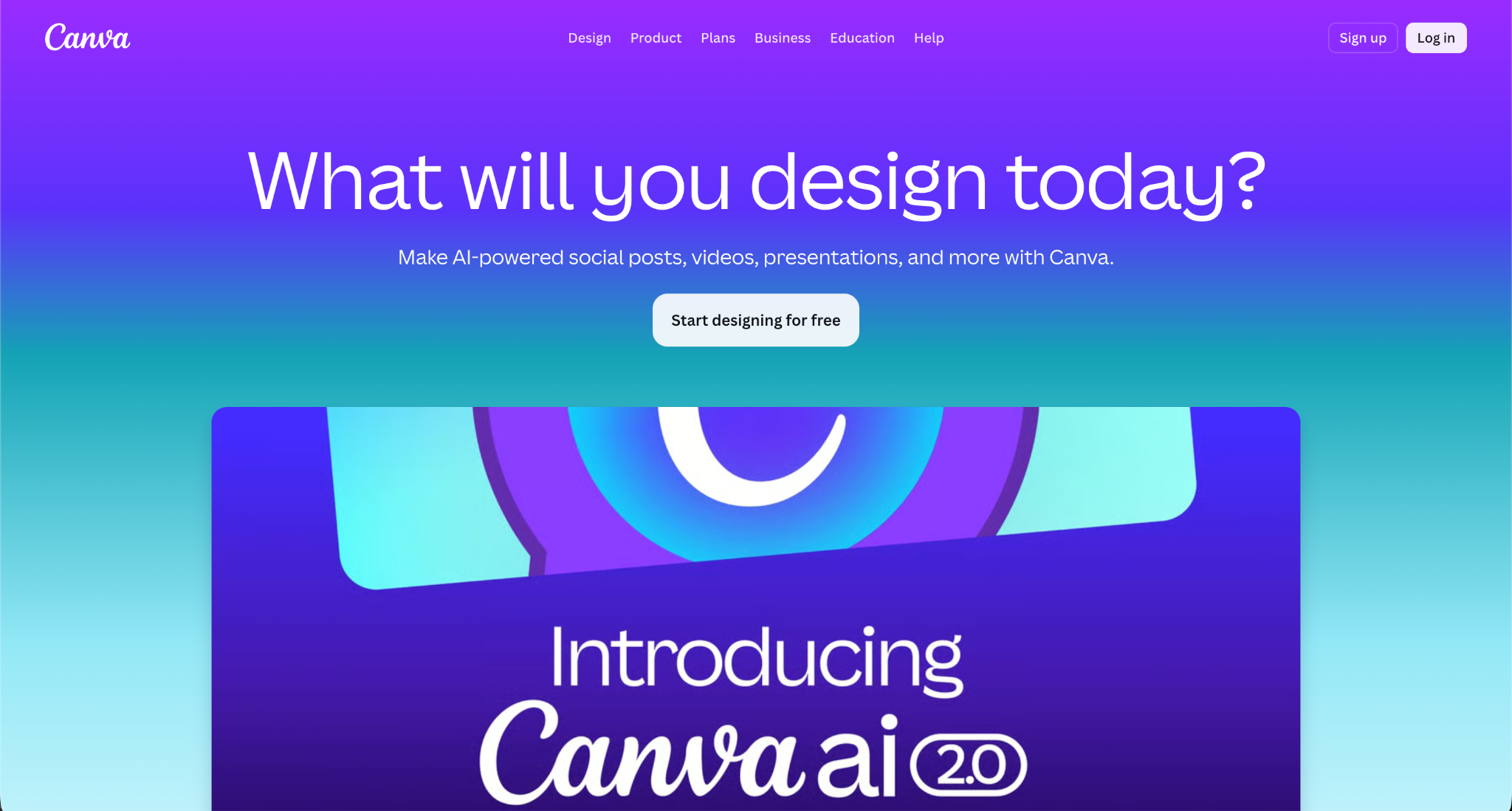
Brand recognition relies on visual consistency, which is why Canva is invaluable for creating high-quality assets, such as technical diagrams, infographics, or product shots that work across different formats. To speed up your creative process, you can also use PlayPlay to generate AI images instantly.
You can quickly resize a chart designed for an email header into a square post for Instagram or a high-res image for LinkedIn, ensuring your brand looks professional and cohesive at every digital touchpoint.
Social media is an excellent testing ground for technical content. If a thread on X or a poll on LinkedIn regarding a specific debugging challenge gets significant engagement, your email subscribers will likely find it valuable too.
So, for example, expand on these viral social insights in a deep-dive newsletter. This ensures your email content is pre-vetted by social data, which typically results in higher open and click-through rates. Moreover, if a social post about “Common QA Hurdles” generates 50 comments, use those specific questions as the basis for an FAQ section in your next blast.
7. Leverage user-generated content (UGC) in your emails
Social media is a goldmine for social proof. When a user tags your brand in a positive post or shares a screenshot of your tool in action, don’t let it sit on the feed. Social media is a goldmine for social proof. When a user tags your brand in a positive post or shares a screenshot of your tool in action, don’t let it sit on the feed. Customer video clips can add more context because they show how people actually use the product. If you have a collection of short clips, AI video tools can help turn them into AI UGC Ads for different placements without requiring a full production workflow. Keep the original customer perspective intact so the finished content still feels like something a real user would share.
- Screenshot reviews: Feature tweets or LinkedIn testimonials in your newsletters.
- Community spotlights: Dedicate a section of your email to a “community member of the month” who shared a great tip on social media.
- The “As Seen on Social” section: Link to a trending discussion on your social pages to encourage email subscribers to join the conversation.
You can host a giveaway on Instagram or TikTok where one of the mandatory entry requirements is to subscribe to your newsletter. If you’re doing this on TikTok, learn how to find TikTok affiliates to amplify the giveaway through creator partnerships.
This tactic works because it incentivizes your social audience to cross over into your owned channel. However, to maintain list quality, make the prize highly relevant to your niche. If you’re targeting developers, give away a premium IDE subscription or a ticket to a tech conference rather than a generic gift card.
Tools like Woorise can help you create social media giveaways with dedicated landing pages, customizable entry forms, referral actions, and email marketing integrations, making it easier to turn social engagement into consent-based subscribers.
Use your email list to build hype for upcoming social events, such as a LinkedIn Live session or an X Space. Sending a “Save the Date” email 24 hours before the event ensures that your most loyal followers are present, providing the initial engagement boost that social algorithms crave.
Conversely, you can use social media to tease the content of an upcoming newsletter. Sharing a redacted screenshot of a deep-dive technical guide creates “FOMO” (fear of missing out) and drives last-minute subscriptions before the blast goes out.
10. Optimize visuals across channels
Visuals must be high-quality and deeply related to the text. Avoid stock photos; instead, use product shots, diagrams, or charts.
- Consistency: Use the same color palette and typography for your email headers and your social media tiles to build brand recognition.
- Format: Stick to PNG over JPG when possible for better clarity in email clients.
- Accessibility: Always include ALT text for images in both emails and social posts to ensure your content is accessible to all readers.