

If your team needs mailboxes on its own domain, you have probably asked yourself whether you still need Google Workspace or Microsoft 365 to get them. This guide walks through Google Workspace alternatives, and most of the same Microsoft 365 alternatives, by situation rather than by rank.
You won’t find a leaderboard or star ratings here. Instead, you get a decision path: what you give up when you leave, which provider fits which setup, what a seat costs, how your mail gets out of Google, and how much each mailbox can actually send.
To be upfront: for many teams, the suites are still the right answer. The section near the end tells you when. The shortlist covers six providers: Neo Mail, Zoho Mail, Fastmail, IceWarp Cloud, Proton Mail and Migadu.
Disclaimer: Prices and limits were checked on September 29, 2026. Providers change pricing, storage and plans without notice, so verify the details on each provider’s site before you subscribe.
Why do teams look past Google and Microsoft?
Most teams don’t leave because Gmail or Outlook stopped working. They leave because of one of four triggers.
- Seat math – You pay a suite price for every seat, but most of those seats only ever open mail and calendar. A small team adds up 11 seats at suite pricing and realizes it is paying for Docs, Meet and Drive that half the people never use. That is usually the moment the search for Microsoft 365 alternatives or Google Workspace alternatives starts.
- Support you can actually reach – Small teams often want a vendor with a smaller footprint, where a support ticket reaches a person who can fix the problem. With the two largest suites, that can take a while.
- Privacy and data residency – Some teams must keep mail in a specific jurisdiction, or want an encryption model where the provider can’t read stored messages. Neither suite is built around that by default.
- Admin overhead – The suites come with an admin console, policies and apps you never asked for. If all you want is working mailboxes, that is a lot of surface area to manage.
What you give up when you leave Google Workspace
Most lists of alternatives skip this part, so take it seriously before you compare prices.
- The suite itself – Docs, Sheets, Drive and Meet go with the subscription. The same goes for Word, Excel, OneDrive and Teams if you leave Microsoft 365. Most mailbox-only alternatives don’t replace them, so decide what your team uses instead before you move.
- “Sign in with Google” – Many SaaS tools in your stack probably log in through Google OAuth. When the Google account goes away, so does that login. Inventory every app that uses it and switch each one to a password or another identity provider first.
- Add-ons and calendar interop – Marketplace add-ons stop working when you leave. Clients who are still on Google will keep sending you Google Calendar invites, which work, but with fewer conveniences than before.
- The export itself is slow – Google’s admin data export typically takes 72 hours but can take up to 14 days. It also needs a super admin account that is at least 30 days old, and it adds a 48-hour wait before the export starts. Start it early.
Match the alternative to your situation
Start with your situation, not with a provider. Find your row, then read only the shortlist entries it points to.
| Your situation | What matters most | Shortlist |
|---|---|---|
| Small business or freelancer with a custom domain | Price at 1 seat, setup time, free domain offers | Neo Mail, Zoho Mail Lite, Fastmail Standard |
| Small team that needs mail and calendar only | Per-seat price at 10 seats, a Google import tool | Neo Mail, Fastmail, IceWarp Essential, Zoho Mail |
| Privacy or EU data residency | Encryption model, jurisdiction | Proton Mail |
| Agency running many client domains | Per-domain vs per-mailbox pricing, catch-alls | Migadu, Zoho Mail, Fastmail |
| Team that needs a suite, just not Google’s | Docs, storage and meetings alongside mail | Zoho Workplace, Proton Workspace, Microsoft 365 Business Basic |
Best Google Workspace alternatives
Each provider on the list follows the same template: when it fits, what a seat costs, how you get your mail out of Google Workspace, and the catch.
Want the broader feature-by-feature view instead? Mailtrap’s roundups of email hosting providers and small business hosting cover that.
1. Neo Mail


Fits when: You’re a consultant, restaurant owner, or have online and offline stores that need mail on your own domain and don’t need a document suite. It suits small businesses whose work runs through the inbox and calendar rather than shared documents. For files, Neo Mail includes Neo Drive, where you can upload, organise, preview and share documents without paying for a full suite. It also fits teams that mostly send person-to-person mail and stay well under a few hundred messages a day.
Price: Starter is $1.25 per mailbox per month, with 15 GB of storage.
Import path from Google Workspace: There’s no built-in Google import. The documented path is a Google Takeout MBOX export, opened in Thunderbird or Apple Mail, then uploaded to Neo Mail over IMAP.
The catch: Moving in takes a little manual work. There’s no one-click Google import, so you bring your email over yourself, and contacts and calendars follow separately. What you get back: eligible plans come with a free domain and a free AI website builder, so your business can be online the same day your inbox is. Read theNeo Mail review for more detail.
2. Zoho Mail


Fits when: Price matters at 1 or 10 seats, or you already use other Zoho apps. It suits budget-conscious small teams that want an admin console, a calendar and a built-in import from Google at the lowest per-seat price in Table A. It’s the natural pick if you already run Zoho CRM, Projects or Cliq and want them under one login. If you might need a full suite later, Zoho Workplace gives you that path without changing providers.
Price: Mail Lite costs $1 (5 GB) or $1.25 (10 GB) per user per month, billed annually.
Import path from Google Workspace: Built in, under Admin Console, then Data Migration. It needs a Google Workspace super admin, a service account and a JSON or P12 key. It moves mail, contacts and calendars.
The catch: Mail Lite has no monthly billing. Gmail labels become folders during import, so messages with several labels end up duplicated.
3. Fastmail

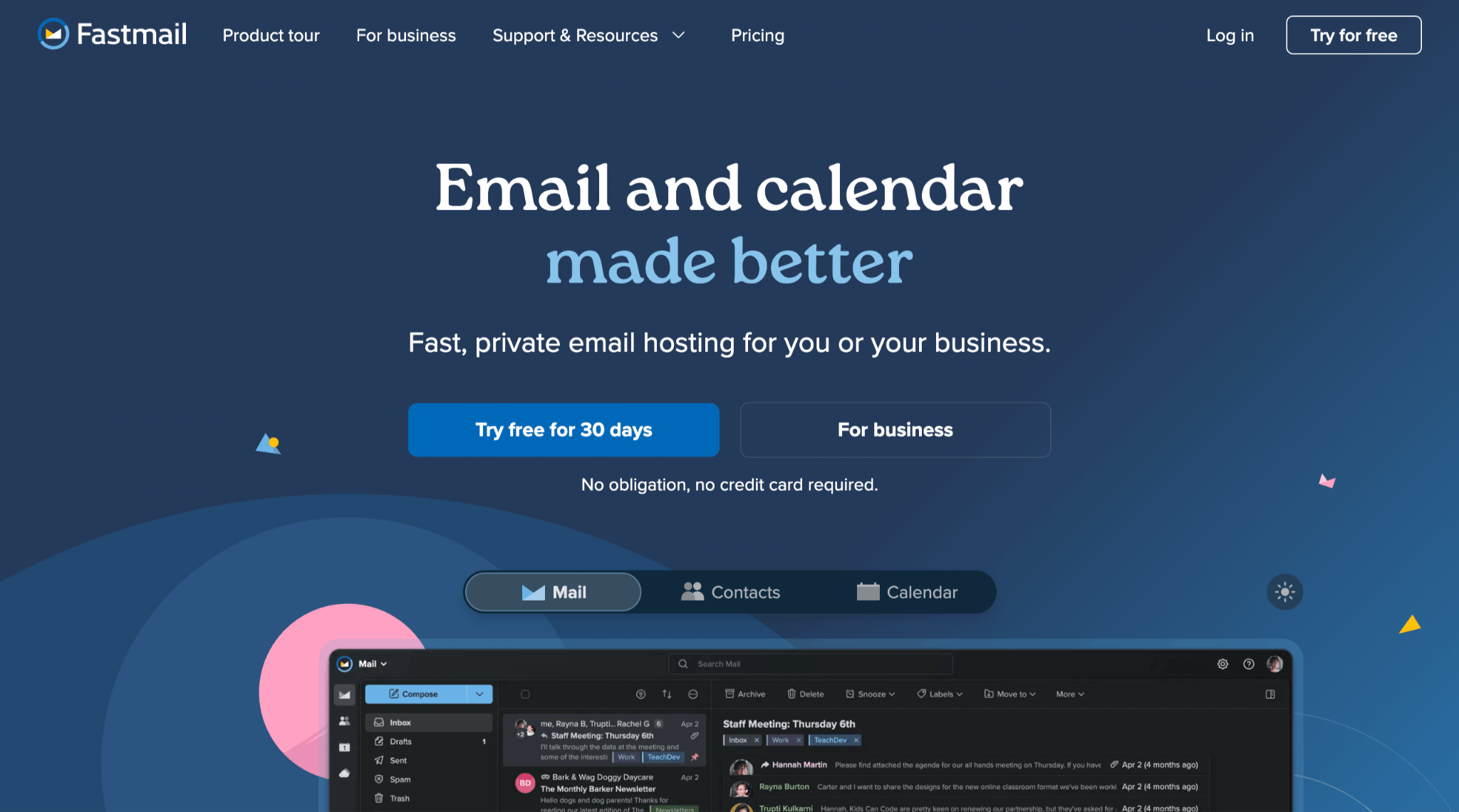
Fits when: You want a focused mail and calendar product for a solo setup or a small team. It suits teams that want mail, calendar and contacts in one place without paying for documents and video meetings they already get elsewhere. Business Standard gives each seat 60 GB, and the Google import runs while people keep working, so the switch doesn’t stop the team for a day. If your people send a lot of person-to-person mail, its daily limit is one of the higher ones in Table C.
Price: Business Standard is $5 per seat per month billed annually, or $6 monthly, with 60 GB.
Import path from Google Workspace: Built in. Go to Settings, Migration, Import, choose “Gmail / Google Workspace” and sign in with Google. Mail, calendars and contacts come across, and you can keep working while it runs.
The catch: The cheaper Basic plan has no custom domains. For business email addresses on your own domain, Standard is the real starting point.
4. IceWarp Cloud

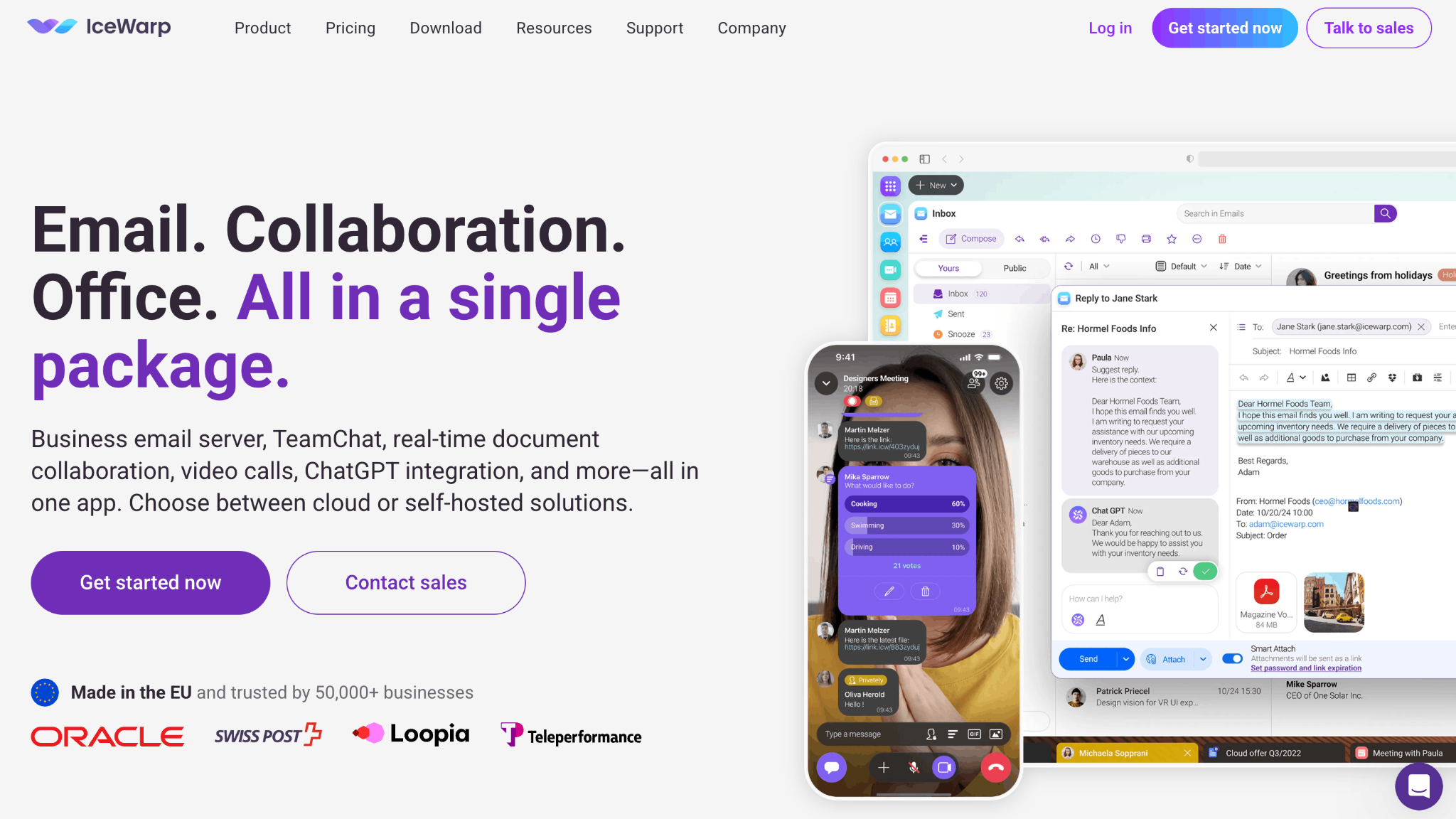
Fits when: You’re a small team watching the per-seat price at 10 seats, and you want help with the move. It suits teams that want a large mailbox (50 GB) at a low per-seat price, with the choice of annual or monthly billing. The Google Workspace Migrator moves domains and users as well as mail, which helps when nobody on your team wants to own the migration. It works best when you’re comfortable setting your own sending limits as admin.
Price: Essential is $2.25 per seat per month billed annually, or $2.50 monthly, with 50 GB of mail storage.
Import path from Google Workspace: Built in. The Google Workspace Migrator runs self-service or assisted, and covers domains, users, emails, contacts and calendars.
The catch: Sending limits are set by the admin per user, domain or server, and IceWarp publishes no default. You’ll need to decide on those limits yourself.
5. Proton Mail
Fits when: Privacy, encryption or EU jurisdiction is the main requirement. It suits teams in fields where confidential mail carries legal weight, such as law, healthcare or finance, and teams whose clients ask where their data is stored. Easy Switch moves contacts and calendars as well as mail, so it works for a whole-team move, not only a mailbox swap. If you later want documents and storage from the same provider, Proton Workspace covers that.
Price: Mail Essentials is $6.99 per seat per month, billed annually, with 15 GB.
Import path from Google Workspace: Built in. Easy Switch for Business imports org-wide through a Marketplace app published by Proton AG, and needs three DKIM CNAME records. It moves emails, contacts and calendars, and you can run it in batches.
The catch: Proton doesn’t publish a sending limit for paid plans. It says the limit is “based on reputation”, with a cap of 100 recipients per message.
6. Migadu
Fits when: You’re an agency or a person running many domains and lots of addresses. Because pricing is per account rather than per mailbox, adding another client domain or address doesn’t add to the bill. It suits developers and technical admins who are comfortable editing DNS and moving mail with imapsync. It’s a weaker fit for a team that sends a lot of mail, since the daily sending limit is shared across the whole account.
Price: Mini is $90 a year per account, with unlimited mailboxes and 30 GB per account.
Import path from Google Workspace: No built-in import. Migadu provides an imapsync guide for moving mail over IMAP.
The catch: Plan limits are message counts, not seats. Mini allows 100 outgoing messages a day across the whole account.
Prices, migration paths and sending limits side by side
These three tables hold every number in this guide. Each provider name links to the page where we checked the value on September 29, 2026. Where a provider publishes no number, the table says so. We didn’t fill the gap from third-party blogs.
Table A: price per seat, mailbox tier, billed annually, USD unless noted
| Provider | Tier | Per seat / month | Storage |
|---|---|---|---|
| Google Workspace | Business Starter | $7.00 ($6.30 intro, first 20 seats, 12 months) | 30 GB pooled |
| Microsoft 365 | Business Basic | $7.00 | 100 GB mailbox |
| Zoho Mail | Mail Lite | $1 (5 GB) / $1.25 (10 GB); annual only | 5 or 10 GB |
| Proton | Mail Essentials | $6.99 | 15 GB |
| Fastmail | Business Standard | $5 ($6 monthly) | 60 GB |
| Neo Mail | Starter | $1.25 per mailbox | 15 GB |
| IceWarp Cloud | Essential | $2.25 ($2.50 monthly) | 50 GB mail |
| Migadu | Mini | $90/year per account, unlimited mailboxes | 30 GB per account |
Some simple arithmetic from the table, at list price billed annually: Google Workspace Business Starter costs $84 a year for 1 seat, $840 for 10 and $4,200 for 50. Fastmail Business Standard costs $60, $600 and $3,000. Neo Mail Starter costs $29.88, $298.80 and $1,494. Migadu Mini stays at $90 whatever the headcount, within its sending cap.
Table B: migration path from Google Workspace
| Provider | Built-in Google import? | Covers |
|---|---|---|
| Zoho Mail | Yes: Admin Console, then Data Migration; needs a super admin, a service account and a JSON/P12 key | Mail, contacts, calendar; labels become folders (duplicates) |
| Proton | Yes: Easy Switch for Business, org-wide, Marketplace app by Proton AG, three DKIM CNAMEs | Emails, contacts, calendars; batches allowed |
| Fastmail | Yes: Settings, Migration, Import, “Gmail / Google Workspace”, sign in with Google | Mail, calendars, contacts; keep working during import |
| Neo Mail | No: Google Takeout MBOX, then Thunderbird or Apple Mail, then IMAP upload | Email only on the documented path |
| IceWarp | Yes: Google Workspace Migrator, self-service or assisted | Domains, users, emails, contacts, calendars |
| Migadu | No: imapsync guide | Mail over IMAP |
Table C: documented outbound sending limits of the mailbox product
| Provider | Documented limit |
|---|---|
| Google Workspace | 2,000 messages/day per user (500 on trial); 3,000 external recipients/day; 10,000 recipients/day |
| Microsoft 365 | 10,000 recipients/day per mailbox; 30 messages/minute; Exchange Online “isn’t suited to accommodate bulk-mailing scenarios” |
| Zoho Mail | No number published (reputation-based); the usage policy bars bulk, marketing, newsletter, automated and transactional email |
| Proton | Free: 50/hour, 150/day; paid: “based on reputation”; 100 recipients per message |
| Fastmail | Standard 8,000/day (Basic 4,000, Professional 16,000), counted per recipient |
| Neo Mail | Starter 200/hour, 500/day; Standard 300/hour, 1,000/day; Max 500/hour, 2,000/day |
| IceWarp | Set by the admin per user, domain or server; no default published |
| Migadu | Per account per day: Micro 20, Mini 100, Standard 500, Maxi 2,000 |
The email mailbox is built for: app and campaign email
Look back at Table C. Every mailbox product caps or restricts bulk and automated sending, and two of them say so outright. Zoho’s usage policy bars bulk, marketing, newsletter, automated and transactional email. Microsoft says Exchange Online isn’t suited to bulk mailing. Even a 300-mailbox Microsoft tenant is still limited to 30 messages a minute per mailbox.
That comes down to a simple split. Mailboxes are for people writing to people. Password resets, receipts and invoices your app sends belong on a transactional sending service. Newsletters and announcements belong on a marketing platform. Choosing a business email provider doesn’t settle either of those.
The same goes for routing app mail through a mailbox’s SMTP, whether that’s Gmail SMTP or Office 365 SMTP. It works for a handful of messages, then runs into the limits above.
If you need that second layer, Mailtrap’s Email Sending handles transactional and application email, and inbound email is included with it. For campaigns, email marketing handles the sending.
Migration checklist
Once you’ve picked a provider, the move itself follows the same order almost every time. If you need a refresher on the basics, start with email hosting basics and email authentication.
- Inventory – List every mailbox, alias, group, shared calendar and app that uses “Sign in with Google”.
- Export or import – Pick your provider’s path from Table B. If you need Google’s admin export, start it now, because it can take anywhere from 72 hours to 14 days.
- Dual delivery – Run a window where mail reaches both the old and the new mailboxes before you cut over.
- DNS, in this order – Add the new provider’s DKIM records, update your SPF record, switch MX, then tighten DMARC.
- Clean up – Re-issue calendar invites and shared links, and re-create signatures and mail rules.
- Keep a fallback – Leave the Google or Microsoft tenant running read-only for 30 days, then close it.
When to stay on Google Workspace or Microsoft 365
Leaving isn’t always the right call. Stay where you are if:
- You live in Docs, Sheets and Meet, or Word, Excel and Teams, every day. A mailbox-only provider means paying for a second tool to replace them.
- Your clients or your compliance regime expect one of the two suites.
- You’re near or above the 300-seat cap that both Business plans share, and you can negotiate enterprise terms instead.
If none of those apply, a mailbox-focused business email provider will likely cover what your team actually uses for less.
FAQ
Is there a free alternative to Google Workspace for business email?
Yes, with limits. Zoho Mail’s free plan covers up to 5 users, 5 GB and one domain, but it has no IMAP, POP or ActiveSync, so you’re limited to the web and Zoho’s apps. Most other providers offer a free trial rather than a free plan.
Is there anything better than Google Workspace?
It depends on your situation. For mail on your own domain at a lower seat price, a mailbox provider is often a better fit. For a team that lives in Docs and Meet, Google Workspace may still be the right answer. Use the scenario table above to find your row.
Will I lose my emails if I cancel Google Workspace?
You will if you cancel before you move them. Export or migrate your mail first using one of the paths in Table B, keep your domain, and point its DNS at the new provider. Your addresses stay the same, because the domain is yours, not Google’s. That’s the main reason switching between Google Workspace alternatives is less painful than it looks.
Is there a cheaper alternative to Google Workspace?
Yes. Every mailbox-only provider in Table A costs less per seat than Google Workspace Business Starter at $7. Zoho Mail Lite starts at $1, Neo Mail Starter at $1.25, IceWarp Cloud Essential at $2.25 and Fastmail Business Standard at $5 per seat per month. The saving holds only if your team doesn’t rely on Docs, Sheets or Meet, because none of these plans include them.
Can I keep my domain and email addresses when I switch?
Yes. The domain is yours, so your addresses move with you. What changes is DNS: you point MX at the new provider and update SPF, DKIM and DMARC, in the order given in the migration checklist above. If you bought the domain during Google Workspace signup, first make sure you can still log in where it’s registered and edit its DNS records.
What is the best Google Workspace alternative for a small business?
It depends on what your team uses every day. If you need mail and calendar only, start with Zoho Mail, Neo Mail, Fastmail or IceWarp Cloud, and compare them on per-seat price at your headcount and on how they import from Google. If you also need documents, storage and meetings, compare Zoho Workplace, Proton Workspace and Microsoft 365 Business Basic as full suites.