



The best email APIs for Laravel developers are Mailtrap, SendGrid, Mailgun, Amazon SES, and Postmark.
To provide you with a fair and unbiased comparison of these APIs, I researched and tested them all with the help of Mailtrap email deliverability experts, security team, and developers.
Together, we integrated each API into a demo Laravel application, tested the most common use cases, sent a bunch of emails, tried out the key features, etc. This provided us with a clearer picture of the differences in deliverability rates, infrastructure quality, and other comparison criteria.
Feel like jumping ahead to comparison results or individual reviews? If so, simply click on some of the following links:
Want to freshen up your knowledge? Be sure to check out the awesome video we prepared for you! 👇

Best email SDKs for Laravel: a snapshot
Click on a platform name to jump ahead to the detailed review.
- Mailtrap is the best email API for Laravel developers and product teams who need high inboxing rates, fast delivery, a developer-friendly experience, and reliability.
- SendGrid is for large developer teams and enterprises that need a flexible API, a high level of multitenancy support, and extra quality-of-life features.
- Mailgun is for teams who want to send mass emails while also being able to automatically validate their recipients’ addresses.
- Amazon SES is for developer teams who are experienced working with the AWS infrastructure and could use its numerous integrations.
- Postmark is for developers who want to send transactional emails with a highly configurable API while also having inbound email capabilities.
And here’s the most essential info you need to get started with the best email APIs for Laravel developers:
| Email API | Free plan | Pricing | Laravel integration |
| Mailtrap | Up to 4,000 emails/month | From $15 The most popular plan is from $85 | Official Mailtrap Laravel mailer (package) |
| SendGrid | 100 per day | From $19.95 | Community SendGrid mail driver package |
| Mailgun | 100 per day | From $15 | Built‑in mailgun mailer in Laravel |
| Amazon SES | 3,000 per month (during the first year) | $0.10 per 1,000 emails | First‑party SES mailer in Laravel via AWS SDK |
| Postmark | 100 emails per month | From $15 | Official/maintained Postmark Laravel provider packages |
The ratings, features, and prices are up-to-date at the time of writing this article, but they may be different when you’re reading it, as they’re prone to change.
Laravel email API comparison: comparison criteria
To help you navigate the article easily, we organized our comparison criteria into these categories:
- Laravel integration
- Developer experience
- Webhooks
- Email infrastructure
- Email API flexibility
- Pricing comparison
- Customer support
Laravel integration
For starters, I present to you the essential information any developer would want to know before integrating an email API with their Laravel project.
| Provider | Integration method | Package/driver | Laravel version |
| Mailtrap | Own SDK + Laravel bridge | railsware/mailtrap-php | 9.x+ |
| SendGrid | Own SDK + driver | s-ichikawa/laravel-sendgrid-driver | Any (7+ best) |
| Mailgun | Native Symfony transport | symfony/mailgun-mailer | 9.x+ |
| Amazon SES | Laravel built-in driver | aws/aws-sdk-php | 9.x+ |
| Postmark | Native Symfony transport | symfony/postmark-mailer | 9.x+ |
Developer experience
Setup time & learning curve
You can integrate easily all of the Laravel email API providers that I listed in this article, although there are a few nuanced differences. More specifically:
- Mailtrap provides an official Laravel bridge, which uses its very own, regularly updated and maintained, PHP SDK.
- SendGrid can be integrated via a community-maintained s-ichikawa package, which provides a native Laravel mail driver.
- Mailgun, Amazon SES, and Postmark integrate via the Symfony transport package. This is because Laravel 9+ uses Symfony Mailer as its underlying mail engine.
And here’s what you can expect when it comes to setup time and complexity
| Email API | Setup time | Ease of integration | Setup notes |
| Mailtrap | 5 mins | Easy | Laravel bridge, straightforward config |
| SendGrid | 5 mins | Easy | s-ichikawa mail driver package |
| Mailgun | 10 – 15 mins | Medium | Native Symfony transport |
| Amazon SES | 15 – 20 mins | Complex | IAM permissions, region config |
| Postmark | 5-10 mins | Easy | Native Symfony transport |
Documentation & developer guides
For this chapter, I could go on saying how this and that email API provider has more or less comprehensive documentation than the other, but that’s just subjective, isn’t it? So, here are some links you can actually find useful, from knowledge bases to YouTube videos:
| Provider | Knowledge base | API documentation | Blog articles | YouTube videos |
| Mailtrap | Link | Link | Link | Link |
| SendGrid | Link | Link | Link | N/A |
| Mailgun | Link | Link | Link | N/A |
| Amazon SES | N/A | Link | N/A | N/A |
| Postmark | Link | Link | Link | N/A |
MCP server support

MCP (Model Context Protocol) servers are essentially a quality-of-life feature that allows you to interact with email APIs while developing your project. For instance, you can manage email templates through your IDE without having to alt-tab from your workflow.
So, here’s a table that summarizes the capabilities of each email API provider in this article:
| MCP Server | Summary | Capabilities |
| Mailtrap MCP | Official MCP server based on existing APIs | Email sending (including multiple recipients), template management, and sandbox management |
| SendGrid MCP | Community-created MCP servers | Campaigns, contacts, stats. Complex API surface (may require manual tuning) |
| Mailgun MCP | Official open-source MCP | Send emails, retrieve analytics |
| Amazon SES MCP | Sample SESv2 MCP server using official AWS APIs | AI-assisted sending with a technical setup |
| Postmark MCP | Official MCP server | Email and template management, stats, and tracking |
Webhooks
Webhooks are a staple tool for any developer serious about their project, especially those using an email API. Think of them as an extension that lets you get real-time notifications on key events like delivered or bounces, monitor engagement, etc.
All five email API providers on this list offer webhooks, although they are slightly different in the events they offer and retry logic:
| Provider | Events | Retry logic | Implementation notes |
| Mailtrap | Delivered, opened, bounced, etc., with full payload data. | 40 retries every 5 minutes | Includes retry logic and high reliability. |
| SendGrid | Opens, clicks, bounces, unsubscribes, spam reports. | For 24 hours | Free tier limited to 1 endpoint; Pro allows up to 5. |
| Mailgun | Delivered, opened, clicked, bounced, complained, unsubscribed. | For 8 hours on a specific schedule | Includes message IDs for debugging. |
| Amazon SES | Delivery, bounce, complaint, open, and click events. | Default 3 retries with 20-second delays; customizable up to 50 attempts over 1 hour max | Extra AWS setup required; strong reliability features. |
| Postmark | Opens, clicks, bounces, spam complaints. | For 6 hours with a specific schedule | Limited to supported events; very stable delivery. |
Email infrastructure
Deliverability
Without high deliverability rates, your emails will go to spam instead of your recipients’ primary folders.
The trick is that none of the providers on the market disclose the exact rates publicly, which makes it impossible to know what to expect before settling on a solution. So, we decided to change that.
Namely, we used APIs from this list to send emails to recipients using Gmail, Yahoo, Outlook, and Apple Mail. To do this, we went with the free plans, shared IPs, same templates, and no domain warm-up. This way, the tests were completely fair and objective. Here are the results:
| Email service provider | Email placement result |
| Mailtrap | Inbox: 78.8% Tabs: 4.8% Spam: 14.4% Missing: 2.0% |
| SendGrid | Inbox: 61.0% Tabs: 1.0% Spam: 17.1% Missing: 20.9% |
| Mailgun | Inbox: 71.4% Tabs: 3.8% Spam: 23.8% Missing: 1.0% |
| Amazon SES | Inbox: 77.1% Tabs: 1.9% Spam: 20.0% Missing: 1.0% |
| Postmark | Inbox: 83.3% Tabs: 1.0% Spam: 14.3% Missing: 0.9% |
Note: For more information on our methodology and the results, check out our deliverability comparison guide. 🧑🔬
Scalability
Dedicated IPs, multiple MTAs, a deliverability expert by your side, and an SLA; these are the features that make an email API scalable. By scalable, I mean able to withstand increases in your sending volume, as well as support any deliverability or infrastructure issues.
And here’s what each of the providers on this list offers in terms of scalability:
| Email service provider | Scalability |
| Mailtrap | Cloud-based infrastructure, multiple MTAs, and deliverability experts for custom setup |
| SendGrid | Cloud-based infrastructure, distributed load balancers across the globe, scaling with multiple dedicated IPs |
| Mailgun | Cloud-based infrastructure, Rapid Fire Delivery SLA |
| Amazon SES | Cloud-based infrastructure (AWS), auto-scaling sending quotas, and multi-region availability |
| Postmark | Cloud-based infrastructure, multiple load balancers in different regions |
Reliability and uptime
Even though all providers listed in this article are production-ready, I wanted to ensure they didn’t have any major outages or faced any issues that might be a deal breaker.
And to see whether a provider is reliable or not without being a long-term user, I’ve checked real-time uptime metrics, such as this one, for instance. Furthermore, I’ve gone over forums like StackOverflow and Reddit to check for user-reported incidents. Here are my findings:
| Email service provider | Reliability and uptime |
| Mailtrap | ✅ 99.99% uptime guarantees with compensation |
| SendGrid | ☑️ Multiple outages during peak periods |
| Mailgun | ✅ 99.99% uptime guarantees with compensation |
| Amazon SES | ☑️ Amazon SES reliability matches AWS regional performance |
| Postmark | ✅ No major incidents in the past 12 months |
Note: For compliance or customer SLA requirements, choose Mailtrap or Mailgun’s 99.99% guarantees.

IP pools and email streams
Sending large volumes or different types of emails without a separate sending stream can be a disaster for your sender reputation. Some providers offer true dedicated streams, while others use a separate infrastructure through IP pooling and dedicated IPs.
Here’s a super brief overview of what each API provider offers:
| Email service provider | Separate sending stream |
| Mailtrap | ✅ Has a dedicated bulk stream and a bulk-aware email API |
| SendGrid | ☑️ Not a separate sending stream, but it’s doable via IP pools or subusers |
| Mailgun | ☑️ Not a separate sending stream, but it’s doable by using different domains |
| Amazon SES | ☑️ Not a separate sending stream, but it’s doable via dedicated IPs and configuration |
| Postmark | ✅ Uses Message Streams to separate the two sending streams |
Note: Although using a separate infrastructure through IP pooling and dedicated IPs is a viable option, go with a true separate stream for maximum results.
Email API flexibility
If you’re feeling tech-savvy, here’s a table that breaks down the features that give you control of your sending process and the ability to fine-tune it according to your needs and requirements:
| Provider | Dedicated IPs | Rate handling | Batch API | Retry logic |
| Mailtrap | Available from 100k emails/month with auto warm-up | ✅ No limits, throttling customization | 500 messages per API call. Payload size up to 50 MB, including attachments | For 24 hours |
| SendGrid | Available from 100k emails/month | ✅ 10,000 r/s, 1,000 recipients/email | Different Batch logic, no specific limits | For 72 hours |
| Mailgun | Available from 50k emails/month as an add-on and included from 100k emails/month | ✅ Yes, limit not specified | Up to 1,000 recipients per API call | For 8 hours |
| Amazon SES | Dedicated IPs are $24.95 per address per month. | ☑️ Quota-based (14/sec default, must request increases) | Max 50 recipients per message. No native batch endpoint – must send individual API calls | ☑️ No automatic retry – SES returns a Throttling error, and the message is not accepted for delivery. It’s not queued. You must retry after a short delay. |
| Postmark | Available as an add-on from 300k emails/month | ✅ No limits, auto throttling | 500 messages per API call. Payload size up to 50 MB, including attachments | For 12 hours every 10 minutes per domain |
P.S. If you’re interested in reading about the flexibility of the best email APIs out there, be sure to read our dedicated article on the topic of: Which Email API Offers The Most Flexibility? 🔍
Pricing comparison
Since we’re comparing five email API providers that have different pricing models (i.e., bundled tiers, pay-as-you-go, etc.), it’s easy to get lost in the numbers. So, we made a table that shows the approximate monthly costs you’re looking at for common sending volumes, as well as the effective overage cost per 1,000 emails. Check it out:
| Platform | 10,000 emails | 50,000 emails | 100,000 emails | 250,000 emails | Overage per 1,000 emails |
| Mailtrap | $15 | $20 | $30 | $200 | ~$1.00 |
| SendGrid | $19.95 | $35 | $60 | $200 | ~$0.90 – $1.33 |
| Mailgun | $15 | $35 | $75 | $215 | ~$1.80 |
| Amazon SES* | $1,00 | $5,00 | $10,00 | $25,00 | ~$0.10 |
| Postmark | $15 | $50 | $100 | $250 | ~$0.85 – $1.25 |
Customer support
All email service providers on the market say they’re offering ‘award-winning’ or ‘industry-best’ customer support. But are they really? Essentially, there’s no doubt that they have experts in their support teams, but the type and level of support you get depends on your pricing plan.
| Provider | Free plan support | Paid plan support | Response time | Availability |
| Mailtrap | Ticket | Chat (Business) | <2 hours (Priority) | 24/7 |
| SendGrid | Ticket | Chat (Pro+) | Varies by tier | 3 AM to 7 PM EST, Monday through Friday |
| Mailgun | Ticket | Chat/phone (Scale+) | 48 hours (Basic) | 1 PM to 12 AM GMT, Monday through Friday |
| Amazon SES | AWS Forums | AWS Support plans | Depends on AWS tier | Varies by AWS Support tier |
| Postmark | Stamp (AI agent) | Stamp & ticket | Under 3 hours | 3 AM to 7 PM EST, Monday through Friday |
Mailtrap: Best Laravel email API

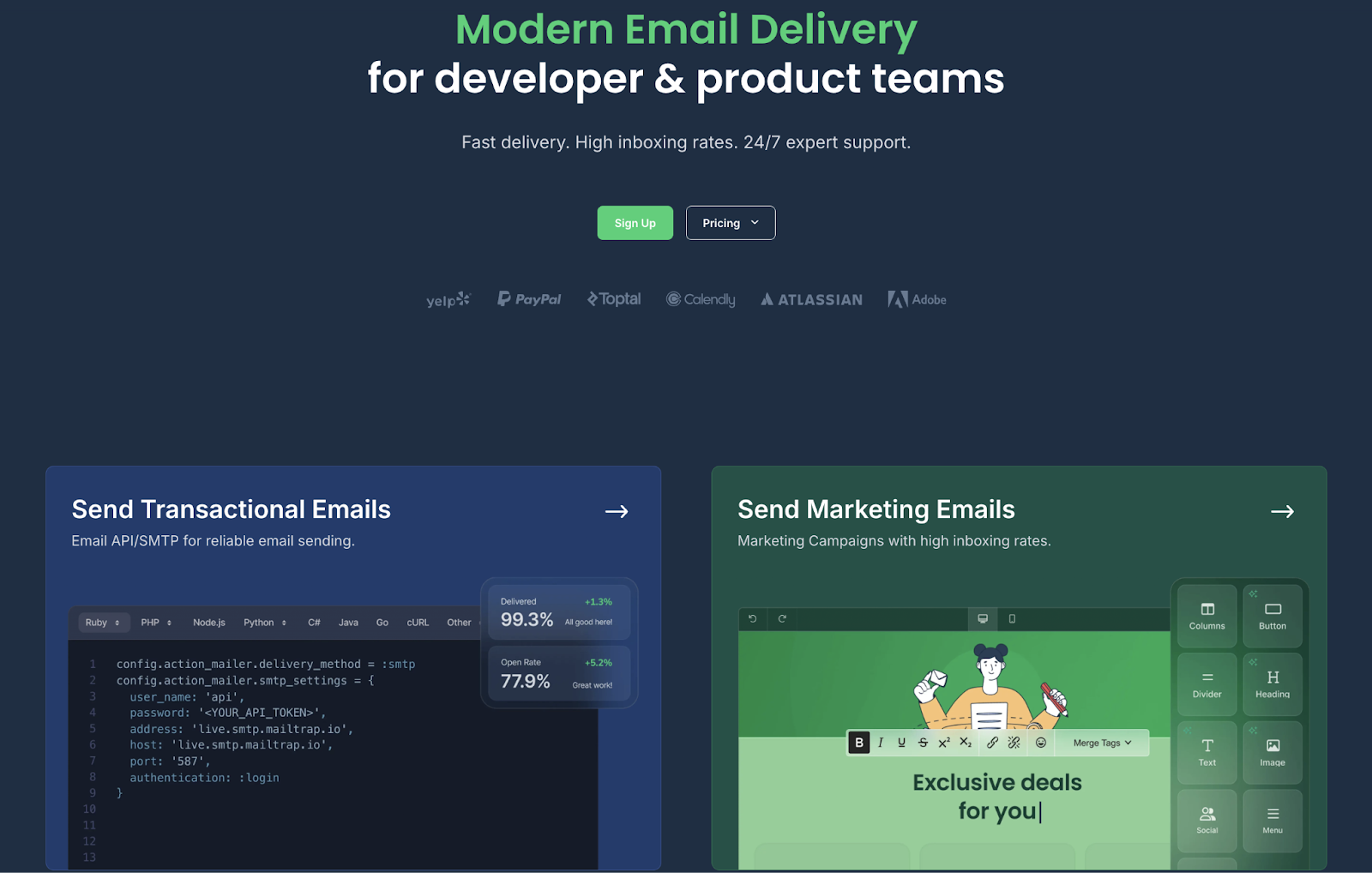
Mailtrap provides the best email API for Laravel developers and product teams. It is a modern email platform with a focus on high inboxing rates, fast delivery, and industry-best analytics.
Some of the companies that use Mailtrap for their email infrastructure include PayPal, Atlassian, Adobe, Calendly, and others.
Email deliverability test results: Mailtrap delivered 78.8% of sent emails to the primary inbox.
| Platform | Email placement results | Spam filter rating | Inbox email delivery with top providers |
| Mailtrap | Inbox: 78.8% Tabs: 4.8% Spam: 14.4% Missing: 2.0% | Google Spam Filter: Not spam; Not phishy Barracuda: Score 0 Spam Assassin: Score: -3.8 | Gmail: 67.50% Outlook: 77.78% Hotmail: 100% Yahoo: 55.56% |
Why is Mailtrap the best for Laravel developers?
- Easy integration: Mailtrap offers a Laravel bridge as part of its official PHP SDK, which allows you to integrate in ~5 minutes with minimal coding.
- High deliverability by design: With Mailtrap, you get high inboxing rates regardless of the plan you choose (even the free tier), since strong deliverability features and high rates are something we consider shouldn’t be locked away behind premium subscriptions.
- Flexible email API: Customizable throttling, 500 messages per batch, and up to 10 MB payload support to fine-tune your sending configuration.
- Dedicated sending streams: Separate streams to send transactional and bulk emails at the same time with improved deliverability. To use them, simply change the API host in your Laravel configuration.
- Actionable analytics: Detailed dashboards where you can see how your emails are performing by tracking the most important metrics, such as opens, clicks, bounces, etc.
- Advanced webhooks: 40 retries every 5 minutes with automatic failure detection, event batching up to 500 events per call to reduce server load, and email notifications when webhooks fail.
- Automatic DKIM rotation: Generated DNS records for your domain registrar, which are rotated every four months, improving your security so you don’t have to worry about email authentication.
Laravel SDK integration
Useful links:
- Official Laravel bridge/driver
- Laravel bridge README
- Sending emails in Laravel
- Sending HTML emails
- Laravel contact forms
- Laravel email verification
For Laravel integration, Mailtrap provides a regularly maintained and updated bridge included in its PHP SDK. The bridge registers a custom transport named ‘mailtrap’ that works with Laravel’s Symfony Mailer-based mail system, enabling seamless integration without manual client instantiation.
To integrate Mailtrap’s email API into your Laravel project, all you need to do is install the package via Composer, register the transport in config/mail.php, and add your credentials to the .env file.
After that, you can use Laravel’s standard Mail::send() or Mailable classes; there is no new syntax required.
Code example:
- Install
composer require railsware/mailtrap-php symfony/http-client nyholm/psr7- config.mail/php
'mailers' => [
    'mailtrap' => [
        'transport' => 'mailtrap',
    ],
],
```

- .env (production):
```
MAIL_MAILER=mailtrap
MAILTRAP_HOST=send.api.mailtrap.io
MAILTRAP_API_KEY=your_api_key
```

- .env (sandbox):
```
MAIL_MAILER=mailtrap
MAILTRAP_HOST=sandbox.api.mailtrap.io
MAILTRAP_API_KEY=your_api_key
MAILTRAP_INBOX_ID=your_inbox_id- Sending (same as any Laravel mail)
use App\Mail\WelcomeMail;
use Illuminate\Support\Facades\Mail;

Mail::to('recipient@example.com')->send(new WelcomeMail($data));
Pros & cons
| Pros | Cons |
| 99.99% uptime SLA provides reliability for critical emails | No SMS sending (email-only platform) |
| Developer-friendly email service with comprehensive Laravel docs and guides | Smaller community compared to SendGrid or AWS |
| Extended email log retention on higher plans for debugging and compliance | |
| Detailed analytics dashboards for tracking opens, clicks, bounces, and spam | |
| Official bridge compatible with Laravel 9+ | |
| Automatic DKIM key rotation every four months | |
| 24/7 expert support (mail, ticket, live chat) |
Security & compliance
Useful links:
| Security | Compliance |
| Strong TLS enforcement, MTA-STS support | GDPR compliant |
| SPF, DKIM, DMARC alignment | Based in EU, but the servers are in the US |
| Granular API keys, IP whitelisting | Compliant with ISO, SOC 2 and HIPAA |
| MFA, RBAC, detailed audit logs | DSAR support & data deletion upon request |
| Robust reputation management, real-time email security monitoring | Detailed logs, exportable |
| Detailed logs, customizable alerts | DPA Available on request |
Pricing
With a generous free tier and three different pricing plans, Mailtrap caters to businesses of all sizes and is quite scalable. Most importantly, features like high deliverability rates and customer support aren’t locked away behind high-tier plans, but are rather available for everyone by design.
Currently, Mailtrap’s Business plan is the most popular, offering 100,000+ emails and advanced features like dedicated IPs on top, all at an affordable price.
| Plan | Monthly cost | Email limit |
| Free | $0 | Up to 4,000 emails |
| Basic | From $15 | 10,000+ emails |
| Business (the most popular) | From $85 | 100,000+ emails |
| Enterprise | From $750 | 1,500,000 emails |
| Custom | Custom | From 1,500,000 |
For more details, please consult the official Mailtrap pricing page.
Testimonials
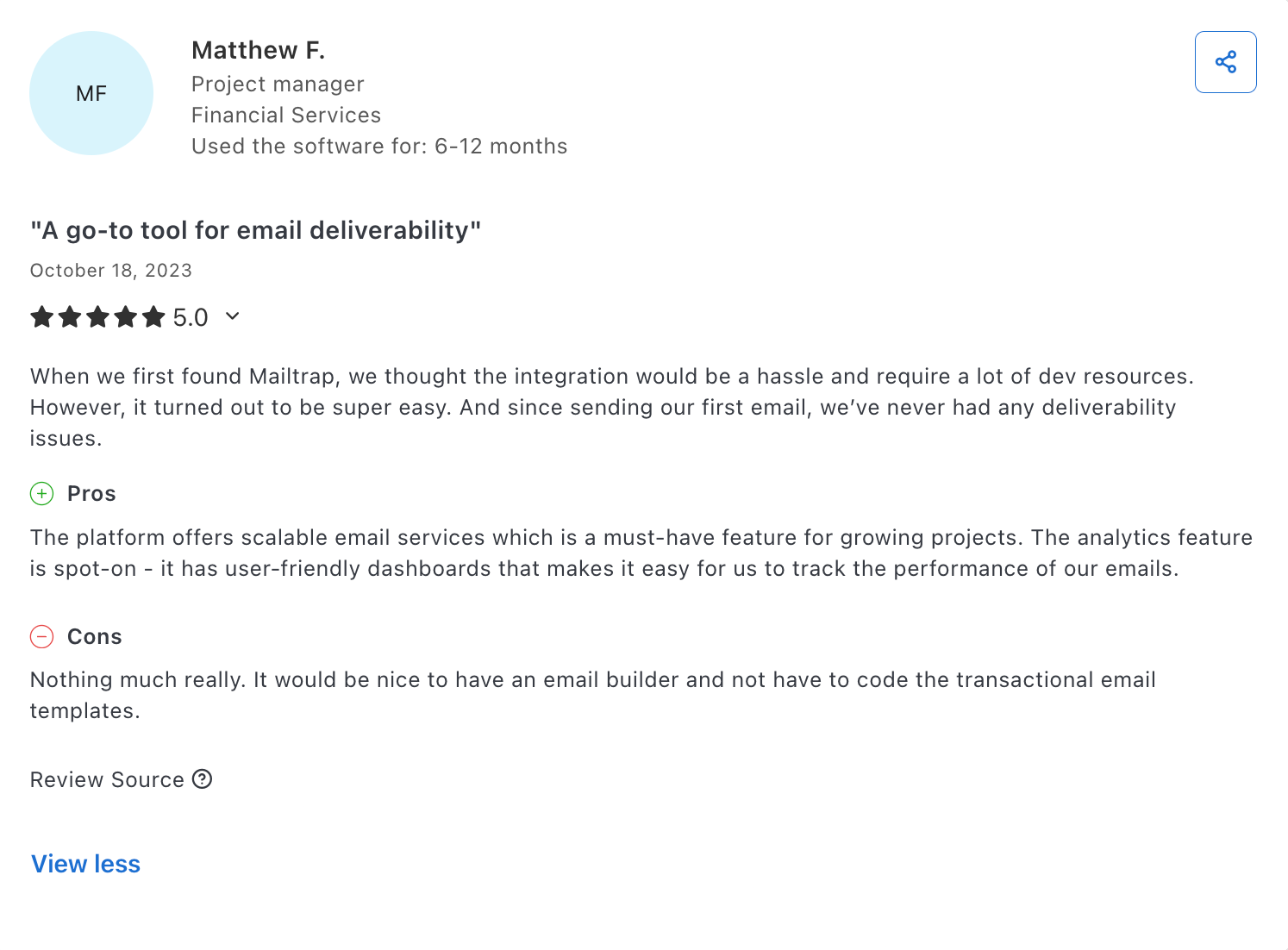
In general, I’ve noticed that people praise Mailtrap for its straightforward integration and setup, email deliverability, and the ability to leverage its API for everything.

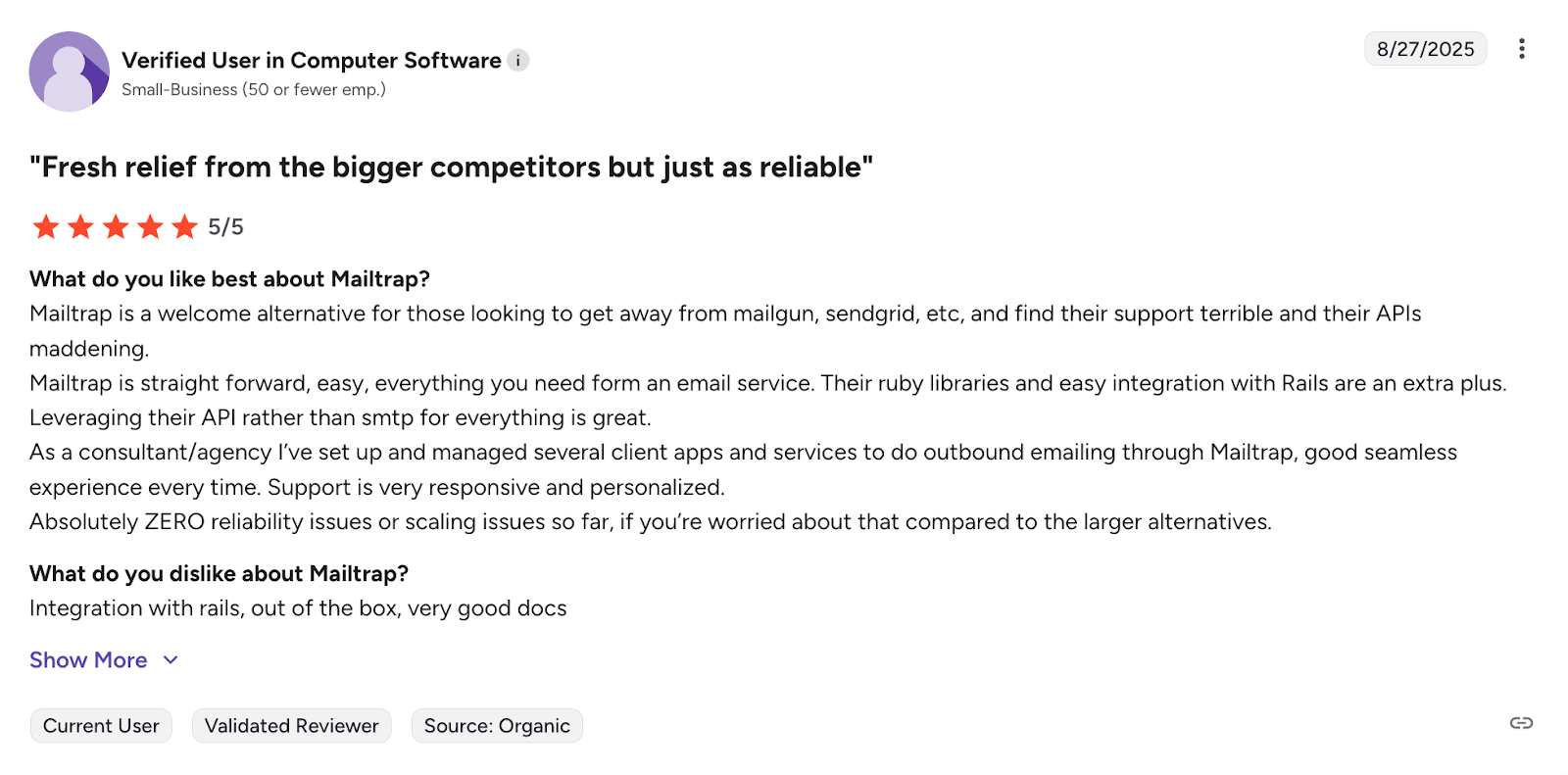
There are also comments on Mailtrap’s scalability and user-friendly analytics dashboard for tracking the performance of your emails.

SendGrid: Best for enterprises

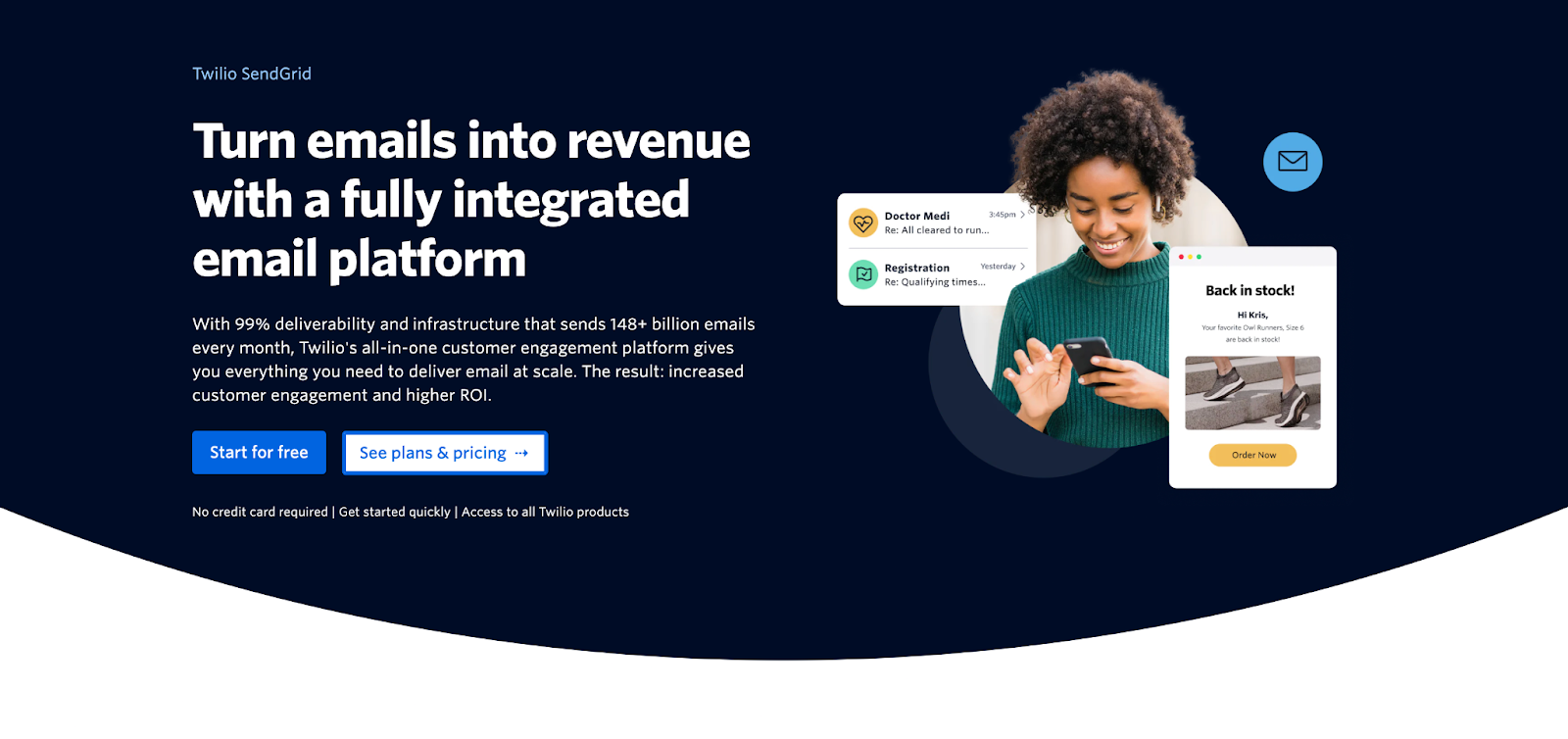
SendGrid is a communication platform for transactional and marketing email sending that offers an email API for large developer teams and enterprises. It offers extra quality-of-life features, a high level of multitenancy support, and a flexible email API.
Email deliverability test results: SendGrid delivered 61.1% of sent emails to the primary inbox.
| Platform | Email placement results | Spam filter rating | Inbox email delivery with top providers |
| SendGrid | Inbox: 61.0% Tabs: 1.0% Spam: 17.1% Missing: 20.9% | Google Spam Filter: Not spam; Not phishy Barracuda: Score 0 Spam Assassin: Score: -0.1 | Gmail: 75% Outlook: 0% Hotmail: 0% Yahoo: 33.33% |
Why Laravel developers choose SendGrid
- Built-in Laravel driver: Native
MAIL_MAILER=sendgridwith SMTP/API relay; supports Mailables/queues and up to 100 emails per connection. - Dynamic templates: Drag-and-drop editor with Handlebars templates, versioning, and A/B testing for personalized emails.
- Marketing + transactional: Send both newsletters and transactional emails at a scale of up to millions per month (separate subscription plans required).
- Twilio ecosystem: Combine email with SMS via Twilio’s unified API. Subuser management allows teams to isolate sending environments, track metrics separately, and manage permissions across projects.
- Insights and diagnostics: Open, click, and bounce rate tracking in real time with webhooks, which deliver event data instantly.
Laravel SDK integration
Useful links:
SendGrid doesn’t offer an official Symfony transport, but you can integrate your Laravel project via the well-known community-maintained s-ichikawa driver. The package provides a native Laravel mail driver and allows you to use everything SendGrid’s API has to offer, from sending emails to using dynamic templates.
And don’t let the fact that it’s community-based deter you from using it. S-ichikawa driver has well over 8 million downloads on Packagist and has been mentioned on the Laravel news portal.
Code example:
- Install
composer require s-ichikawa/laravel-sendgrid-driver- config/services.php
'sendgrid' => [
    'api_key' => env('SENDGRID_API_KEY'),
],
```

- .env:
```
MAIL_MAILER=sendgrid
SENDGRID_API_KEY=your_api_key- Sending (same as any Laravel mail)
use App\Mail\WelcomeMail;
use Illuminate\Support\Facades\Mail;

Mail::to('recipient@example.com')->send(new WelcomeMail($data));
Pricing
Although it keeps its Email API and marketing features separate, SendGrid at least offers a variety of pricing plans for you to choose from, at affordable prices.
| Plan | Monthly | Email volume |
| Free | $0 | 100 emails/day (60-day trial) |
| Essentials | $19.95 | 50,000 emails |
| Pro | $89.95 | 100,000 emails |
| Premier | Custom | Enterprise volume |
For more details, please consult the official SendGrid pricing page.
Pros & cons
| Pros | Cons |
| High throughput for sending emails | Reports of unresponsive customer support |
| Comprehensive documentation | Verification issues and user suspension |
| Email validation functionality | |
| Pre-warmed up IPs | |
| Widely integrated across services and frameworks |
Security & compliance
Useful links:
| Security | Compliance |
| Enforced TLS, MTA-STS | GDPR compliant |
| SPF, DKIM, DMARC | EU region selectable, US default |
| Scoped API keys, IP access management | SOC 2, ISO 27001, HIPAA certified |
| MFA, RBAC, SSO | Supports DSARs, deletion, data export |
| Real-time spam feedback, proactive monitoring | Logging via Twilio’s security tools |
| Activity feed, email event webhooks | DPA available |
Testimonials
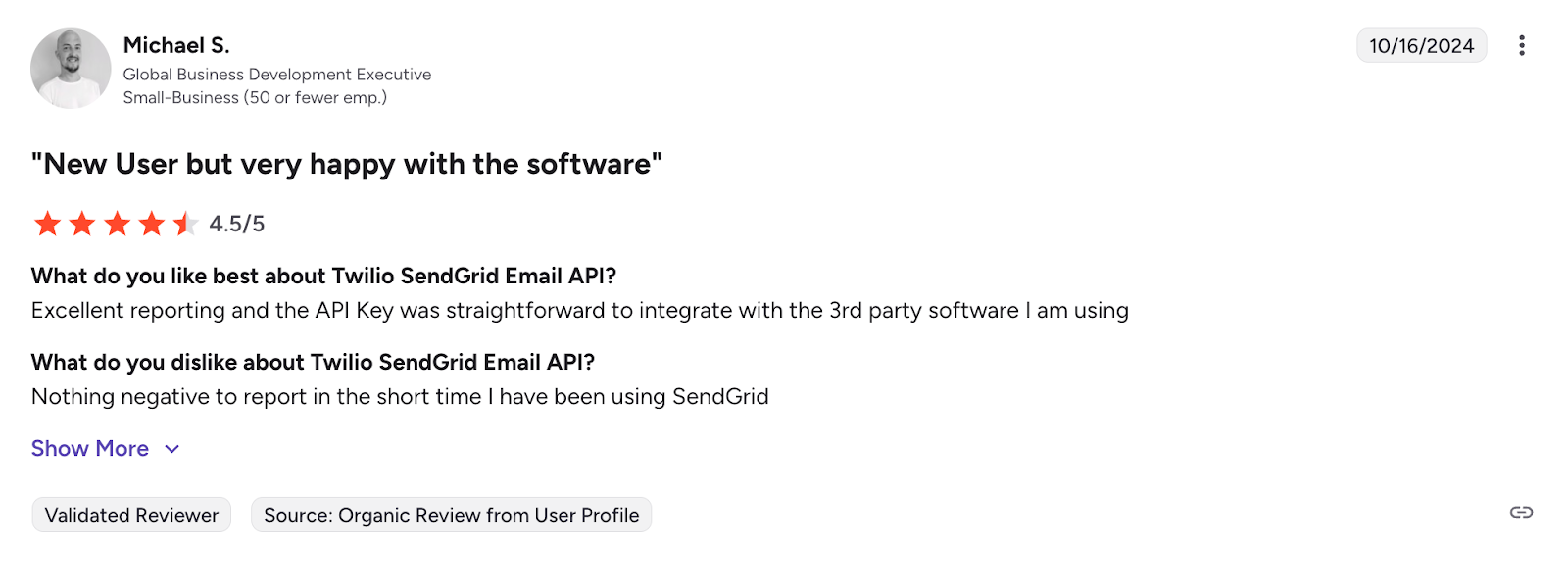
When it comes to community reception and SendGrid, most users are happy with how they are able to integrate its email API, and they think the platform’s reporting is mostly excellent.

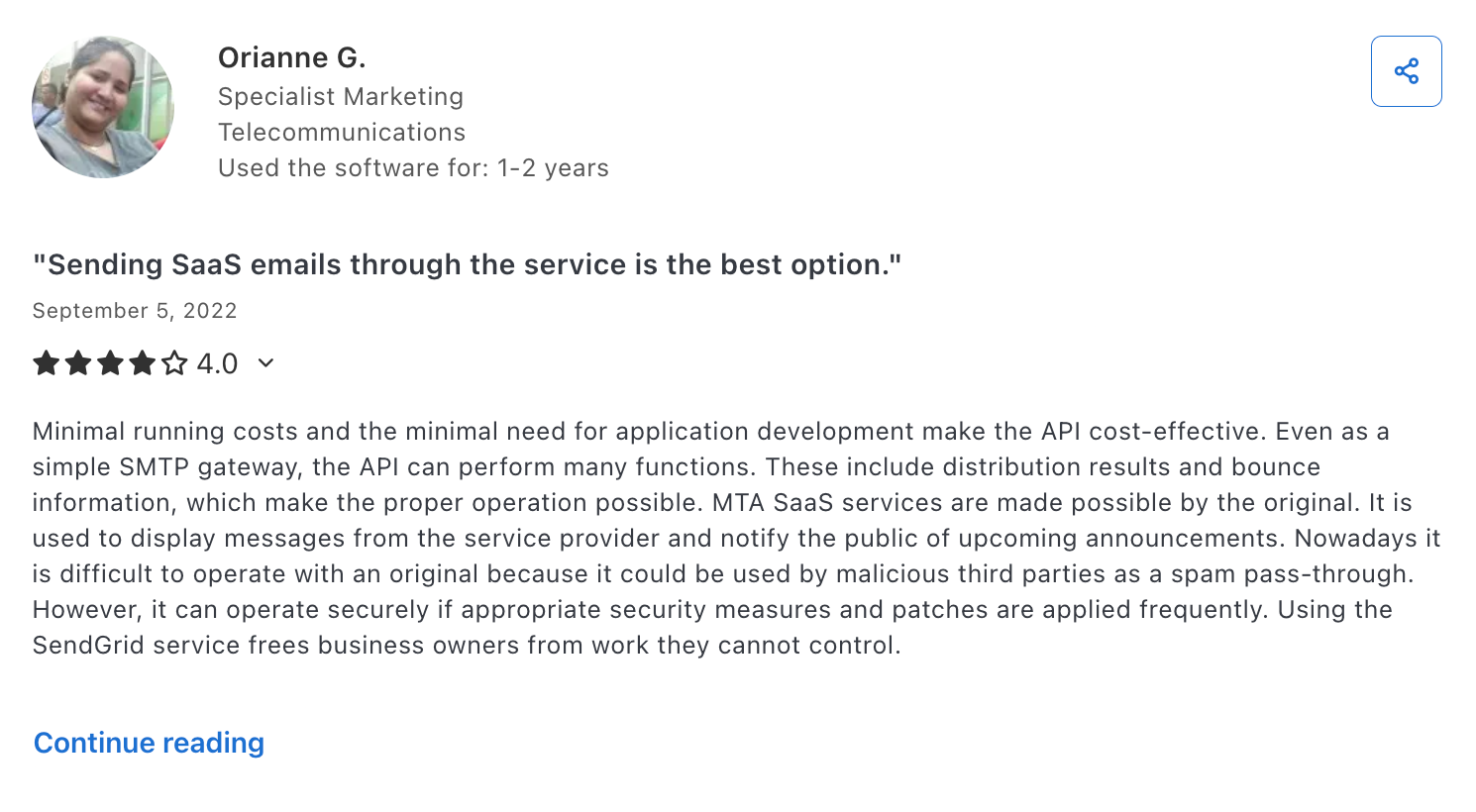
Others like its affordability and the minimal need for application development when using the email API.

Further reading:
- I Tested 6 SendGrid Alternatives: Here’s What I Found
- How SendGrid compares to Mailtrap Email Delivery Platform
Mailgun: Best for validation

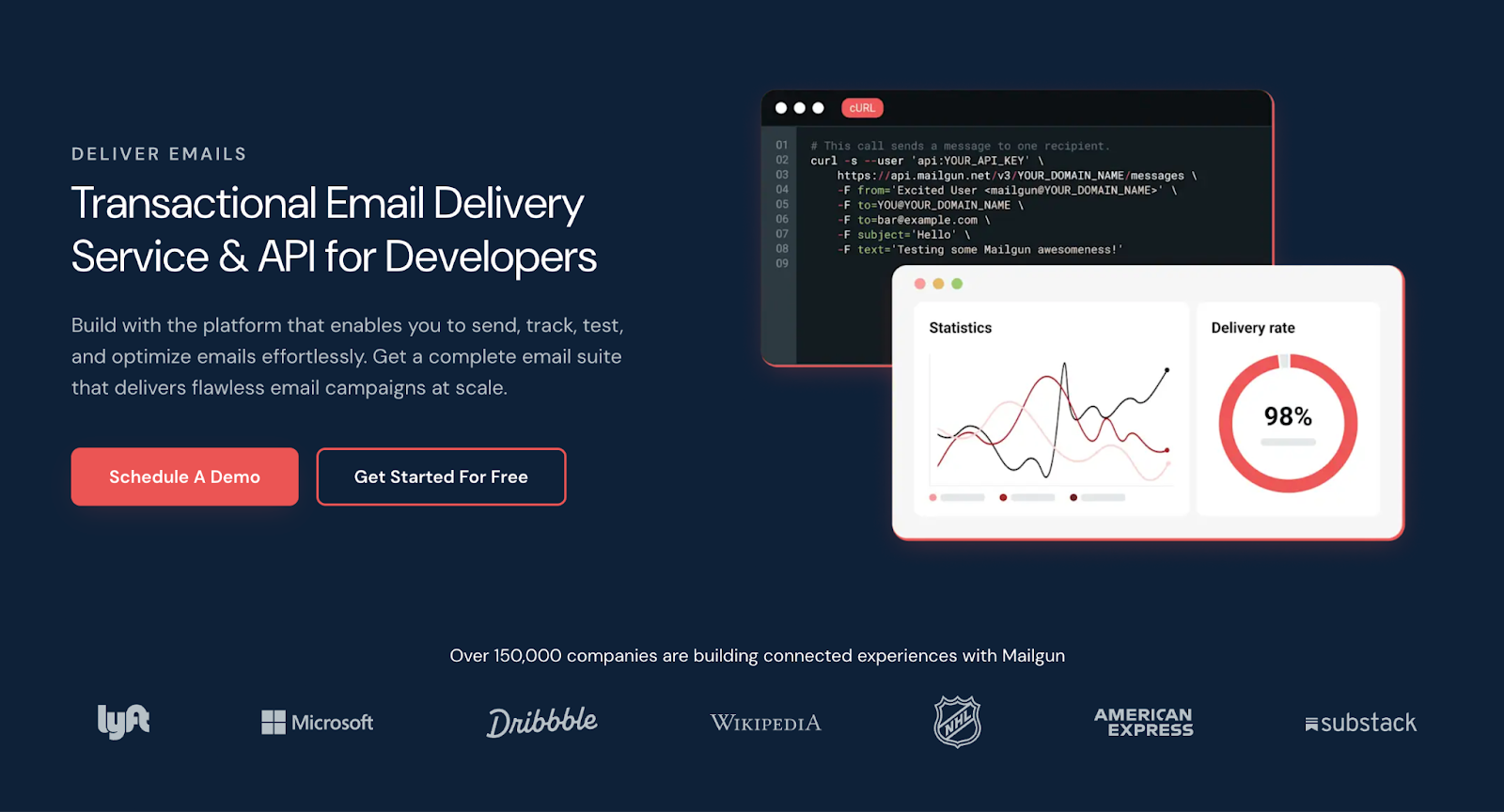
Mailgun is a developer-focused platform for transactional and marketing email sending that offers an API with a focus on batch sending, scalability, list quality, and validation.
Email deliverability test results: Mailgun delivered 71.4% of emails in the primary inbox.
| Platform | Email placement results | Spam filter rating | Inbox email delivery with top providers |
| Mailgun | Inbox: 71.0% Tabs: 3.8% Spam: 23.8% Missing: 1.0% | Google Spam Filter: Not spam; Not phishy Barracuda: Score 0 Spam Assassin: Score: -5.3 | Gmail: 100% Outlook: 66.67% Hotmail: 40% Yahoo: 33.33% |
Why Laravel developers choose Mailgun
- Native Laravel Driver: Built-in
MAIL_MAILER=mailgunsupport with API/SMTP options; send via Mailables or queues in one line. - Email validation API: Pre-send checks (DNS/MX records, disposable detection) to boost deliverability and reduce bounces.
- Bulk/Batch Sending: Efficient for newsletters (1k recipients per call) and scales to millions without loops.
- Event logging: Searchable logs retained for up to 30 days, depending on your subscription plan, and structured webhooks, which are available to all users.
- Solid compliance: Fully compliant with GDPR and HIPAA via BAA and secure features, with a SOC 2 certification.
Laravel SDK integration
Useful links:
Mailgun uses the official Symfony transport package, and all versions of Laravel past 9 have Mailgun pre-configured as a native mail driver. This means that to integrate, all you need to do is install the package and add your credentials.
One thing to keep in mind: Mailgun operates a separate infrastructure for the US and EU regions. If you created your Mailgun account in the EU, you’ll need to set the endpoint accordingly. Otherwise, your API calls will fail or return authentication errors.
Code example:
- Install
composer require symfony/mailgun-mailer symfony/http-client- config/services.php
'mailgun' => [
    'domain' => env('MAILGUN_DOMAIN'),
    'secret' => env('MAILGUN_SECRET'),
    'endpoint' => env('MAILGUN_ENDPOINT', 'api.mailgun.net'),
],
```

- .env:
```
MAIL_MAILER=mailgun
MAILGUN_DOMAIN=mg.yourdomain.com
MAILGUN_SECRET=your_api_key- Sending (same as any Laravel mail):
use App\Mail\WelcomeMail;
use Illuminate\Support\Facades\Mail;

Mail::to('recipient@example.com')->send(new WelcomeMail($data));
Pricing
Mailgun has super straightforward pricing plans, which offer solid money-to-email value. However, note that to use its advanced features to the fullest (i.e., email validation API or email preview), you need to subscribe to Mailgun Optimize plans.
| Plan | Monthly cost | Email volume |
| Free | $0 | 100 emails/day |
| Basic | $15 | 10,000 emails |
| Foundation | $35 | 50,000 emails |
| Scale | $90 | 100,000 emails |
For more details, please consult the official Mailgun pricing page.
Pros & cons
| Pros | Cons |
| Scalable infrastructure (600B emails/year) | Steep learning curve for junior devs |
| Email validation API (pre-send checks) | Pricing can become expensive at scale (extras can quickly add up) |
| Official Symfony transport package | Reports of email issues and account suspensions; for more info, read A Word of Caution for Laravel Developers |
| Inbound email support (routes to Laravel Mailbox) | |
| EU & US data centers for global compliance |
Security & compliance
Useful links:
| Security | Compliance |
| Mandatory TLS, MTA-STS | GDPR compliant |
| SPF, DKIM, DMARC | EU region sending & storage |
| Manage API keys, IP restrictions | SOC 2, ISO 27001, HIPAA (with BAA) certified |
| MFA, granular user permissions | User data deletion & subject access |
| Spam detection, bounce handling | Logging & audit trails |
| Detailed event logs, webhooks for notifications | DPA available |
Testimonials
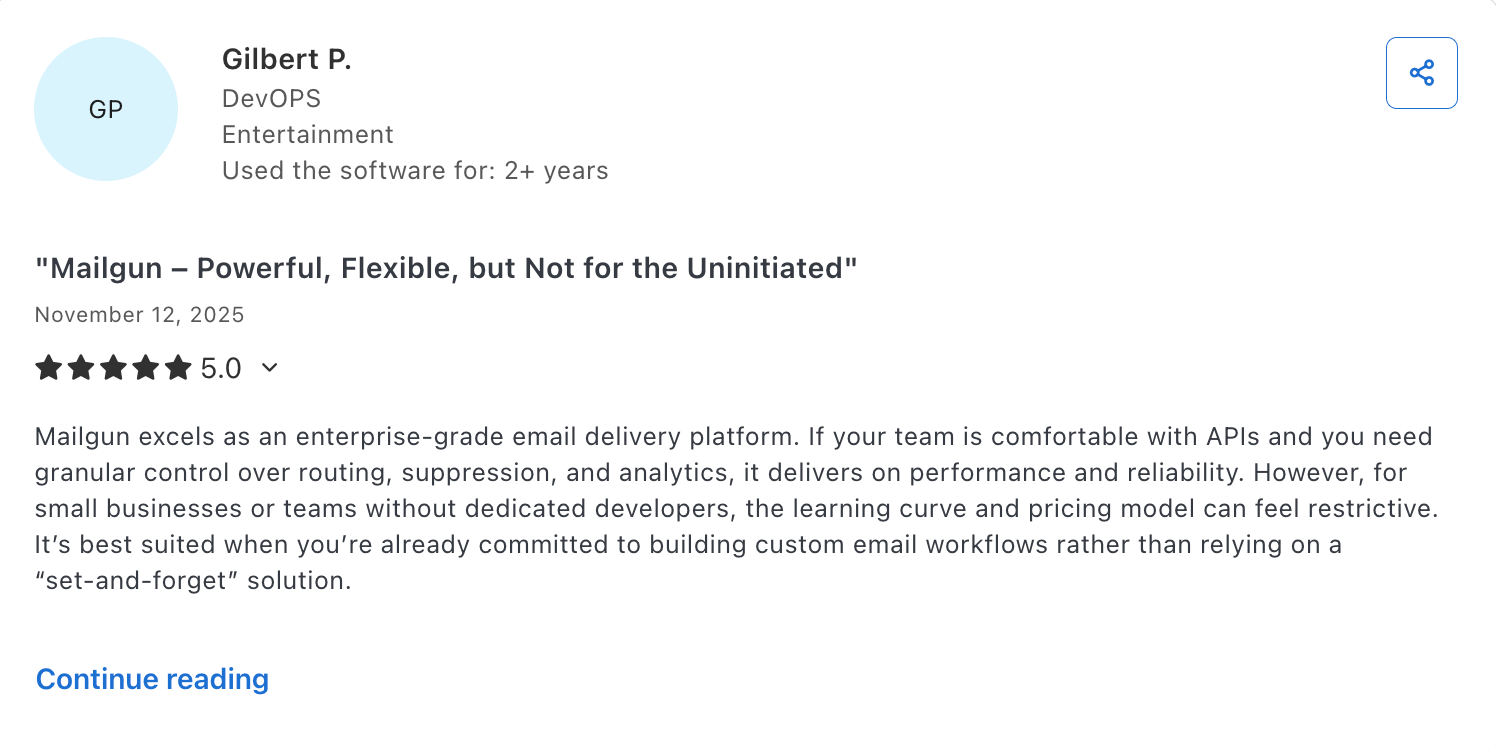
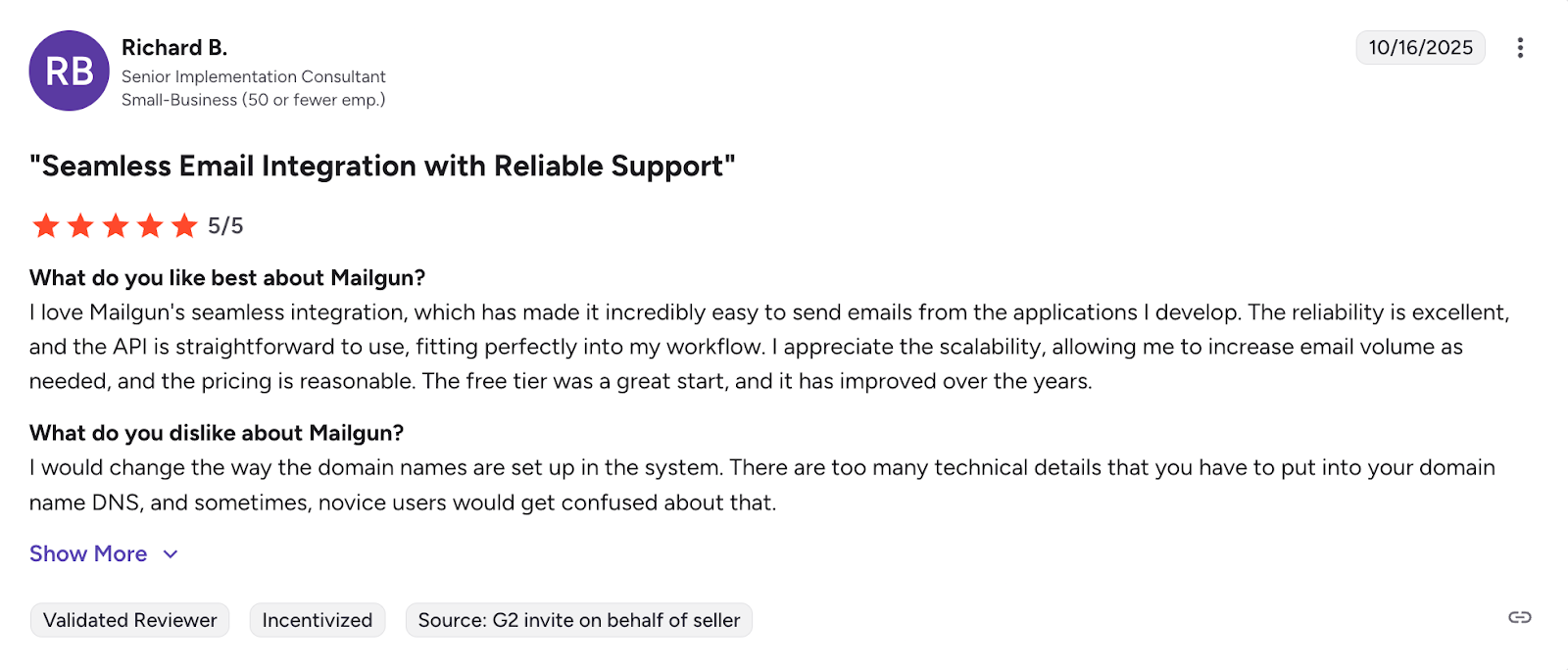
As I have expected to some extent, Mailgun users think its API is powerful and flexible, but that it also requires some experience to work with. Essentially, if you’re comfortable with it, you can use it to its fullest.

Seamless integration, reliability, and scalability are also some of the keywords I’ve stumbled upon when reading through Mailgun user reviews.

Further reading: I Tried & Compared 6 Best Mailgun Alternatives: My Findings 💡
Amazon SES: Best for AWS users

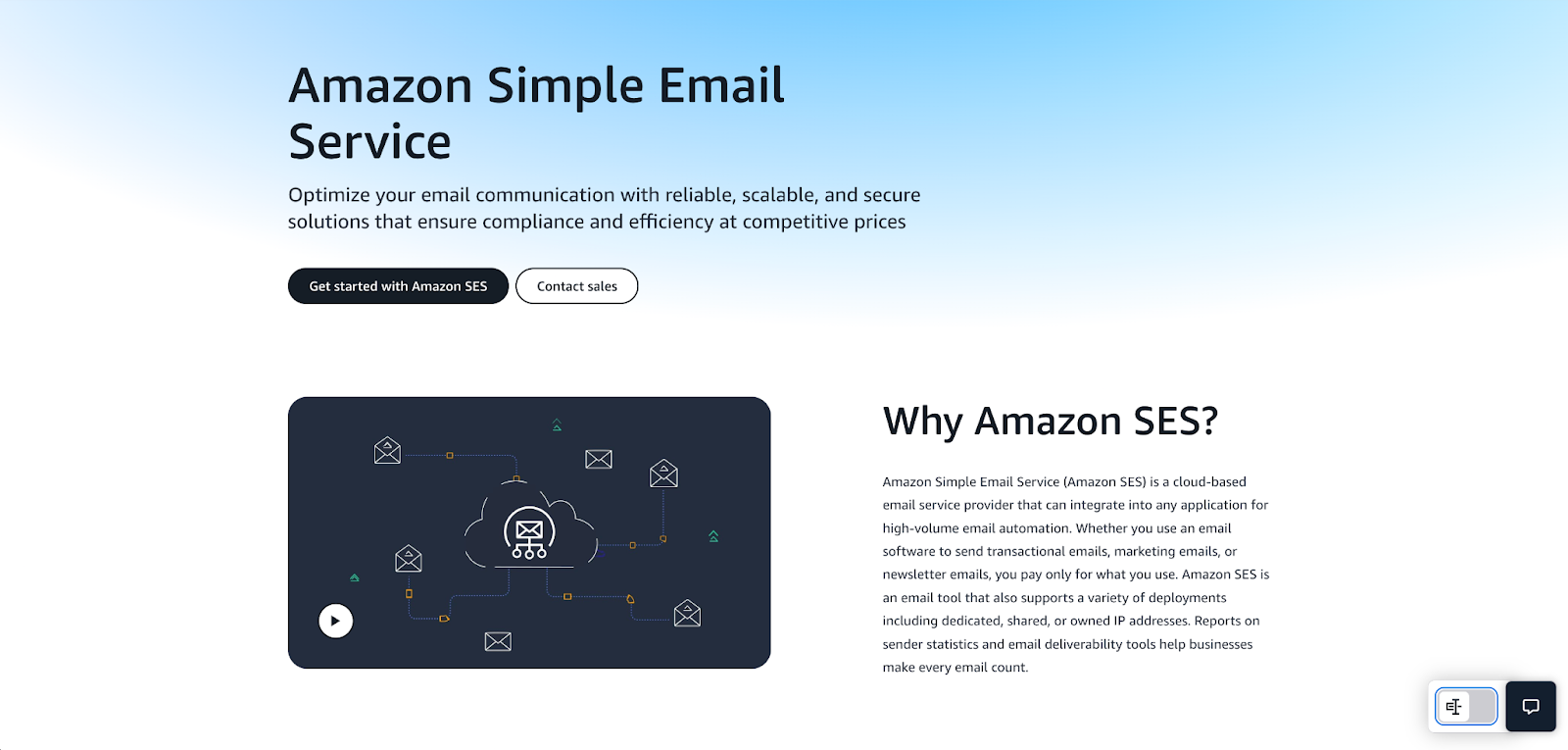
Amazon SES (Simple Email Service) provides an email API for experienced developer teams who are comfortable working with the AWS infrastructure and who could benefit from its numerous integrations that come with its ecosystem.
Email deliverability test results: Amazon SES delivered 77.1% of emails to the primary inbox.
| Platform | Email placement results | Spam filter rating | Inbox email delivery with top providers |
| Amazon SES | Inbox: 77.1% Tabs: 1.9% Spam: 20.0% Missing: 1.0% | Google Spam Filter: Not spam; Not phishy Barracuda: Score 0 Spam Assassin: Score: -4.3 | Gmail: 87.50% Outlook: 100% Hotmail: 100% Yahoo: 44.44% |
Why Laravel developers choose Amazon SES
- Native mailer: Laravel’s built-in SES driver via AWS SDK for PHP supports Mailables for templated emails, seamless email queuing with jobs (Redis/Horizon), and SNS webhook integration for real-time bounce or complaint notifications.
- The most affordable: Amazon SES uses a pay-per-use pricing model and offers 1K emails for as low as $0.10. Moreover, EC2 users get 62K free emails per month.
- Super scalable: SES powers trillions of emails every year (think Netflix numbers), features automatic throttling, offers reputable shared IPs, as well as dedicated IPs, and provides many other features you can use to increase your sending volume efficiently.
- AWS Global Infrastructure: If you know your way around AWS, you can integrate it with Lambda, EC2, S3, Identity and Access Management (IAM), and many other useful tools from the ecosystem.
- Compliance ready: Amazon SES leverages AWS’s robust compliance framework, covering GDPR, SOC 1/2/3, PCI DSS, HIPAA, FedRAMP, and many others.
Laravel SDK integration
Useful links:
Like Mailgun, for Laravel integration, Amazon SES uses the official Symfony transport package. Laravel 9+ has SES pre-configured as a native mail driver.
To integrate Amazon SES into your Laravel project, install the Symfony mailer package via Composer, add your AWS credentials to config/services.php, and set your API key and region in the .env file. Note that SES also requires IAM permissions to be configured in your AWS console before sending.
Note: Note that SES also requires IAM permissions to be configured in your AWS console before sending.
Code examples:
- Install:
composer require aws/aws-sdk-php- config/services.php:
'ses' => [
    'key' => env('AWS_ACCESS_KEY_ID'),
    'secret' => env('AWS_SECRET_ACCESS_KEY'),
    'region' => env('AWS_DEFAULT_REGION', 'us-east-1'),
],- .env:
MAIL_MAILER=ses
AWS_ACCESS_KEY_ID=your_key
AWS_SECRET_ACCESS_KEY=your_secret
AWS_DEFAULT_REGION=us-east-1- Sending (same as any Laravel mail):
use App\Mail\WelcomeMail;
use Illuminate\Support\Facades\Mail;

Mail::to('recipient@example.com')->send(new WelcomeMail($data));
Pricing
I know it’s hard to believe that, as a solution from Amazon, SES is the most affordable on the market, so here’s a table of the ballpark numbers you can expect for common email volumes.
| Item | Volume / Details | Cost | Notes |
| Outbound emails | 1,000 emails | $0.10 | First 3,000/month free for 12 months |
| Outbound emails | 10,000 emails | $1.00 | Per-recipient billing |
| Outbound emails | 100,000 emails | $10.00 | Per-recipient billing |
| Attachments / data | 1GB | $0.12 | Additional outbound data transfer |
| Dedicated IPs | 1 IP per month | $24.95 | No volume minimum, but recommended for 100k+/day |
For more details, please consult the official Amazon SES pricing page.
Pros & cons
| Pros | Cons |
| Highly configurable email API and infrastructure | Requires some experience and AWS technical knowledge (IAM, regions) |
| Natively integrates with the AWS ecosystem (i.e. Lambda, EC2, queues, etc.) | Takes some time to set up due to the sandbox mode configuration |
| Strong and reputable shared IPs (dedicated IPs available) | Limited analytics (use CloudWatch/SNS; no built-in opens/clicks) |
| Supports data residency for EU, US, and Asia | Raw HTML only for email templates |
| Native Laravel driver (ses mailer) | |
| Cheapest at scale ($0.10/1k emails post-62k free) |
Security & compliance
Useful links:
- Service-level security overview
- Data protection in Amazon SES
- Compliance validation for SES
- Security and compliance center
- AWS GDPR center
| Security | Compliance |
| Opportunistic / forced TLS, MTA-STS (manual setup) | GDPR compliant |
| SPF, DKIM, custom MAIL FROM, DMARC | Region-specific data storage (EU/US/Asia) |
| IAM policies, granular access control | SOC 2, ISO 27001, HIPAA certified |
| IAM, MFA, CloudTrail integration | IAM-level controls & data export tools |
| Reputation dashboards, feedback loops | CloudTrail logging |
| Extensive logs via CloudWatch/ CloudTrail | DPA available through AWS DPA |
Testimonials
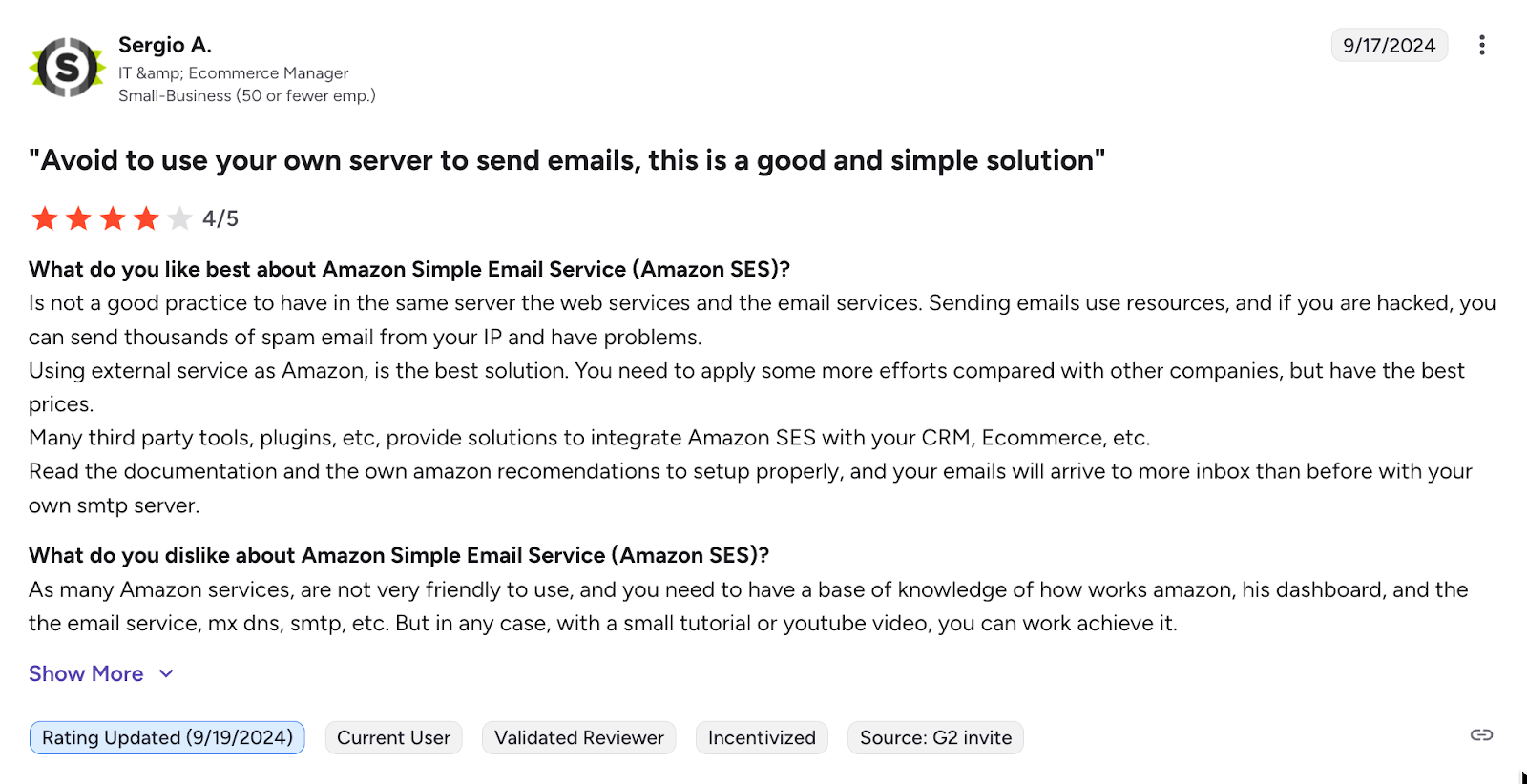
Whether you browse through review websites like Capterra or community forums like StackOverflow, you’ll see the same: people saying how SES is reliable, scalable, and affordable. And it really is true.

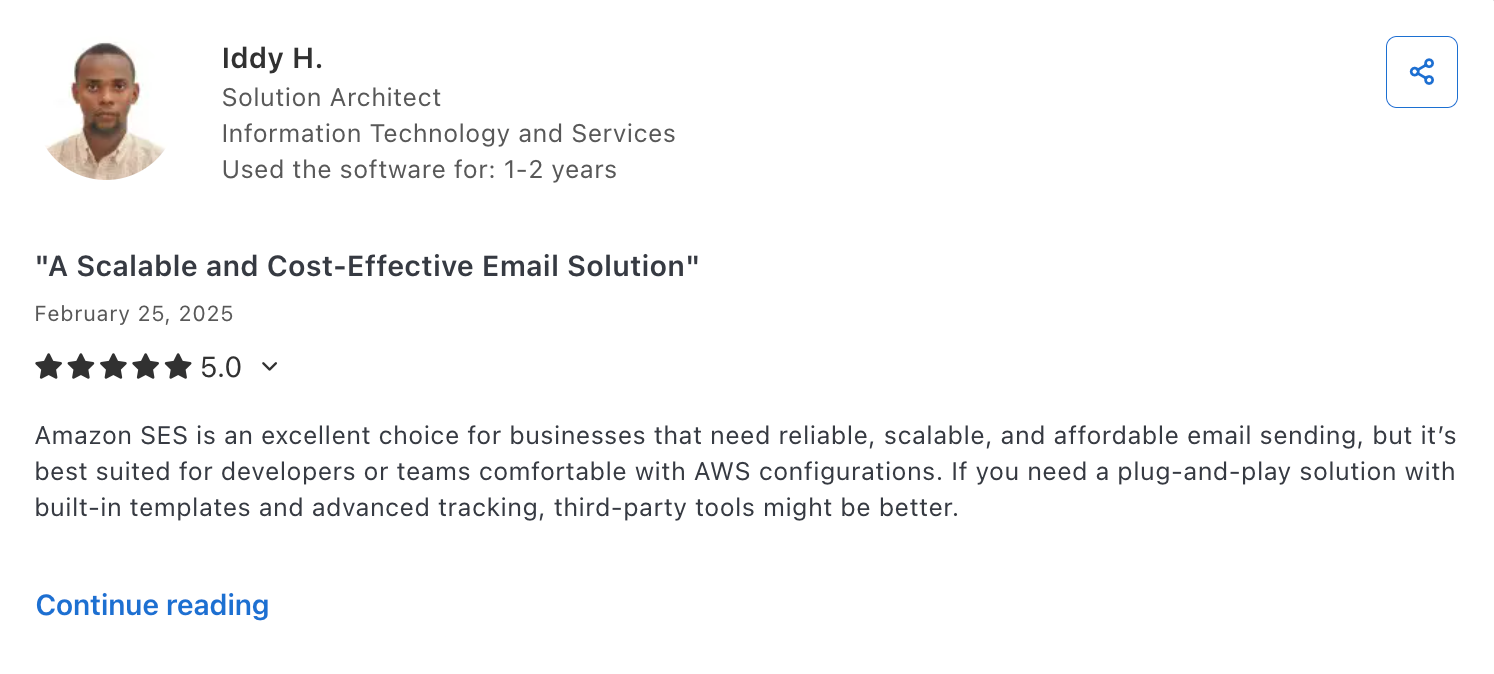
On the other hand, I’ve seen many comments on how Amazon SES is not user-friendly and takes effort to set up and use. This is, unfortunately, also true.

Further reading: 6 Best Amazon SES Alternatives: Which One Is Worth Switching To 👀
Postmark: For transactional emails at a higher cost
Postmark is best for developers who need a robust email API geared for sending transactional emails with inbound email capabilities.
Email deliverability test results: Postmark delivered 83.3% of emails to the primary inbox in our tests.
| Platform | Email placement results | Spam filter rating | Inbox email delivery with top providers |
| Postmark | Inbox: 83.3% Tabs: 1.0% Spam: 14.3% Missing: 0.9% | Google Spam Filter: Not spam; Not phishy Barracuda: Score 0 Spam Assassin: Score: -4.3 | Gmail: 100% Outlook: 100% Hotmail: 80% Yahoo: 77.78% |
Why Laravel developers choose Postmark
- Native Laravel driver: Uses the official Symfony transport package (symfony/postmark-mailer) for a super straightforward integration and setup. Works with Mailables, queues, and notifications.
- Deliverability-focused: High inbox placement rates for transactional emails, separate streams (no bulk mixing), auto bounce handling, and 45-day event logs.
- Easy templates: Drag-and-drop editor with Laravel variable injection, which means you don’t have to maintain HTML/CSS.
- Developer tools: Webhooks for Laravel Mailbox, custom tags and email headers, and detailed analytics for debugging SPF/DKIM issues.
- Delivery transparency: On the Time to Inbox page, you can see how long it takes for Postmark to deliver emails to different mailbox providers, which is a cool little detail that not many email API providers are bothered to hand over to users.
Laravel SDK integration
Useful links:
Like Mailgun and Amazon SES, Postmark uses the official Symfony transport package, so the integration is pretty straightforward.
It’s also worth mentioning that although Postmark sends transactional and broadcast (bulk/mass) emails through different streams, Laravel will send emails through the transactional stream by default. So, if you wish to use the broadcast stream, make sure to add ‘message_stream_id’ => ‘broadcast’ to your Postmark config.
Code examples:
- Install
composer require symfony/postmark-mailer symfony/http-client- config/services.php
'postmark' => [
    'token' => env('POSTMARK_TOKEN'),
],
```

- .env:
```
MAIL_MAILER=postmark
POSTMARK_TOKEN=your_server_token- Sending (same as any Laravel mail):
use App\Mail\WelcomeMail;
use Illuminate\Support\Facades\Mail;

Mail::to('recipient@example.com')->send(new WelcomeMail($data));
Pricing
Although it’s a bit on the more expensive end, I have to admit, Postmark at least provides you with more than enough email volume and features for your money’s worth. You get plenty of user seats, 45-day email logs, and more.
One of the few negatives I have to mention is that dedicated IPs cost $50 per month, and to be eligible for the addon, you need to be sending at least 300,000 emails/month.
| Plan | Monthly cost | Email limit |
| Free | $0 | 100 |
| Basic | From $15,00 | 10,000+ |
| Pro | From $60,50 | 50,000+ |
| Platform | From $138,00 | 125,000+ |
For more details, please consult the official Postmark pricing page.
Pros & cons
| Pros | Cons |
| Reliable email API focused on transactional email delivery | Higher pricing at scale than some competitors like Mailtrap or Amazon SES |
| Good documentation with Laravel-specific guides | Support via AI/tickets (fast but no live chat on basic plans) |
| Ability to receive emails on top of being able to send them | Dedicated IPs cost $50/month and you need to send 100k emails/month to be eligible |
| True separate streams for sending transactional/marketing emails | |
| Laravel Mailbox integration for inbound |
Security & compliance
Useful links:
| Security | Compliance |
| TLS 1.2+ enforced | GDPR compliant |
| SPF, DKIM, DMARC | All data hosted in US |
| Restricted API tokens, IP whitelisting. | SOC 2, ISO 27001 and certified, no HIPAA |
| MFA, team roles, activity feed | Data subject rights support |
| Proactive spam filters, bounce management | Granular activity logging |
| Detailed activity logs, webhooks | DPA available upon request |
Testimonials
According to the user reviews, Postmark does exactly what it promises to do: efficiently deliver transactional emails, whether it’s login info, alerts, or notifications.

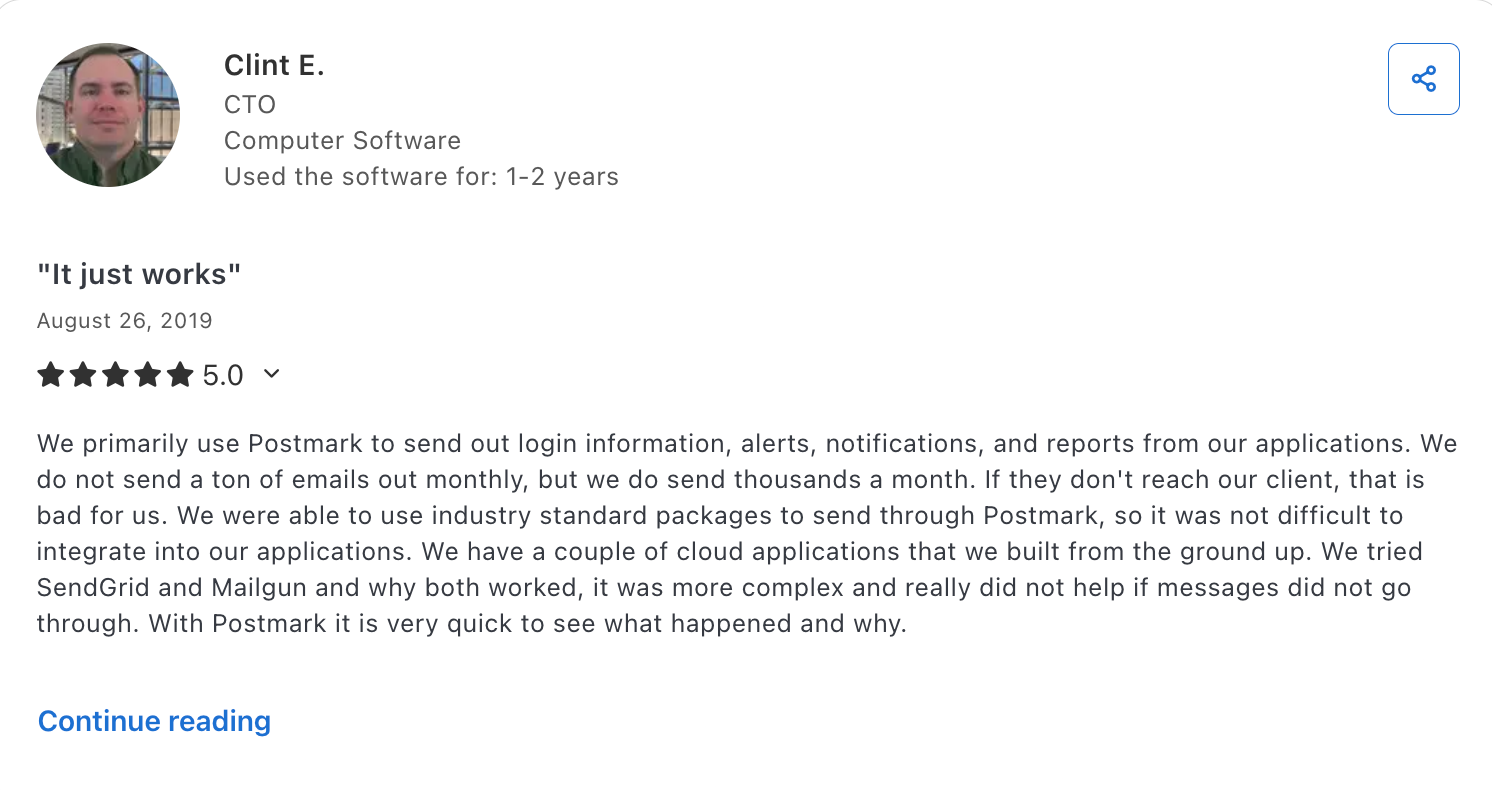
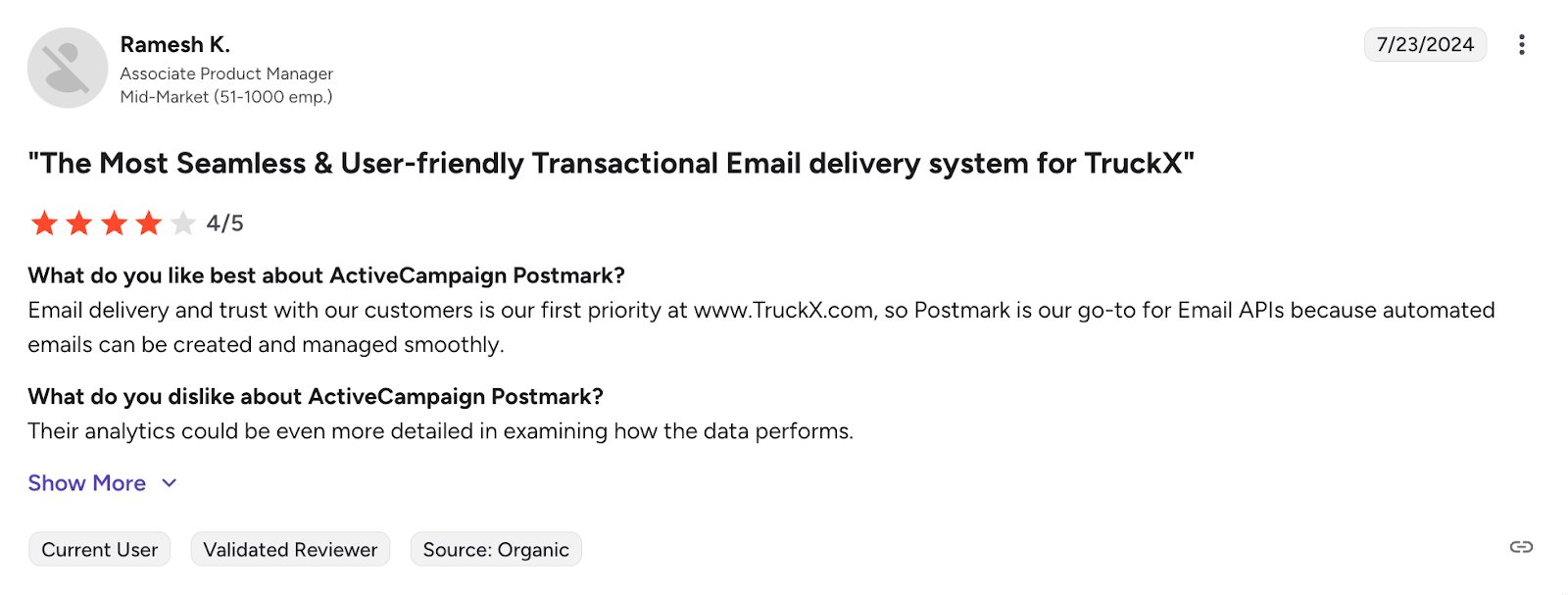
Users also say Postmark is straightforward to integrate and user-friendly, and that managing automated notifications and emails is smooth with it. A common downside mentioned was the lack of in-depth analytics.

Further reading: I Tested 6 Postmark Alternatives: Here’s What I Found ⬅️
Wrapping up
We know that finding the best Laravel email API service can be a headache, so we sincerely hope this article gives you a better idea of which solution is the best fit for you and your team. If you’re still stuck, don’t forget that you can check out each API from this article for free, test it out, and see whether it works.
And to sum the article up, here are the best email APIs for Laravel developers by use case:
- Mailtrap for high-volume developer teams and product companies.
- SendGrid for enterprise users who need to send both transactional and marketing emails.
- Mailgun for developer teams with sending expertise who need logs and a validation API.
- Amazon SES for developers with experience in the AWS ecosystem.
- Postmark for teams that want to send transactional emails without any over-the-top features.

Frequently asked questions
What is the best email API for Laravel developers?
The best email API for Laravel developers is Mailtrap since it provides fast delivery, high inboxing rates, and expert customer support. On top of that, it’s easy to integrate for you and your team due to its official Laravel bridge and comprehensive API documentation.
How to integrate an email API with a Laravel application?
To integrate an email API with Laravel, install the provider’s package via Composer (e.g., composer require railsware/mailtrap-php symfony/http-client nyholm/psr7), insert your API credentials, and send emails using Laravel mail facade or Mailable classes.
What features should I prioritize when choosing an email service for Laravel?
When choosing an email service for Laravel, start with the basics: straightforward integration, robust documentation, and compatibility with your Laravel project’s version. Then, make sure the provider’s email infrastructure is reliable, comes with SLAs, and has features to help you land in your recipients’ inboxes. Finally, check for customer support availability, hidden costs, and overages.
Which email service is most cost-effective for Laravel developers?
Amazon SES is the most cost-effective email API for Laravel developers, since it operates based on a pay-as-you-go pricing model, with 1,000 emails costing $0.10. However, it comes with quite a steep learning curve, so if you want another affordable but easy-to-use alternative, try Mailtrap. The platform offers high deliverability rates by design, has a generous free forever plan (4,000 emails/month), and its pricing plans start from 10,000 emails for $15/month.