



The best email APIs for Node.js developers are Mailtrap, Mailgun, SendGrid, Amazon SES, and Postmark.
I tested each by building a demo application and integrating all services to find which provides the best SDK. I measured what actually matters:
- SDK quality – TypeScript support, error handling, the quality of documentation, and npm adoption.
- Setup speed – Timed from npm install to first successful send.
- Real email deliverability: I sent emails to Apple Mail, Gmail, Outlook, and Yahoo, measuring actual inbox placement. (Note that the mailbox providers requirements have tightened over the past couple of years)
- True cost – Including hidden fees and scaling costs.
The results showed clear differences: deliverability ranged from 61% to 83.3%, setup times from 3 to 20 minutes, and npm adoption from 28K to 1.6M weekly downloads.
Read on for complete results.
Disclaimer: This article contains references to feature sets, pricing, and software catalogue reviews. These were valid at the time of writing by could be subject to change.
Best email API for Node.js: a snapshot
Here’s a quick overview of which email API works best for different Node.js use cases:
- Mailtrap is the best Node.js email API for developer and product teams, balancing deliverability (78.8%), developer experience (5-minute setup), and reliability (99.99% uptime). 28K+ weekly npm downloads, pricing from 15$ per month.
- Mailgun is for email validation and bulk sending with solid deliverability (71.4%) and comprehensive developer tools. 360K+ weekly npm downloads, pricing from $15/month.
- SendGrid is for enterprises needing transactional and marketing in one platform with the largest ecosystem (1.65M npm downloads), but lower deliverability (61%) and complex setup. Pricing from $19.95/month.
- Amazon SES is for AWS-native applications with the lowest cost ($0.10/1,000 emails) and solid deliverability (77.1%), but requires AWS experience. No monthly minimum, pay-as-you-go pricing.
- Postmark is for businesses with a focus on transactional emails. It provides good deliverability and developer experience similar to Mailtrap. 338K+ weekly npm downloads, no free plan available, pricing from $15, but higher at scale compared to other email APIs.
*All deliverability percentages are based on our independent testing methodology described in the article below.

Node.js email API comparison: methodology and criteria
I evaluated each service by actually using them in Node.js project:
- Setup and integration – Installed each SDK, configured it, and timed how long it took to send the first email
- Hands-on testing – Built demo app with common use cases (welcome emails, password resets, error handling)
- Developer experience – Noted what was easy, what was confusing, and how helpful error messages were
- Research and analysis – Reviewed documentation quality, checked GitHub activity, read user reviews, and compared pricing
SDK quality
SDK ‘quality’ comes down to three things: ease of integration (how fast can you get started), maintainability (is it actively updated and supported), and developer experience (clear docs, good error messages, TypeScript support).
| Email API | SDK | Adoption | Unpacked size | TypeScript support | Setup time |
| Mailtrap | mailtrap | 28K | 90.4 kB | Yes | Fast |
| Mailgun | mailgun.js | 360K+ | 1.3 MB | Yes | Fast |
| SendGrid | @sendgrid/mail | 1.6M | 17.4 kB | Yes | Medium(requires experience) |
| Amazon SES | @aws-sdk/client-ses | Millions | 229 KB | Yes | Slow(requires experience) |
| Postmark | postmark | 338K+ | 335 kB | Yes | Fast |
What matters beyond the numbers:
- Ease of use – Tested by building identical apps with each SDK:
- Simplest: Mailtrap, Postmark (intuitive APIs, minimal config)
- More options: SendGrid, Mailgun (comprehensive but more complex)
- AWS-specific: SES (natural if you know AWS, steeper otherwise)
- Error handling – Deliberately caused failures to test error quality:
- Clearest messages: Postmark, Mailtrap
- Most detailed: SendGrid, Mailgun
- AWS standard: SES
All SDKs support async/await, provide good TypeScript definitions, and include production features like retries and rate limiting.
Important note: Use mailgun.js (not deprecated mailgun-js). AWS SES requires IAM configuration, adding setup time.

Frameworks compatibility
All five providers work seamlessly with major Node.js frameworks including Express.js, Next.js, Koa, Fastify, NestJS, and Hapi. The SDKs are framework-agnostic, meaning integration follows standard patterns regardless of your tech stack.
AWS SES offers additional native support for AWS Lambda and Vercel serverless functions, making it particularly well-suited for AWS-native architectures.
For most teams, framework compatibility won’t be a deciding factor, as all providers support modern async/await patterns and integrate cleanly into any Node.js application.
Developer experience
Setup time and learning curve
Important Note: The numbers expressed below show how much it takes to set up Node.js via API and send emails after you’re verified as a sender on the given platforms. Domain verification itself could take from a couple of hours to a couple of days, depending on your domain and the platform security protocols (e.g. moving from AWS sandbox to production).
| Email API | Setup time | Complexity |
| Mailtrap | 5 mins | Easy |
| Mailgun | 10 -15 mins | Medium – Complex |
| SendGrid | 10 – 15 mins | Medium |
| Amazon SES | 15 – 20 mins | Complex |
| Postmark | 3 – 5 mins | Easy |
- Fastest setup: Postmark offers minimal configuration with a focused API surface area. Mailtrap follows modern JavaScript patterns with async/await support out of the box and straightforward environment variable configuration.
- Mid-range complexity: SendGrid requires additional configuration for sender authentication and API key management, with multiple ways to structure email payloads. Mailgun needs DNS configuration for domain verification, and understanding email validation features adds some complexity.
- Steepest learning curve: Amazon SES demands IAM permissions setup and moving out of sandbox mode. AWS developers will find this familiar, but teams without AWS experience may struggle with AWS-specific concepts.
All providers support modern async/await patterns and follow REST principles, making integration straightforward once initial configuration is complete.
Documentation
All the providers offer good documentation that can get you started with relative ease. However, the devil is in the details. So, here are some pointers to help you understand the nuances.
- Mailtrap documentation is the most balanced. It has clean practical docs and examples that are immediately applicable. Also, major plus are video guides and deliverability tips.
- Mailgun documentation is balanced as well. You get good examples with a decent amount of detail. Nonetheless, I found the navigation challenging.
- SendGrid documentation is comprehensive, but it’s a blessing and a curse. There’s a lot of legacy content for different API versions which makes the whole experience confusing.
- Amazon SES documentation is super comprehensive. But, as with any AWS docs, it’s very complex if you don’t have the experience, and you’d be hard pressed to find SDK examples.
- Postmark documentation is similar to Mailtrap. The docs are balanced, clear, and practical. Though, if you’re looking for some advanced applications and tips, it’s best to check community forums.
MCP server support
MCP (Model Context Protocol) enables AI assistants to interact directly with email APIs for automated sending and management. Again, all providers have MCP servers, but the approach and the type of API calls differ, so here’s a quick breakdown:
- Mailtrap has an official MCP and focuses on deliverability with email, template, and sandbox management. And it supports sending to multiple recipients.
- Mailgun has an open-source MCP and you can send emails and retrieving analytics. Note that there are spinoffs, so make sure to use the official version.
- SendGrid also has community-created MCP servers with capabilities that include campaigns, contacts, and status. However, the API surface is complex and may require manual tuning of the setup.
- Amazon SES has a sample SESv2 MCP server for AI-assisted sending. It demands intensive setup and, in my experience, it’s not the SDK-like simplicity one could expect.
- Postmark offers an official MCP server with email and template management as well as stats and tracking.
Webhooks
| Email API | Events | Implementation notes |
| Mailtrap | Delivered, opened, bounced, etc., with full payload data. | Includes retry logic and high reliability. |
| SendGrid | Opens, clicks, bounces, unsubscribes, spam reports. | Free tier limited to 1 endpoint; Pro allows up to 5. |
| Mailgun | Delivered, opened, clicked, bounced, complained, unsubscribed. | Includes message IDs for debugging. |
| Amazon SES | Delivery, bounce, complaint, open, and click events. | Extra AWS setup required; strong reliability features. |
| Postmark | Opens, clicks, bounces, spam complaints. | Limited to supported events; very stable delivery. |
Email infrastructure
The ‘quality’ of email infrastructure can be defined by: deliverability, reliability and uptime, scalability and throughput handling, and IP pools and email streams.
Deliverability
High deliverability rates indicate that an email API can help you land the emails into the primary folder, not spam.
To ensure we can objectively assess this variable, we did deliverability tests ourselves with all the providers. With each test we used a provider’s free plan/trial, shared IP, and the same email template (courtesy of our friends at TitanApps), and there was no domain warmup.
So, here are the results.
| Email API | Email placement result |
| Mailtrap | Inbox: 78.8% Tabs: 4.8% Spam: 14.4% Missing: 2.0% |
| Mailgun | Inbox: 71.4% Tabs: 3.8% Spam: 23.8% Missing: 1.0% |
| SendGrid | Inbox: 61.0% Tabs: 1.0% Spam: 17.1% Missing: 20.9% |
| Amazon SES | Inbox: 77.1% Tabs: 1.9% Spam: 20.0% Missing: 1.0% |
| Postmark | Inbox: 83.3% Tabs: 1.0% Spam: 14.3% Missing: 0.9% |
If you’d like a more detailed breakdown of the methodology and the results, check the full article on email deliverability comparison that covers the topic.
Reliability and uptime
I reviewed uptime SLAs, incident history, and public status pages (like Mailtrap‘s and Postmark‘s) to assess reliability.
Key findings:
- Best SLAs: Mailtrap and Mailgun offer 99.99% uptime guarantees with compensation
- Most stable: Postmark and Mailtrap show no major incidents in the past 12 months
- Occasional issues: SendGrid had multiple outages during peak periods
- Region-dependent: Amazon SES reliability matches AWS regional performance
Bottom line: All providers are production-ready. For compliance or customer SLA requirements, choose Mailtrap or Mailgun’s 99.99% guarantees.
Pricing comparison
As always, the overarching idea is to get the best value for the money. But this doesn’t mean you should skimp either and cut critical features like a dedicated IP or extended email logs. So, make the choice based on your business needs and expected email volume.
Note: Providers structure pricing tiers differently, so exact volume comparisons aren’t always possible. The table shows approximate pricing at common email volumes.
Here’s a quick pricing breakdown based on the email volume.
| Email API | 10,000 emails | 50,000 emails | 100,000 emails | 250,000 emails |
| Mailtrap | $15 | $20 | From $30 to $85 | $200 |
| Mailgun | $15 | $30 | From $75 to $90 | $215 |
| SendGrid | $19.95 | $35 | From $60 to $90 | $200 |
| Amazon SES* | ~$1 | ~$5 | ~$10 | ~$25 |
| Postmark | $15 | $55 | $100 | $250 |
*Amazon SES is consistently the cheapest option at scale, but note that their free plan and paid tiers are very nuanced (also including data transfers). So, it’s best to check the details at their official pricing page and use the calculator before committing.
Support and community
| Email API | Free Plan Support | Paid Plan Support | Response Time | Community |
| Mailtrap | Ticket | 24/7 (Business) | <2 hours (Priority) | Growing |
| Mailgun | Ticket | Chat/phone (Scale+) | 48 hours (Basic) | Active |
| SendGrid | Ticket | Chat (Pro+) | Varies by tier | Large |
| Amazon SES | AWS Forums | AWS Support plans | Depends on AWS tier | Massive |
| Postmark | Stamp (AI agent) | Stamp & ticket | Under 3 hours | Smaller, focused |
- Mailtrap provides 24/7 support on higher plans with priority response times under 2 hours for urgent issues. Expert migration assistance is free for customers exceeding 200K monthly volume.
- Mailgun offers ticket support on free/basic tiers, with live chat and phone support on Scale plans. Response times average 48 hours on lower tiers, improving to same-day on higher plans.
- SendGrid‘s support quality varies significantly by plan. Free and Essentials users report slow ticket responses (days), while Pro and Premier customers get faster service. Phone support requires Pro tier or higher.
- Amazon SES support depends on your AWS Support plan. Developer support starts at $29/month with 12-hour response times. Production workloads typically need Business support ($100+/month).
- Postmark emphasizes fast support across all plans. The smaller company size enables personalized attention, though enterprise customers may prefer larger vendors.
Mailtrap: Best Node.js email API

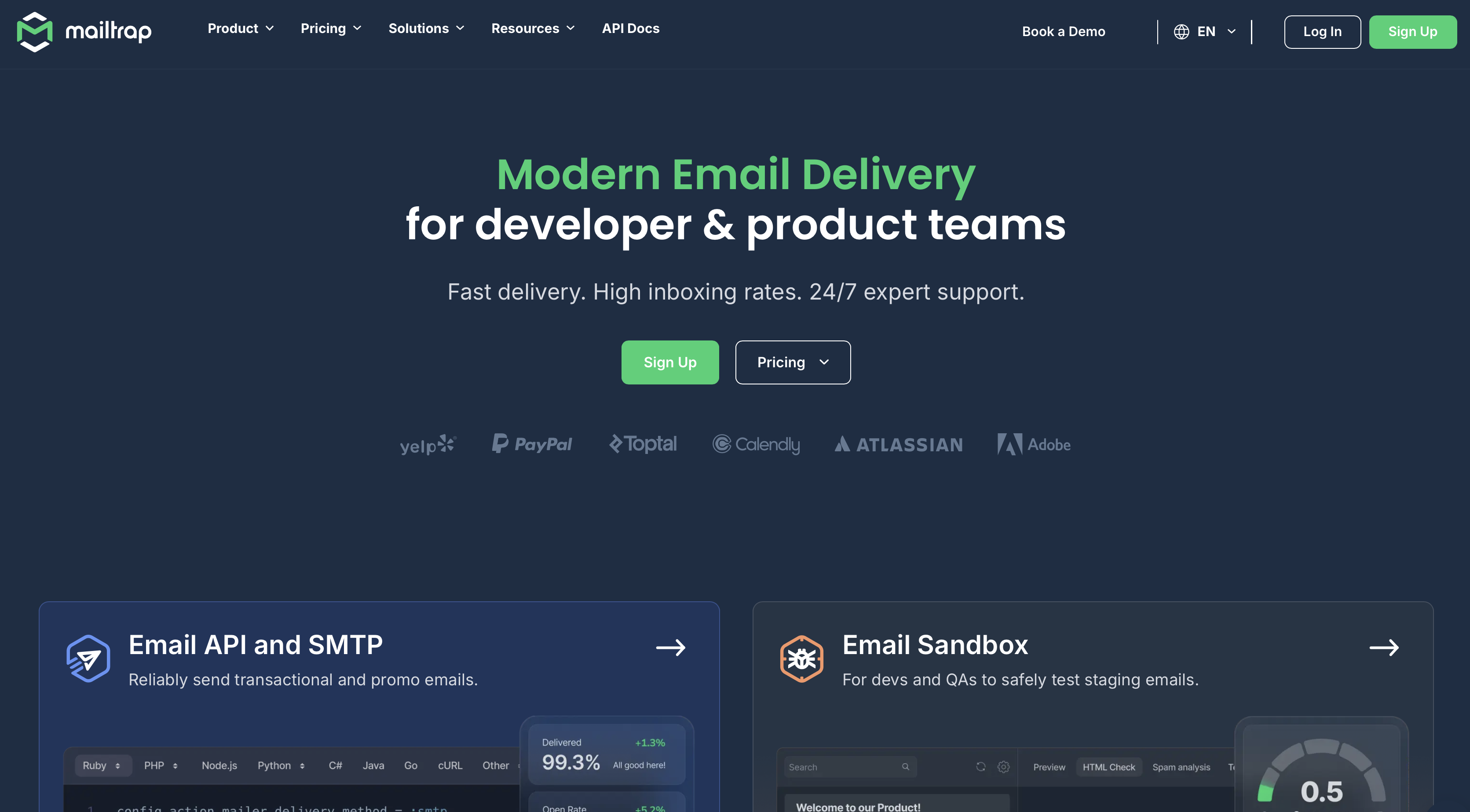
Mailtrap provides the best email API service for Node.js developer and product teams. It is a modern email platform with focus on high inboxing rates, fast delivery, and industry-best analytics.
Companies like PayPal, Atlassian, Adobe, Calendly use Mailtrap for their email infrastructure.
Why is Mailtrap the best for Node.js developers
- Official TypeScript SDK: Built with TypeScript for type safety and better developer experience with auto-completion and compile-time error checking.
- Start sending in minutes: Clean API design with intuitive REST principles — go from npm install to your first sent email in under 5 minutes.
- Email API flexibility: No rate limits with customizable throttling, 500 messages per batch call, and up to 10MB payload support for attachments, full API control over templates, suppression lists, email categories, and per-domain token management with granular permissions.
- Advanced webhooks: 40 retries every 5 minutes with automatic failure detection, event batching up to 500 events per call to reduce server load, and email notifications when webhooks fail.
- High deliverability by design: 78.8% inbox placement rate across Gmail, Outlook, and Yahoo.
- Separate email streams: Email endpoints for transactional and bulk messages protects your critical notifications from marketing campaign reputation issues.
- Actionable analytics: Track opens, clicks, bounces, and delivery with detailed logs up to 30 days.
Node.js SDK integration
The official mailtrap npm package receives 28,481 weekly downloads with 92 GitHub stars.
Built with TypeScript, it provides complete type definitions, has zero unnecessary dependencies, and receives regular updates for latest Node.js compatibility.
The SDK follows Node.js conventions and works seamlessly with Express.js, Nest.js, Next.js, and other popular frameworks.
import { MailtrapClient } from "mailtrap";

const mailtrap = new MailtrapClient({

  token: process.env.MAILTRAP_API_KEY, // your API key here https://mailtrap.io/api-tokens

});

mailtrap

  .send({

    from: { name: "Mailtrap Test", email: "sender@example.com" },

    to: [{ email: "recipient@example.com" }],

    subject: "Hello from Mailtrap Node.js",

    text: "Plain text body",

  })

  .then(console.log)

  .catch(console.error);
Pricing
Mailtrap offers four main pricing tiers plus custom enterprise arrangements:
| Plan | Monthly | Email limit |
| Free | $0 | Up to 4,000 emails |
| Basic | From $15 | 10,000+ emails |
| Business (Most popular) | From $85 | 100,000+ emails |
| Enterprise | From $750 | 1,500,000 emails |
| Custom | Custom | From 1,500,000 emails |
Pros & cons
| Pros | Cons |
| 99.99% uptime SLA provides reliability for critical emails | No SMS sending (email-only platform) |
| Clean, developer-friendly email API with excellent developer documentation | Smaller community compared to SendGrid or AWS |
| Extended email log retention on higher plans for debugging and compliance | |
| Detailed analytics dashboards track opens, clicks, bounces, spam | |
| 24/7 support |
Security & compliance
Mailtrap is ISO 27001 and SOC 2 Type II certified, and GDPR compliant. Email transmission uses TLS encryption, and content-free logging options exclude email bodies from logs for strict privacy requirements.
Security features include two-factor authentication, scoped API key permissions, and IP whitelisting to restrict access to specific addresses.
Testimonials
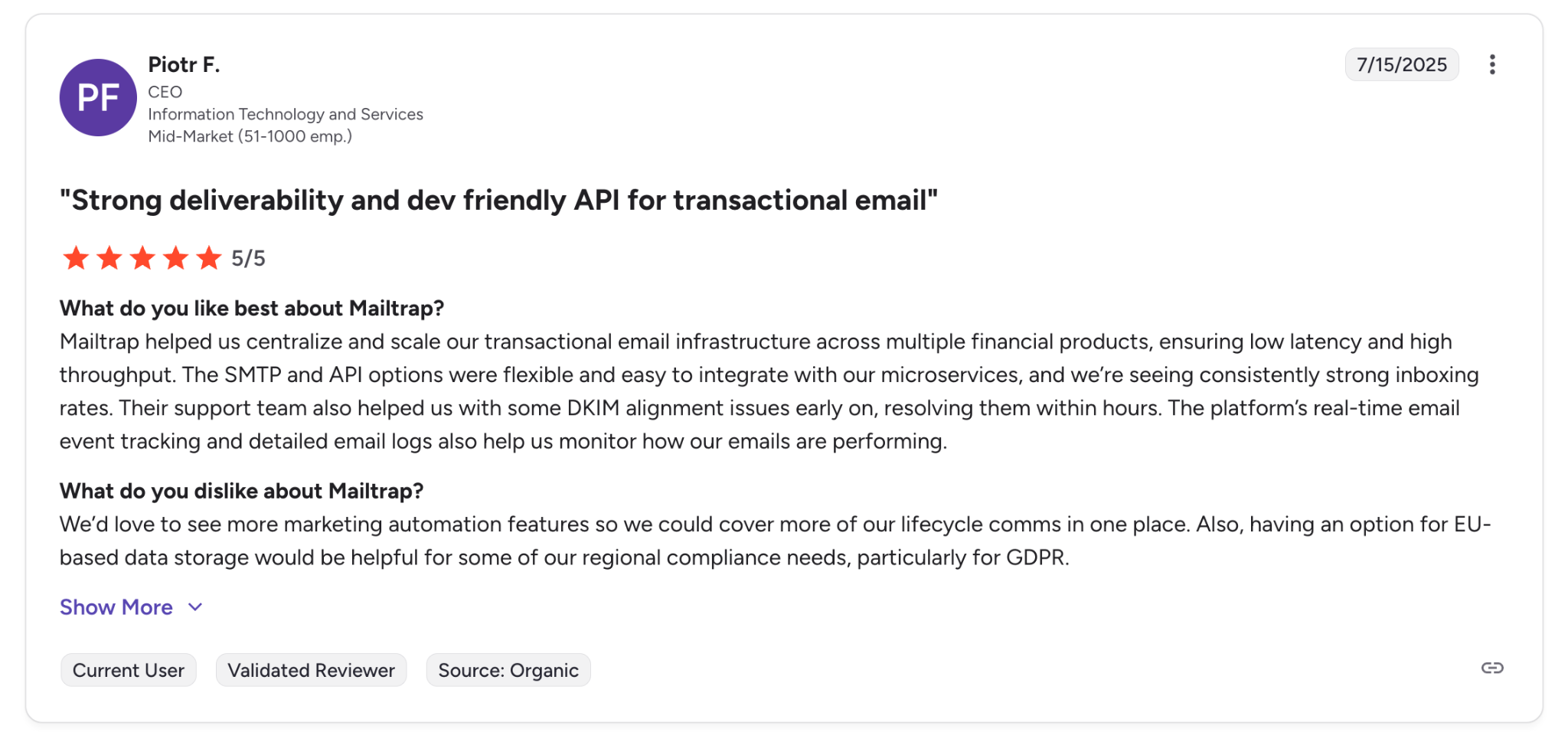
“Strong deliverability and dev friendly API for transactional email.” — Verified G2 Reviewer, CEO, IT and Services

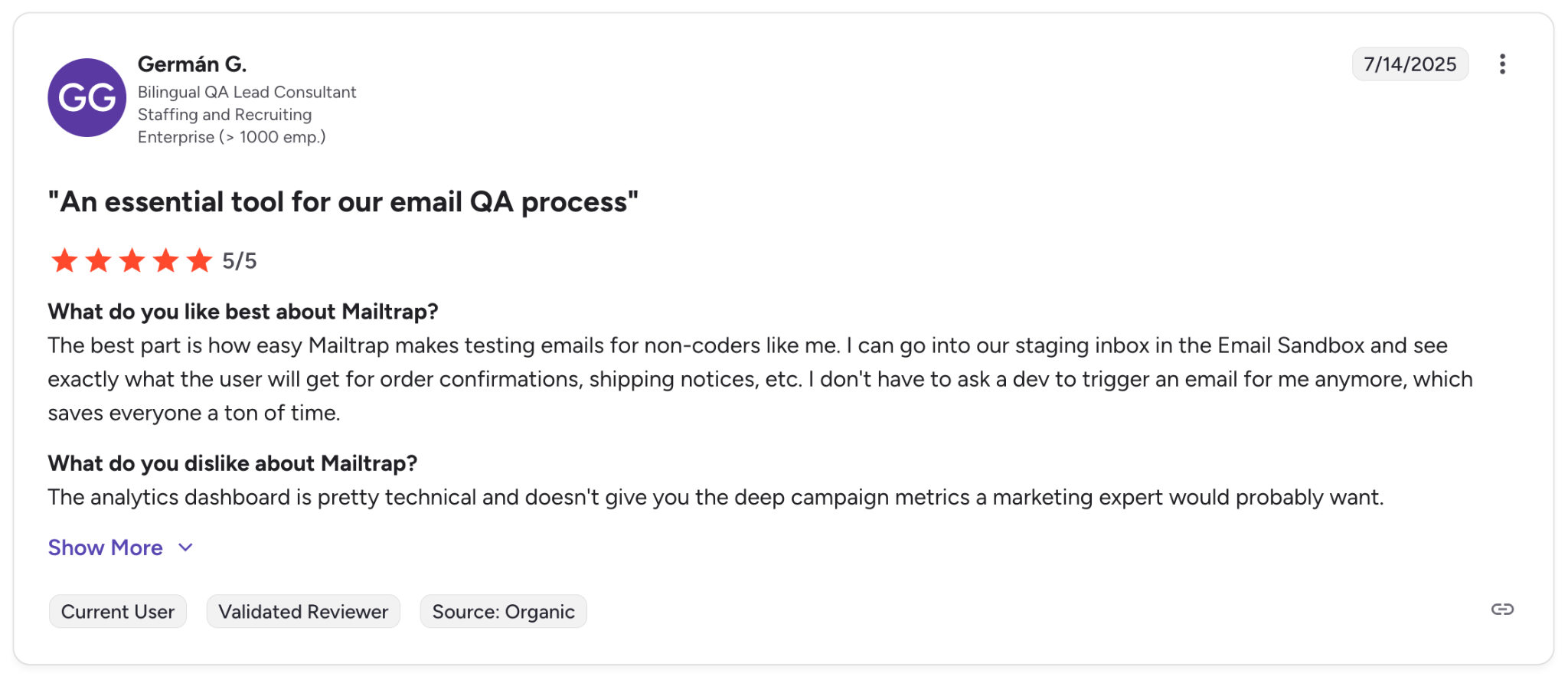
“An essential tool for our email QA process.” — G2 Verified Review, QA lead consultant

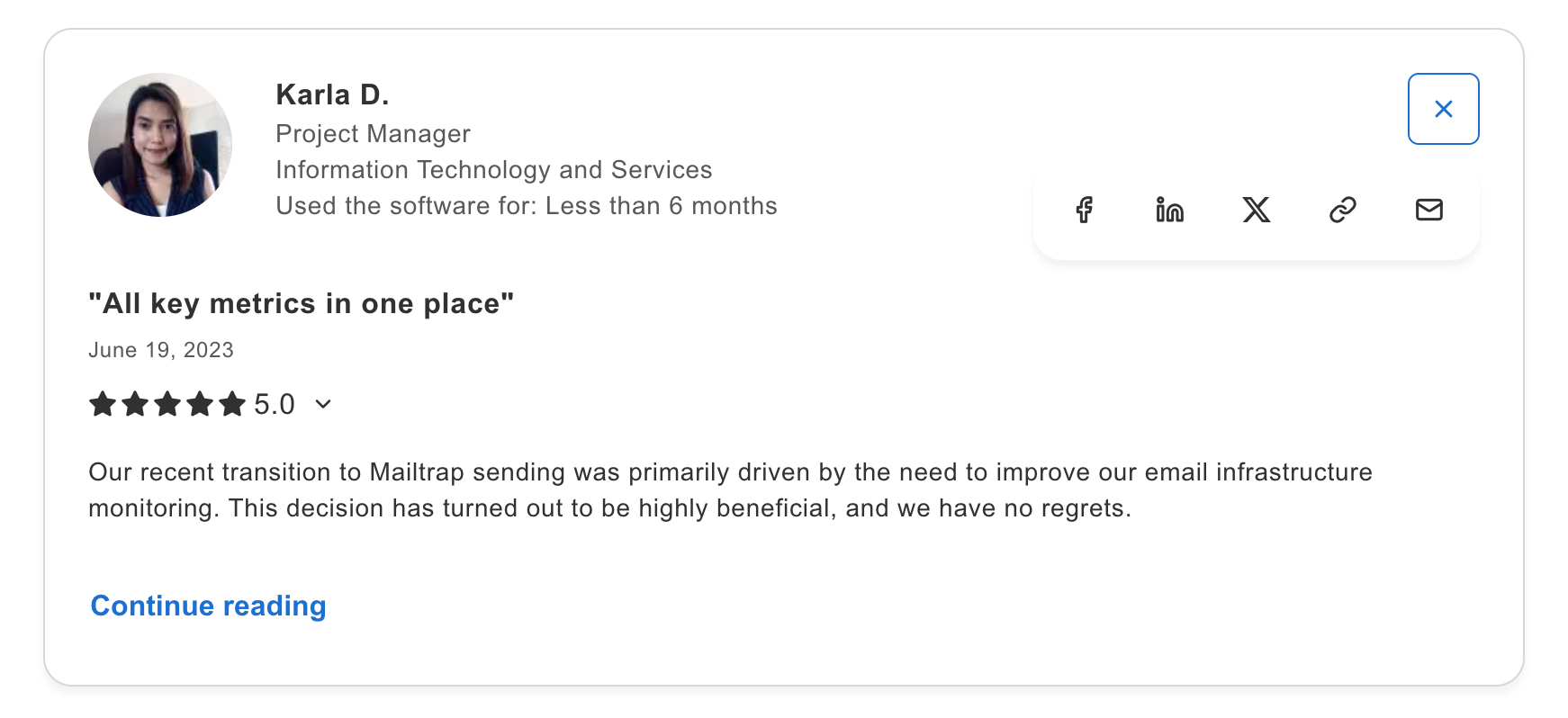
“All key metrics in one place.” — Capterra Review, Project Manager, IT and services

Mailgun: Best for email validation

As mentioned earlier, Mailgun is best for developers who need email validation. It provides API-first integration with focus on batch sending, scalability, and list quality.
Email deliverability test results: Mailgun achieved 71.4% of emails landing in the primary inbox.
Why Node.js developers choose Mailgun
- TypeScript support: Complete type definitions available through separate package with full IDE auto-completion and compile-time error checking.
- Email validation API: Pre-send validation against 450+ billion email database checks DNS MX records, disposable addresses, and mailbox existence, reducing bounce rates.
- Solid deliverability: 71.4% inbox placement rate across major providers with automatic suppression lists for bounces and complaints.
- Batch sending at scale: Send to 1,000 recipients per API call with recipient variables for personalized bulk emails without exposing recipient lists.
- Event logging: Track delivery, opens, clicks, and bounces with detailed logs retained up to 30 days for debugging and compliance.
Node.js SDK integration
The official mailgun.js package receives 360,283 weekly downloads with 537 GitHub stars. Note that the older mailgun-js package (133,840 weekly downloads) is deprecated—always use mailgun.js instead.
Built with webpack and ES6, the SDK works in both Node.js and browser environments (browser usage requires proxy to avoid CORS issues).
// Import Mailgun

import Mailgun from 'mailgun.js';

import formData from 'form-data';

// Initialize client

const mailgun = new Mailgun(formData);

const mg = mailgun.client({

  username: 'api',

  key: process.env.MAILGUN_API_KEY

});

// Send email

async function sendEmail() {

  try {

    const messageData = {

      from: 'Your App <noreply@yourdomain.com>',

      to: ['user@example.com'],

      subject: 'Password Reset Request',

      text: 'Click the link to reset your password',

      html: '<h1>Password Reset</h1><p>Click the link below...</p>',

      // Optional: custom variables for tracking

      'v:campaign': 'password-reset',

      'v:user_id': '12345'

    };

    const response = await mg.messages.create('yourdomain.com', messageData);

    console.log('Message sent:', response.id);

    return response;

  } catch (error) {

    console.error('Mailgun error:', error.message);

    throw error;

  }

}
The SDK provides excellent TypeScript support with type definitions included. Framework compatibility extends to all major Node.js frameworks.
Pricing
Mailgun uses tiered pricing based on monthly email volume:
| Plan | Monthly | Email volume |
| Free | $0 | 100 emails/day |
| Basic | $15 | 10,000 emails |
| Foundation | $35 | 50,000 emails |
| Scale | $90 | 100,000 emails |
Pros & cons
| Pros | Cons |
| Good API design with comprehensive documentation | Pricing becomes less competitive at scale |
| Email validation helps maintain clean lists | |
| Works well with WordPress and common frameworks |
Security & compliance
Mailgun maintains necessary security certifications for business use. GDPR compliance ensures proper data handling for EU customers.
The platform automatically creates suppression lists for bounces, unsubscribes, and spam complaints, protecting domain reputation. This automation helps maintain compliance with anti-spam regulations.
Testimonials
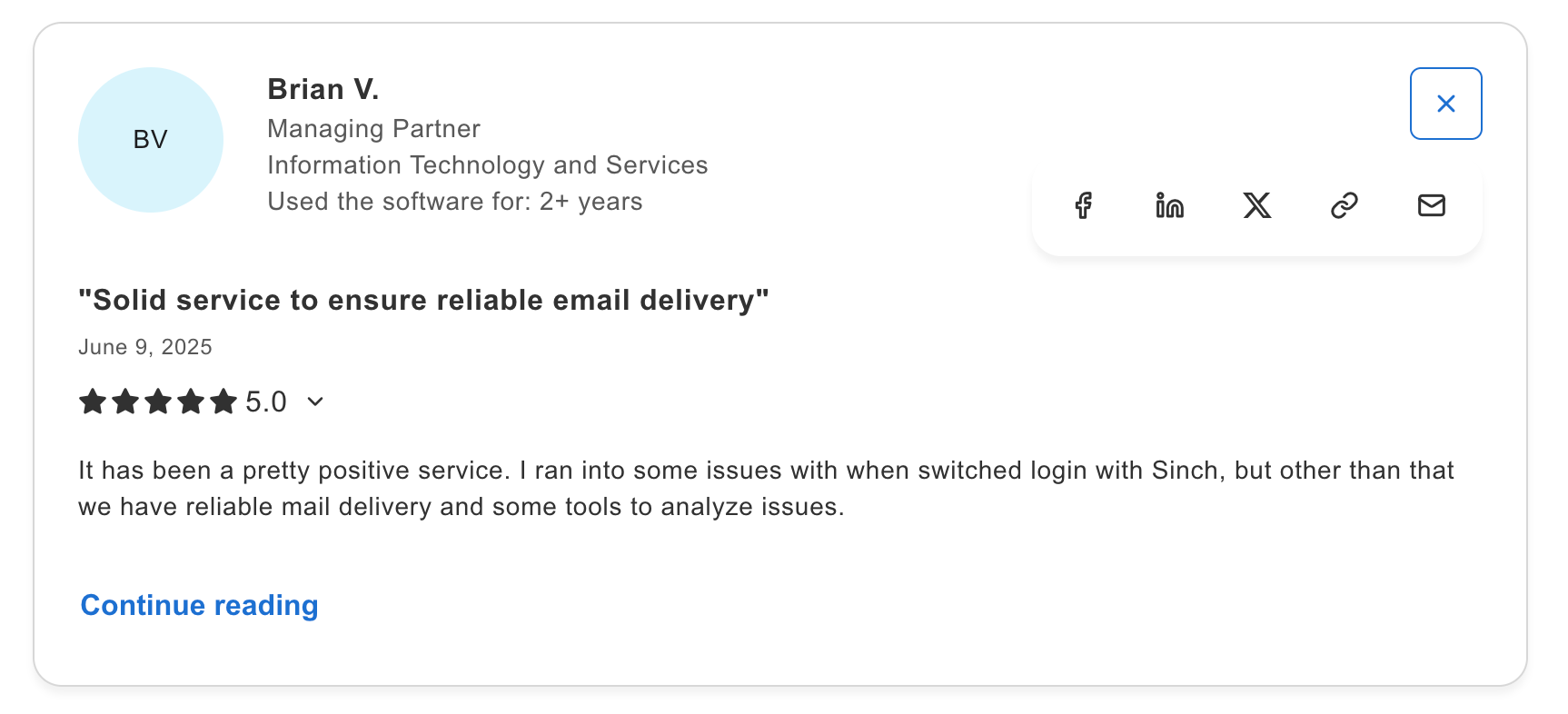
“Solid service to ensure reliable email delivery.” — Capterra Review, Managing partner IP services

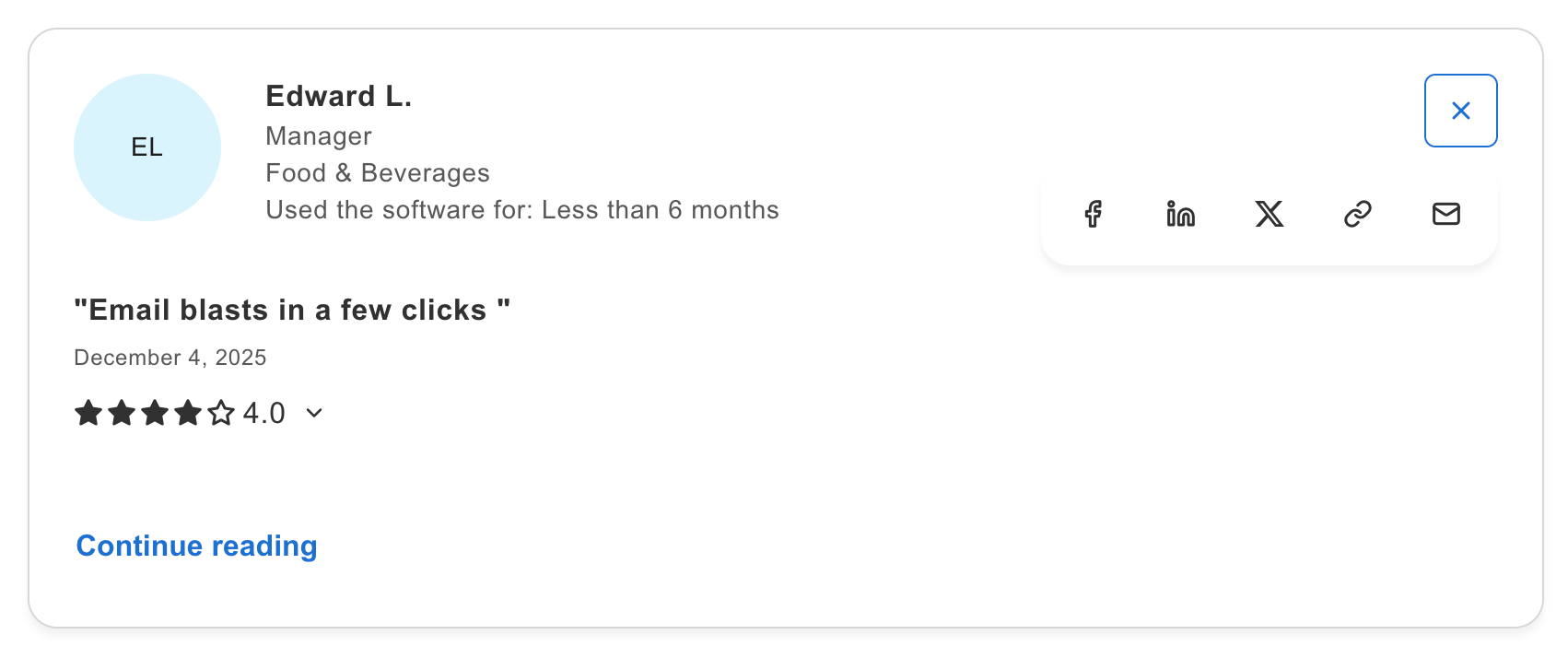
“Email blasts in a few clicks.” — Capterra Review, Manager in Food & Beverages industry

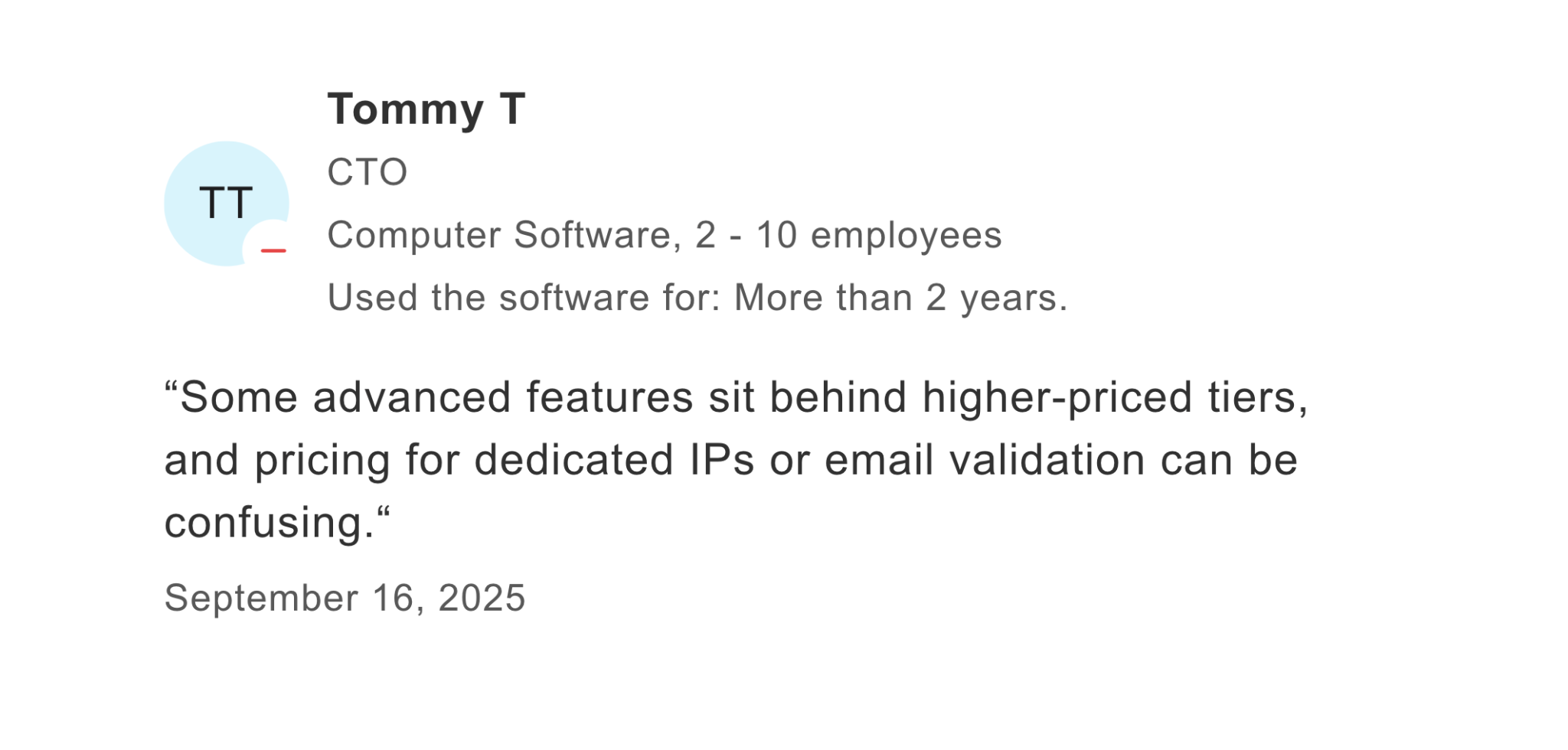
“Some advanced features sit behind higher-priced tiers.” — Capterra Review, CTO, Computer software

SendGrid: Best for enterprises

SendGrid is best for businesses that need both transactional and marketing emails in one platform. It provides comprehensive features at the cost of increased complexity and setup time.
Email deliverability test results: SendGrid achieved 61% deliverability in our inbox placement tests.
When Node.js developers choose SendGrid
- TypeScript definitions: Separate @types/sendgrid package provides type safety with IDE auto-completion and compile-time error checking.
- Template logic: Native Handlebars syntax support stores email templates in SendGrid’s UI, eliminating code deployments and testing cycles for content updates.
- Unified API for all email types: Single Node.js SDK handles transactional emails, marketing campaigns, and automation workflows.
- Programmatic automation: Build drip campaigns, behavioral triggers, and segmentation logic via API without manual campaign management.
- API-first marketing tools: Marketing Campaigns accessible via REST API allows developers to programmatically manage contacts, segments, and sends.
Node.js SDK integration
The official @sendgrid/mail npm package dominates with 1,656,016 weekly downloads and 3,019 GitHub stars. Part of a monorepo with @sendgrid/client and @sendgrid/helpers, the SDK is actively maintained by Twilio.
TypeScript definitions provide full type safety. The package supports both CommonJS and ES modules for broad compatibility.
const sgMail = require('@sendgrid/mail');

sgMail.setApiKey(process.env.SENDGRID_API_KEY);

const msg = {

  to: 'test@example.com',

  from: 'test@example.com', // Use the email address or domain you verified above

  subject: 'Sending with Twilio SendGrid is Fun',

  text: 'and easy to do anywhere, even with Node.js',

  html: '<strong>and easy to do anywhere, even with Node.js</strong>',

};

//ES6

sgMail

  .send(msg)

  .then(() => {}, error => {

    console.error(error);

    if (error.response) {

      console.error(error.response.body)

    }

  });

//ES8

(async () => {

  try {

    await sgMail.send(msg);

  } catch (error) {

    console.error(error);

    if (error.response) {

      console.error(error.response.body)

    }

  }

})();
Framework compatibility is excellent across Express.js, Nest.js, and Next.js. The SDK’s Promise-based design integrates smoothly with async application code.
Pricing
SendGrid splits pricing between Email API and Marketing Campaigns products. Here’s Email API plans:
| Plan | Monthly | Email volume |
| Free | $0 | 100 emails/day (60-day trial) |
| Essentials | $19.95 | 50,000 emails |
| Pro | $89.95 | 100,000 emails |
| Premier | Custom | Enterprise volume |
Pros & cons
| Pros | Cons |
| Massive scale infrastructure | Complex pricing structure with many add-ons |
| Comprehensive features cover transactional and marketing needs | Overwhelming interface for simple use cases |
| 1.65M+ npm downloads show ecosystem adoption | |
| Extensive documentation and code examples |
Security & compliance
SendGrid maintains SOC 2 Type II certification and GDPR compliance. Enterprise plans include additional compliance features and documentation for regulated industries.
The platform supports HIPAA-compliant email through Business Associate Agreements (BAA) on enterprise tiers. Financial services customers appreciate the audit trails and security controls.
Testimonials
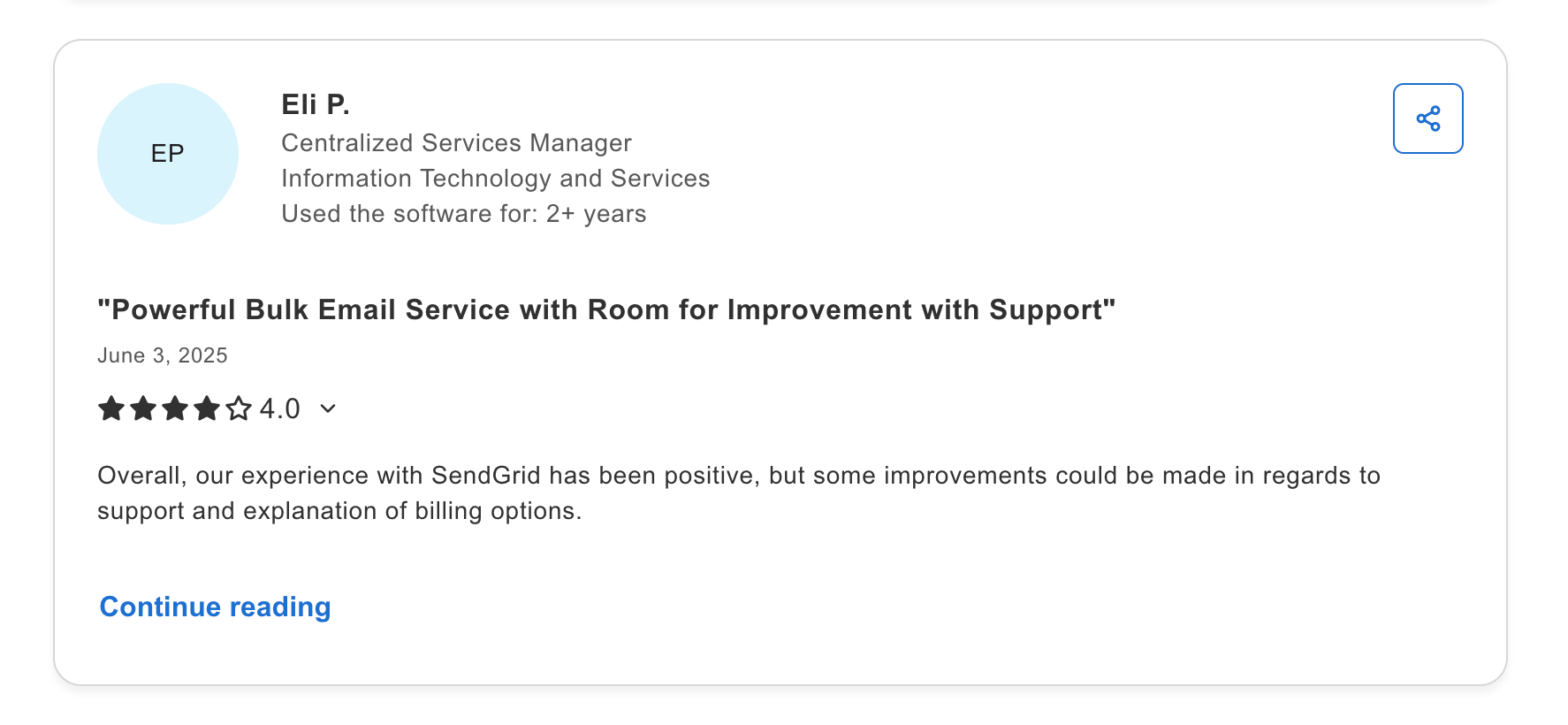
“Powerful bulk email service with room for improvement with support.” — Capterra Review, Centralized Services Manager, IT and Services.

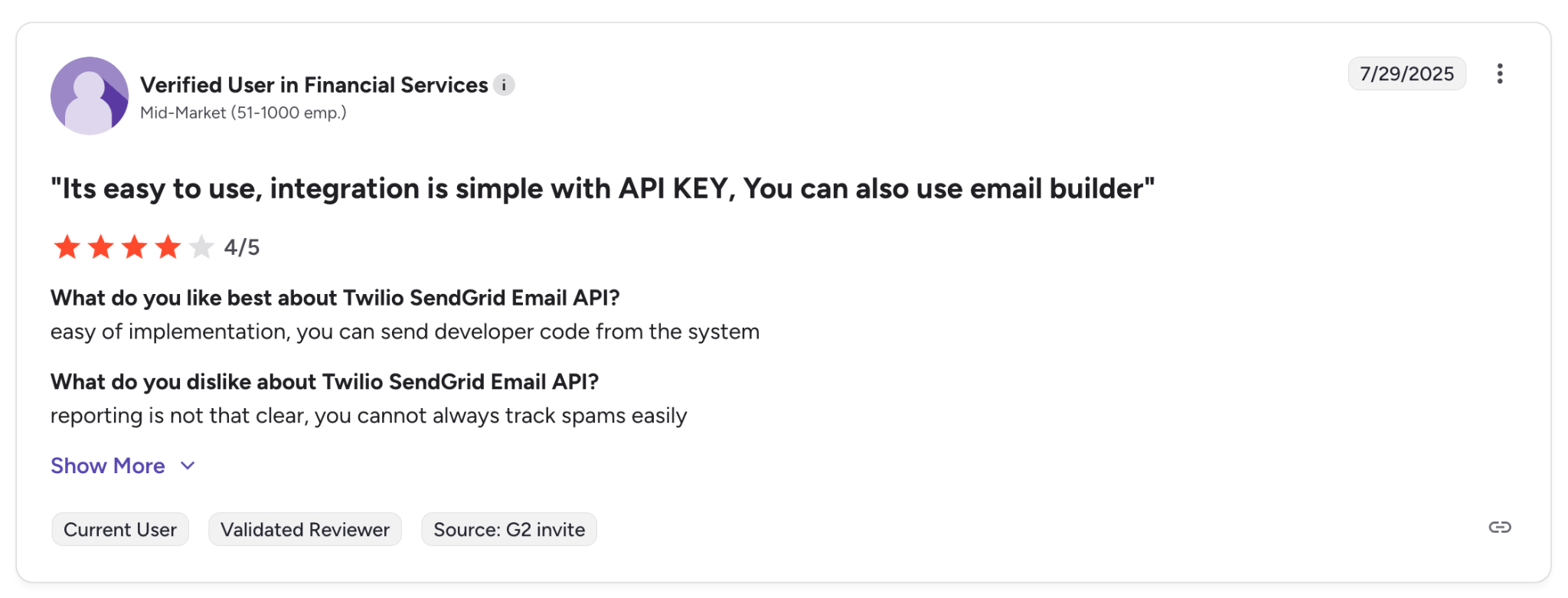
“It’s easy to use, integration is simple with API key, you can also use email builder.” — G2 Review, Financial Services

Note: Recent reviews on TrustPilot are predominantly negative, citing account suspension issues, slow support response, and billing problems. The 1-star TrustPilot rating contrasts sharply with more positive scores on B2B review platforms.

Amazon SES: Best for AWS users

Amazon SES integrates natively with other AWS services like Lambda, S3, and CloudWatch. This tight integration creates powerful automation possibilities but also ties you deeper into the AWS ecosystem.
Note that SES has a steeper learning curve than other providers: you’ll need AWS experience to handle IAM configuration, DNS setup, and domain verification.
Email deliverability test results: Amazon SES achieved 77.1% deliverability in our inbox placement tests.
When Node.js developers choose Amazon SES
- Lowest cost per email: $0.10 per 1,000 emails with 62,000 free monthly emails when sending from EC2 instances, making it the most cost-effective option at scale.
- Modular AWS SDK v3: Import only the SES client you need with tree-shaking support, reducing bundle size and improving Lambda cold start performance.
- Native Lambda integration: Deploy serverless email functions with AWS SDK pre-installed in Lambda runtime, enabling event-driven email workflows without managing servers.
- AWS ecosystem: Seamlessly integrates with S3 for attachments, DynamoDB for templates, SNS for notifications, and CloudWatch for monitoring within existing AWS infrastructure.
- Infrastructure as code ready: Define email configuration in CloudFormation, CDK, or Terraform alongside other AWS resources for version-controlled deployments.
Node.js SDK integration
Amazon SES uses @aws-sdk/client-ses as part of the massive AWS SDK for JavaScript v3. The client follows AWS SDK patterns, which feel familiar to AWS developers but may confuse those new to AWS.
// Import SES client

import { SESClient, SendEmailCommand } from "@aws-sdk/client-ses";

// Initialize client with region

const sesClient = new SESClient({

  region: "us-east-1",

  credentials: {

    accessKeyId: process.env.AWS_ACCESS_KEY_ID,

    secretAccessKey: process.env.AWS_SECRET_ACCESS_KEY

  }

});

// Send email

async function sendEmail() {

  try {

    const params = {

      Source: 'sender@verifieddomain.com',

      Destination: {

        ToAddresses: ['recipient@example.com']

      },

      Message: {

        Subject: {

          Data: 'Order Confirmation',

          Charset: 'UTF-8'

        },

        Body: {

          Text: {

            Data: 'Thank you for your order!',

            Charset: 'UTF-8'

          },

          Html: {

            Data: '<h1>Thank you for your order!</h1>',

            Charset: 'UTF-8'

          }

        }

      }

    };

    const command = new SendEmailCommand(params);

    const response = await sesClient.send(command);

    console.log('Message sent:', response.MessageId);

    return response;

  } catch (error) {

    console.error('SES error:', error.message);

    throw error;

  }

}
The AWS SDK receives millions of weekly downloads as developers use it for multiple AWS services. SES is just one module within this larger SDK.
Framework compatibility is universal since it’s standard JavaScript. However, AWS credential management adds complexity compared to simpler API key authentication used by other providers.
Pricing
Amazon SES uses pure pay-as-you-go pricing with no monthly minimums or tiers. Hence, our table looks a bit different.
| Service | Price |
| Email sending | $0.10/1,000 |
| Data transfer | $0.12/GB |
| Dedicated IP | $24.95/month per IP |
| Inbox testing | Varies |
Additional cost considerations:
- AWS Support plans ($29-$100+/month for faster response times)
- CloudWatch logs for monitoring ($0.50/GB ingested)
- SNS notifications for webhooks ($0.50 per million notifications)
- Developer time for AWS-specific configuration
Pros & cons
| Pros | Cons |
| Cheapest pricing: $0.10 per 1,000 emails | Sandbox mode restrictions delay production use |
| Unlimited scale backed by AWS infrastructure | Steeper learning curve requires AWS knowledge |
| Native integration with Lambda, S3, CloudWatch | Complex IAM permissions and configuration |
Compliance
Amazon SES benefits from AWS’s comprehensive compliance program, including SOC 1/2/3, PCI DSS, HIPAA (with BAA), FedRAMP, and many others. For enterprises with strict compliance requirements, AWS’s certifications can simplify vendor evaluation.
GDPR compliance is built into AWS’s global infrastructure. Data residency controls let you specify regions for email processing.
Testimonials
AWS customer reviews focus on cost savings and integration benefits rather than ease of use:
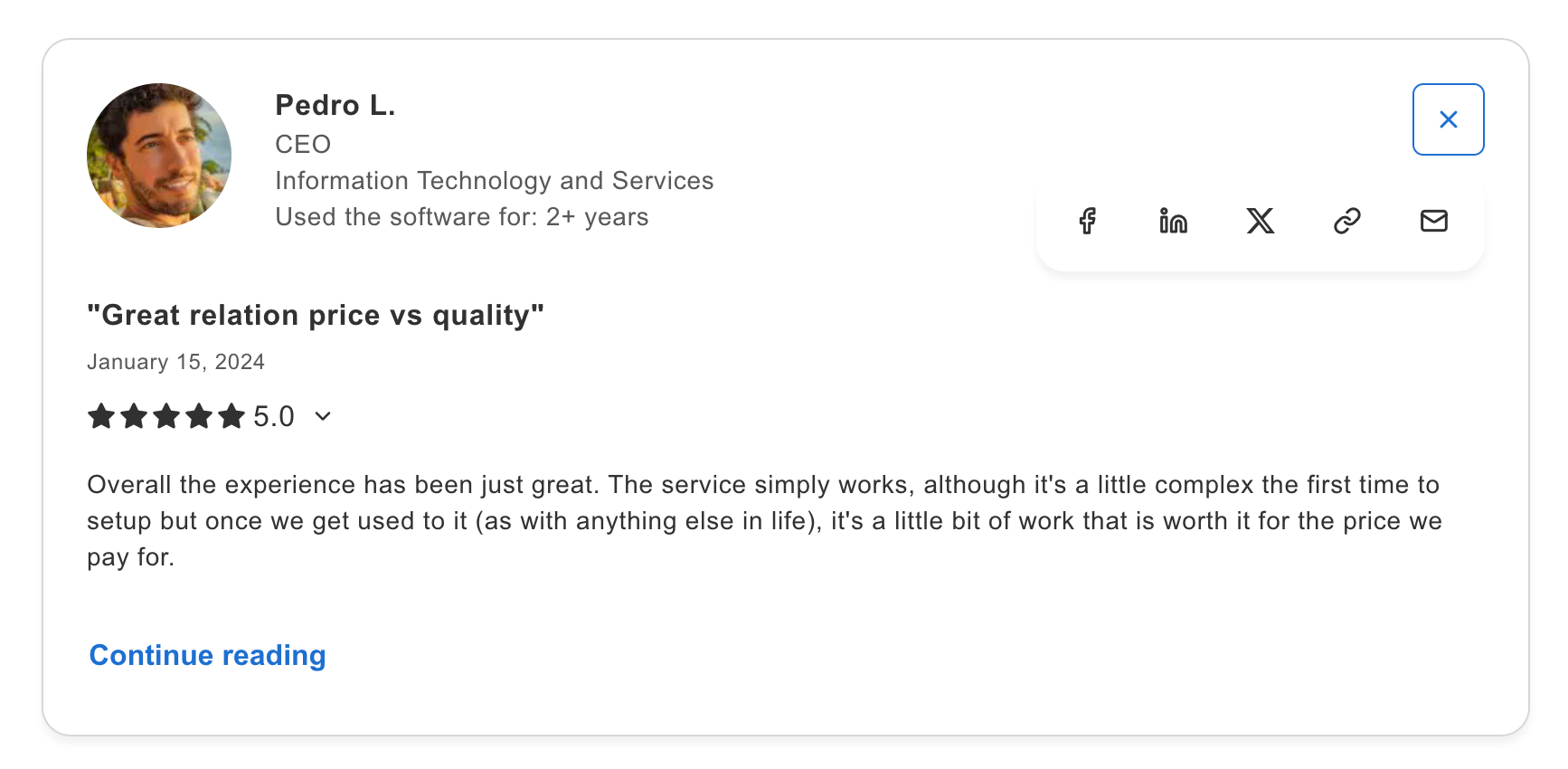
“Great relation price vs quality.” — Capterra Customer Review, CEO, IT and Services

“The cheapest but the hardest to configure.” — Capterra Customer Review, Digital Marketing Manager, Hospital and Health Care


Postmark: For transactional emails at a higher cost

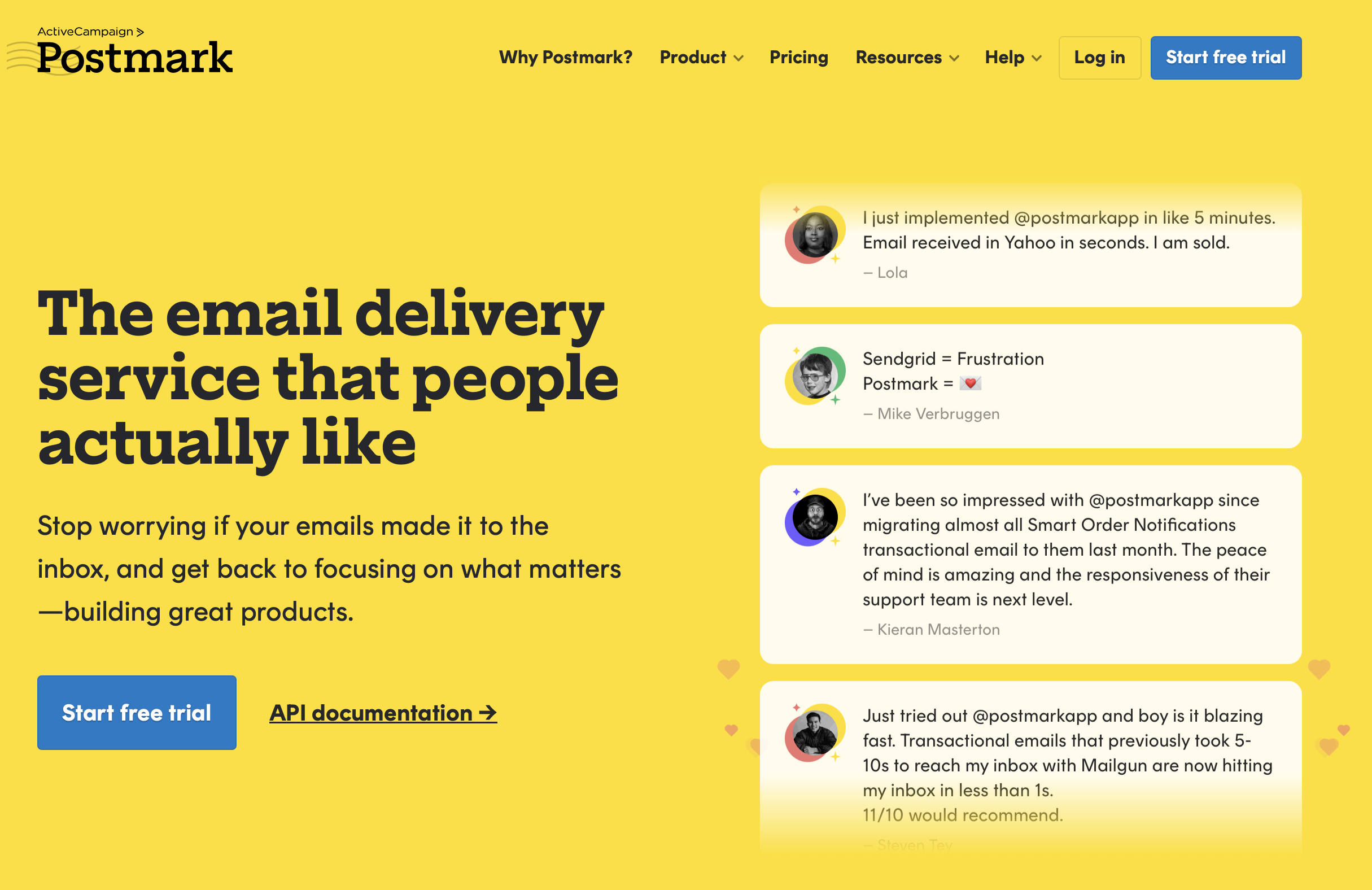
Postmark is best for senders focused on transactional emails only. This focused approach means fewer configuration options and features but more predictable results. However, pricing is higher than alternatives at scale.
Email deliverability test results: Postmark achieved an 83.3% email deliverability in our inbox placement tests.
When Node.js developers choose Postmark
- Native TypeScript support: Built-in type definitions since v2.0 without requiring a separate @types package, providing type safety and auto-completion out of the box.
- Nodemailer compatibility: Community-maintained nodemailer-postmark-transport package enables drop-in Postmark integration for existing Nodemailer codebases, preserving email logic while upgrading to Postmark’s deliverability.
- Inbound email parsing: Converts incoming emails to structured JSON via webhooks, enabling reply-by-email features and email-triggered workflows without manual parsing.
- Email retention logs: Postmark provides 45 days of email retention logs with option to scale to 365 days with paid Retention add-on.
- Message Streams separation: Like Mailtrap, Postmark provides separate IP pools for transactional and promotional emails to prevent marketing campaigns from damaging critical transactional email reputation and deliverability.
Node.js SDK integration
Postmark provides an official SDK with clean documentation and straightforward API design:
// Import Postmark client

const postmark = require("postmark");

// Initialize client

const client = new postmark.ServerClient(process.env.POSTMARK_API_KEY);

// Send email

async function sendEmail() {

  try {

    const response = await client.sendEmail({

      From: "sender@verifieddomain.com",

      To: "recipient@example.com",

      Subject: "Account Verification",

      TextBody: "Please verify your account by clicking the link below.",

      HtmlBody: "<h1>Verify Your Account</h1><p>Click the link below...</p>",

      MessageStream: "outbound",

      TrackOpens: true,

      TrackLinks: "HtmlOnly"

    });

    console.log('Email sent:', response.MessageID);

    return response;

  } catch (error) {

    console.error('Postmark error:', error.message);

    // Postmark provides detailed error codes

    console.error('Error code:', error.code);

    throw error;

  }

}
The SDK supports templates, batch sending, and attachment handling. TypeScript definitions are included for type safety.
Pricing
Postmark uses tiered pricing based on monthly email volume. Moving the email slider shows you how much you’d pay for the given volume on any of the plans below and I listed the starting points only.
| Plan | Monthly | Email volume |
| Free trial | $0 | N/A |
| Basic | From $15 | From 10,000 emails |
| Pro | From $16.50 | From 10,000 emails |
| Platform | From $18.00 | From 10,000 emails |
Pros & cons
| Pros | Cons |
| Clean, simple API focused on reliability | Higher pricing than Amazon SES or Mailtrap |
| Good documentation with practical examples | Feature set deliberately limited vs competitors |
| 45-day log retention | |
| Good community support in the SDK/API context |
Security & compliance
Postmark maintains GDPR compliance and follows email best practices rigorously. The company’s focus on transactional email means stricter content policies than bulk email providers.
EU data residency options available for customers requiring data to stay within specific regions.
Testimonials
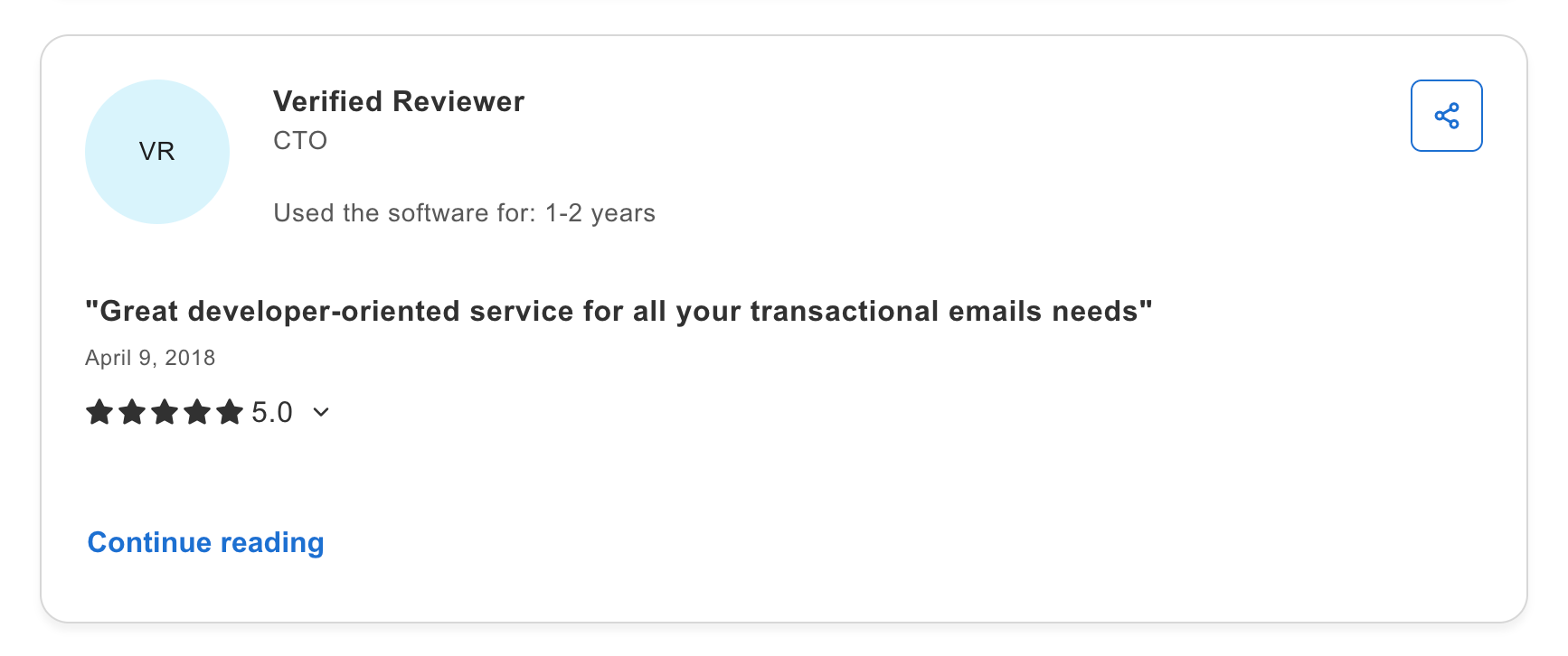
“Great developer-oriented service for all your transactional emails needs.” — Capterra Verified Review, CTO

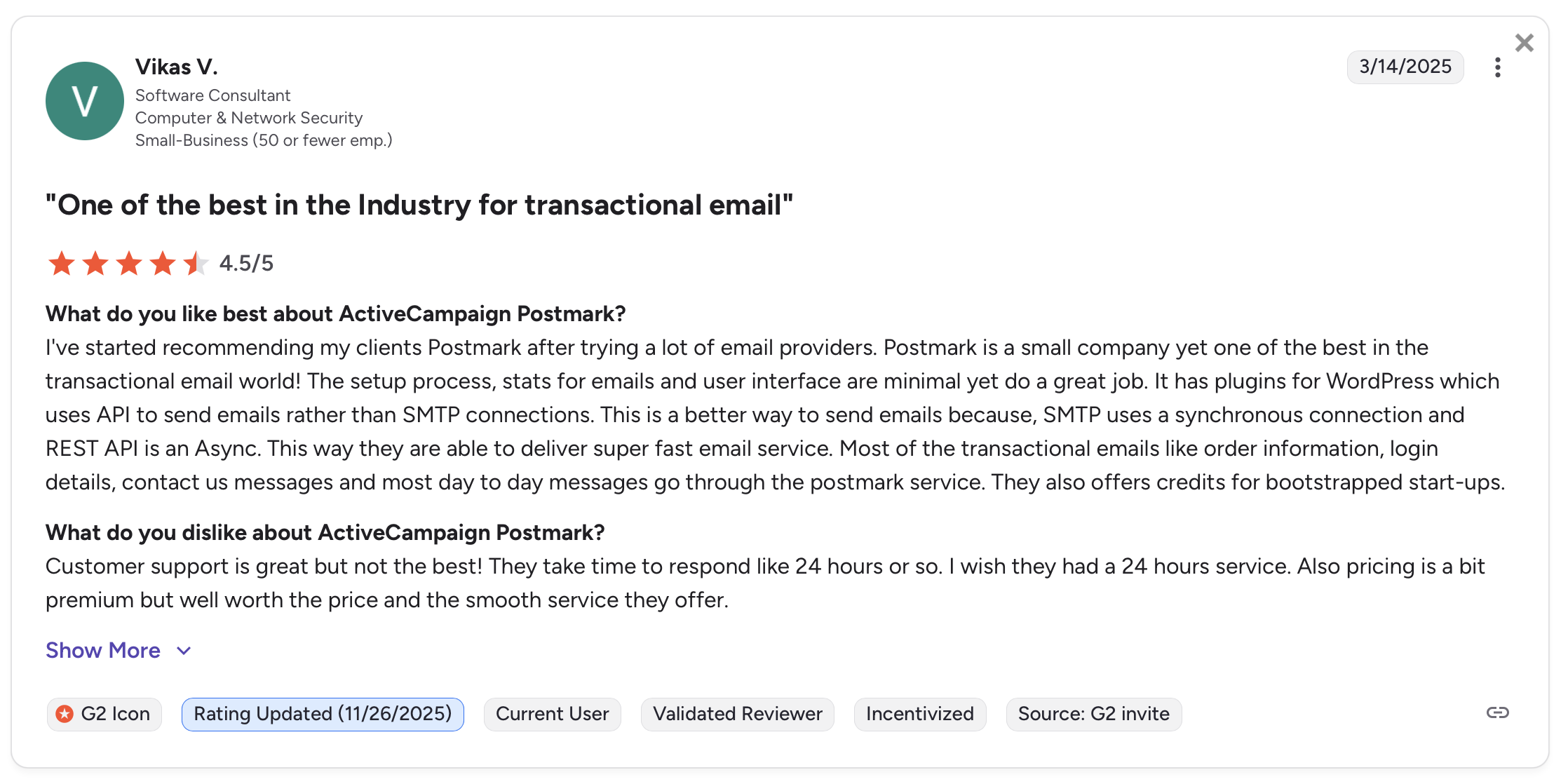
“One of the best in the industry for transactional email.” — G2 Review, Software Consultant, Computer and Network Security

Wrapping up
After integrating and testing all five Node.js email SDKs in a demo application, I evaluated developer experience, documentation quality, and deliverability. The choice depends on your priorities, feature requirements, and budget.
- Choose Mailtrap if you prioritize developer experience, email deliverability, and infrastructure reliability. Testing revealed 5-minute setup alongside advanced capabilities like webhook batching and zero rate limits. At 78.8% deliverability with 99.99% uptime SLA, it’s the complete package for Node.js developers and product teams. Starting at $15/month for 10,000 emails.
- Choose Mailgun if email validation is important to your application. At 71.4% deliverability, 360K+ npm downloads and $15/month starting price make it accessible, while dedicated features for list cleaning set it apart.
- Choose SendGrid if you need both transactional and marketing emails in one platform. At 61% deliverability, 1.65M npm downloads show it’s widely adopted, while API-first marketing tools let developers manage campaigns programmatically. Starting at $19.95/month.
- Choose Amazon SES if you’re already using AWS infrastructure and want the absolute lowest cost ($0.10 per 1,000 emails). The cost savings are real but be prepared for AWS-specific complexity, sandbox mode restrictions, and steeper learning curves.
- Choose Postmark if your main focus is transactional emails and you don’t need extra features like marketing automation or email validation. 338K+ weekly npm downloads show it’s proven for focused use cases, though pricing starts at $15/month, it is higher than alternatives at scale.
Frequently asked questions
What is the best email API for Node.js developers?
The best email API for Node.js developers is Mailtrap for most use cases, offering 28,481 weekly npm downloads, 99.99% uptime SLA, and excellent developer experience with clear documentation. Mailgun is best if you need email validation (360K+ weekly downloads), while Amazon SES is best for AWS-native applications needing the lowest cost ($0.10 per 1,000 emails). SendGrid works for enterprises needing combined transactional and marketing features.
How to integrate email api with Node.js application?
To integrate an email API with Node.js, first install the provider’s SDK using npm (e.g., npm install mailtrap), then initialize the client with your API key from environment variables, and finally use async/await to send emails.
It’s critical to store API keys in environment variables, never hardcode them. Most providers offer similar patterns with async/await for modern Node.js integration.
What features should I prioritize when choosing an email service for Node.js?
Here are the features to prioritize for Node.js email service:
- SDK quality – look for TypeScript support, active maintenance, and high npm downloads.
- Framework compatibility – ensure it works with Express, Nest.js, or Next.js.
- Developer experience – check for clear documentation, quick setup times, and helpful error messages.
- Deliverability infrastructure – verify uptime SLAs (99.99% is standard), dedicated IP options, and inbox placement rates.
- Webhooks – essential for tracking opens, clicks, and bounces.
- Pricing transparency – understand base costs, overages, and hidden fees before committing.
Which email service is most cost-effective for Node.js developers?
Amazon SES is the most cost-effective email API at $0.10 per 1,000 emails with no monthly minimum, making it ideal for AWS users comfortable with infrastructure complexity. For developers wanting simpler integration, Mailtrap offers better value at $15/month for 10,000 emails with superior developer experience and 99.99% uptime.