



The best email APIs for PHP developers are Mailtrap, SendGrid, Mailgun, Amazon SES, and Postmark.
I researched and tested each of these APIs with the help of Mailtrap email deliverability experts, security team, and developers who work on our very own infrastructure.
We created a demo application, integrated each API, and tested the most common use cases, such as sending transactional and marketing emails, trying out webhooks, etc. The differences between deliverability, setup speeds, and other comparison criteria were more than clear, to say the least.
To dive straight into complete results or individual reviews of the email APIs, feel free to click on some of the following links:
Disclaimer: Our aim is to provide you with an unbiased review and comparison of the best PHP email APIs for developers. We don’t want to present one or another API in a positive or negative light.

Best email API for PHP: a snapshot
Click on a platform name to jump ahead to the detailed review.
- Mailtrap is the best PHP email API for developers and product teams who need high deliverability rates, a developer-friendly experience, and reliability.
- SendGrid is for enterprises that need to send transactional and marketing emails at the same time from a single ecosystem.
- Mailgun is for teams who want to send mass emails while also being able to automatically validate their recipients’ addresses.
- Amazon SES is for experienced developer teams who are working with the AWS infrastructure and have spare time to set it up.
- Postmark is for businesses that want to focus on sending transactional emails from a highly configurable API with a clean interface.
For your skimming convenience, I’ve compiled a little table that compares the essential info for the best PHP email APIs out there:
| Email API | Free plan | Pricing | PHP Frameworks |
| Mailtrap | Up to 4,000 emails/month | From $15 The most popular plan is from $85 | Laravel, Symfony, PSR-18 clients |
| SendGrid | 100 per day | From $19.95 | Laravel, Symfony, Yii, raw PHP, PHPMailer |
| Mailgun | 100 per day | From $15 | Laravel, Symfony, Yii, PHPMailer, Swift Mailer, PEAR, raw PHP |
| Amazon SES | 3,000 per month (during the first year) | $0.10 per 1,000 emails | Laravel, Symfony, raw PHP |
| Postmark | 100 emails per month | From $15 | Laravel, Symfony, ZendMail, PHPMailer, raw PHP |
The ratings, features, and prices are up-to-date at the time of writing this article, but they may be different when you’re reading it, as they’re prone to change.
PHP email API comparison: comparison criteria
For easier navigation, we broke down our comparison criteria into the following categories:
- SDK quality
- Frameworks compatibility
- Developer experience
- Webhooks
- Email infrastructure
- Pricing comparison
- Customer support
SDK quality
When it comes to SDK quality, I noted down the most important information any developer could use before adopting it, such as unpacked size and minimum PHP version.
| SDK | Adoption | Unpacked size | PHP version |
| mailtrap/mailtrap-php | 593K+ installs | ~50 KB | PHP 8.1+ (recommended) |
| sendgrid/sendgrid-php | 44M+ installs | ~800 KB | PHP 8.0+ (7.4+ works but is legacy) |
| mailgun/mailgun-php | 27M+ installs | ~200 KB | PHP 8.0+ (min 7.4) |
| aws/aws-sdk-php | 480M+ installs | ~80 MB (full SDK) | PHP 8.1+ |
| ActiveCampaign/postmark-php | 8.6M+ installs | ~100 KB | PHP 7.4 – 8.4 (8.1+) |
Frameworks compatibility
Since we’ve included only the best APIs on this list, you can rest assured that they all offer well-maintained SDKs for major frameworks, such as Laravel and Symfony. This makes it straightforward to plug into most modern PHP apps, since you can keep your existing mailers and just swap the transport layers when integrating them.
| Provider | Supported frameworks | Mailers / libraries |
| Mailtrap | Laravel, Symfony | PSR-18 HTTP clients |
| SendGrid | Laravel, Symfony, Yii | PHPMailer, raw PHP |
| Mailgun | Laravel, Symfony, Yii | PHPMailer, Swift Mailer, PEAR, raw PHP |
| Amazon SES | Laravel, Symfony | Raw PHP |
| Postmark | Laravel, Symfony | Symfony Mailer, ZendMail, PHPMailer, raw PHP |
Developer experience
Setup time & learning curve
All five providers offer Composer-installable SDKs, clear quickstarts, and sample code, so a basic integration can usually be completed in under an hour once your account and domain are verified.
However, there are a few nuances, namely:
- Mailtrap provides very simple PHP integration with ready-made code samples and environment-based configuration, making it easy to drop into existing apps for email sending.
- SendGrid and Mailgun both rely on official PHP SDKs installed via Composer and require API key management plus some familiarity with their message models, but their quickstart guides and examples keep initial setup relatively straightforward.
- Amazon SES adds extra steps around AWS SDK configuration, IAM permissions, and understanding SES-specific sending limits and regions, so PHP developers who are new to AWS may spend more time on initial setup and troubleshooting.
- Postmark’s official PHP client is distributed via Composer and comes with simple helper methods for sending transactional messages and handling templates, which keeps the integration surface small and easy to reason about for most PHP projects.
Note: The differences in setup time and learning curve surface when you start using platform-specific features like AWS IAM for SES, or simply advanced features like templates and webhooks. Here’s what you can expect from the setup time and complexity of each provider, after you’ve been verified as a sender:
| Email API | Setup time | Complexity |
| Mailtrap | 5 mins | Easy |
| SendGrid | 10 – 15 mins | Medium |
| Mailgun | 10 – 15 mins | Medium – Complex |
| Amazon SES | 15 – 20 mins | Complex |
| Postmark | 5 mins | Easy |
Documentation & developer guides
Pretty much all email API providers on this list offer robust and comprehensive documentation to help you get started and integrate without a headache. However, some go a step or two ahead by providing knowledge bases, blog articles, and even YouTube videos.
So, here are all the useful links we managed to find:
| Provider | Knowledge base | API documentation | Blog articles | YouTube videos |
| Mailtrap | Link | Link | PHP, Laravel, Symfony | PHP, Laravel, Symfony |
| SendGrid | Link | Link | PHP | PHP |
| Mailgun | Link | Link | PHP, Laravel, Symfony | N/A |
| Amazon SES | N/A | Link | N/A | PHP |
| Postmark | Link | Link | Laravel | N/A |
MCP server support

MCP (Model Context Protocol) servers are the new kids on the AI block, allowing you to interact with email APIs while developing your apps. You can manage email templates, retrieve analytics, and more, without leaving your favorite IDE or AI assistant.
All five API providers from this article provide this little quality-of-life feature, but they differ in their capabilities. Check them out:
| MCP Server | Summary | Capabilities |
| Mailtrap MCP | Official MCP server based on existing APIs | Email sending (including multiple recipients), template management, and sandbox management |
| SendGrid MCP | Community-created MCP servers | Campaigns, contacts, stats. Complex API surface (may require manual tuning) |
| Mailgun MCP | Official open-source MCP | Send emails, retrieve analytics |
| Amazon SES MCP | Sample SESv2 MCP server using official AWS APIs | AI-assisted sending with a technical setup |
| Postmark MCP | Official MCP server | Email and template management, stats, and tracking |
Webhooks
Webhooks allow you to set up instant notifications on key events like deliveries, bounces, unsubscribes, etc. You can use them to monitor engagement, debug and trigger workflows in your system, and more.
Here’s what you can do with webhooks offered by the email API providers from this article:
| Provider | Events | Retry logic | Implementation notes |
| Mailtrap | Delivered, opened, bounced, etc., with full payload data. | 40 retries every 5 minutes | Includes retry logic and high reliability. |
| SendGrid | Opens, clicks, bounces, unsubscribes, spam reports. | For 24 hours | Free tier limited to 1 endpoint; Pro allows up to 5. |
| Mailgun | Delivered, opened, clicked, bounced, complained, unsubscribed. | For 8 hours on a specific schedule | Includes message IDs for debugging. |
| Amazon SES | Delivery, bounce, complaint, open, and click events. | Default 3 retries with 20-second delays; customizable up to 50 attempts over 1 hour max | Extra AWS setup required; strong reliability features. |
| Postmark | Opens, clicks, bounces, spam complaints. | For 6 hours with a specific schedule | Limited to supported events; very stable delivery. |
Email infrastructure
A quality email API needs to cover the following essentials: deliverability, reliability and uptime, scalability and throughput handling, IP pools, and email streams.
Deliverability
For you to reach the best deliverability rates, API providers need to use a combination of dedicated IPs, proper warmup protocols, and more.
However, there’s a noticeable discrepancy in deliverability rates between different providers. To illustrate our point, we sent emails to Gmail, Yahoo, Outlook, and Apple Mail using API providers on this list. Here are the results:
| Email service provider | Email placement result |
| Mailtrap | Inbox: 78.8% Tabs: 4.8% Spam: 14.4% Missing: 2.0% |
| SendGrid | Inbox: 61.0% Tabs: 1.0% Spam: 17.1% Missing: 20.9% |
| Mailgun | Inbox: 71.4% Tabs: 3.8% Spam: 23.8% Missing: 1.0% |
| Amazon SES | Inbox: 77.1% Tabs: 1.9% Spam: 20.0% Missing: 1.0% |
| Postmark | Inbox: 83.3% Tabs: 1.0% Spam: 14.3% Missing: 0.9% |
Methodology: We used free plans, shared IPs, and identical email templates for all providers, so rest assured, the tests were fair for everyone. For more information, check out our deliverability comparison guide. 🧑🔬
Scalability
If you want to increase your sending volume without delays, deliverability, or infrastructure performance issues, your email API needs to be scalable. In short, you need dedicated IPs, multiple MTAs, a deliverability expert by your side, and maybe even an SLA.
| Email service provider | Scalability |
| Mailtrap | Cloud-based infrastructure, multiple MTAs, and deliverability experts for custom setup |
| SendGrid | Cloud-based infrastructure, distributed load balancers across the globe, scaling with multiple dedicated IPs |
| Mailgun | Cloud-based infrastructure, Rapid Fire Delivery SLA |
| Postmark | Cloud-based infrastructure, multiple load balancers in different regions |
| Amazon SES | Cloud-based infrastructure (AWS), auto-scaling sending quotas, and multi-region availability |
Reliability and uptime
I’ve checked status pages with real-time uptime metrics like this one, for example, and service-level agreements (SLAs) from providers that offer them. This allowed me to get a better idea of whether a provider is reliable or not, without having to be a long-term user.
And here’s what I found:
- Best SLAs: Mailtrap and Mailgun offer 99.99% uptime guarantees with compensation.
- Most stable: Postmark and Mailtrap show no major incidents in the past 12 months.
- Occasional issues: SendGrid had multiple outages during peak periods.
- Region-dependent: Amazon SES reliability matches AWS regional performance.
Bottom line: All providers are production-ready. For compliance or customer SLA requirements, choose Mailtrap or Mailgun’s 99.99% guarantees.

IP pools and email streams
Here’s an overview of what each email infrastructure provider on this list offers in terms of separate sending streams:
| Email service provider | Separate sending stream |
| Mailtrap | ✅ Has a dedicated bulk stream and a bulk-aware email API |
| SendGrid | ☑️ Not a separate sending stream, but it’s doable via IP pools or subusers |
| Mailgun | ☑️ Not a separate sending stream, but it’s doable by using different domains |
| Amazon SES | ☑️ Not a separate sending stream, but it’s doable via dedicated IPs and configuration |
| Postmark | ✅ Uses Message Streams to separate the two sending streams |
Tip: If you want to send mass emails or different types of emails, using a separate sending stream can make or break your sender reputation. The best option is to use a true separate stream, but having a separate infrastructure through IP pooling and dedicated IPs is also viable.
Pricing comparison
Since all email providers structure plans differently (e.g., bundled tiers, credits, pay-as-you-go, etc.), it is hard to compare them just by looking at their pricing pages. To make things easier, the table below shows approximate monthly costs at common sending volumes, plus the effective overage price per 1,000 emails.
| Platform | 10,000 emails | 50,000 emails | 100,000 emails | 250,000 emails | Overage per 1,000 emails |
| Mailtrap | $15 | $20 | $30 | $200 | ~$1.00 |
| SendGrid | $19.95 | $35 | $60 | $200 | ~$0.90 – $1.33 |
| Mailgun | $15 | $35 | $75 | $215 | ~$1.80 |
| Amazon SES* | $1,00 | $5,00 | $10,00 | $25,00 | ~$0.10 |
| Postmark | $15 | $50 | $100 | $250 | ~$0.85 – $1.25 |
Customer support
The type and level of support you receive from email API providers depend on your pricing plan. For instance, Mailtrap provides 24/7 ticket-based customer support to all users, including those on the free plan, while Mailgun restricts direct support to paying customers.
| Provider | Free plan support | Paid plan support | Response time | Availability |
| Mailtrap | Ticket | Chat (Business) | <2 hours (Priority) | 24/7 |
| SendGrid | Ticket | Chat (Pro+) | Varies by tier | 3 AM to 7 PM EST, Monday through Friday |
| Mailgun | Ticket | Chat/phone (Scale+) | 48 hours (Basic) | 1 PM to 12 AM GMT, Monday through Friday |
| Amazon SES | AWS Forums | AWS Support plans | Depends on AWS tier | Varies by AWS Support tier |
| Postmark | Stamp (AI agent) | Stamp & ticket | Under 3 hours | 3 AM to 7 PM EST, Monday through Friday |
Note: Mailtrap offers free Expert migration assistance for customers exceeding 200K monthly volume. Additionally, Mailgun’s response times improve to same-day on higher plans, although they’re quite slow for free users.
Mailtrap: Best PHP email API

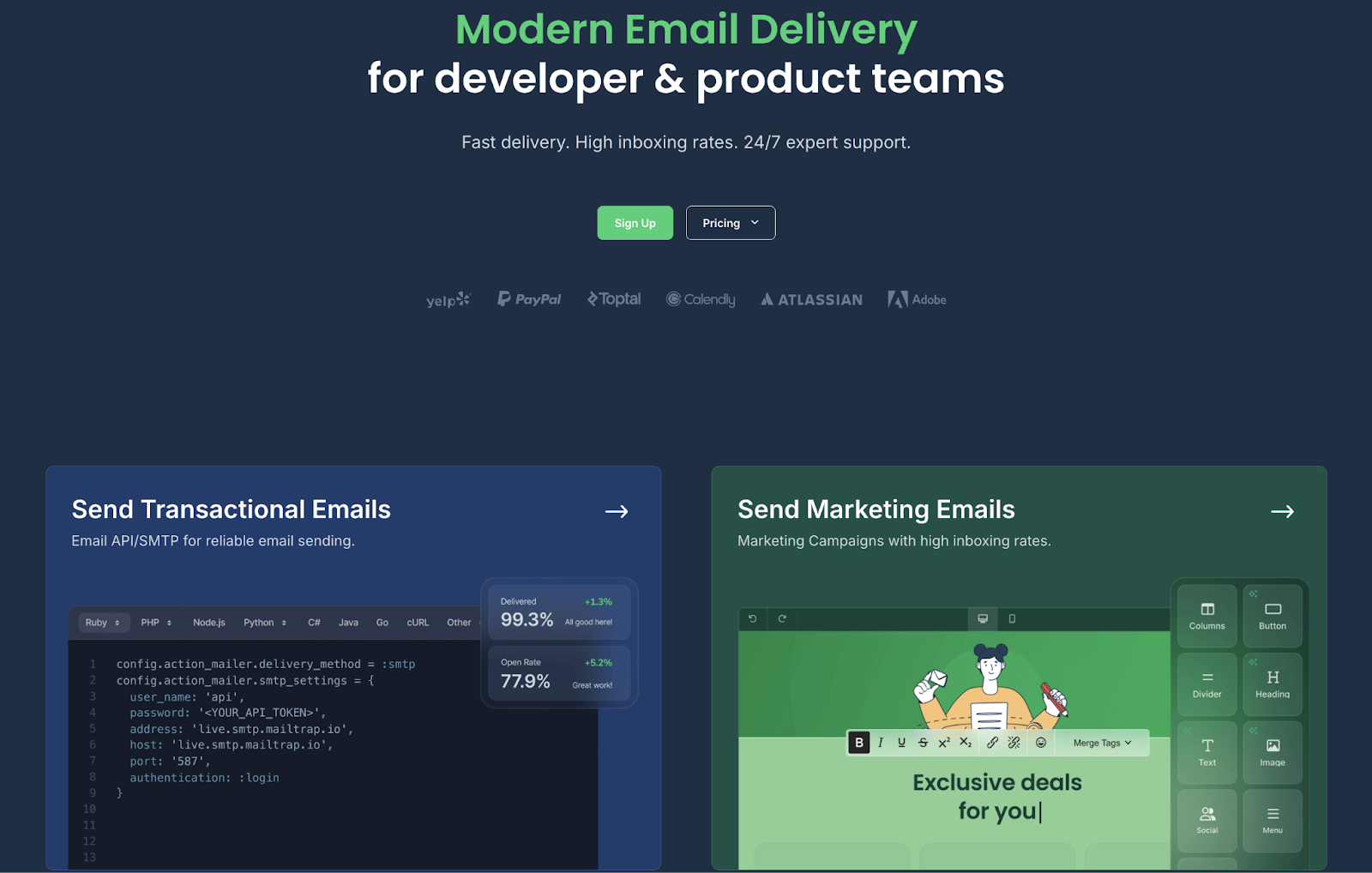
Mailtrap offers the best email API for PHP developers and product teams. It is a modern email platform with a focus on high inboxing rates, fast delivery, and industry-best analytics.
Some of the companies that use Mailtrap for their email infrastructure include PayPal, Atlassian, Adobe, Calendly, and others.
Email deliverability test results: Mailtrap delivered 78.8% of sent emails to the primary inbox.
| Platform | Email placement results | Spam filter rating | Inbox email delivery with top providers |
| Mailtrap | Inbox: 78.8% Tabs: 4.8% Spam: 14.4% Missing: 2.0% | Google Spam Filter: Not spam; Not phishy Barracuda: Score 0 Spam Assassin: Score: -3.8 | Gmail: 67.50% Outlook: 77.78% Hotmail: 100% Yahoo: 55.56% |
Why is Mailtrap the best for PHP developers?
- Official PHP SDK: Built for PHP 8.0+ with full type hints for better IDE support, auto-completion, and runtime error checking.
- Flexible email API: No rate limits with customizable throttling, 500 messages per batch call, and up to 10MB payload support for attachments.
- Straightforward integration: Clean API design with intuitive REST principles that lets you go from Composer install to your first sent email in under 5 minutes.
- Actionable analytics: Helicopter-view and drop-down dashboards for you to track key metrics, such as opens, clicks, bounces, and delivery.
- Separate email streams: Dedicated API endpoints to send both transactional and bulk emails with no drops in performance.
- Automatic DKIM rotation: Mailtrap email API improves security and solves email authentication for you by generating the DNS records for your domain registrar and rotating them every four months.
PHP SDK integration
Useful links:
- Official PHP client
- PHP quickstart
- GitHub repository
- PHP SDK README
- PHP SDK code examples
- Integration guide
The official Mailtrap PHP client receives 32,746 weekly downloads with 54 GitHub stars.
It uses PSR-18 HTTP client abstraction, which means it can be integrated out of the box with any PHP framework that can make HTTP requests (i.e., Guzzle). Furthermore, Mailtrap PHP SDK has a dedicated Laravel bridge/driver and an official Symfony integration, allowing you to connect without writing code.
Code example:
<?php

use Mailtrap\Helper\ResponseHelper;
use Mailtrap\MailtrapClient;
use Mailtrap\Mime\MailtrapEmail;
use Symfony\Component\Mime\Address;

require __DIR__ . '/vendor/autoload.php';

$mailtrap = MailtrapClient::initSendingEmails(
    apiKey: getenv('MAILTRAP_API_KEY') // your API key here https://mailtrap.io/api-tokens
);

$email = (new MailtrapEmail())
    ->from(new Address('sender@example.com'))
    ->to(new Address('recipient@example.com'))
    ->subject('Hello from Mailtrap PHP')
    ->text('Plain text body');

$response = $mailtrap->send($email);

// Access response body as array (helper optional)
var_dump(ResponseHelper::toArray($response));
Pros & cons
| Pros | Cons |
| 99.99% uptime SLA provides reliability for critical emails | No SMS sending (email-only platform) |
| Clean, developer-friendly email API with excellent developer documentation | Smaller community compared to SendGrid or AWS |
| Extended email log retention on higher plans for debugging and compliance | |
| Detailed analytics dashboards track opens, clicks, bounces, spam | |
| Automatic DKIM key rotation every four months | |
| 24/7 expert support (mail, ticket, live chat) |
Security & compliance
Useful links:
| Security | Compliance |
| Strong TLS enforcement, MTA-STS support | GDPR compliant |
| SPF, DKIM, DMARC alignment | Based in EU, but the servers are in the US |
| Granular API keys, IP whitelisting | Compliant with ISO, HIPAA, and SOC 2 Type II |
| MFA, RBAC, detailed audit logs | DSAR support & data deletion upon request |
| Robust reputation management, real-time security monitoring | Detailed logs, exportable |
| Detailed logs, customizable alerts | DPA Available on request |
Pricing
Mailtrap offers quite a generous free plan and three scalable pricing plans primarily based on monthly email volume. As of writing this article, the Business plan is the most popular since it’s in the golden middle.
| Plan | Monthly cost | Email limit |
| Free | $0 | Up to 4,000 emails |
| Basic | From $15 | 10,000+ emails |
| Business (the most popular) | From $85 | 100,000+ emails |
| Enterprise | From $750 | 1,500,000 emails |
| Custom | Custom | From 1,500,000 |
For more details, please consult the official Mailtrap pricing page.
Testimonials
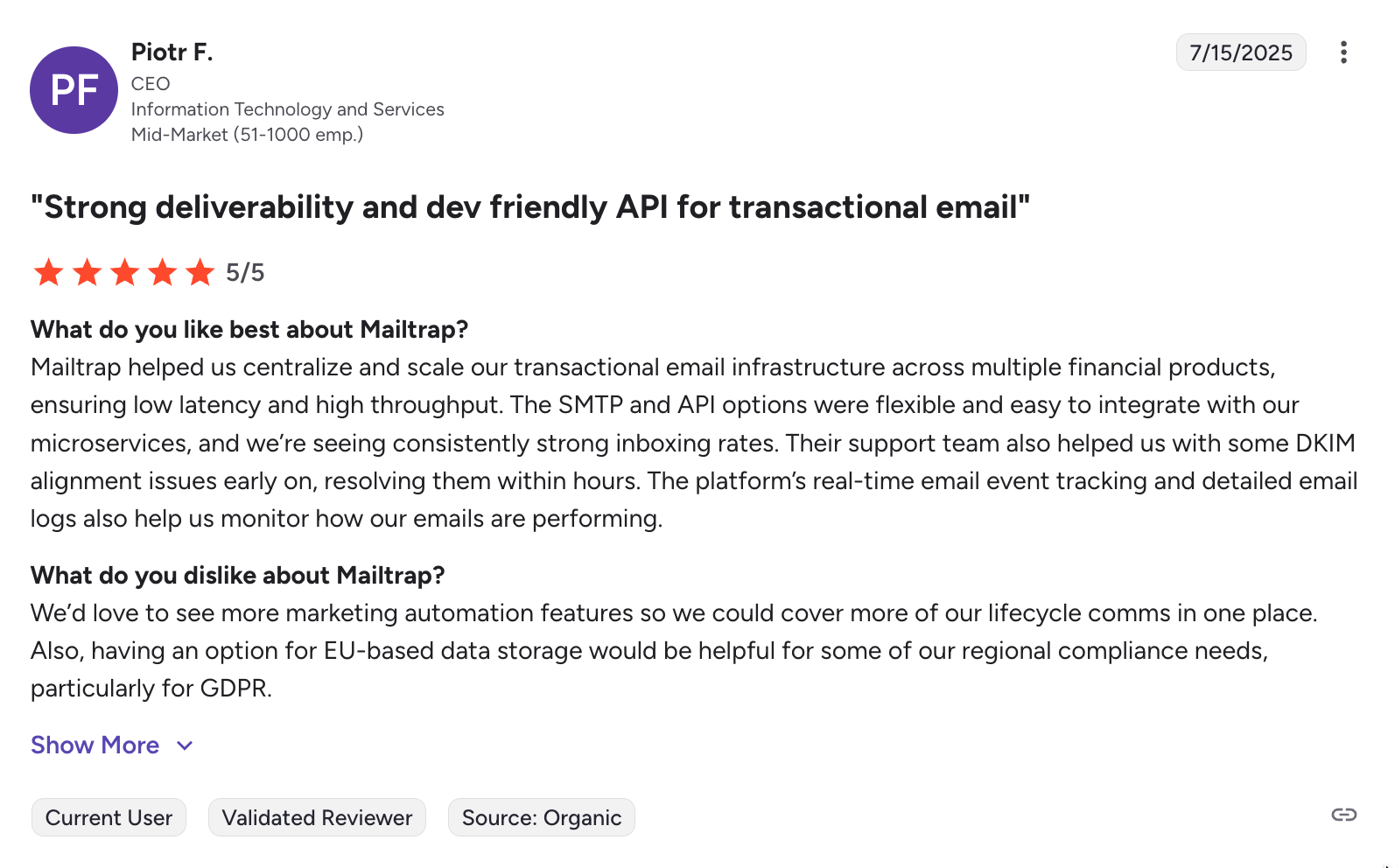
Overall, users like the flexibility of the Mailtrap email API, the ease of integration, and high inboxing rates.

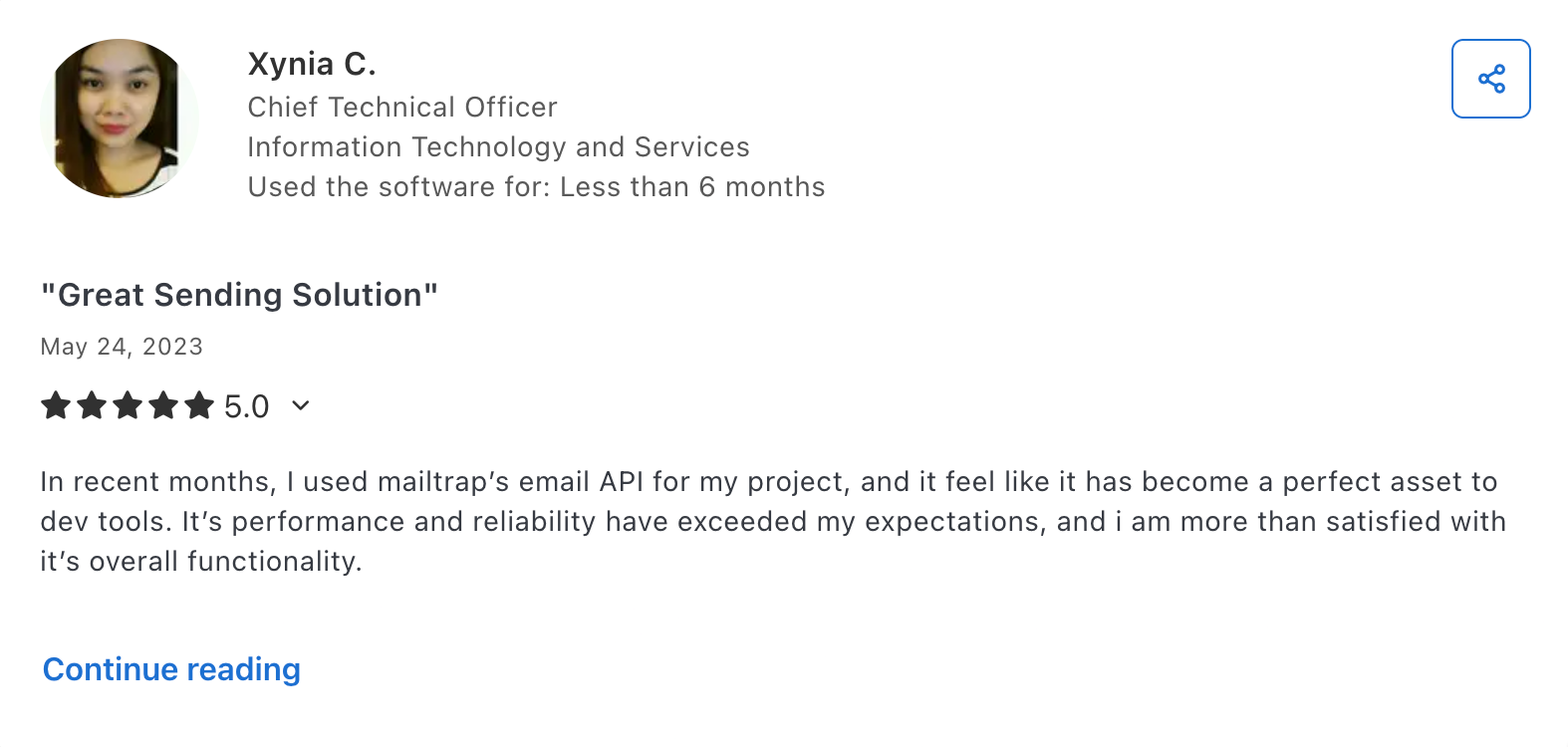
On the other hand, some like its performance and reliability:

SendGrid: Best for enterprises

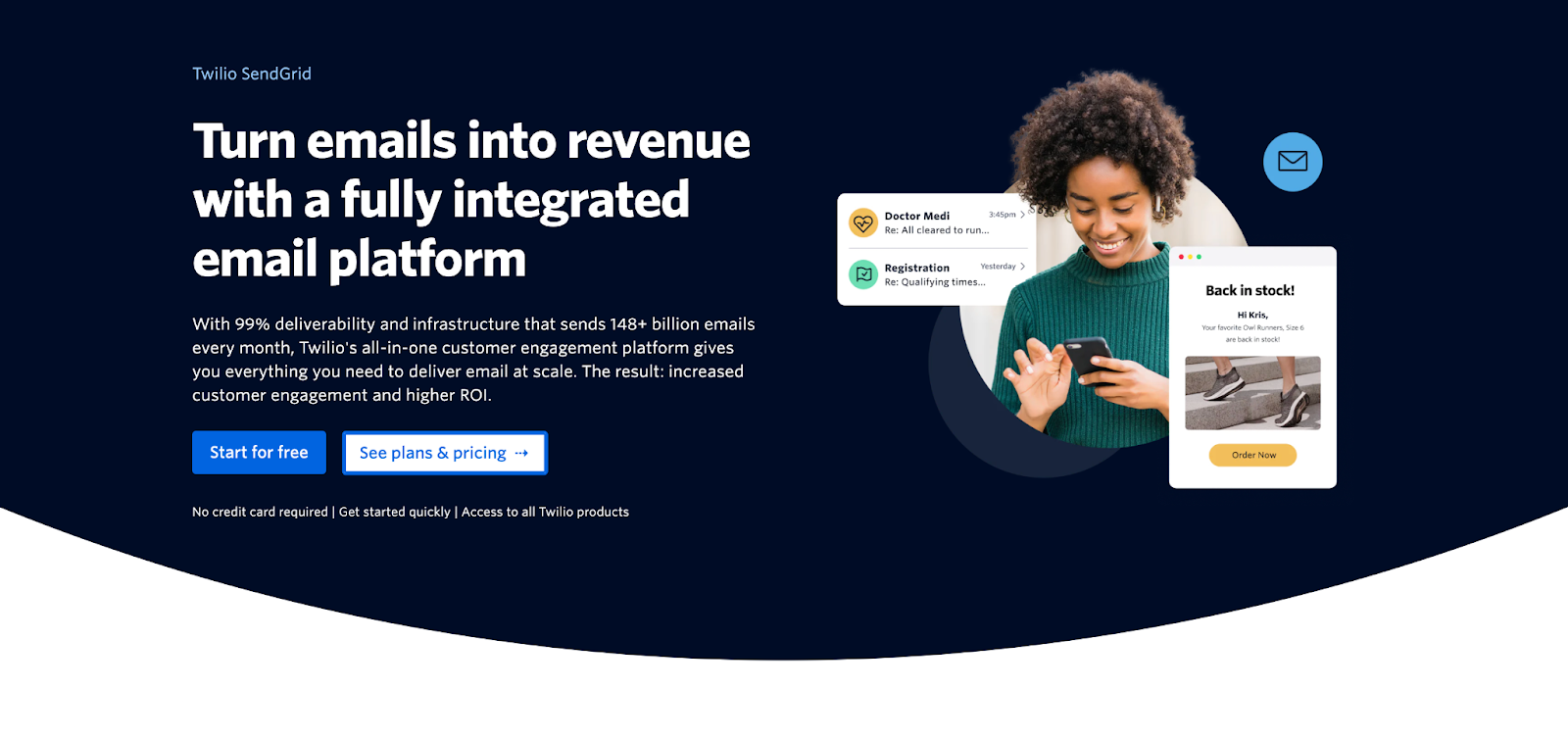
SendGrid’s email API is best for businesses that need to send transactional and marketing emails in one platform with extra comprehensive features at the cost of increased complexity and setup time.
Email deliverability test results: SendGrid delivered 61.1% of sent emails to the primary inbox.
| Platform | Email placement results | Spam filter rating | Inbox email delivery with top providers |
| SendGrid | Inbox: 61.0% Tabs: 1.0% Spam: 17.1% Missing: 20.9% | Google Spam Filter: Not spam; Not phishy Barracuda: Score 0 Spam Assassin: Score: -0.1 | Gmail: 75% Outlook: 0% Hotmail: 0% Yahoo: 33.33% |
Why PHP developers choose SendGrid
- Dynamic template support: Built-in helpers for sending transactional emails from PHP using IDs and variables defined in SendGrid’s Dynamic Templates UI.
- Fluent mail builder: Object-oriented
SendGrid\Mail\Mailhelper lets developers construct HTML, plain text, and attachment-rich messages with method chaining instead of hand-rolling JSON payloads. - Full API surface in PHP: The same SendGrid client instance can access Mail Send, Marketing, Contacts, and suppression endpoints, so transactional and campaign use cases share one configuration and HTTP client.
- Deliverability insights: When you send emails via SendGrid’s PHP SDK, all messages automatically feed into SendGrid’s Deliverability Insights dashboard for detailed monitoring.
- Production diagnostics: Typed response objects expose status codes, headers, and bodies for logging and alerting, helping teams monitor deliverability, handle rate limits, and debug errors in live PHP environments.
PHP SDK integration
Useful links:
The official SendGrid PHP package is maintained by Twilio and targets PHP 7.3+ with support for modern frameworks and tooling. It exposes a fluent OO interface for building messages, handling attachments, and accessing advanced REST endpoints beyond mail.send.
Composer installation integrates cleanly into existing build pipelines, and the SDK plays well with PSR-4 autoloaders and common dependency managers.
The SDK supports key SendGrid features like message sending, personalization, templates, categories, and attachments, all via dedicated methods on the mail object and a single SendGrid client instance.
Code example:
$email = new \SendGrid\Mail\Mail();
$email->setFrom("test@example.com", "Example User");
$email->setSubject("Sending with Twilio SendGrid is Fun");
$email->addTo("test@example.com", "Example User");
$email->addContent("text/plain", "and easy to do anywhere, even with PHP");
$email->addContent(
    "text/html", "<strong>and easy to do anywhere, even with PHP</strong>"
);
$sendgrid = new \SendGrid(getenv('SENDGRID_API_KEY'));
try {
    $response = $sendgrid->send($email);
    print $response->statusCode() . "\n";
    print_r($response->headers());
    print $response->body() . "\n";
} catch (Exception $e) {
    echo 'Caught exception: '. $e->getMessage() ."\n";
}
Pricing
SendGrid keeps its Email API pricing simple with several different plans and a slider for email volume. However, if you’re interested in some of its Email Marketing features along with the PHP SDK, you’ll have to pay extra.
| Plan | Monthly | Email volume |
| Free | $0 | 100 emails/day (60-day trial) |
| Essentials | $19.95 | 50,000 emails |
| Pro | $89.95 | 100,000 emails |
| Premier | Custom | Enterprise volume |
For more details, please consult the official SendGrid pricing page.
Pros & cons
| Pros | Cons |
| High sending throughput | Reports of unresponsive customer support |
| Comprehensive documentation | Verification issues and user suspension |
| Email validation functionality | |
| Pre-warmed up IPs | |
| Widely integrated across services and frameworks |
Security & compliance
Useful links:
| Security | Compliance |
| Enforced TLS, MTA-STS | GDPR compliant |
| SPF, DKIM, DMARC | EU region selectable, US default |
| Scoped API keys, IP access management | SOC 2, ISO 27001, HIPAA certified |
| MFA, RBAC, SSO | Supports DSARs, deletion, data export |
| Real-time spam feedback, proactive monitoring | Logging via Twilio’s security tools |
| Activity feed, email event webhooks | DPA available |
Testimonials
Although people praise SendGrid’s email API for its functionality, documentation, etc., most positive reviews end with a remark towards the platform’s customer support. Like this one, for example.

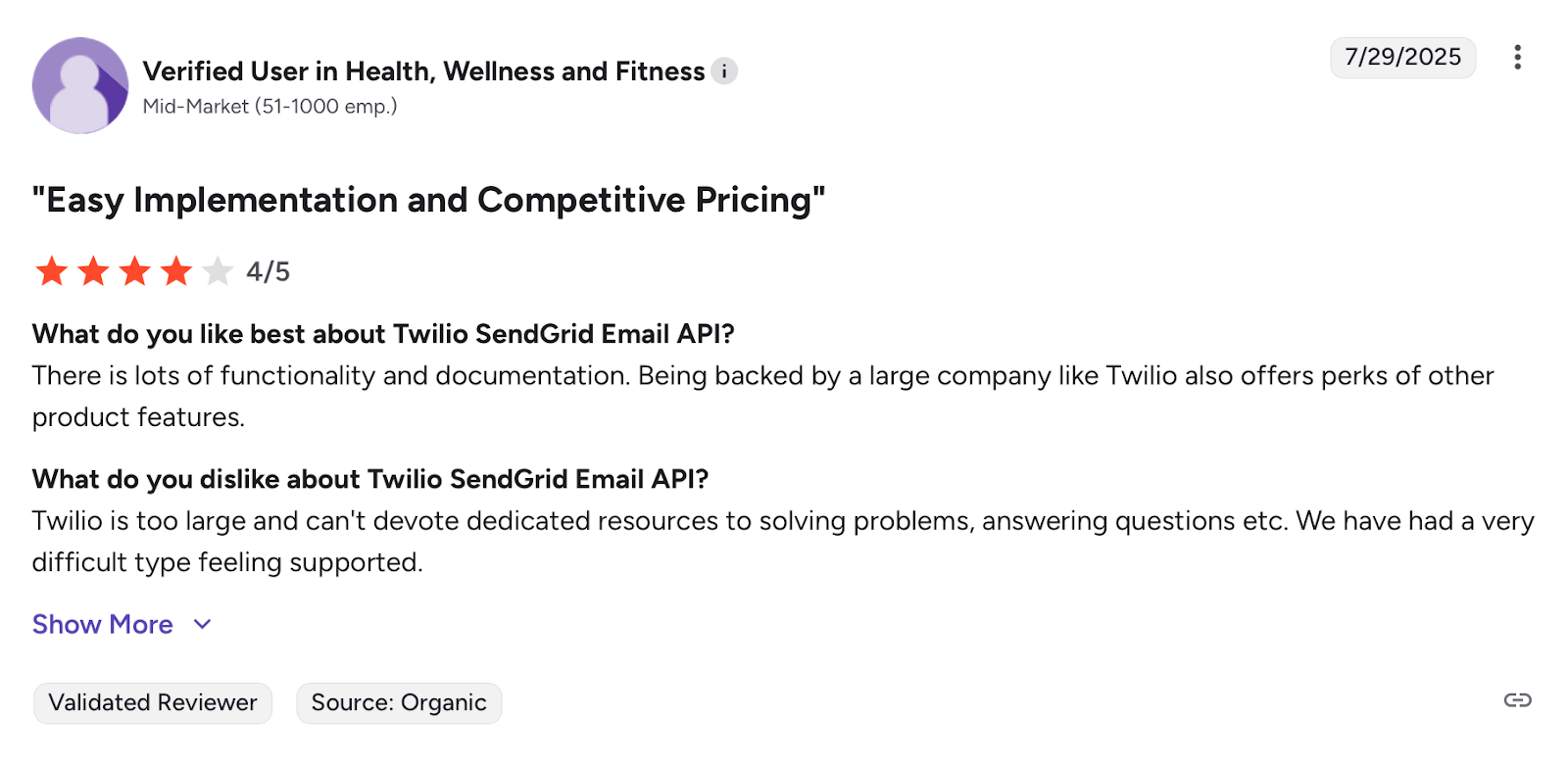
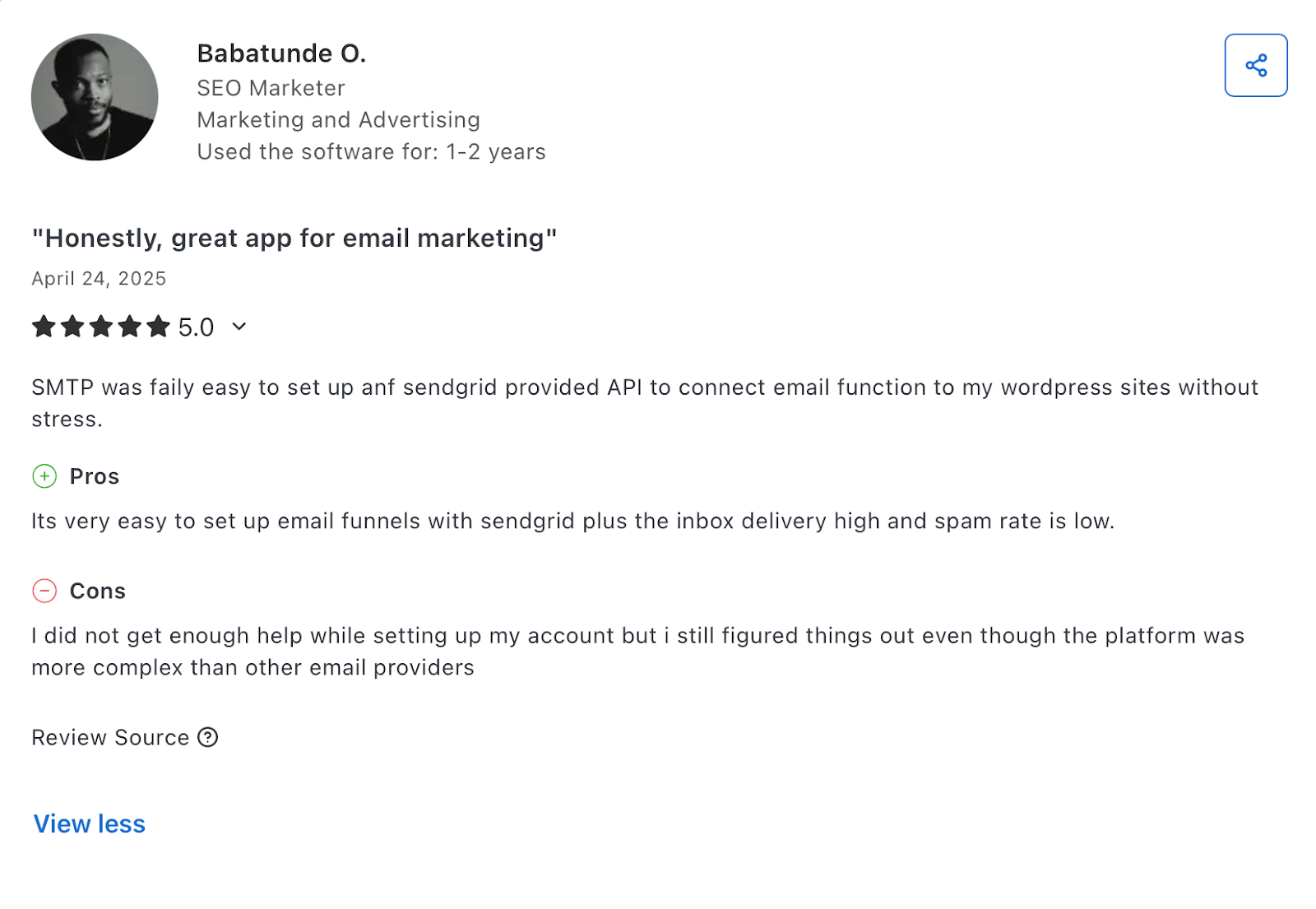
Wherever I looked, it was the same story. So again, we have a user praising SendGrid’s API and deliverability, while saying they didn’t get enough help while setting up the account.

Further reading: I Tested 6 SendGrid Alternatives: Here’s What I Found 🔍
Mailgun: Best for validation

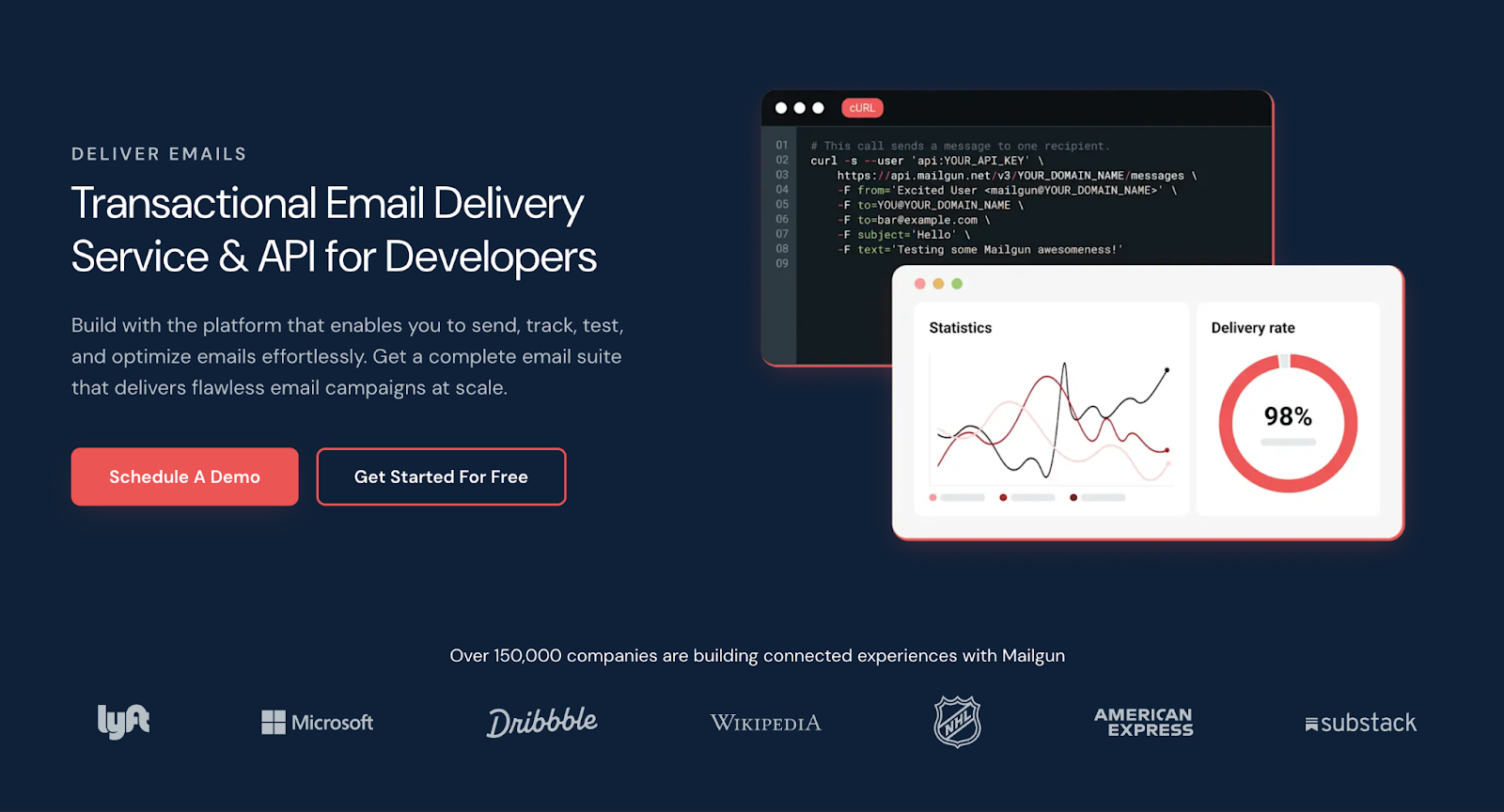
Mailgun is a developer-focused platform for transactional and marketing email sending that offers an API with a focus on batch sending, scalability, list quality, and validation.
Email deliverability test results: Mailgun delivered 71.4% of emails in the primary inbox.
| Platform | Email placement results | Spam filter rating | Inbox email delivery with top providers |
| Mailgun | Inbox: 71.0% Tabs: 3.8% Spam: 23.8% Missing: 1.0% | Google Spam Filter: Not spam; Not phishy Barracuda: Score 0 Spam Assassin: Score: -5.3 | Gmail: 100% Outlook: 66.67% Hotmail: 40% Yahoo: 33.33% |
Why PHP developers choose Mailgun
- Robust PHP SDK: A PHP client with clear methods, full IDE auto-completion, and helpful exceptions for faster, safer integration.
- Email validation API: Pre-send check your addresses against Mailgun’s email database. This includes DNS and MX record checks, disposable address lookups, etc.
- Deliverability insights: Track the most important deliverability metrics, and see what’s causing your emails to bounce.
- Batch sending at scale: Send to up to 1,000 recipients per API call using recipient variables for personalized bulk campaigns without exposing recipient addresses.
- Event logging: Capture deliveries, opens, clicks, and bounces with structured webhooks and searchable logs retained for up to 30 days, depending on your subscription plan.
PHP SDK integration
Useful links:
Mailgun’s PHP SDK is the first SDK for the Mailgun API, so it’s been out there for quite a while. More precisely, it had first appeared in 2013 on Packagist. Now, it has over 1.3 million weekly installations and an active community support on GitHub.
According to the documentation, Mailgun’s API uses the PSR-18 client abstraction, giving you the flexibility to choose what PSR-7 implementation and HTTP client you want to use. Furthermore, it integrates smoothly with major PHP frameworks like Laravel, Symfony, and CodeIgniter.
The SDK includes native support for Mailgun features like message sending, template management, email validation, and event logs, all with clear object-oriented structures and comprehensive inline type hints for modern IDEs.
Code example:
// First, instantiate the SDK with your API credentials
$mg = Mailgun::create('key-example'); // For US servers
$mg = Mailgun::create('key-example', 'https://api.eu.mailgun.net'); // For EU servers

// Now, compose and send your message.
// $mg->messages()->send($domain, $params);
$mg->messages()->send('example.com', [
  'from'    => 'bob@example.com',
  'to'      => 'sally@example.com',
  'subject' => 'The PHP SDK is awesome!',
  'text'    => 'It is so simple to send a message.'
]);
Pricing
Mailgun has a limited free plan that you can use to test the platform’s API and basic features, as well as three pricing plans that start from $15. Additionally, although they are all scalable, I should note that they get a bit expensive if you want to send high volumes of email.
| Plan | Monthly cost | Email limit |
| Free | $0 | 100 per day |
| Basic | From $15 | 10,000+ |
| Foundation | From $35 | 50,000+ |
| Scale | From $90 | 100,000+ |
For more details, please consult the official Mailgun pricing page.
Pros & cons
| Pros | Cons |
| EU and US data centers | Pricing can become expensive at scale |
| Scalable infrastructure | Reports of email issues and account blocks |
| Email validation | Steep learning curve for junior devs |
| Onboarding support | |
| Inbound email support |
Security & compliance
Useful links:
| Security | Compliance |
| Mandatory TLS, MTA-STS | GDPR compliant |
| SPF, DKIM, DMARC | EU region sending & storage |
| Manage API keys, IP restrictions | SOC 2, ISO 27001, HIPAA (with BAA) certified |
| MFA, granular user permissions | User data deletion & subject access |
| Spam detection, bounce handling | Logging & audit trails |
| Detailed event logs, webhooks for notifications | DPA available |
Testimonials
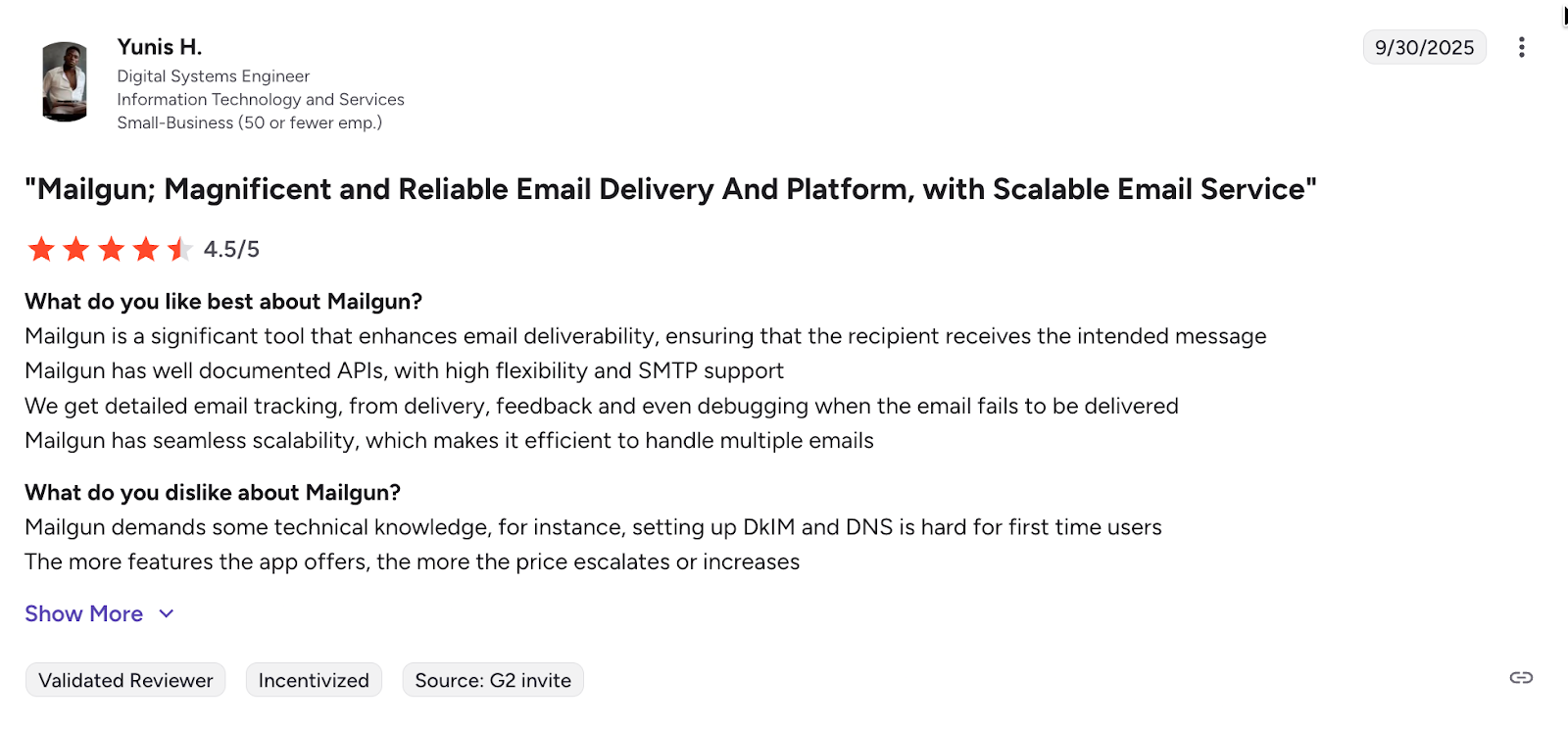
Generally, Mailgun sees a lot of positive reviews and remarks from its users, most of them commenting upon its documentation and easy-to-integrate API. One of the few downsides mentioned concerns the cost of its advanced features and the technical setup.

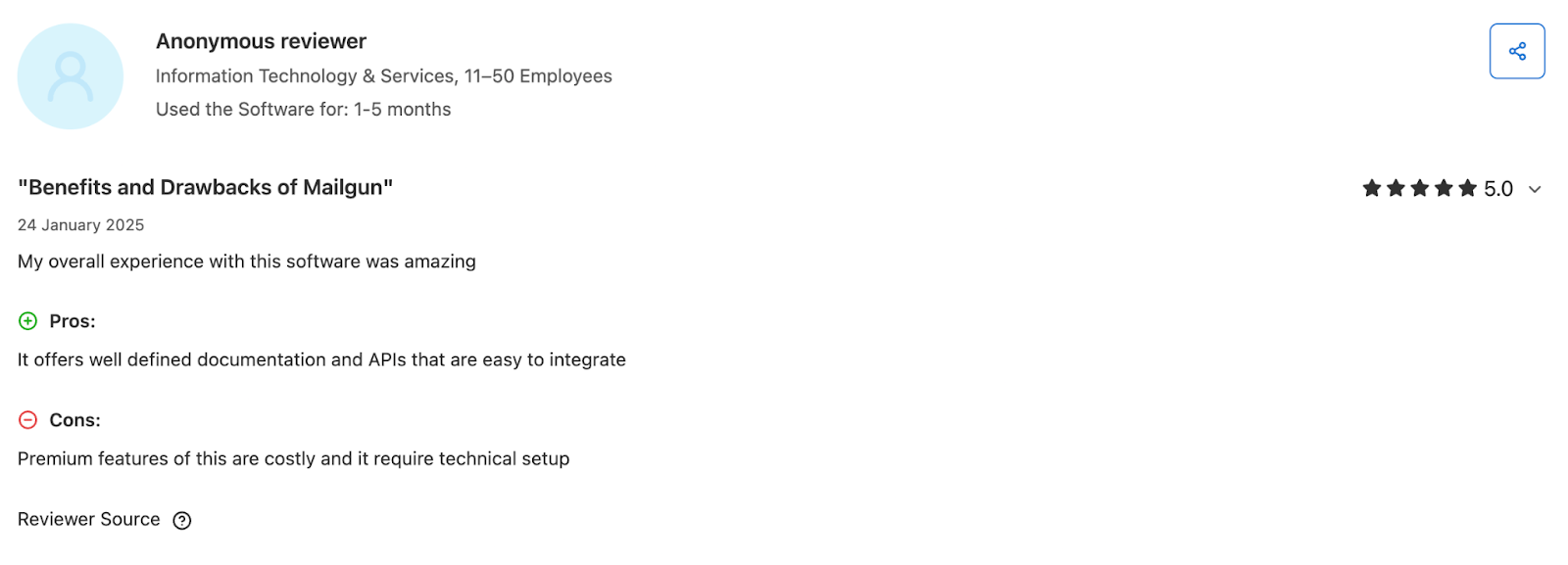
Again, another user praises Mailgun’s email API and its functionalities, but doesn’t like the fact that you need some technical knowledge to set up email authentication, for instance.

Further reading: I Tried & Compared 6 Best Mailgun Alternatives: My Findings 💡
Amazon SES: Best for AWS users

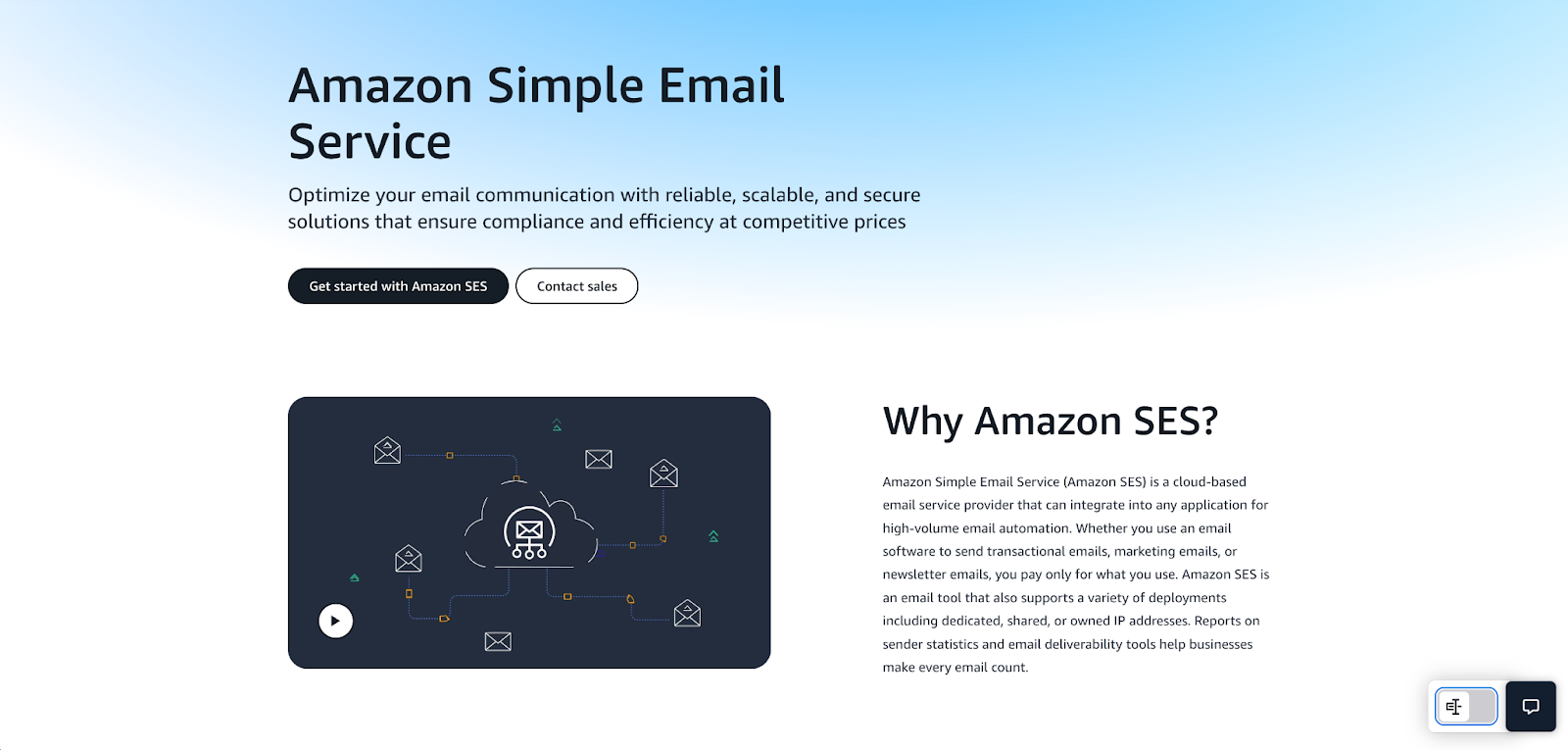
Amazon SES (Simple Email Service) is a cloud-based email service provider that offers an email API for developers who are already deep into the AWS ecosystem. In other words, go for SES if you have experience with AWS, since this API is all about connecting to other services like Lambda, CloudWatch, and others.
Email deliverability test results: Amazon SES delivered 77.1% of emails to the primary inbox.
| Platform | Email placement results | Spam filter rating | Inbox email delivery with top providers |
| Amazon SES | Inbox: 77.1% Tabs: 1.9% Spam: 20.0% Missing: 1.0% | Google Spam Filter: Not spam; Not phishy Barracuda: Score 0 Spam Assassin: Score: -4.3 | Gmail: 87.50% Outlook: 100% Hotmail: 100% Yahoo: 44.44% |
Why PHP developers choose Amazon SES
- Mature AWS SDK for PHP: The official AWS SDK for PHP with dedicated Ses Client and SesV2Client provides typed methods for sending, templating, configuration sets, and event publishing while handling retries, credentials, and serialization for you.
- Framework‑friendly integration: Drop the SDK into popular PHP frameworks (Laravel, Symfony, Laminas, Slim) via community packages and service providers, so mailers, queues, and config can live in native PHP dependency injection containers.
- AWS ecosystem for PHP: From the same SDK, you can wire SES to S3 for attachments, DynamoDB or RDS for template data, SNS for notifications, EventBridge for routing, and CloudWatch for metrics and log insights, all from familiar PHP code.
- Infrastructure as code ready: Define SES identities, configuration sets, dedicated IP pools, and IAM policies in CloudFormation or CDK, then deploy them alongside the PHP app infrastructure so email configuration is version‑controlled and reproducible.
- Pay-as-you-go pricing model: Amazon SES is by far the most affordable option out there, offering 1,000 emails for $0.10. Moreover, if you’re sending from EC2 instances, you get 62,000 free monthly emails.
PHP SDK integration
Useful links:
- Official PHP client
- PHP quickstart
- GitHub repository
- PHP SDK README
- v3 PHP API code examples
- Integration guide
Considering the number of AWS services out there and their users, it’s no wonder that AWS SDK for PHP receives millions of weekly downloads. The SDK can easily be integrated with all of the popular frameworks and modules, although its API key authentication and a few other nuances are a bit technical.
If you have experience with the AWS ecosystem, you’ll find setting up Amazon SES easy, especially since it offers a plethora of code snippets for more or less every use case possible.
Code example:
<?php
require 'vendor/autoload.php';

use Aws\S3\S3Client;
use Aws\Exception\AwsException;

// Create an S3 client
$s3 = new S3Client([
    'version'     => 'latest',
    'region'      => 'us-west-2',          // change to your region
    'credentials' => [
        'key'    => 'YOUR_ACCESS_KEY_ID',
        'secret' => 'YOUR_SECRET_ACCESS_KEY',
    ],
]);

try {
    // Simple upload example
    $result = $s3->putObject([
        'Bucket' => 'your-bucket-name',
        'Key'    => 'example.txt',
        'Body'   => 'Hello from AWS SDK for PHP!',
        'ACL'    => 'public-read',
    ]);

    echo "File uploaded. URL: " . $result['ObjectURL'] . PHP_EOL;
} catch (AwsException $e) {
    echo "Error uploading: " . $e->getMessage() . PHP_EOL;
}
Pricing
As I’ve mentioned previously, Amazon SES has a pay-as-you-go pricing model instead of the usual volume-based tiers you can see from other providers. Just note that, although the monthly email allowance is quite affordable, you need to pay extra for features like dedicated IPs ($24.95/month).
| Emails per month | Cost |
| 1,000 | $0.10 |
| 10,000 | $1 |
| 100,000 | $10 |
For more details, please consult the official Amazon SES pricing page.
Pros & cons
| Pros | Cons |
| Highly configurable email API and infrastructure | Requires some experience and technical knowledge |
| Can be natively integrated with the rest of the AWS ecosystem | Takes some time to set up due to the sandbox mode configuration |
| Strong and reputable IPs | |
| Supports data residency for EU, US, and Asia |
Security & compliance
Useful links:
- Service-level security overview
- Data protection in Amazon SES
- Compliance validation for SES
- Security and compliance center
- AWS GDPR center
| Security | Compliance |
| Opportunistic / forced TLS, MTA-STS (manual setup) | GDPR compliant |
| SPF, DKIM, custom MAIL FROM, DMARC | Region-specific data storage (EU/US/Asia) |
| IAM policies, granular access control | SOC 2, ISO 27001, HIPAA certified |
| IAM, MFA, CloudTrail integration | IAM-level controls & data export tools |
| Reputation dashboards, feedback loops | CloudTrail logging |
| Extensive logs via CloudWatch/ CloudTrail | DPA available through AWS DPA |
Testimonials
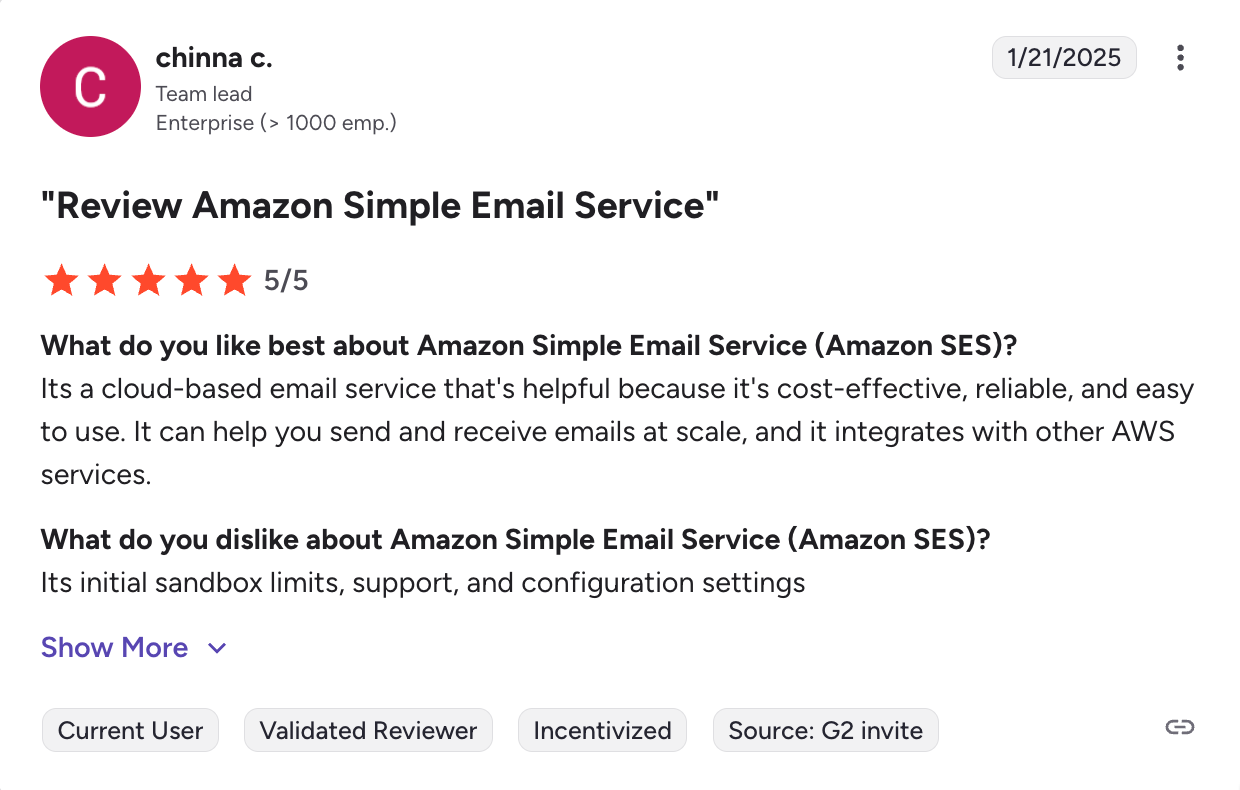
As it could have been expected, users love Amazon SES for its affordability and reliability, while they mention its sandbox limits, support, and technical configuration as downsides.

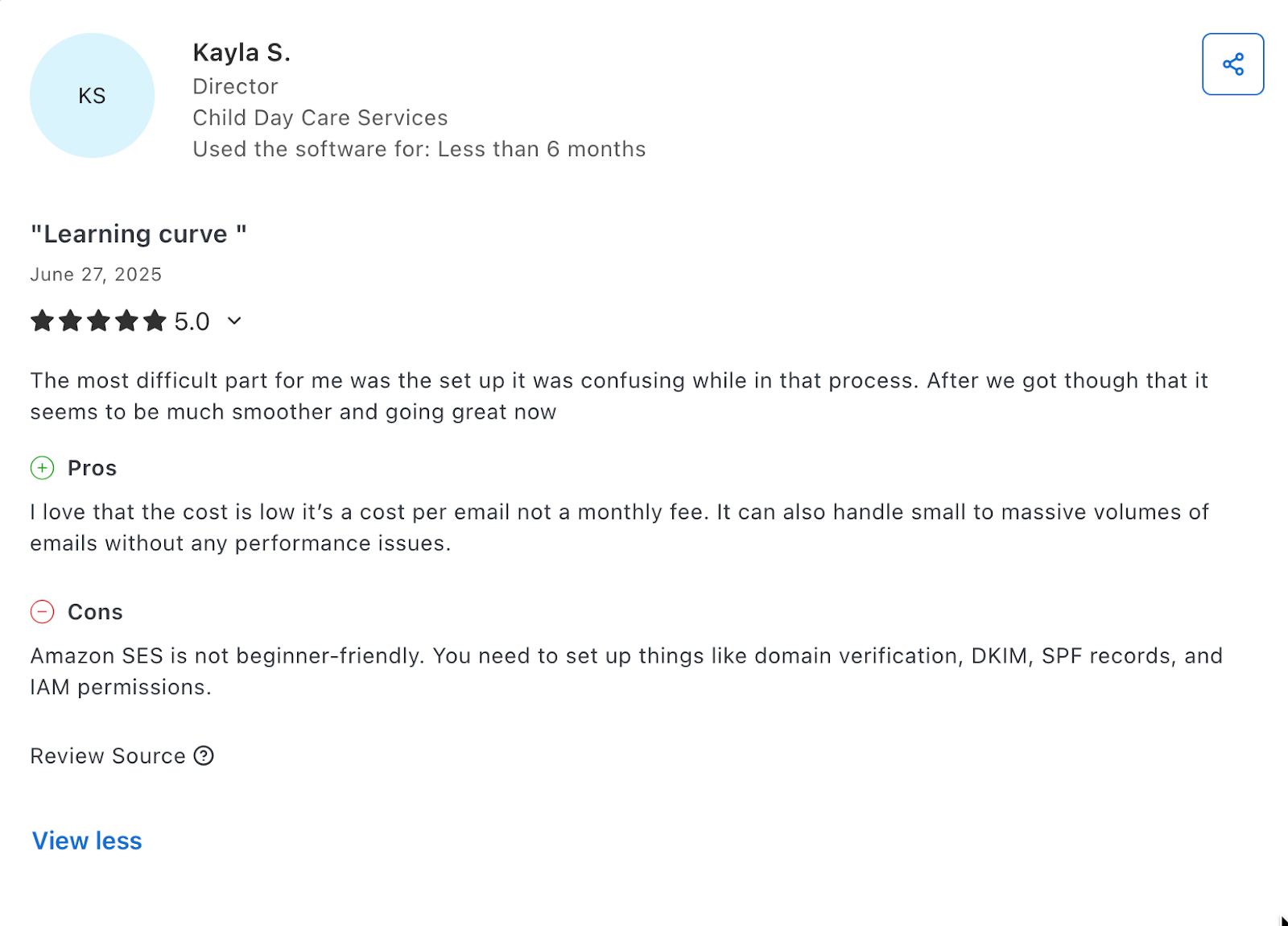
Some also don’t like the fact that you need to manually set up a domain, DNS records, and IAM permissions, but overall, again, they love the low cost.

Further reading: 6 Best Amazon SES Alternatives: Which One Is Worth Switching To 👀
Postmark: For transactional emails at a higher cost
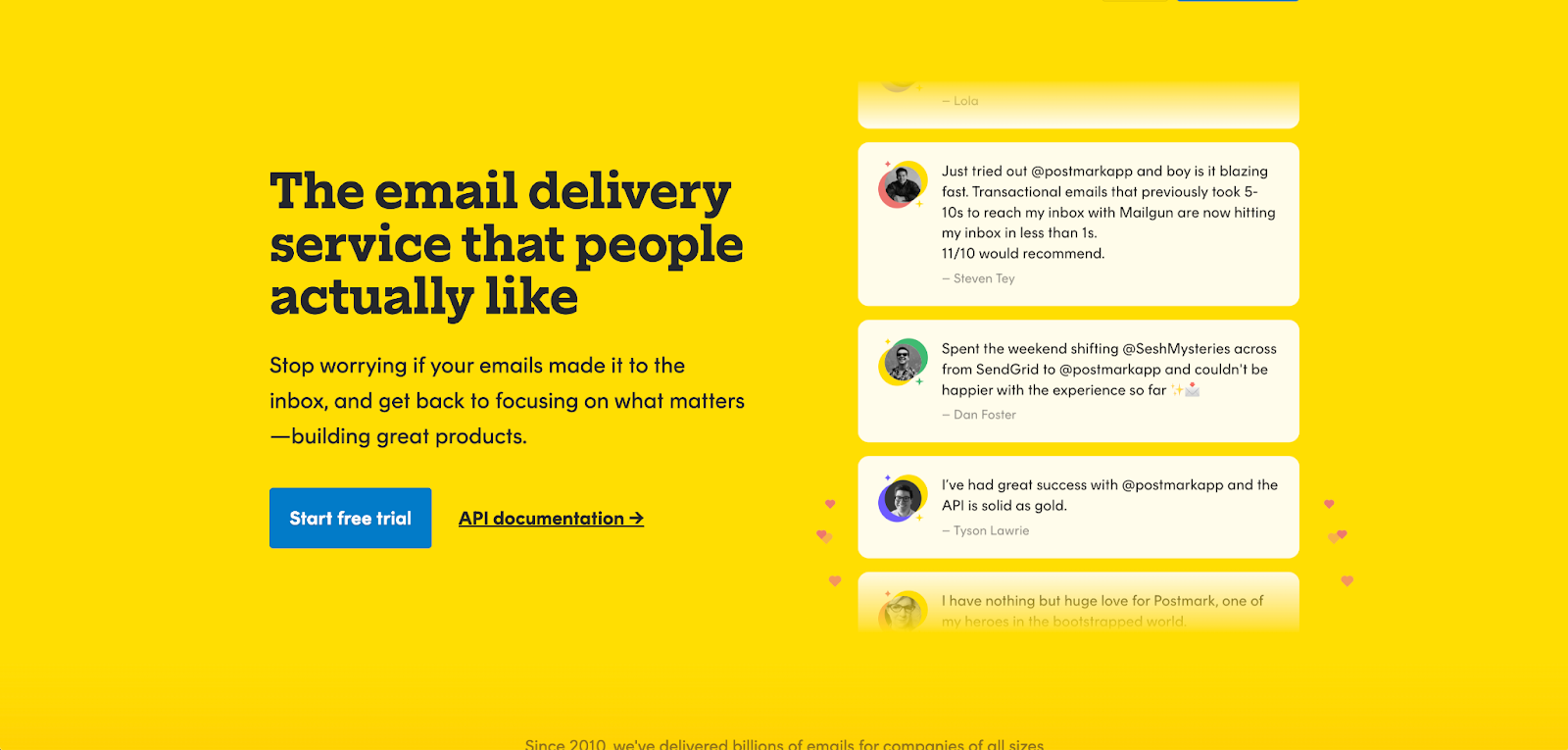
Postmark is best for developers who need a robust email API geared for sending transactional emails with inbound email capabilities.
Email deliverability test results: Postmark delivered 83.3% of emails to the primary inbox in our tests.
| Platform | Email placement results | Spam filter rating | Inbox email delivery with top providers |
| Postmark | Inbox: 83.3% Tabs: 1.0% Spam: 14.3% Missing: 0.9% | Google Spam Filter: Not spam; Not phishy Barracuda: Score 0 Spam Assassin: Score: -4.3 | Gmail: 100% Outlook: 100% Hotmail: 80% Yahoo: 77.78% |
Why PHP developers choose Postmark
- Separate message streams: Similar to Mailtrap, Postmark has true dedicated sending streams that allow you to keep deliverability rates high while sending different types of emails.
- Inbound email processing: Besides allowing you to send emails, Postmark also lets you receive emails on a pre-made inbound address or a custom one with your own domain.
- Extensive email logs: Postmark stores and displays the email content you sent or received for 45 days by default, regardless of the plan. You can also extend it up to 365 days with the retention add-on.
- Flexible email API: With the Postmark email API, you can also handle bounces, inbound webhooks, and more. All of this without manual HTTP requests.
- Transparent deliverability status: On Postmark’s status page, you can see everything from system and API availability to inbox rates and speeds for major mailbox providers.
PHP SDK integration
Useful links:
- Official PHP client
- PHP quickstart
- GitHub repository
- PHP SDK README
- v3 PHP API code examples
- Integration guide
Postmark PHP SDK boasts 170+ GitHub stars and over 8 million total installs on Packagist with 46 dependents.
It requires the Guzzle HTTP client, making integration easy if your project already uses Guzzle. If not, you’ll need to work around that dependency.
Additionally, Laravel includes a native Postmark driver, and Symfony Mailer offers an official Postmark transport.
Code example:
<?php

// Import the Postmark Client Class:
require_once('./vendor/autoload.php');
use Postmark\PostmarkClient;

$client = new PostmarkClient("POSTMARK-SERVER-API-TOKEN-HERE");

// Send an email:
$sendResult = $client->sendEmail(
  "sender@example.com",
  "recipient@example.com",
  "Hello from Postmark!",
  "This is just a friendly 'hello' from your friends at Postmark."
);

?>
Pricing
As you can notice for yourself from the table below, Postmark is slightly costlier than other email API providers on this list. However, at least you don’t have to pay extra for features such as extended logs.
| Plan | Monthly cost | Email limit |
| Free | $0 | 100 |
| Basic | From $15,00 | 10,000+ |
| Pro | From $60,50 | 50,000+ |
| Platform | From $138,00 | 125,000+ |
For more details, please consult the official Postmark pricing page.
Pros & cons
| Pros | Cons |
| Reliable email API focused on delivering emails to inboxes | More expensive than some competitors like Mailtrap or Amazon SES |
| Clear, practical documentation with a plethora of examples | Support is limited to an AI agent and ticket system |
| Ability to receive emails on top of being able to send them | Reports of slow response times from the customer support team |
| True separate sending streams for improved deliverability | Dedicated IPs come at a price of $50/month and a requirement of 100k emails/month |
| Provides EU data residency options for users who want to stay within specific regions |
Security & compliance
Useful links:
| Security | Compliance |
| TLS 1.2+ enforced | GDPR compliant |
| SPF, DKIM, DMARC | All data hosted in US |
| Restricted API tokens, IP whitelisting. | SOC 2, ISO 27001 and certified, no HIPAA |
| MFA, team roles, activity feed | Data subject rights support |
| Proactive spam filters, bounce management | Granular activity logging |
| Detailed activity logs, webhooks | DPA available upon request |
Testimonials
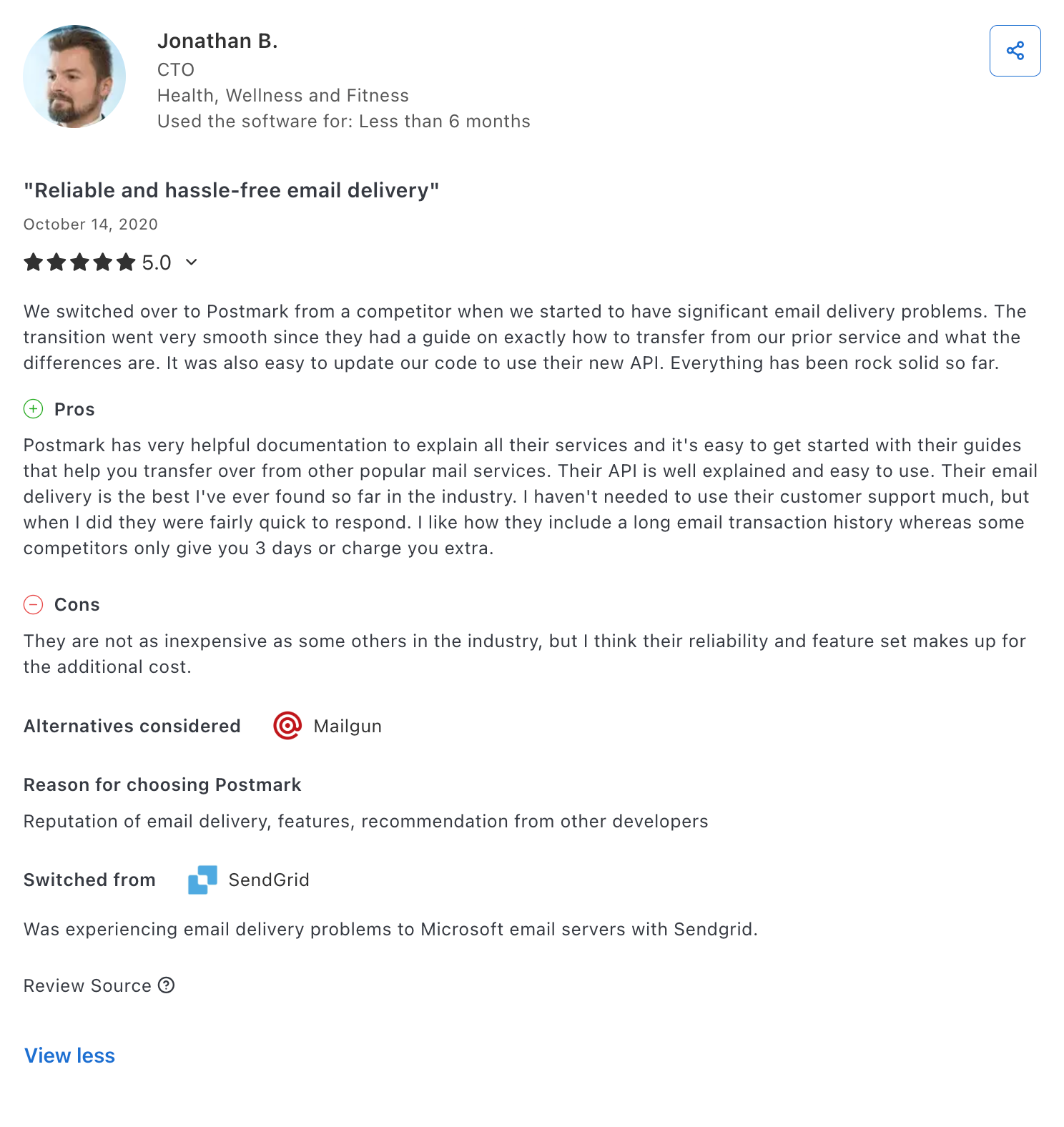
‘User-friendly,’ ‘reliable,’ and ‘hassle-free’ are the usual phrases I found among Postmark user reviews. Generally, people enjoy the platform’s email API, although some find that its analytics could be more detailed.

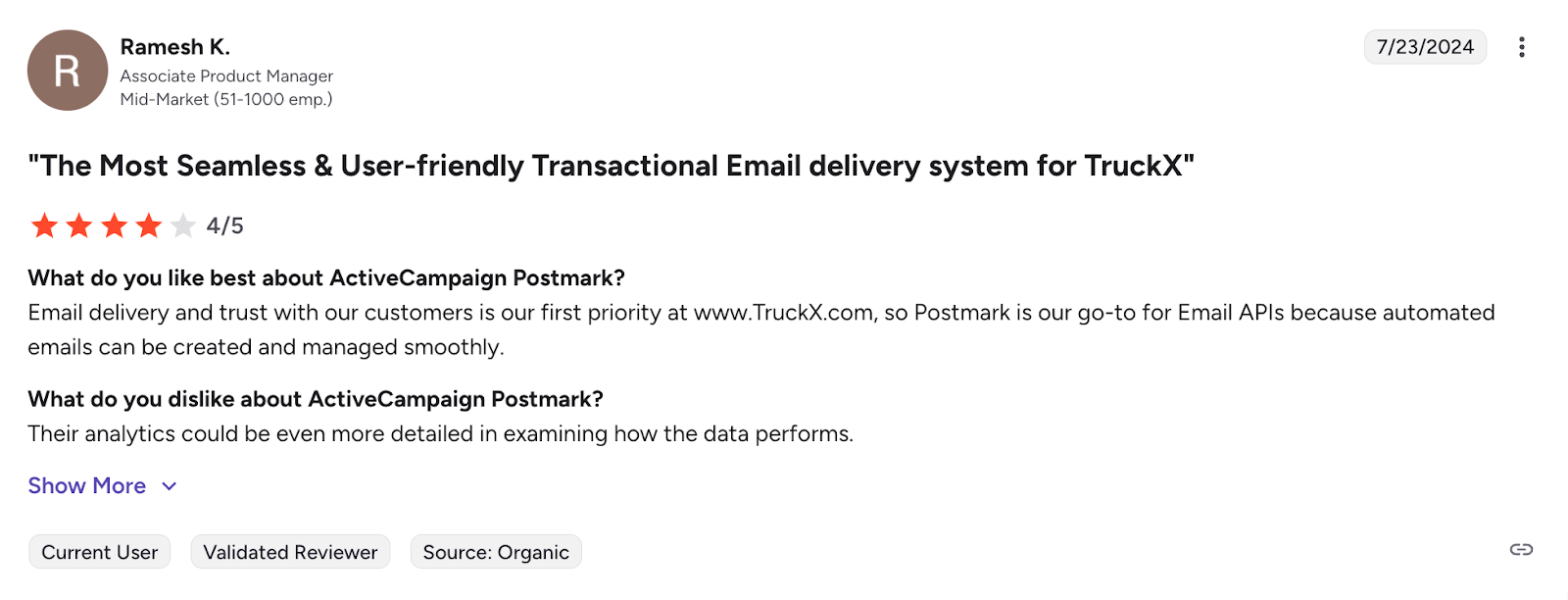
Others praise its documentation, delivery speed, and the extended email logs. On the other hand, users also often say that Postmark is not as inexpensive as other competitors on the market.

Further reading: I Tested 6 Postmark Alternatives: Here’s What I Found ⬅️
Wrapping up

We researched, integrated, tested, and demoed the best solutions in the industry based on the most relevant comparison criteria for developers, and presented our findings in this article. Now, it’s up to you and your team to see which is the best solution for you based on priorities, budget, etc.
Here’s a nice little table for you that sums up the best email APIs for PHP developers:
| Email API | Best for | Frameworks/Clients | Pricing |
| Mailtrap | High-volume developer teams and product companies | Laravel, Symfony, PSR-18 clients | From $15 (The most popular plan is from $85) |
| SendGrid | Enterprise users who need to send both transactional and marketing emails | Laravel, Symfony, Yii, raw PHP, PHPMailer | From $15 |
| Mailgun | Developer teams with sending expertise who need logs and validation API | Laravel, Symfony, Yii, PHPMailer, Swift Mailer, PEAR, raw PHP | From $19.95 |
| Amazon SES | Developers with experience in the AWS ecosystem | Laravel, Symfony, raw PHP | $0.10 per 1,000 emails |
| Postmark | For teams that want to send transactional emails without any over-the-top features | Laravel, Symfony, ZendMail, PHPMailer, raw PHP | From $15 |
Frequently asked questions
What is the best email API for PHP developers?
The best email API for PHP developers is Mailtrap for most use cases since it provides fast delivery, high inboxing rates, and expert customer support. All of this on top of offering a well-maintained email API with an official SDK for PHP that you can easily integrate.
How to integrate email API with PHP application?
To integrate an email API with PHP, first install the provider’s SDK using Composer (e.g., composer require mailtrap/mailtrap-php symfony/http-client nyholm/psr7), then initialize the client with your API key from environment variables, and use the send method to dispatch emails.
Furthermore, when storing API keys, never hardcode them. Instead, use environment variables. Most providers offer similar patterns with object-oriented clients for modern PHP integration.
What features should I prioritize when choosing an email service for PHP?
When choosing an email service for PHP, you should watch out for:
- SDK quality – Go for an email service that offers a regularly updated and maintained email API with a strong community and a PHP version that suits your use case.
- Framework compatibility – Make sure the email service for PHP you choose works with the frameworks you use.
- Developer experience – Search through the documentation and see if it’s clear enough to allow you and your team to integrate and maintain the setup.
- Email infrastructure – Look for services with SLAs, true dedicated streams, and high inbox placement rates.
- Customer support – Avoid services that have AI instead of support teams that consist of humans who can actually help you.
- Transparent pricing – Check for hidden costs, overages, and, most importantly, make sure the service cost fits your team’s budget.
Which email service is most cost-effective for PHP developers?
Amazon SES is the most cost-effective email service, offering 1,000 emails per $0.10. However, due to its infrastructure complexity, it’s only ideal for AWS users. If you’re looking for another simpler, yet also affordable alternative, Mailtrap offers solid value (10,000 emails for $15/month). With it, you get high deliverability rates by design and a superb developer experience.