



Survey any email marketing team right now, and you’ll almost certainly find at least one AI tool in the mix. What you’re less likely to find is a team using the right AI tools at every stage of the production process.
Most people grab ChatGPT for a quick subject line or lean on whatever AI feature their email platform bundled in last quarter, and leave a lot of time savings on the table as a result. The email production workflow has three distinct stages: writing the copy, creating the visuals and assets, and reliably getting the email out the door. Each stage has different needs, and the tools that shine for one don’t always help with other stages.
In this article, we’re going to walk you through the AI tools that are genuinely worth your time across all three stages: from copy to creative assets to sending infrastructure. We’l also flag where each tool falls short, because not everything with “AI” in the marketing copy deserves a place in your stack.
Why AI Tools for Email Are Worth the Hype (and Where They’re Not)
AI tools for email marketing are genuinely useful, but not in the way the vendors would have you believe.
The real value isn’t that AI writes better emails than you do. It doesn’t; at least not without significant guidance. The value is that AI dramatically compresses the time it takes to go from a brief to a testable draft. Subject line variants that used to take an hour of workshopping can get done in ten minutes. A hero image that requires a designer’s calendar slot can come together in a few prompts. An HTML email template that would have taken a developer half a day is a download away.
Where AI tools fall short is in areas that require genuine brand judgment. Bland output is the default, not the exception, unless you invest time in good prompts, brand guidelines, and editorial review. There are also real licensing risks with some AI image generators; content created by certain tools can’t be used commercially without headaches. And if you hand your entire workflow over to AI without a human in the loop, expect campaigns that feel like they were written by nobody in particular.
The takeaway: AI works best as a production accelerator. Use it to move faster on execution, not to replace the strategic thinking that makes a campaign worth sending.
AI Tools for Email Copywriting
Good email copy is deceptively hard: short enough to respect attention spans, specific enough to feel personal, structured enough to drive a click. AI tools have gotten surprisingly capable at drafting copy that hits those marks, especially when you give them a clear brief. AI inference services including Telnyx Inference can support the models behind these AI-powered content workflows, helping applications process prompts and generate responses.
Here’s what actually matters when evaluating a copywriting tool: Does it support customization of brand voice? Does it have email-specific templates (subject lines, CTAs, preheaders, not just “write me a paragraph”)? And can it handle the specific tone your audience expects?
Jasper AI

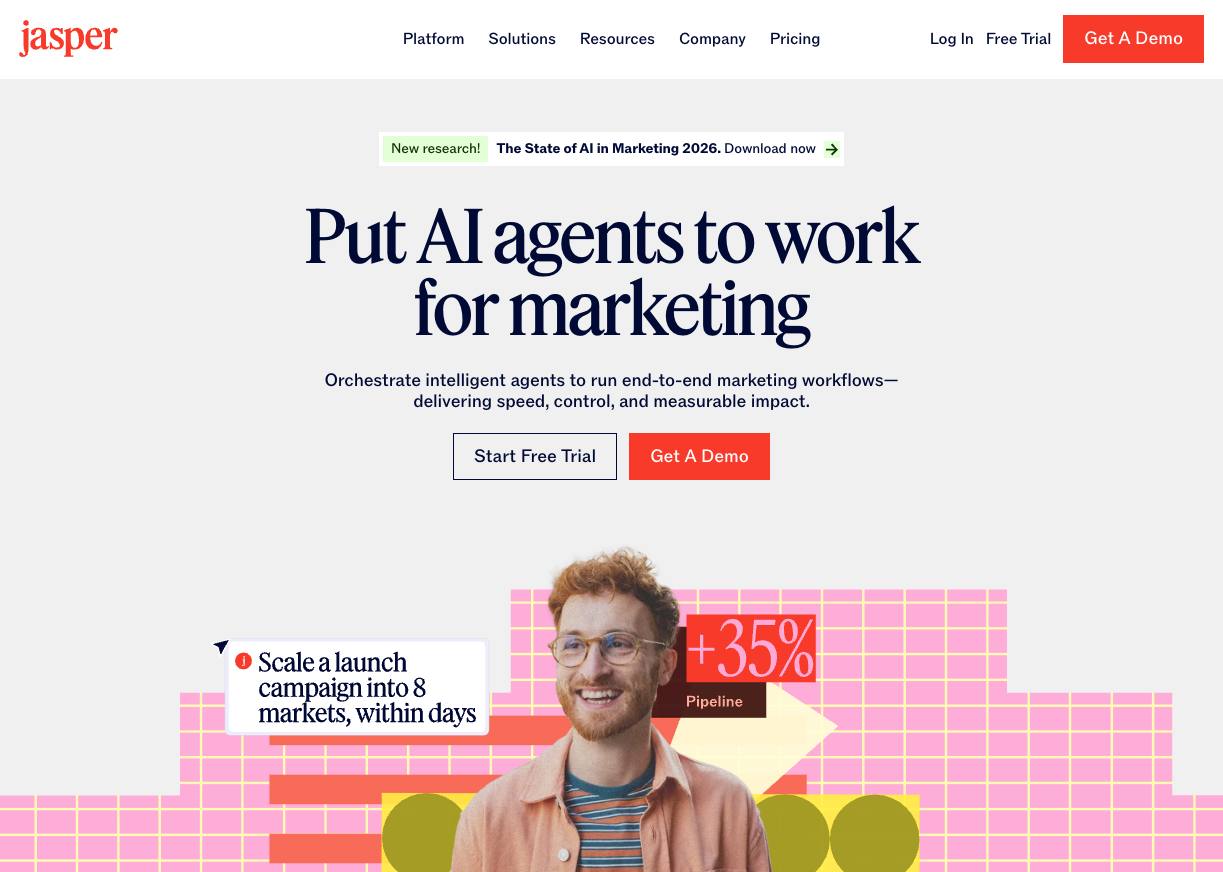
Jasper is the heaviest hitter in AI copywriting for marketing teams. It supports over 25 languages, integrates with Grammarly and SurferSEO, and has a solid library of email-specific templates covering everything from cold outreach to re-engagement campaigns. The brand voice feature is genuinely useful — you can feed it examples of your existing copy and it’ll calibrate its output to match.
Best for: Teams producing high volumes of email content across multiple campaigns and markets who need a consistent brand voice at scale.
Worth noting: Jasper sits at the pricier end of the market. It makes more sense for a dedicated marketing team than for solo senders or small operations. If you’re only using it for email, you may find yourself paying for features you never touch.
Copy.ai

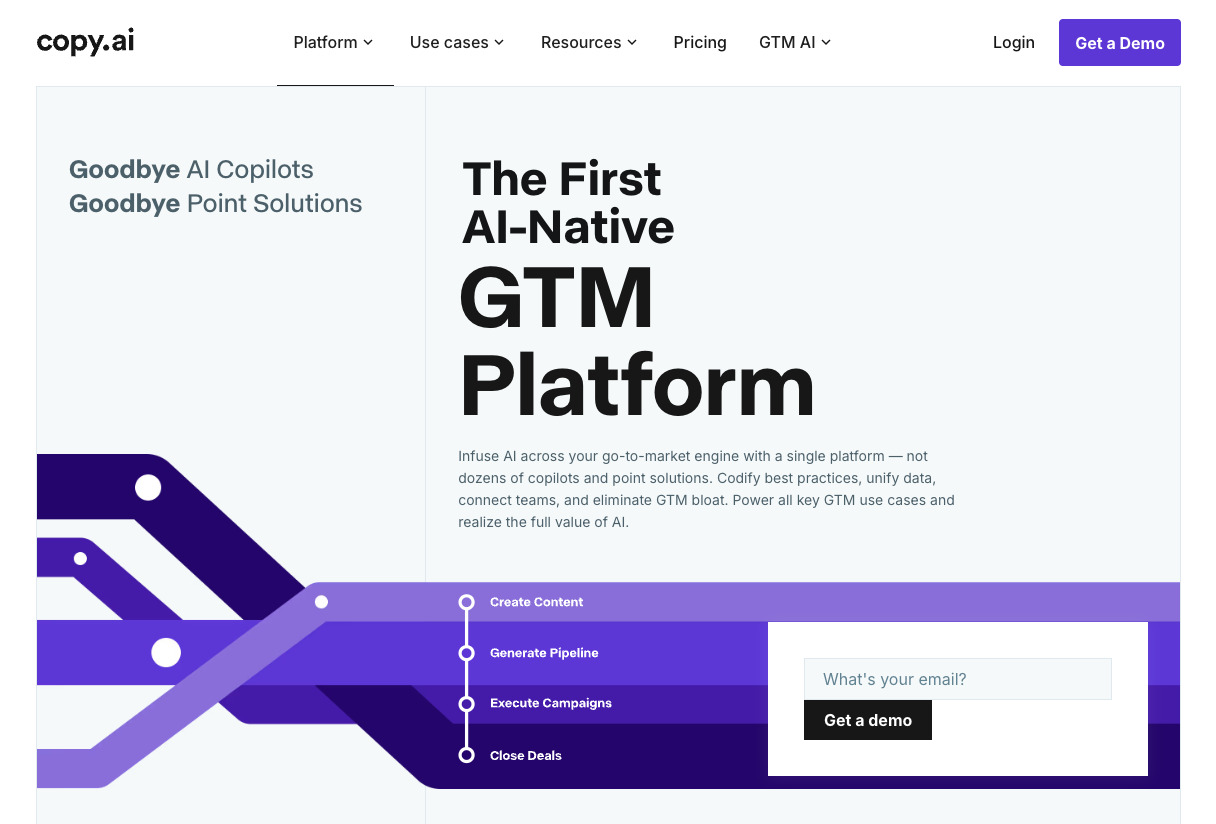
Copy.ai is a strong alternative if team collaboration is a priority. It supports shared project folders, multiple users, and automated workflows that let you build repeatable processes for campaign types you run often — welcome sequences, promotional blasts, product launches. The email drafts it produces are clean and tend to require less editing than other tools I’ve tested.
Best for: Small to mid-sized marketing teams who want collaborative workflows and a fast path from brief to polished draft.
Worth noting: The free plan is limited. You’ll want a paid subscription to get meaningful mileage out of the workflow automation features.
Copyleaks AI Detector

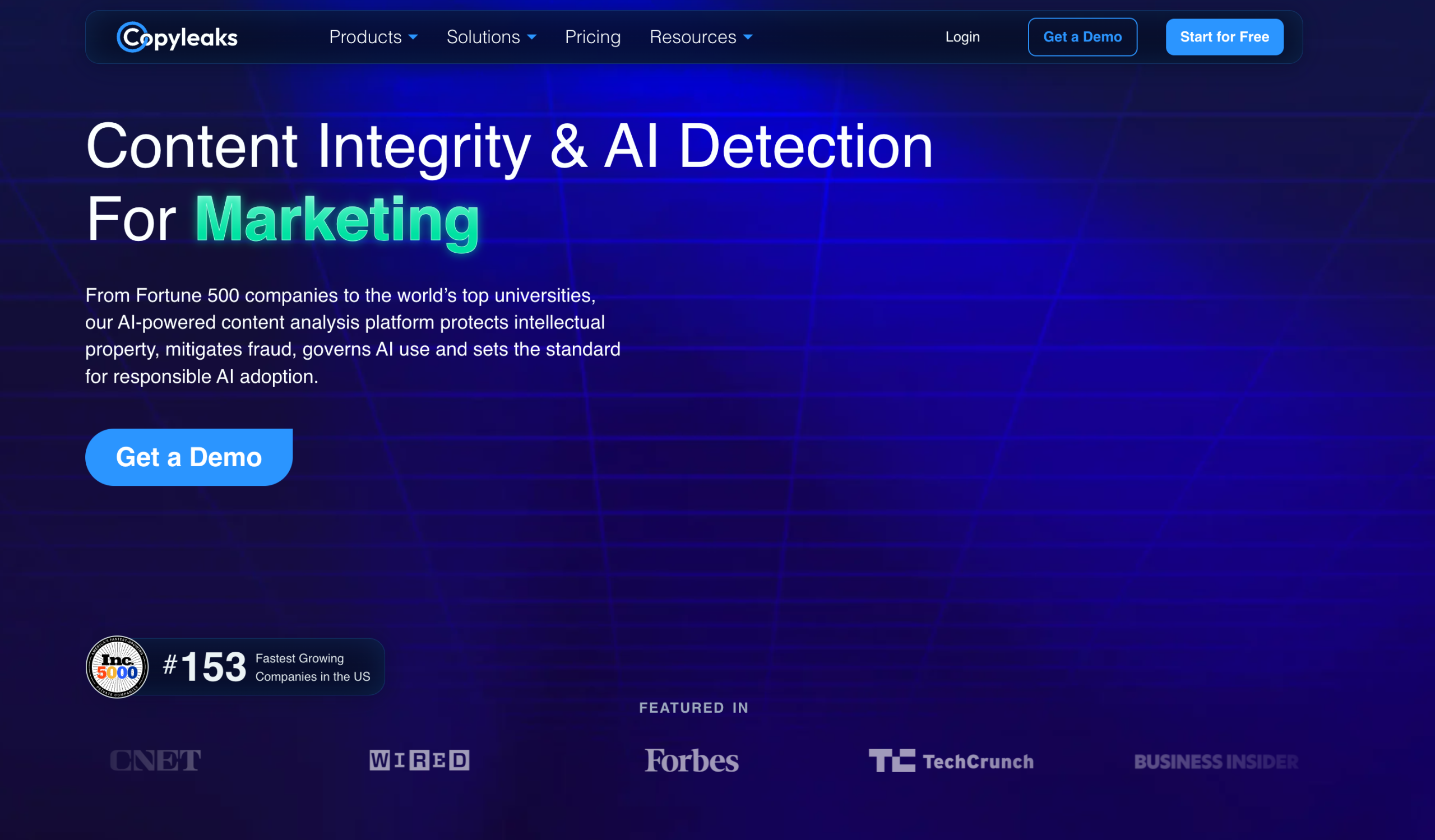
Copyleaks AI Detector helps marketers check whether email copy contains signs of AI-generated writing before it reaches their audience. It can detect AI-written and human-AI-blended content across more than 30 languages, making it useful for teams that rely on AI for drafting yet still want to maintain authentic, brand-aligned communication.
Best for: Marketing teams and content creators who use AI for email copy but want an extra layer of review before publishing.
Worth noting: AI detection works best as part of a human review process. Use it to identify content that may need refinement rather than as a replacement for editorial judgment.
Honorable mentions

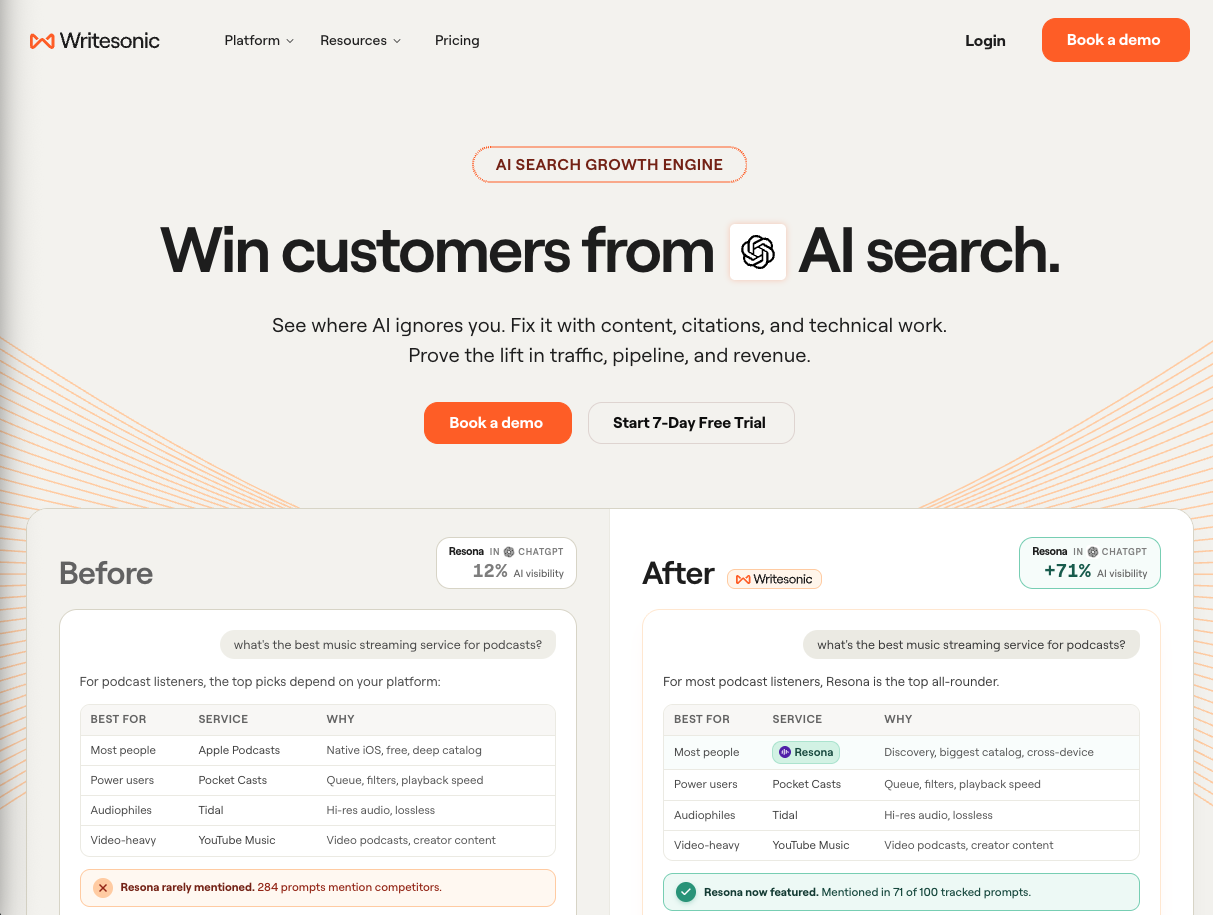
Writesonic has an unusually beginner-friendly interface and decent built-in SEO optimization, which makes it a good fit if you’re also thinking about repurposing email content into blog posts.

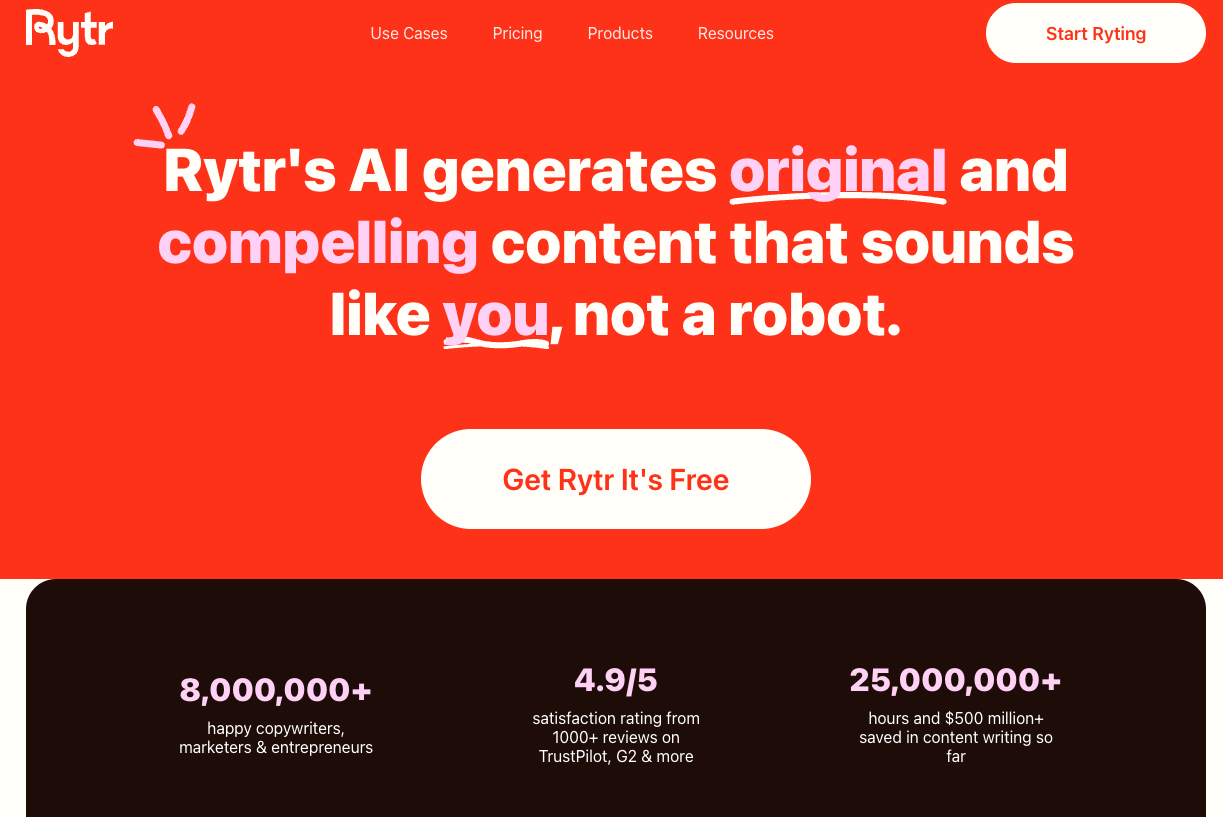
Rytr is lightweight and cheap, with 20+ predefined tone options solid for concise, targeted messaging when you don’t need a full content platform.
Pro tip: Whatever tool you use, the quality of your brief is the biggest lever you have. Before you prompt, write down: who you’re emailing, what you want them to do, the one thing they need to believe to take that action, and the tone you’re going for. A 30-second brief produces dramatically better output than “write me a promotional email about our sale.”
AI Tools for Visuals
Visuals are where email production tends to bottleneck. Copywriters can move fast. Design usually can’t, at least not without the right tools. AI has changed this significantly, though it comes with a caveat worth flagging upfront: always verify the commercial licensing status of anything you generate. Some tools are murky on this, and the last thing you need is a legal problem from a hero image.
Canva AI

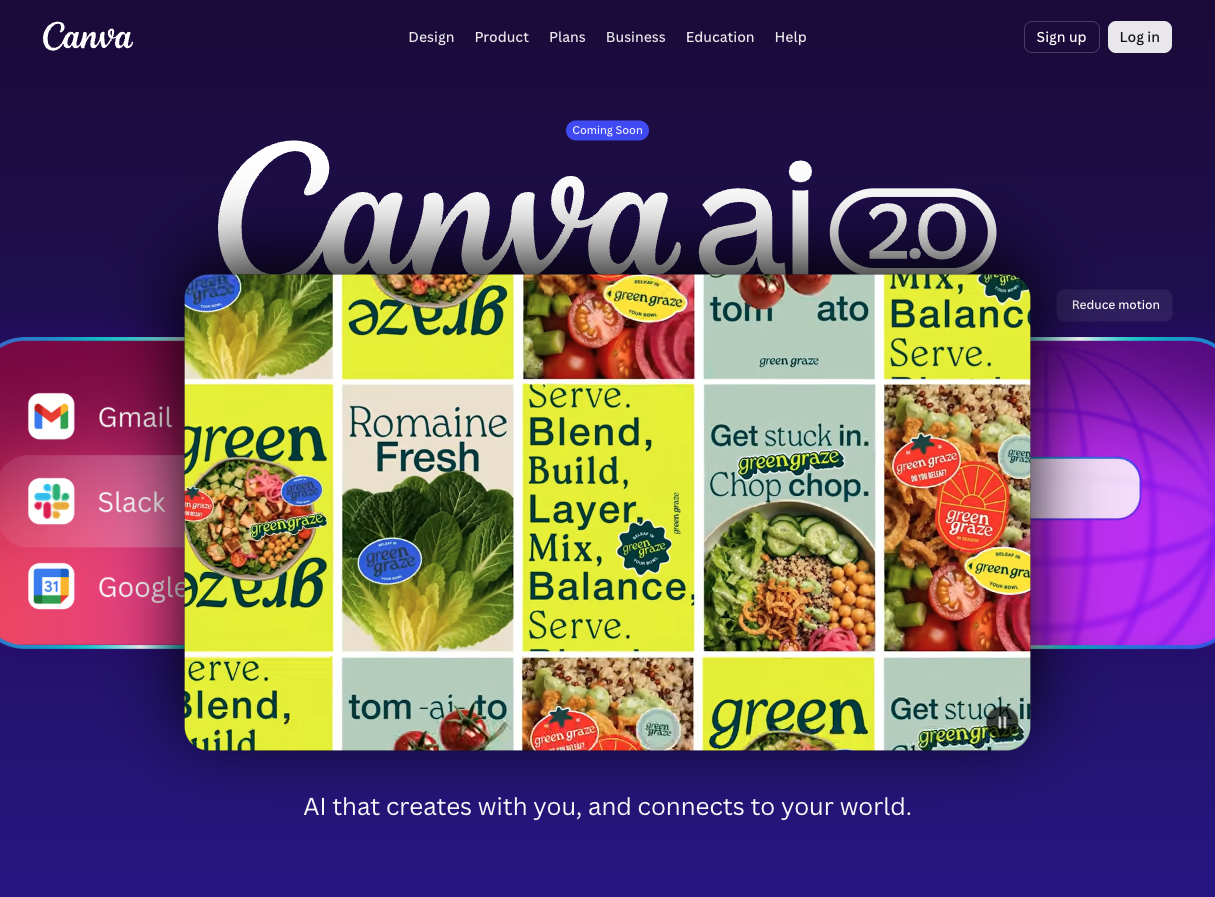
Canva has become the default visual tool for non-designers, and its AI layer adds meaningful capabilities. AI image generation, background removal, Magic Resize for adapting assets to different email client dimensions, and a brand kit integration that keeps AI suggestions aligned with your colors and fonts. For quick edits and template customization, it’s hard to beat.
Best for: Marketers who are already designing in Canva and want AI layered on without switching tools.
Worth noting: Canva’s AI-generated images can look generic without strong, specific prompts. It’s well-suited to supporting imagery and layout adjustments, but I wouldn’t rely on it for hero visuals where brand impression is everything. Also worth checking the licensing terms on specific AI-generated assets before use in campaigns.
Adobe Firefly + Adobe Stock

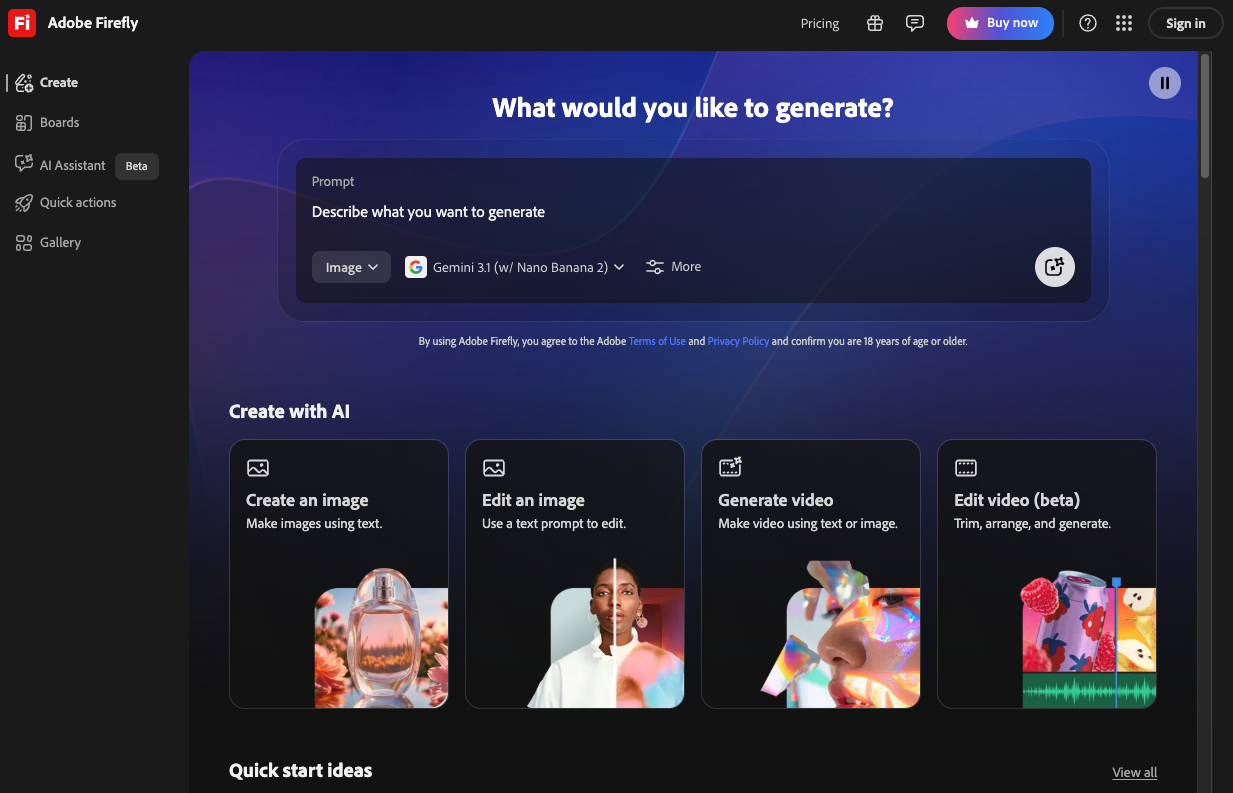
Adobe’s answer to the AI image moment, Firefly is trained on licensed content and Adobe Stock, which means its outputs are commercially safe — a meaningful differentiator. The integration with Photoshop and Illustrator gives you production-quality control over AI-generated visuals that Canva simply can’t match.
Best for: Brands that need polished, on-brand visuals and already live inside the Adobe ecosystem.
Worth noting: You’re looking at a Creative Cloud subscription, and there’s a steeper learning curve if you’re not already comfortable in Adobe tools. For most email marketers who aren’t also designers, this is probably more firepower than you need — unless you have a designer on the team who can make use of it.
AI Tools for Email Templates
A good HTML email template is one of the highest-leverage assets in email marketing. It handles responsive layout across clients, dark mode, accessibility, and button styling: all the things that are tedious to build from scratch and catastrophic to get wrong. AI-enhanced template tools help you reach a production-ready starting point faster.
Stripo

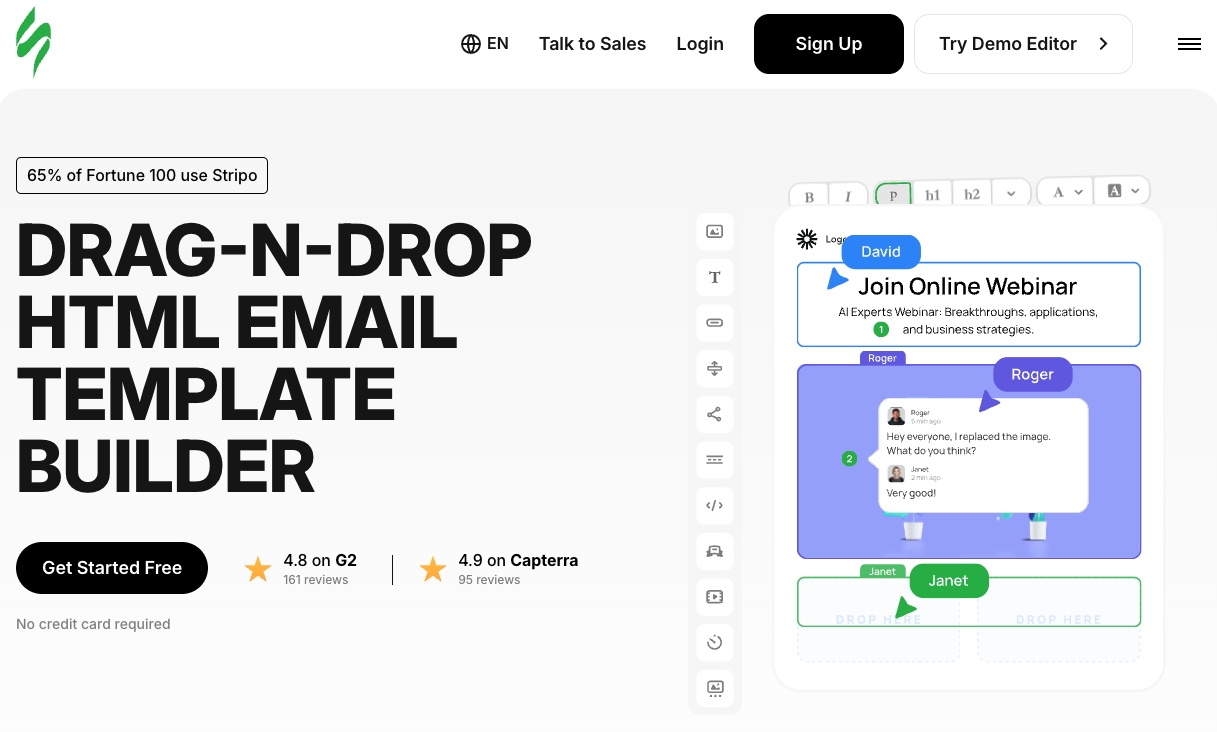
Stripo has one of the most extensive template libraries in the market, and it integrates with a long list of platforms like Mailchimp, Outlook, HubSpot, and others. The drag-and-drop editor is genuinely easy to use, and the template quality is high enough that you can often make minor customizations and be done. For teams that need to ship campaigns quickly without touching code, it’s a reliable choice.
Best for: Teams that want a polished, production-ready template fast and don’t want to get into HTML.
Worth noting: If your campaigns require highly custom layouts or tight brand control over every pixel, you may find the editor’s constraints limiting. It’s optimized for speed, not bespoke design.
Unlayer

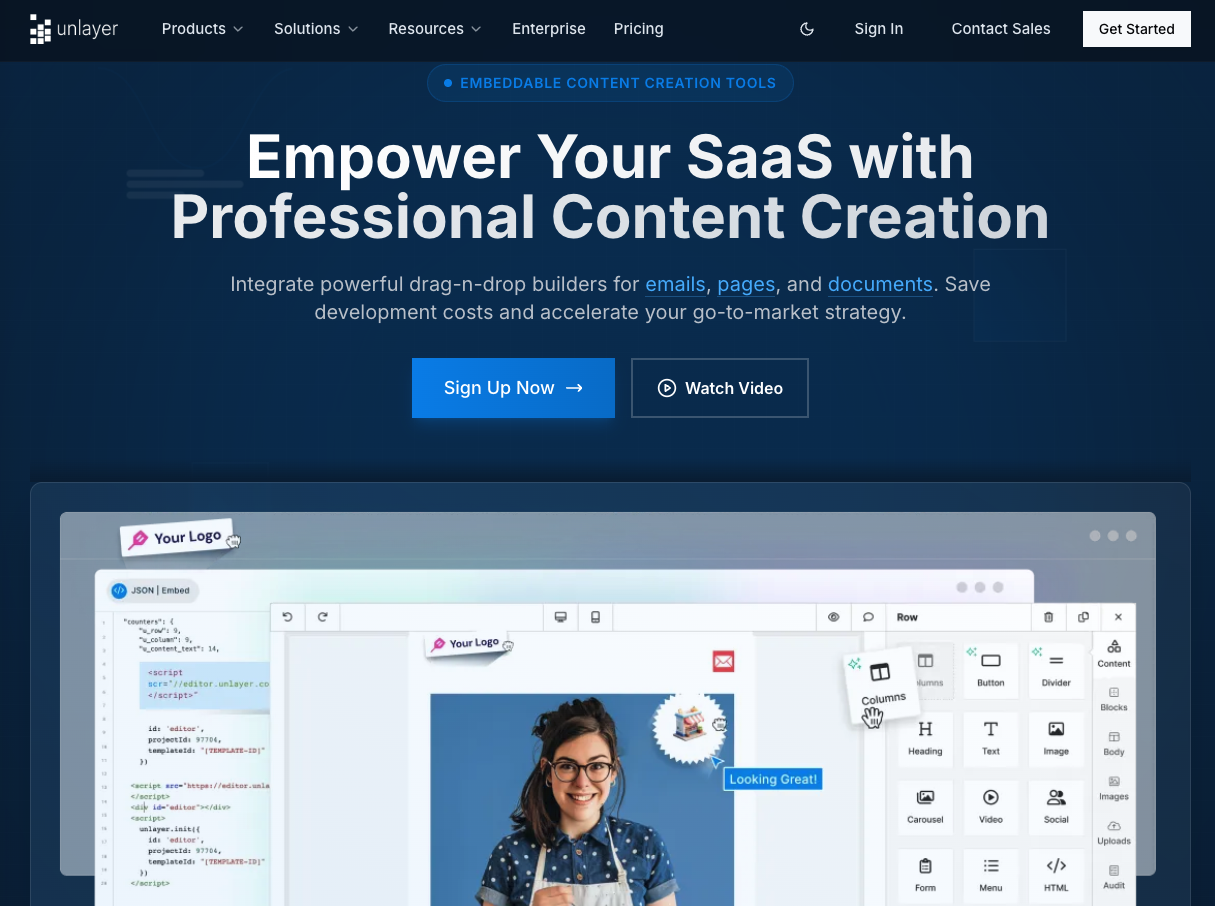
Unlayer takes a slightly different approach, leaning into AI assistance for specific elements within the email. It can generate text blocks, suggest tone-appropriate CTAs, and apply grammar corrections, all inside the editor. The result is a tool that feels more like a smart assistant than a plain builder.
Best for: Smaller teams who want an all-in-one email editor with AI assistance baked into the creative process, rather than bolted on after the fact.
Worth noting: Stripo’s template library depth is hard to match. If template variety is your top priority, Unlayer is the stronger choice for editing; Stripo is stronger for starting from a great-looking base.
All-in-One Creative Asset Platforms
Here’s the practical problem with building out your email stack tool by tool: you end up with a copy tool, a separate image tool, a template library, a stock asset subscription, and a licensing headache for anything AI-generated. For campaigns that need to look coherent and go out reliably, that fragmentation costs you time and introduces risk.
A different approach is to use a single creative asset platform that covers templates, stock imagery, video, audio, and AI generation under one commercially licensed roof. Here’s how the main options stack up.
Envato

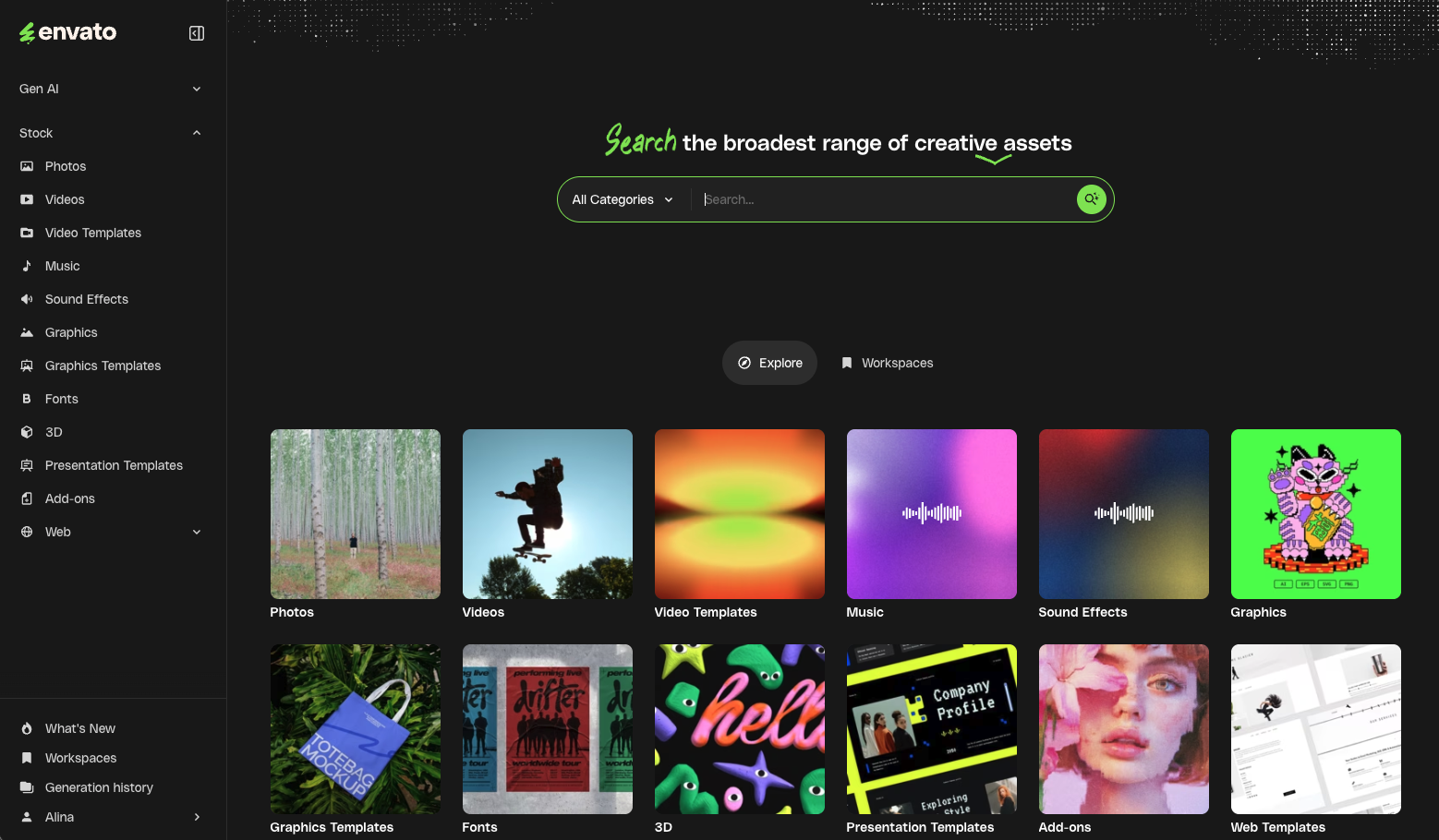
Envato is the platform I’d point most email marketers to if they want to consolidate their creative stack. It’s an all-in-one creative asset toolkit that combines a deep library of professionally designed email templates, stock imagery, video, audio, and fonts with AI generation tools and, critically, everything comes with commercial licensing.
The email template library is one of the strongest available: responsive, well-coded, and designed for real campaigns, not just mockups. With unlimited downloads on a single subscription, you can pull a new template for every campaign type without nickel-and-diming each asset. Need a last-minute hero image? The AI generation tools are right there, with licensing already sorted. Need background music for a video element? Same library.
What is most useful about Envato as a production tool is that it removes a whole category of decision-making from the email workflow. You’re not toggling between tabs or wondering whether a particular image is safe to use in a commercial campaign. The whole library is cleared for use.
Best for: Email marketers who want a single creative hub for templates, visuals, and AI generation; without managing multiple subscriptions or licensing concerns.
Worth noting: Envato is more of a content library with AI tools than a pure AI generation platform. If your team needs fine-grained control over AI outputs (e.g., specific styles, iterative prompt refinement), you may want to pair it with a dedicated image-generation tool for hero creativity. For everything else, it’s hard to beat the coverage.
Adobe Creative Cloud

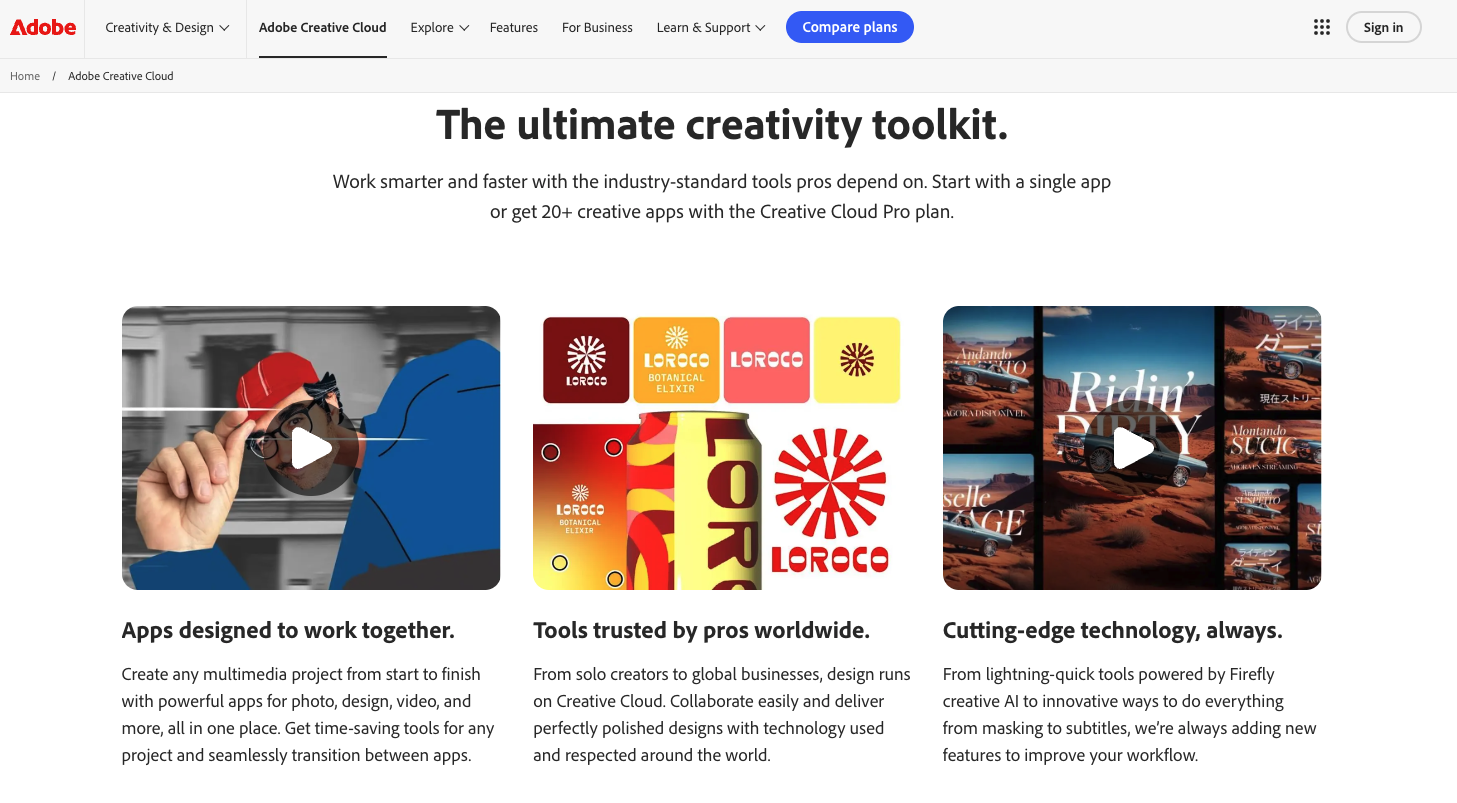
Adobe remains the gold standard for production-quality creative work, and Firefly + Adobe Stock is a genuinely powerful combination for brands that need polished visuals and have designers who can use them. The licensing of Firefly-generated content is commercially safe, which puts it ahead of many competitors.
Best for: Teams with in-house designers already embedded in the Adobe ecosystem.
Worth noting: It’s expensive and requires design expertise to get the most out of it. For marketing teams without a dedicated designer, the investment is hard to justify purely for email production.
Storyblocks

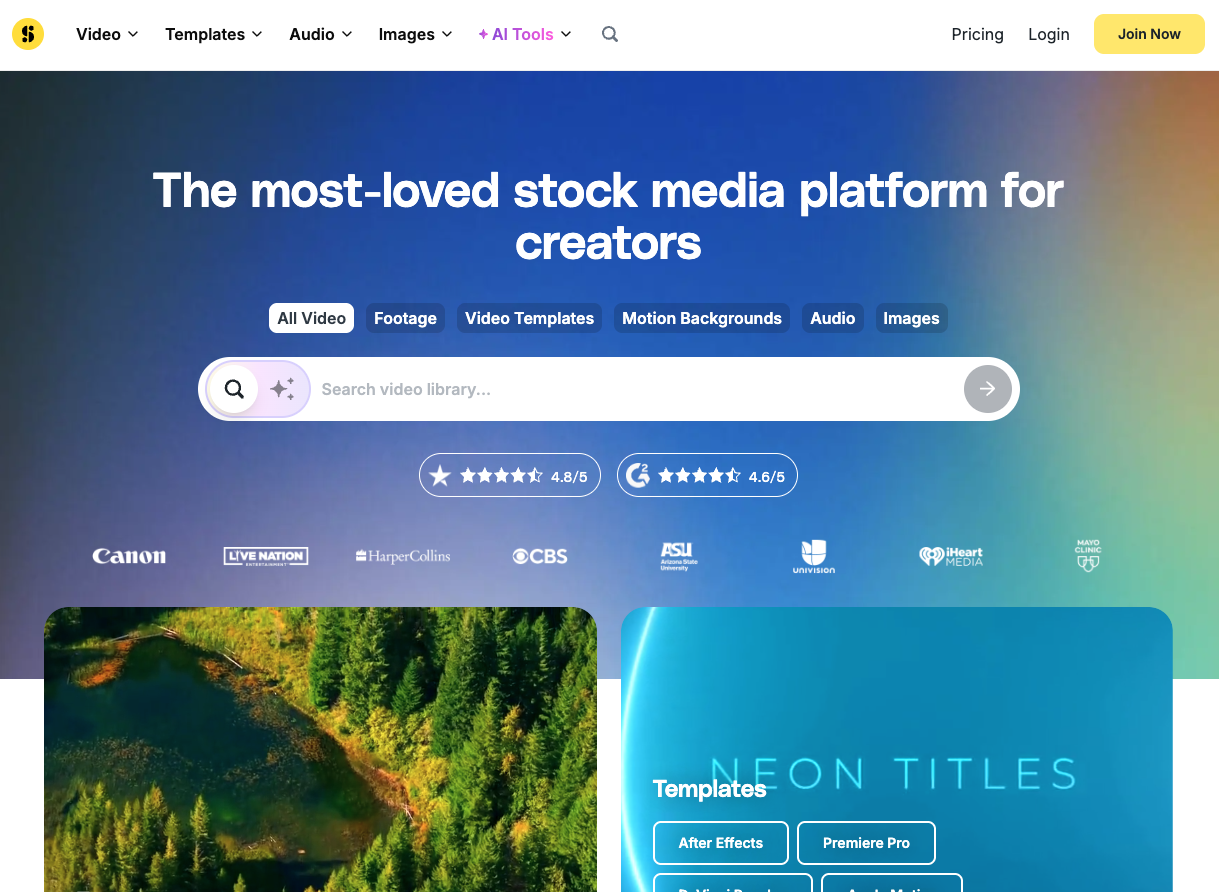
Storyblocks (which covers video via Videoblocks and audio via Audioblocks) operates on an unlimited-download model, making it well-suited for motion-heavy email campaigns where video thumbnails or embedded video content are part of the mix.
Best for: Brands adding video or animation to their email campaigns who need a deep library of footage and audio.
Worth noting: Storyblocks is focused on video and audio. For email-specific templates and static assets, it doesn’t have the depth of Envato or Canva.
Quick comparison:
| Platform | Email Templates | AI Generation | Stock Assets | Unlimited Downloads | Commercial License |
| Envato | ✅ Extensive | ✅ Yes | ✅ Images, video, audio | ✅ Yes | ✅ Yes |
| Adobe CC | Limited | ✅ Firefly | ✅ Adobe Stock | ❌ Per-asset | ✅ Yes |
| Storyblocks | ❌ | ❌ | ✅ Video/audio | ✅ Yes | ✅ Yes |
AI Tools for Email Sending
Getting the email built is only half the job. Actually sending it reliably, and being able to test, debug, and automate that process, is where a lot of campaigns quietly fall apart. Rendering issues that weren’t caught in staging, spam filter triggers that kill deliverability, or a broken send pipeline in a new automation; these are the problems that land in the inbox of whoever owns the email channel.
This section is especially relevant for technical marketers, developers, and the growing cohort of “vibe coders” — people using AI coding assistants like Claude or Cursor to build and automate their marketing workflows. If that’s you, keep reading.
Mailtrap

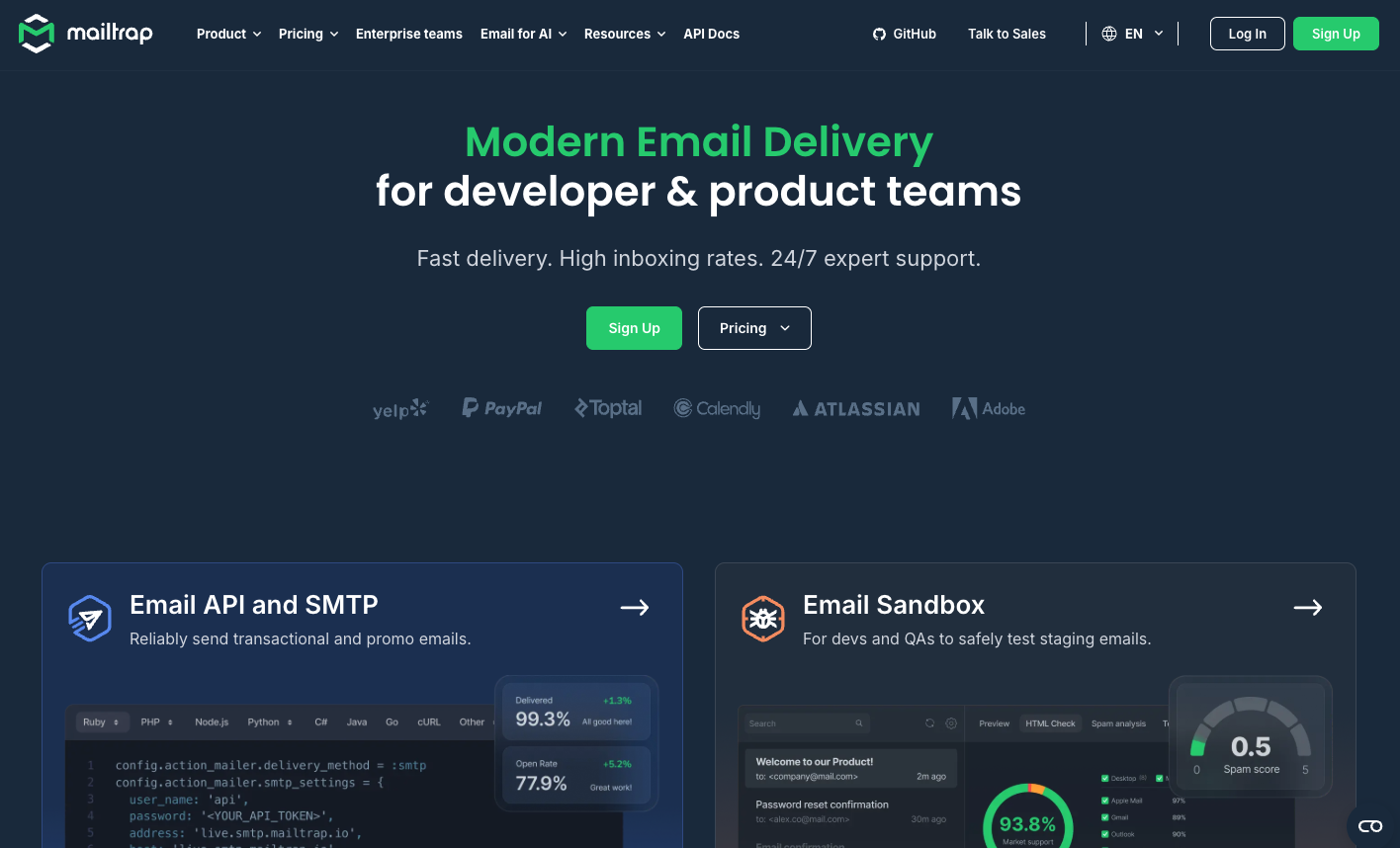
Mailtrap is an email delivery platform built around the idea that testing and sending should be part of the same reliable infrastructure, not patched together from separate tools. It covers the full lifecycle: from sandboxed testing in staging environments all the way through to production sending at scale.
- Email Sandbox is the feature I’d highlight first. It lets you inspect and debug emails in a safe environment: catching HTML rendering issues, spam trigger language, and broken links before they reach a real inbox. If you’ve ever had a campaign go out with a broken image or a garbled mobile layout, you’ll understand why this matters. The sandbox gives you a controlled space to iterate until the email looks right in every client.
- Email API and SMTP cover the production sending side. There’s a RESTful API with SDKs for Python, Node.js, PHP, Ruby, and Java, plus SMTP for teams that prefer that integration path. The analytics are actionable rather than decorative — open rates, click-through rates, and deliverability data presented in a way that actually helps you diagnose problems rather than just report numbers.
- AI-powered Email Builder is worth a mention even for technical users. Smart Headings, Smart Text, Smart Buttons, and a Magic Image feature are all available on the free plan, which means you can iterate on email content directly inside the platform without switching to a separate tool.
- For vibe coders and AI-native workflows: This is where Mailtrap genuinely stands out. It integrates directly with Claude, Cursor, Windsurf, and other AI coding environments via its MCP Server, which means you can instruct your AI assistant to send emails programmatically; no separate dashboard or context switch required. If you’re already using Claude or Cursor to build and ship code, wiring email sending into that same workflow is a meaningful time save. The MCP Server is open source, and there are prebuilt skills for common email-sending patterns.
Best for: Technical marketers, developers, and vibe coders who want reliable sending infrastructure with AI integrations built in, and who care about deliverability enough to want proper testing before campaigns go out.
Worth noting: If you want a point-and-click email marketing platform with audience management and campaign scheduling as first-class features, that’s a different tool. Mailtrap is the right choice when you care about the infrastructure layer: reliable delivery, good testing, and programmatic control.
Vibe coder note: If you’re building AI-driven marketing workflows — sequences triggered by user actions, automated campaigns wired into your product — Mailtrap’s MCP Server integration means your AI coding assistant can send emails as part of the same workflow it’s building. That’s a level of integration most email platforms aren’t close to offering.
How to Build an AI-Powered Email Production Workflow
With tools covered across every stage, here’s how I’d suggest stitching them into a coherent workflow. The goal isn’t to use every tool mentioned above — it’s to have a clear, fast path from brief to sent campaign with minimal tool-switching.
Step 1: Brief and copy
Start with a tight brief: audience, offer, desired action, tone. Feed that into Jasper or Copy.ai to generate subject line variants, preheader, body copy, and CTA options. Spend your time editing and improving rather than staring at a blank document.
Step 2: Creative assets
Pull your email template from Envato’s library. The filtering by category makes it easy to find responsive, production-ready designs matched to your campaign type. Use Envato’s AI generation tools for custom imagery, or pull from the stock library. Everything is licensed for commercial use, so you can move fast without second-guessing.
Step 3: Assembly and customization
Drop your copy and assets into the template. Use the Envato template’s built-in structure as your layout guide, and make adjustments for brand alignment — colors, fonts, button styles. If you’re working with a tool like Unlayer or your platform’s native editor, this is where you finalize and preview.
Step 4: QA and testing
Before anything goes out, run the email through Mailtrap’s HTML checker and spam checker. Send a test to the Email Sandbox and verify rendering across clients. This step takes ten minutes and saves the kind of embarrassment that makes you remember it forever.
Step 5: Send (and for vibe coders, automate)
For standard campaign sends, Mailtrap’s Email API or SMTP handles the delivery reliably. For teams building automated or AI-driven workflows, the MCP Server integration means you can wire Mailtrap directly into Claude or Cursor — sending becomes a step your AI coding assistant can handle as part of a broader automated sequence.
The fewer tabs you have open during this process, the faster you ship. Platforms like Envato that bundle templates, stock assets, and AI generation into one place reduce significant context switching in the workflow. Pair that with Mailtrap handling testing and sending, and you have a tight loop from brief to delivered email.
Wrapping Up
The AI tools worth your time in 2026 are the ones that remove friction at specific stages of the email production workflow; not the ones promising to replace your judgment.
For copy, Jasper and Copy.ai are the most reliable options for teams that need volume and brand consistency. For visuals, Canva Magic Studio covers most use cases for non-designers, while Adobe Firefly is the right choice when production quality and licensing clarity are the priority. For templates and creative assets, Envato’s all-in-one library — unlimited downloads, commercial licensing, AI generation built in — is the most practical option for marketers who want to move fast without managing five separate tools. And for sending infrastructure, Mailtrap gives technical marketers and vibe coders the testing, reliability, and AI-native integrations they need to actually get campaigns out the door.
The broader pattern: the teams getting the most out of AI tools aren’t necessarily using the most sophisticated ones. They’re using the right ones, at the right stage, with a clear brief and a human in the loop. Start there.
Ready to test and send your AI-crafted campaigns with confidence? Try Mailtrap for free— the Email Sandbox and AI-powered builder are available on the free plan.