


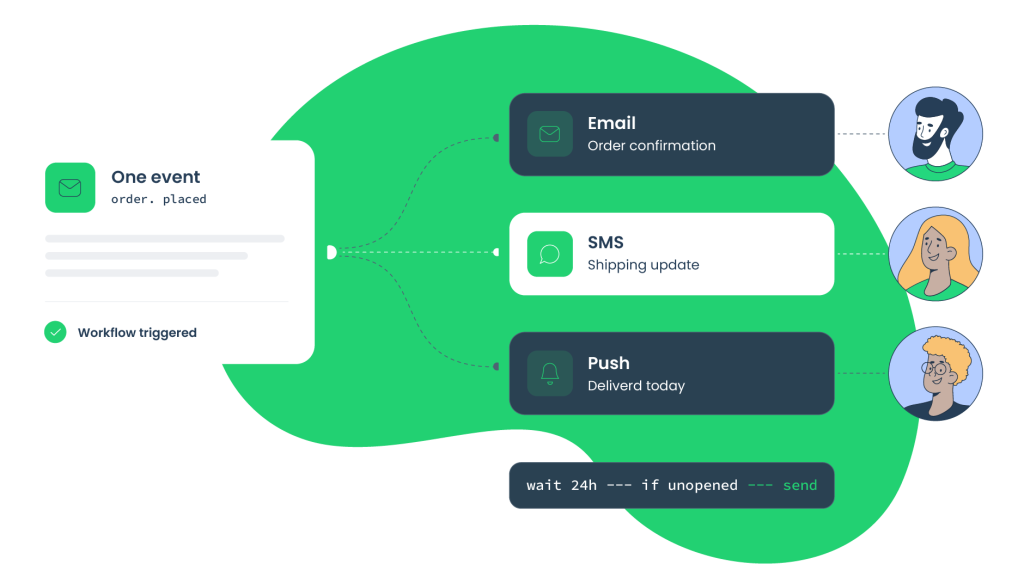
Customers don’t stick to one inbox anymore. They move between email, SMS, push notifications, in-app messages, and other channels throughout the day. So how do you keep every message connected without creating extra work? That’s where email workflow automation tools come in. They help teams trigger the right message at the right time from a single workflow.
Developers and product teams also need platforms that fit into their existing stack, handle growing workloads, and make workflows easy to monitor. In this guide, you’ll learn:
- What email workflow automation tools are
- Which features to compare
- Which platforms stand out
- How to build reliable multi-channel workflows
What email workflow automation tools are and how they support modern product teams
Email workflow automation tools help businesses automate customer communication in response to users’ actions. Instead of sending messages one by one, they use events, triggers, conditions, and workflows to decide what happens next.
When someone signs up, places an order, or resets a password, the platform can start the right communication. There’s no need to send each message manually.
A single workflow can coordinate email, SMS, push notifications, and in-app messages. For example, after a new user creates an account, the platform can:
- Send a welcome email
- Display an in-app onboarding message
- Trigger a webhook that updates another application
Developers and product teams commonly use these tools for:
- Other event-driven communication
- Transactional emails
- Lifecycle messaging
- Product updates
- Onboarding
Workflows follow the same rules every time. This helps teams spend less time on repetitive tasks and avoid inconsistent messaging. As products grow and customer activity increases, the same automation continues to support larger volumes. It doesn’t require teams to manage every interaction manually.
What to look for in email workflow automation tools
The best platform should support how your team builds, tests, and manages customer communication.
Compare the features that affect reliability, security, and day-to-day development.
Multi-channel orchestration and workflow builders
A good platform should make complex workflows easy to build and update. Look for:
- Visual workflow builders
- Branching logic
- Timing controls
- Event triggers
Together, these features should support complete customer journeys.
For example, after a customer places an order, the workflow can send a confirmation email. It can then wait 24 hours and send a push notification only if the email remains unopened.
API quality and developer experience
Developers need tools that fit into existing systems without unnecessary complexity. Look for:
- Thorough documentation
- Testing environments
- REST APIs
- Webhooks
- SDKs
For example, you should be able to test API requests and webhook events before moving a workflow into production. This helps catch issues before customers see them.
Analytics and workflow visibility
You should be able to see how every workflow performs after it goes live. Look for:
- Workflow monitoring
- Delivery metrics
- Engagement
- Conversions
Let’s say fewer customers complete a signup flow after an update. Monitoring tools can help identify where the workflow starts losing users.
Security, permissions, and compliance
Automation platforms process large amounts of customer data. So you should prioritize security measures.
Look for GDPR support, access control, audit logs, encryption, and other compliance features. Pairing your automation stack with the best identity and access management software helps centralize these access controls and audit logs, so permissions stay consistent as more tools join your workflow. As multi-channel workflows expand, customer data spreads across more cloud environments. This creates compliance challenges under regulations such as GDPR and POPIA.
In addition to infrastructure security, organizations should incorporate strong DSPM practices. This helps organizations discover, classify, and protect customer data across connected marketing databases. In turn, this reduces the risk of data leaks during high-volume campaigns.
Best email workflow automation tools for multi-channel campaigns
No single platform is the right fit for every team. The best choice depends on your use case, technical requirements, and communication channels.
It also comes down to how you build, test, deploy, and manage customer communication across your product. The tools below serve different parts of that process, from multi-channel journey orchestration to email testing and delivery.
Customer.io

Customer.io helps teams automate product messaging based on how people interact with a product. It focuses on lifecycle messaging and supports omnichannel workflows across email, SMS, push notifications, and in-app messages.
Workflows respond to customer behavior instead of fixed schedules or manual actions. For example, if a user leaves onboarding before finishing setup, Customer.io can send a reminder email. Afterward, it can send a push notification if the onboarding process remains incomplete.
Pricing: Starts at $100 per month.
Best for: Product teams building behavior-based lifecycle messaging.
Braze

Braze is built for enterprise teams that manage customer engagement across different channels. It has a strong focus on mobile experiences, with support for:
- Personalized campaigns based on customer behavior
- In-app messaging
- Push notifications
Teams can adjust communication as users interact with their product. Imagine that a customer leaves items in their shopping cart. Braze can send a personalized push notification that reflects their activity. The notification can encourage them to complete the purchase.
Pricing: Available upon request. The platform also offers a free 14-day trial.
Best for: Enterprise teams managing mobile-focused customer engagement.
Iterable

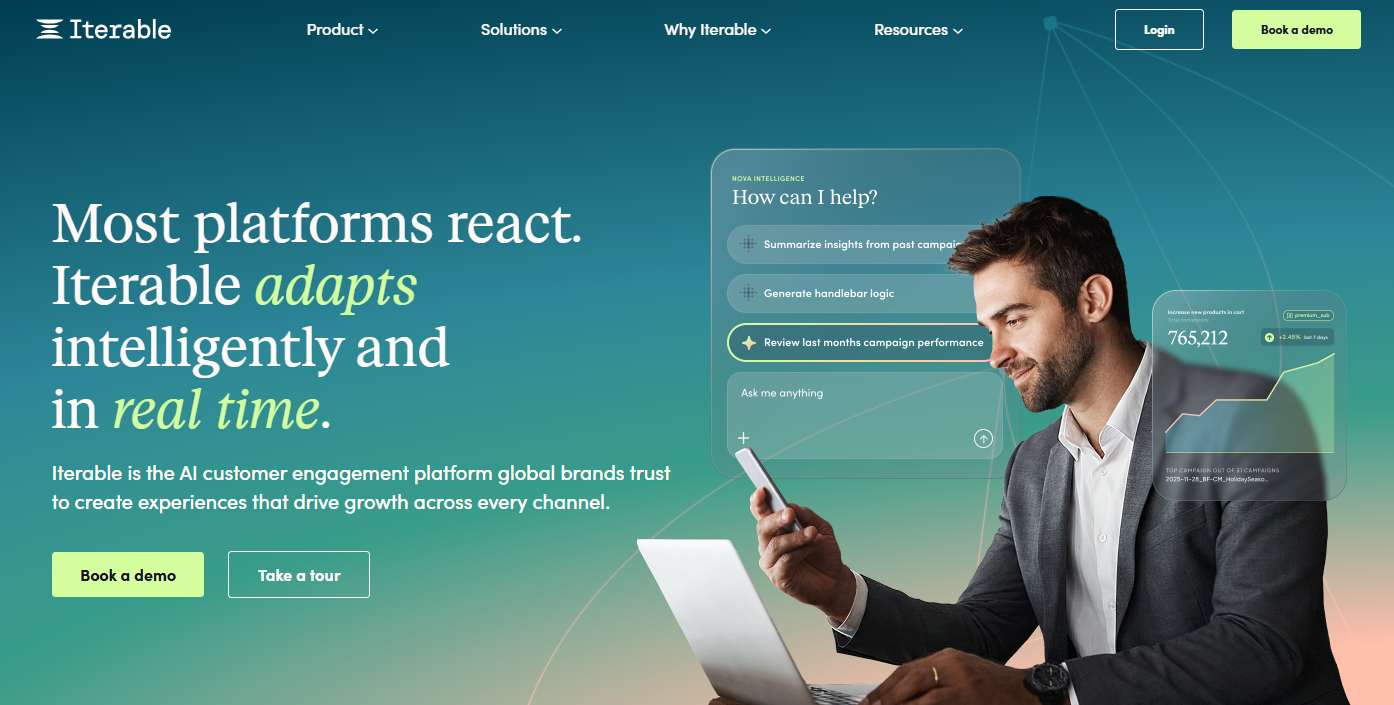
Iterable supports cross-channel marketing by connecting customer journeys across different channels.
AI email personalization tailors messages to each customer’s behavior and engagement. For example, a customer may browse several products without making a purchase. Iterable can recommend similar products by email. Then it can trigger a push notification if the customer doesn’t return.
Pricing: Available through sales.
Best for: Teams coordinating personalized cross-channel campaigns.
ActiveCampaign

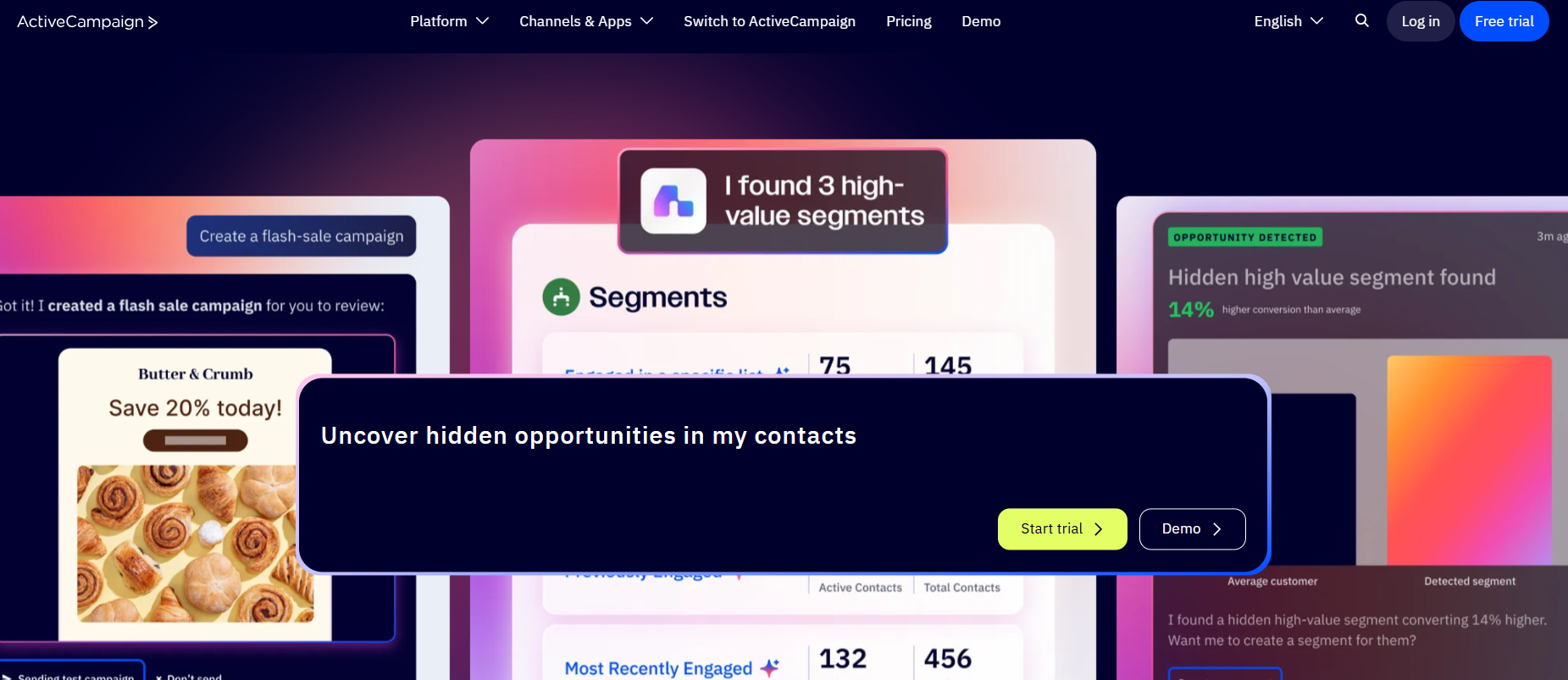
ActiveCampaign is well-suited to small- and mid-sized businesses that need automation and CRM features in a single platform. It pairs email automation with built-in CRM features to help manage customer relationships. This makes it easier to track leads and coordinate follow-up across marketing and sales.
Teams can create workflows based on customer actions and engagement. For example, when someone downloads a product guide, ActiveCampaign can send a follow-up email. At the same time, it creates or updates the contact’s CRM record for the sales team.
Pricing: Starts at $15 per month. ActiveCampaign also offers a free 14-day trial.
Best for: Small and mid-sized businesses that need both automation and CRM features.
Best practices for building reliable automated workflows
Reliable automation depends on more than workflow logic. You also need strong internal coordination and security practices to keep customer communication accurate and protected.
Keep automation connected across customer-facing and internal teams
Customer events should trigger more than customer messages. They should also notify the teams responsible for the next step. Connecting automated workflows with operations, support, and sales helps everyone stay in sync.
For instance, a customer completes a high-value purchase. The workflow can send a notification through an employee communication app like Blink. The app then sends an instant update to frontline staff on their smartphones. This allows them to respond with the same information the customer has received.
Secure access to automation platforms
Multi-channel communication platforms store customer data and control business communication. This makes them valuable targets for attackers. Protect them with:
- Multi-factor authentication (MFA)
- User permissions
- Zero-trust access
- Endpoint security
Organizations should also deploy endpoint detection and response across devices used to access campaign systems. Let’s say an agency partner signs in from an untrusted device. Zero-trust controls can block access until the user and endpoint are verified. This helps prevent unauthorized changes and protects customer data.
Choose email workflow automation tools that support long-term growth
The right email workflow automation tools make it easier to manage customer communication within a single workflow.
When comparing platforms, don’t choose one solely because it has the most features. Focus on:
- Integrations
- Scalability
- Analytics
- APIs
FAQs
What are email workflow automation tools?
Email workflow automation tools automate customer communication. They rely on events, triggers, and predefined rules. Instead of sending messages one by one, they respond to customer actions and trigger workflows automatically.
These workflows can include email, SMS, push notifications, in-app messages, and webhooks. This helps teams deliver consistent communication throughout the customer journey.
Which email workflow automation tool is best for developers?
The best tool depends on your technical requirements and how your product is built. Developers should compare the following before making a choice:
- Testing environments
- Integrations
- API quality
- Scalability
- Security
- SDKs
Can email workflow automation tools support channels besides email?
Yes. Many platforms support multiple communication channels. This lets your team manage customer communication from a single workflow. You don’t have to maintain separate campaigns for each channel.
It also helps keep messaging consistent as customers move between different touchpoints.