



In 2026, the email hosting for small businesses is a mature market. There are more options, but also more confusion. This guide compares the best email hosting services available today and shows you exactly what to look for so you can pick a platform that is actually worth your money.
Whether you are a freelancer looking for free email hosting or a growing team that needs collaboration tools and cloud storage, this breakdown covers every scenario.
Disclaimer: The information in this article is accurate at the time of writing. Providers may change pricing, storage limits, features, and plan availability without notice. Please verify the current details on the provider’s official website before subscribing.
Top Email Hosting Providers at a Glance
- Google Workspace: Best for teams that need a complete productivity and collaboration suite. Starting at approximately $7/user/month (annual billing, Starter plan).
- Neo Mail: Best business email provider for small businesses, startups, and freelancers that want a professional email address with an existing domain or an included domain option. Starting at approximately $1.25/mailbox/month.
- Microsoft 365: Best for businesses that rely on Office apps and need strong cloud storage. Starting at approximately $6/user/month (annual billing, Business Basic).
- Zoho Mail: Best for small teams looking for an affordable business email solution. Paid plans start at approximately $1/user/month (annual billing).
- Fastmail: Best for users who want a simple, privacy-focused email service without a large productivity suite. Starts at approximately $3–$5/user/month depending on the plan.
- Proton Mail: Best for organizations and individuals who prioritize security and encrypted communication. Available with a free plan, while paid plans start at approximately $6.99/user/month (annual billing).
- xCloud Mailbox: Best for hosting-integrated email management on server-based setups. Pricing ranges from free to approximately $1–$8 per mailbox, depending on the hosting plan.
- Titan Mail: Best for businesses purchasing email through hosting providers. Starts at $1.49/user/month.
Comparison table
Here is a more detailed comparison across the factors that matter most for small businesses:
| Provider | Free Plan | Storage | E2E Encryption | IMAP/ POP3 |
| Google Workspace | No | 30 GB per user (Starter plan) | Not by default | Yes |
| Neo Mail | No (only trial) | Up to 100 GB (Max plan) | Not by default | Yes |
| Microsoft 365 | No (only trial) | 50 GB mailbox + 1 TB OneDrive | Not by default | Yes |
| Zoho Mail | Yes (limited) | 5 GB (Mail Lite) 10 GB (Mail Premium) 30 GB total (Workplace Standard ) | Paid plans | Yes (Paid plans) |
| Fastmail | No (30-day trial) | 50 GB mailbox + 10 GB file storage (60 GB total) | No | Yes |
| Proton Mail | Yes (limited) | 1 GB (Free) 15 GB (Plus) 500 GB (Unlimited) | Yes | Proton Mail Bridge (paid add-on) |
| xCloud Mailbox | Yes (limited) | 100 MB (Free) 80 GB (Paid tiers) | Yes | Yes |
| Titan Mail | Yes (Starter tier) | 1 GB (Free) 10 GB (Professional) 50 GB (Premium) 100 GB (Ultra) | No | Yes |
1. Google Workspace
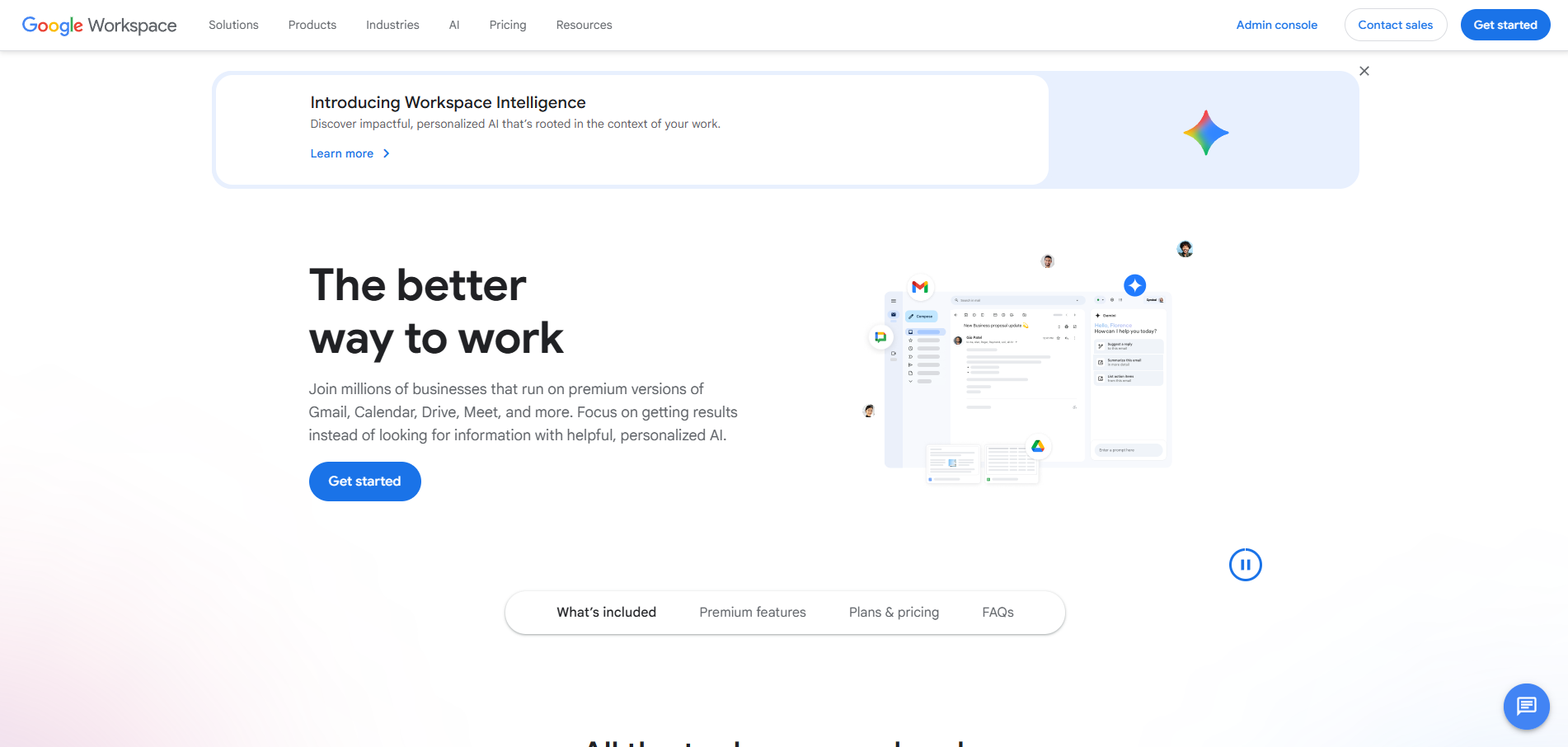
Google Workspace combines Gmail’s familiar interface with a powerful suite of business tools, making it the go-to choice for teams that already live inside the Google ecosystem.

Key features:
- Custom domain email via the Gmail interface
- 30 GB pooled storage per user on the Starter plan, scaling to unlimited on higher tiers
- Google Drive, Google Meet, Docs, Sheets and Calendar all included
- Two-factor authentication and advanced phishing protection
- Admin console for easy team management
- Web-based access and dedicated mobile apps for iOS and Android
Pricing:
Google Workspace starts at $7 per user per month (Starter) when billed annually. The Business Standard plan at $14/user/month adds 2 TB pooled storage and enhanced meet features.
Why it works for small businesses:
If your team already relies on Docs or Google Drive for collaboration tools and file storage, adding Workspace email is a natural extension. The admin panel is straightforward enough for non-technical business owners to manage email accounts, set aliases and configure security policies without needing an IT department.
The trade-off is cost. For solo operators or very small teams, even $6/user/month can feel expensive when cheaper alternatives exist. That said, few platforms match its balance of usability and integration depth.
2. Neo Mail

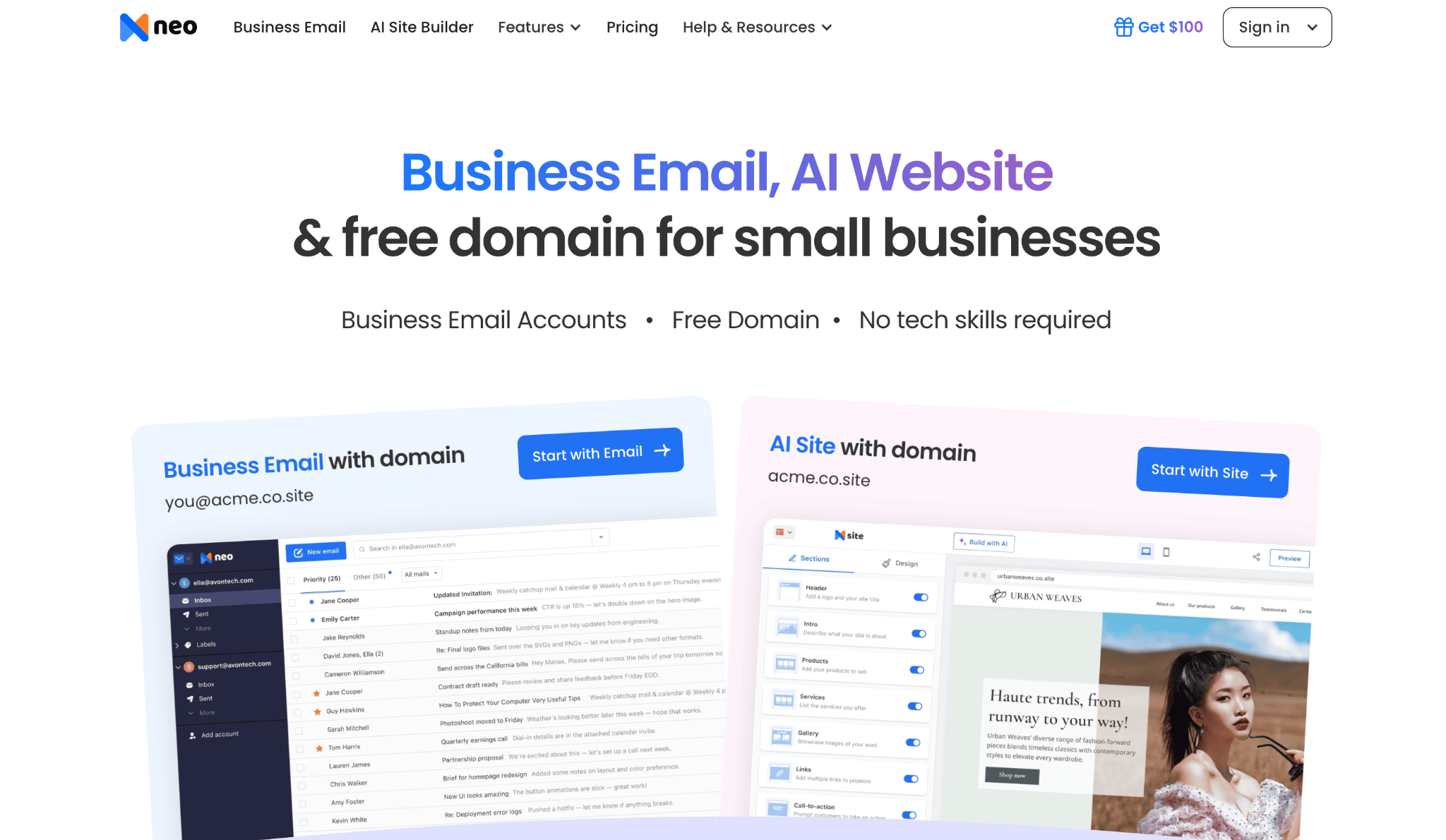
Neo Mail is one of the best cheap email hosting platforms for small businesses, startups, freelancers, and solopreneurs. It lets users create a professional email address with an existing domain or start with an included domain option.
Key features:
- Use your own domain for email, or get one included with your plan
- If you don’t own a domain, you will get a free AI website and a free domain
- Upload, organize, preview, and share files easily with Neo Drive
- Write emails faster with AI Smart Write and get AI-generated email summaries
- Track emails with read receipts, use templates, schedule messages to send later, and set follow-up reminders
- Manage your calendar, contacts, and appointments, and stay connected with our mobile apps
- Email Backup with daily backups, easy restoration, and unlimited retention
- Protect your account with two-factor authentication, spam filters, and antivirus security
- Easily manage mailboxes, aliases, and email accounts with our admin tools
Pricing:
Neo Mail starts at $1.25 per mailbox per month (billed annually) for the Starter plan with 10 GB of storage. The Plus plan costs $3.99 per mailbox per month (billed annually) and includes 50 GB of storage along with additional business email features.
Why it works for small businesses:
Neo Mail works well for small businesses that want professional email without paying for a large productivity suite. Businesses can connect a domain they already own, or they can choose an eligible plan that includes a domain and a free AI website, making it easier to establish an online presence from one platform.
The main trade-off is that Neo Mail does not include a full office suite like Google Workspace. However, for freelancers and small teams focused on business email, scheduling, AI assistance, and customer communication, Neo Mail is one of the best Gmail alternatives for a simpler and more affordable setup.
3. Microsoft 365 Business
Microsoft 365 is the natural choice for businesses already living in the Word, Excel and PowerPoint ecosystem. It brings Microsoft Outlook as the primary email client, which remains one of the most feature-rich options available for professional use.

Key features:
- Microsoft Outlook email with an Exchange-powered backend
- 50 GB mailbox email storage per user
- Full Microsoft Office suite including Word, Excel, PowerPoint and Teams
- Advanced threat protection against phishing and malware
- OneDrive integration for cloud storage and file sharing
- Web-based Outlook access and mobile apps for all major platforms
Pricing:
Microsoft 365 Business Basic starts at $6 per user per month (billed annually). The Business Standard plan at $12.50/user/month adds full desktop office suite apps.
Why it works for small businesses:
Microsoft 365 excels for businesses in industries like legal, accounting and consulting, where Office documents are non-negotiable. The 50 GB email storage at the entry tier is one of the most generous in this price range.
The office suite integrations make it particularly useful for teams that need real-time collaboration on documents and spreadsheets. The learning curve for the admin portal is steeper compared to Google Workspace but Microsoft’s documentation is thorough and the customer support team is responsive and accessible.
4. Zoho Mail
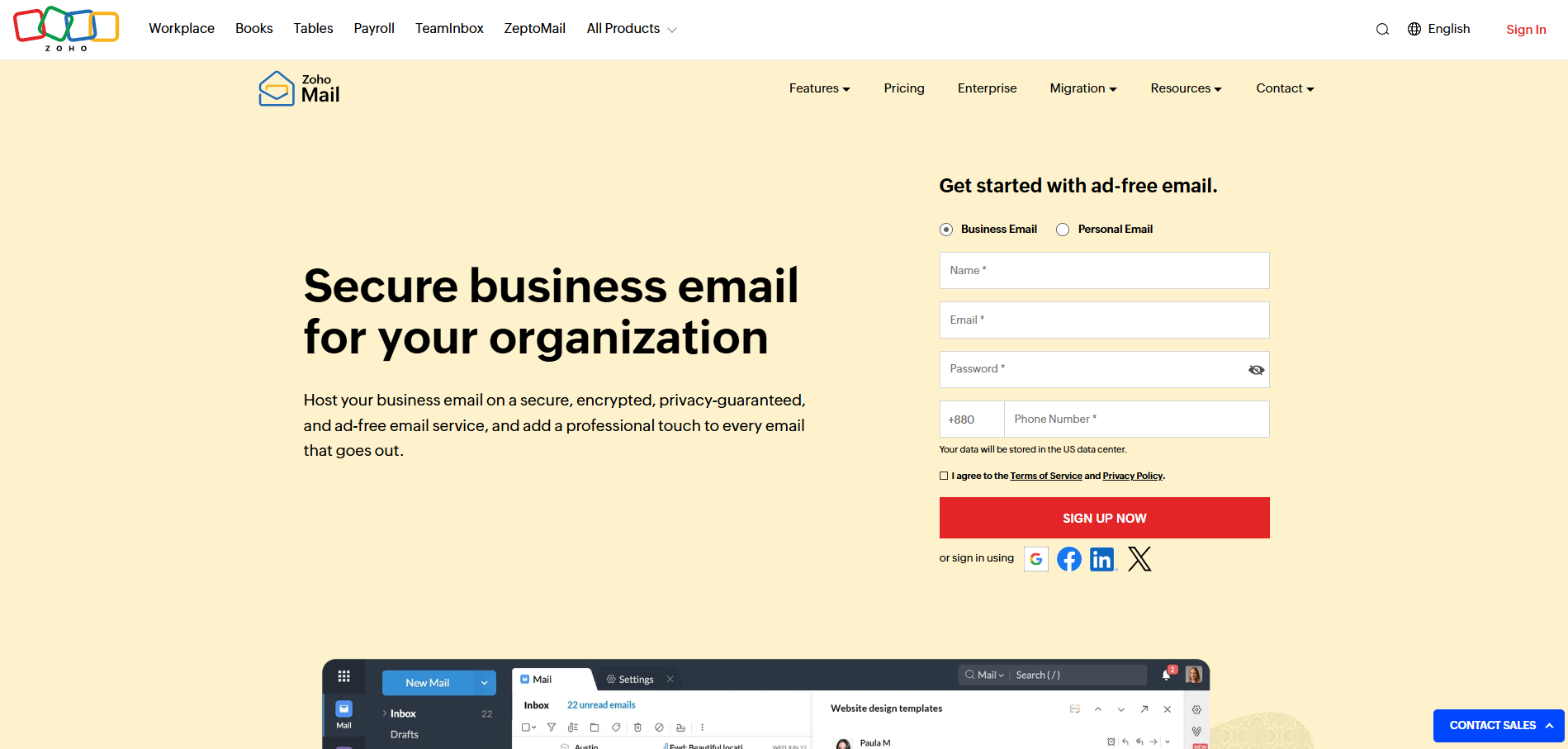
Zoho Mail stands out as one of the few email service providers offering a genuinely usable free email hosting tier. It is a great entry point for bootstrapped small businesses and freelancers who need professional email services without a heavy upfront investment.

Key features:
- Free plan for up to 5 users with 5 GB per user
- Custom domain email support on all plans including the free tier
- Built-in calendar, contacts and task manager
- S/MIME encryption support
- IMAP/POP3 access on paid plans
- Spam filters and anti-spam tools included as standard
Pricing:
The free plan covers up to 5 users with limited features. Paid plans start from $1 per user per month (Mail Lite) for 5 GB email storage, going up to $4/user per month for the Mail Premium plan with 50 GB.
Why it works for small businesses:
Zoho Mail delivers a clean, ad-free interface and strong privacy policies. For budget-constrained teams that do not need the full Google or Microsoft office suite, it is genuinely competitive. The integration with other Zoho apps (CRM, Projects and Cliq) becomes a significant advantage as your business scales.
One limitation worth noting is that the free plan removes IMAP/POP3 access. That means you cannot connect it to desktop email clients like Outlook or Thunderbird without upgrading to a paid tier.
5. Fastmail
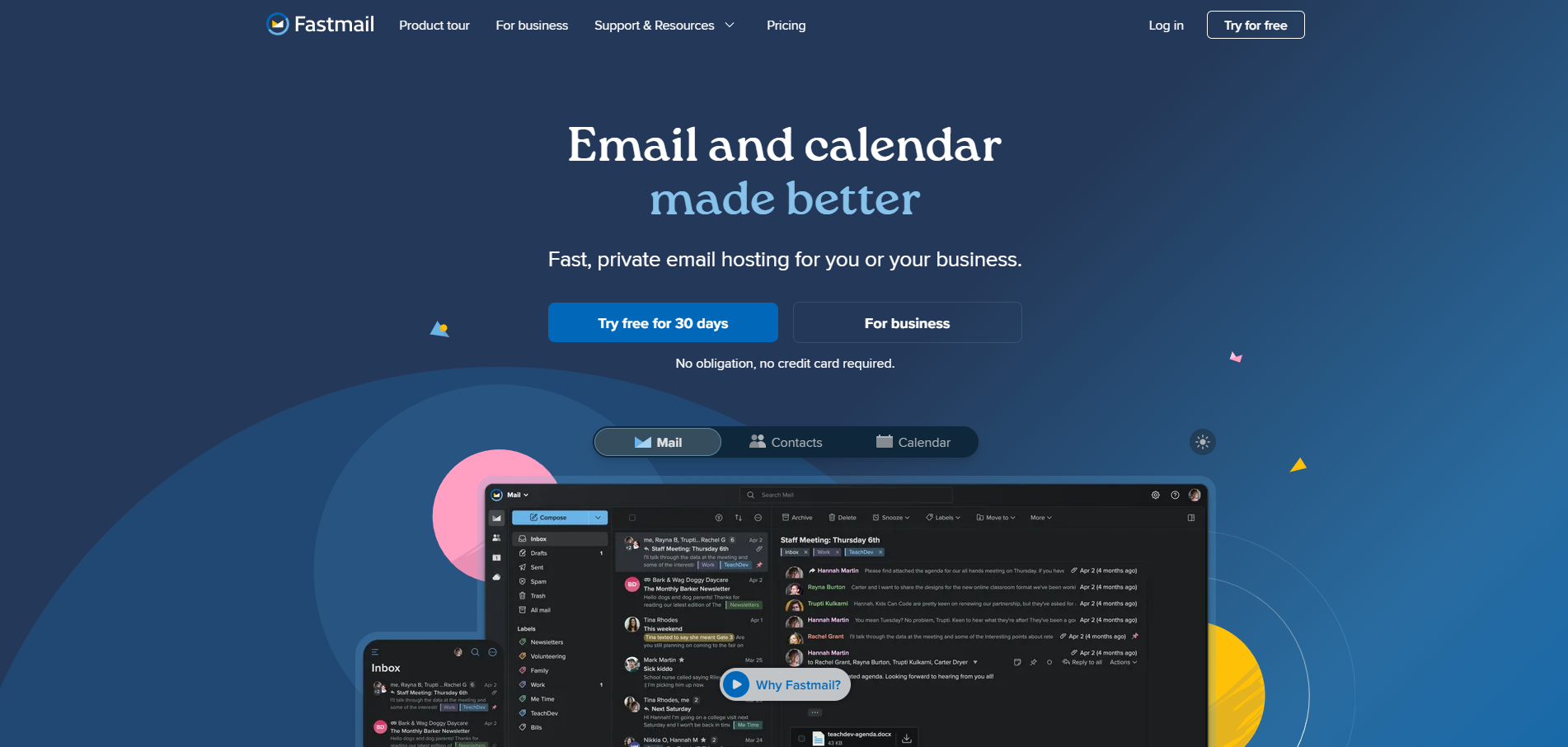
Fastmail is a privacy-first business email hosting service that has been quietly building a loyal following among small businesses, developers and professionals who value data control. It is one of the cleanest hosted email solutions available at this price point.
Key features:
- Custom domain support with easy DNS setup
- 30 GB storage space per user on the Standard plan
- Calendar and contacts management built in
- Masked email aliases for privacy
- No ads, no tracking and no data selling
Pricing:
Fastmail’s business plans start at $3 per user per month when billed annually with the Business Basic plan. For most small businesses, the Business Standard plan at $5 per user per month (annual billing) offers the best balance of features and storage, including 50 GB of email storage, 10 GB of file storage, shared business features, and support for custom email domains.
Why it works for small businesses:
Fastmail is headquartered in Australia and complies with strict data protection laws. For businesses in regulated industries or those with privacy-conscious clients, this matters. The interface is clean, fast and genuinely pleasant to use every day.
It does not bundle a full productivity suite, so if you need collaboration tools or video meetings, you will need to integrate with third-party apps. But for pure business email hosting with great reliability, it punches well above its price.
6. ProtonMail Business
ProtonMail Business (now branded under Proton for Business) is the go-to email hosting solution for businesses that handle sensitive data, legal communications or anything requiring end-to-end encryption by default. For organizations that need to remain HIPAA compliant, it stands out as one of the most secure options on the market.


Key features:
- End-to-end encryption for all stored emails
- Zero-knowledge architecture (even Proton cannot read your email)
- Custom domain support with easy setup
- Email storage from 15 GB (Mail Essentials) to 500 GB (Business plan)
- ProtonVPN, ProtonDrive and ProtonCalendar bundled on higher plans
Pricing:
Proton Mail Essentials starts at $6.99 per user per month (billed annually). The Workspace standard plan at $12.99/user per month adds more storage and additional Proton apps.
Why it works for small businesses:
If your business operates in healthcare, legal services, finance or any field where confidential communication is legally significant, ProtonMail Business is worth the premium. For teams that must stay HIPAA compliant or meet similar data regulations, the encryption is not optional or an add-on. It is the default at every level.
The trade-off is that some integrations with third-party tools are more complex compared to Google or Microsoft. But for security-first businesses, that is a reasonable and worthwhile trade.
7. xCloud Mailbox Plan
xCloud Mailbox Hosting is a mailbox add-on built for xCloud Managed Servers. It allows users to create and manage professional custom email addresses using their own domain name while keeping everything connected to their web hosting environment. It is designed for small businesses, agencies and WordPress users who want a simple and integrated email hosting setup without managing external infrastructure.

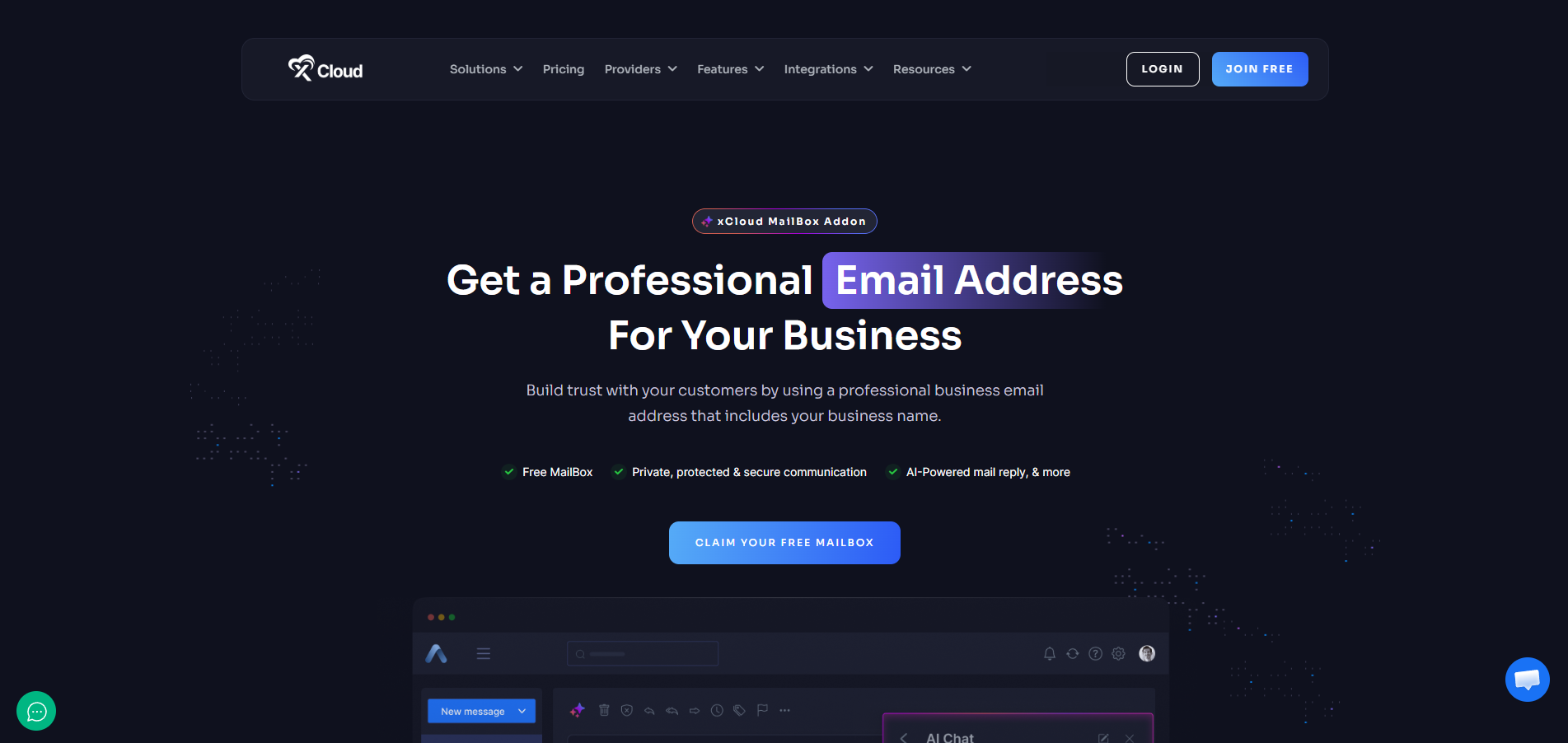
Key features:
- cPanel-based control panel for email management
- Custom email domain configuration
- Supports IMAP, POP3 and SMTP protocols
- Spam filters and antivirus scanning included
- Webmail access via Roundcube or Horde
- SSL/TLS encryption on all connections
- Compatible with any email client including Outlook, Apple Mail and Thunderbird
Pricing:
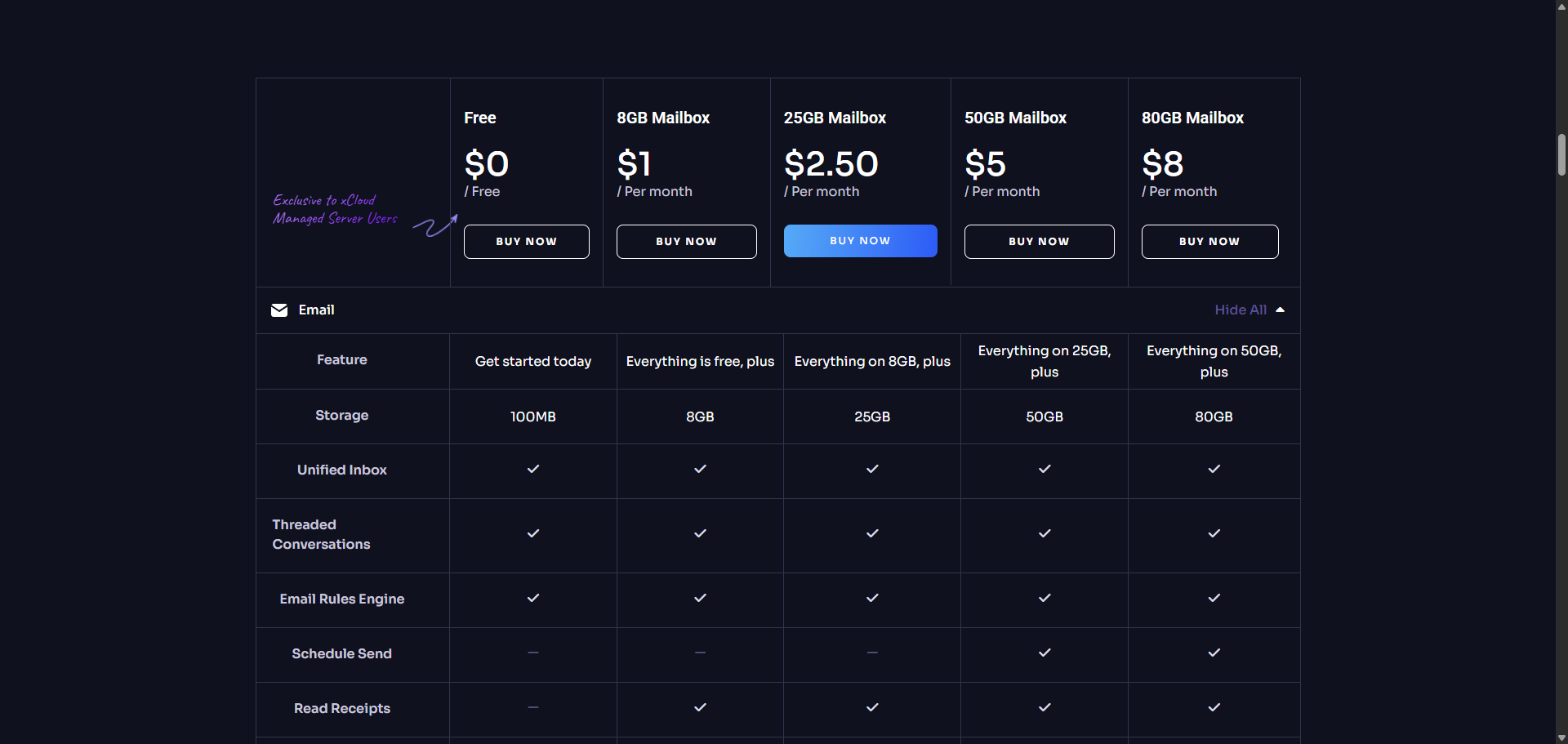
xCloud Mailbox Hosting includes a free plan with a 100 MB mailbox, available exclusively for xCloud Managed Server and xCloud Provider Server users. This free mailbox is automatically available when a qualifying server is active and is intended for basic usage and testing. Each hosting plan increases storage and feature depth, allowing users to upgrade only when their usage grows.
Paid plans are structured for scaling needs:
- Free Plan: 100 MB mailbox (Managed Server / Provider Server only)
- Starter Plan: $1/month — 8 GB mailbox
- Growth Plan: $2.50/month — 25 GB mailbox
- Advanced Plan: $5/month — 50 GB mailbox
- Premium Plan: $8/month — 80 GB mailbox
Why it works for small businesses:
For small businesses, email hosting cost is usually the first decision factor, followed by essential features. xCloud addresses this by offering a free plan for every eligible Managed Server setup, allowing businesses to start using professional email without any additional monthly cost.
Once activated, the free plan still provides core functionality such as custom email addresses, secure communication, spam protection and access across email clients. This makes it suitable for early-stage businesses that need a professional presence without overhead.
As the business grows, upgrading to paid plans is straightforward, with higher storage space and advanced productivity features like AI-powered email tools, smart organization and enhanced collaboration support. This gradual upgrade path ensures businesses only pay when they actually need more resources.
8. Titan Email
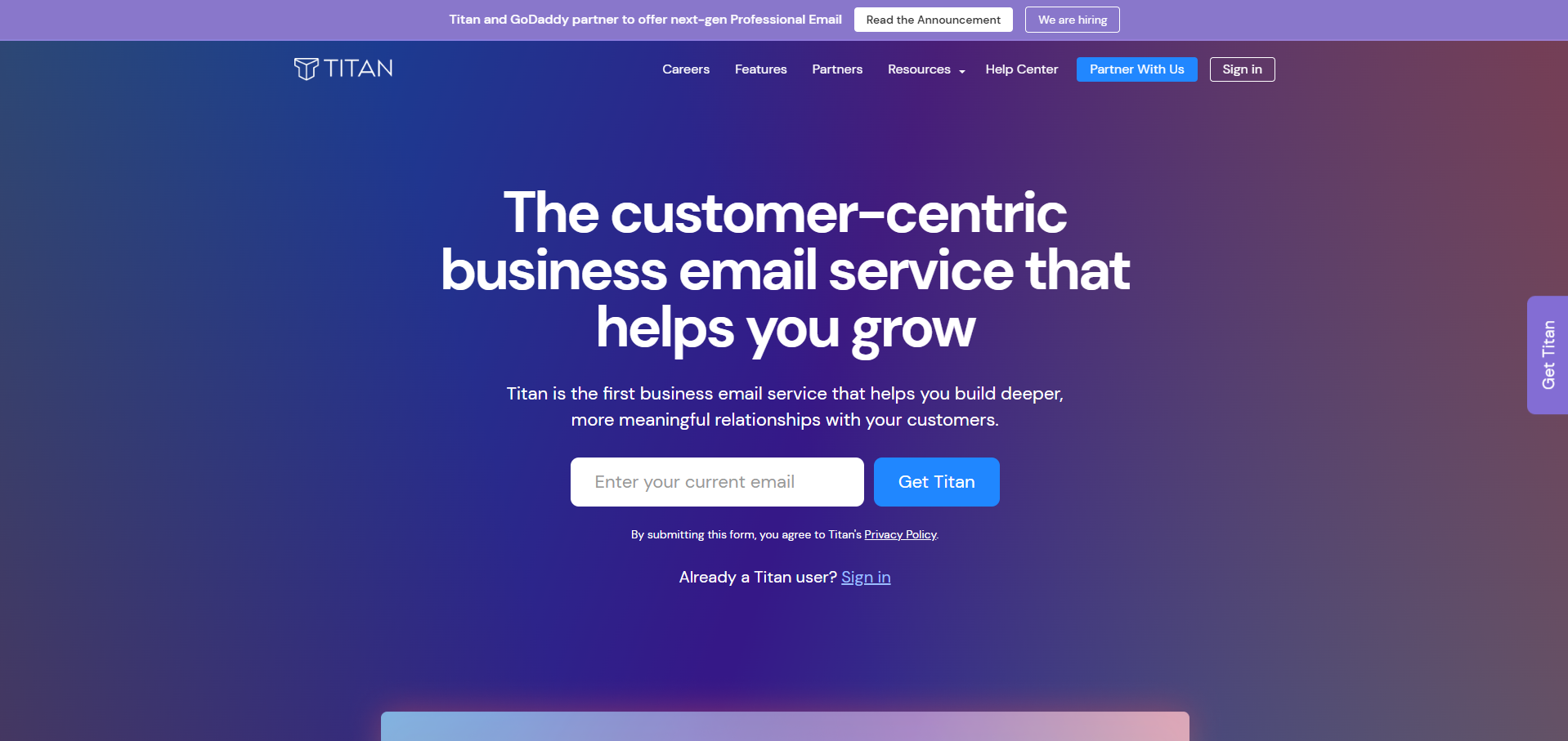
Titan Email is a modern email hosting service purpose-built for small businesses and solo operators. It focuses on core business email with built-in productivity features rather than trying to compete on the full office suite front.

Key features:
- Custom domain email with an easy setup wizard
- 30 GB email storage per user
- Built-in email scheduling and follow-up reminders
- Read receipts and email templates
- Integrated calendar and contact management
- Available through major domain registrars (Namecheap, GoDaddy and Name.com)
Pricing:
Titan Mail pricing starts at $1.49 per user per month. But it is offered through authorized hosting and domain partners. To purchase Titan Email, you can browse available providers at: https://titan.email/signup/
Plans, pricing, and included features may differ by partner, allowing you to choose the option that best suits your requirements.
Why it works for small businesses:
Titan positions itself as ‘email for business owners, not IT teams.’ The setup process is genuinely beginner-friendly and the built-in scheduling and follow-up tools are practical for sales-oriented solo business owners. The price-to-value ratio is hard to beat at the entry level.
Other email hosting services worth knowing about
While the seven providers above cover most small business needs, there’s one more service that may be of your interest, particularly if you work in an enterprise space.
Note: Unfortunately, Amazon WorkMail will be permanently discontinued on March 31, 2027; so it didn’t make it to this list.
Now, Rackspace Email is a dedicated email hosting service offered by Rackspace, one of the most established web hosting providers in the industry. Rackspace focuses primarily on business email hosting for mid-sized to enterprise-level companies and delivers a strong track record for reliability and customer support.

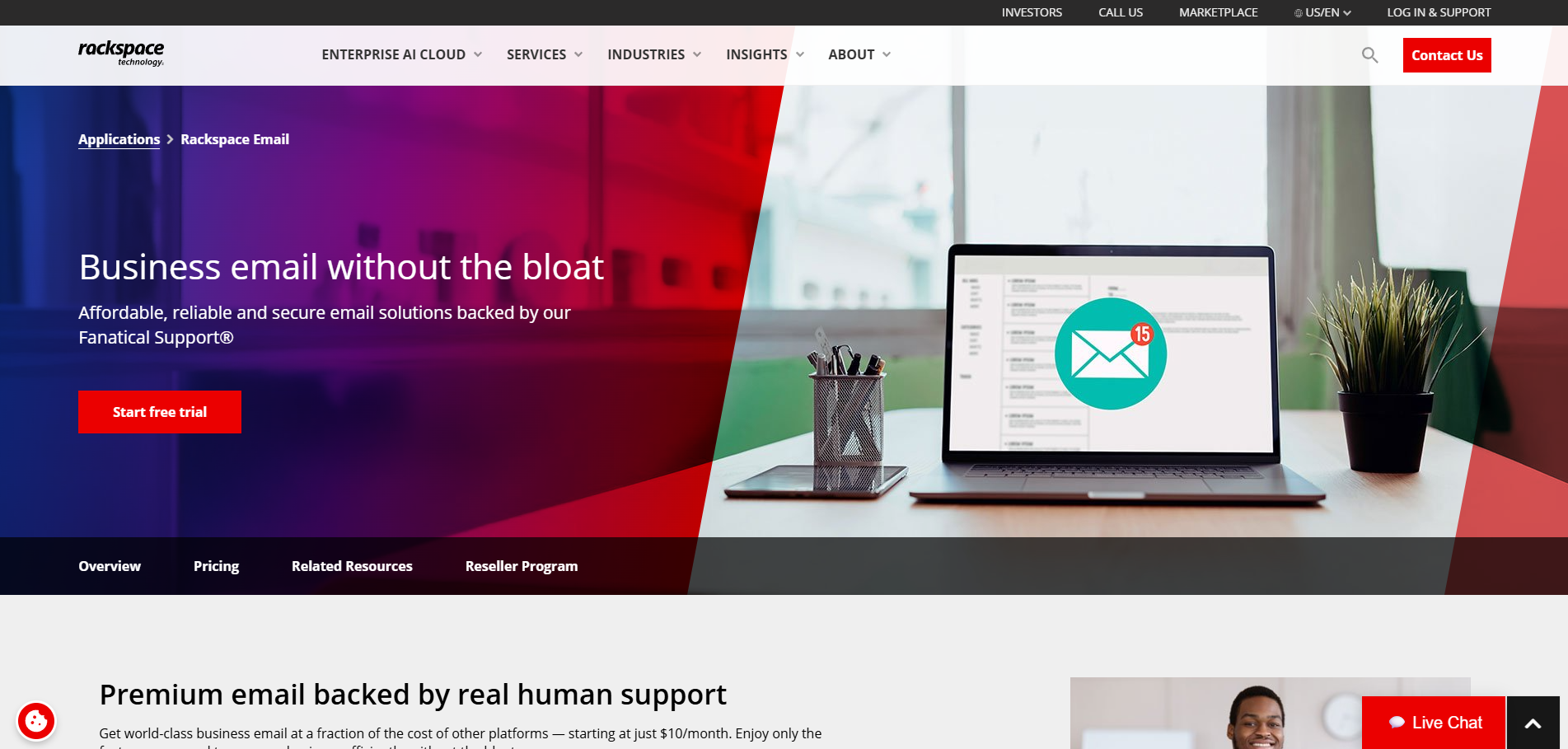
The plans typically start at a higher price point than the providers listed above, but the platform delivers robust infrastructure, solid virus protection and compliance-focused security features. For companies that need a higher-tier service with dedicated account management, Rackspace remains a credible choice.
What to look for in email hosting providers
A good provider is not only about sending and receiving email messages but also about reliability, security, cost and long-term flexibility. Here’s what to look for:
Custom domain email support
Almost every provider lets you use a custom domain (e.g. you@yourbusiness.com), but ease of setup varies. Look for guided domain linking or free domain offers.
For example, Neo Mail offers an included domain with eligible plans, while Hostinger’s web hosting plans include one free domain (saving you ~$15 in year one). Zoho, Microsoft, and Google do not bundle domains, so factor in ~$12–20/year for registration. A bundled domain can cut initial costs significantly.
| Provider | Entry Plan (USD, monthly) | Free Domain? | 1st-Year Cost (with domain) | Domain Savings |
| Neo Mail | $1.25/mailbox | Yes | ~$24 + free domain | ~$12–20 |
| Hostinger (Web Host) | ~$2.99/mo (Premium, 48mo)* | Yes (1 year) | ~$143 (incl. hosting + domain) | ~$15–20 |
| Zoho Mail (Lite) | $1.00/user (annual billing) | No | ~$27 + domain (≈$42 total) | $0 |
| Microsoft 365 (Basic) | $6.00/user (annual billing) | No | ~$72 + domain (~$87 total) | $0 |
| Google Workspace (Starter) | $7.00/user (annual billing) | No | ~$84 + domain (~$99 total) | $0 |
Neo Mail’s Starter plan costs $1.25/mailbox/month with 10 GB of storage. Eligible plans include a domain and an AI-powered website, bringing the first-year cost to approximately $24.
Hostinger’s $2.99/mo rate is based on a 48-month Premium web hosting term, which includes email hosting and a free domain for 1 year. The effective cost is ~$143 for 4 years ($0.39/mo) plus renewal of ~$10.99/mo afterward.
Zoho’s Mail Lite is $1/user/mo (annual) with 5–10 GB mailbox; first-year cost ~$27 (12×1 + ~$15 domain).
- Microsoft’s Business Basic is $6/user/mo (annual). Domain not included.
- Google Workspace Starter is $7/user/mo (annual). Domain not included.
Savings
Neo Mail can save approximately $12-20 in initial setup costs by including a domain with eligible plans. Hostinger’s plan saves about $15–20 in the first year by including a domain. Zoho, Microsoft and Google require separate domain purchases. Over time, also consider renewal rates: Hostinger’s email plans renew at higher rates ($1.59/mo) after 4 years. Microsoft has announced Business Basic will rise to $7 in July 2026.
Uptime, reliability and server infrastructure
Aim for a 99.9% uptime SLA. Major cloud providers (Google, Microsoft, Zoho) run globally redundant data centers, so your mailboxes stay online even if one region fails. Look for real-time dashboards in the admin console.
For example, Microsoft’s health dashboard highlights any active incidents and shows service health trends, so admins can act on issues before users notice. Google’s status page lists every Workspace service and logs recent outages. Neo Mail protects business email with encryption, 2FA, spam and antivirus filtering, plus daily backups with unlimited retention.
- Backups & failover: Many hosts include automated backups and geo-replication. This means your email data is mirrored across multiple sites. If one server goes down, another can take over. This protects against local outages and hardware failures. Neo Mail’s Email Backup feature automatically backs up emails daily and lets users restore them to their inbox or a selected folder.
- Email servers: When evaluating infrastructure, also check if the provider offers real-time email flow logs or analytics. Some give “Message Center” dashboards or email logs (e.g. Google Admin’s Email Log Search). These let you trace delivery and delivery failures instantly.
Security features
A good email host includes strong security by default. Key protections are: SPF, DKIM and DMARC to prevent spoofing and phishing; spam filters; and antivirus scans. All major providers support these:
- SPF/DKIM/DMARC: You should be able to publish SPF and DKIM records for your domain, and enforce DMARC policies. These prevent spammers from faking your domain. Neo Mail supports SPF, DKIM and DMARC configuration for custom domains. (For example, Google and Microsoft have guides to set these up.)
- Spam/Malware protection: Standard plans include email filtering. Neo Mail, Zoho, and Hostinger’s business plans mention built-in spam and virus filters. Google and Microsoft automatically filter spam/malware for you at no extra charge.
- Encryption: Email data is encrypted in transit (TLS) across the board. Some providers (Google, Microsoft) also offer S/MIME or additional encryption on higher tiers. Hostinger’s plans even advertise end-to-end encryption for stored emails.
These layers together stop most attacks. In practice, no reputable host charges extra for SPF/DKIM/DMARC or basic spam filtering. They are standard. Just confirm your chosen plan includes them out of the box.
Storage per mailbox and archiving
Email storage requirements depend on team size and communication volume. It is critical to differentiate between dedicated mailbox storage (space strictly for emails) and cloud drive storage (space for generic file hosting), as providers structure these very differently.
File storage and attachment limits also vary widely by provider and hosting plan, so it is worth checking these details carefully before committing. A tight attachment limit can create real friction for teams that share documents regularly.
Here is a breakdown of base-level storage offerings and attachment limits among major providers in 2026:
| Provider | Mailbox Storage | Cloud Storage | Max Attachment |
| Microsoft 365 Basic | 50 GB (per mailbox) | 1 TB OneDrive per user | 150 MB |
| Neo Mail | 100 GB (max) | Neo Drive included | 30 MB |
| Google Workspace Starter | 30 GB pooled (mail + Drive) | Shared with mailbox (30 GB total) | 25 MB send (receives up to 50 MB) |
| Zoho Mail Lite | 10 GB (per user) | N/A (no bundled drive) | 30 MB (30 MB per mail, up to 250 MB via “Huge Attachments” link) |
| Hostinger Starter Email | 10 GB (per mailbox) | N/A | 25 MB per attachment |
- Dedicated vs. Pooled: Microsoft clearly splits 50 GB mailbox + 1 TB OneDrive. Google Starter gives 30 GB total across Gmail and Drive, so heavy Drive use eats into mailboxes. Zoho Lite gives 10 GB for email only. Hostinger’s standalone email plan also gives 10 GB.
- Attachments: Google imposes a 25 MB send limit (receives up to 50 MB), matching free Gmail limits. Microsoft allows much larger (up to 150 MB). Zoho Lite allows 30 MB by default, but has a built-in “Huge Attachment” feature (up to 250 MB via cloud link). Hostinger’s email plans limit attachments to 25 MB.
Tip: If your team sends large files, Google’s approach forces you to use Drive links. Microsoft and Zoho let you send bigger files directly. Always check both mailbox quota and cloud storage, since running out of either can block new mail or file uploads.
Cost-effectiveness and pricing transparency
Clear pricing is essential to avoid unexpected costs. When calculating the total email hosting cost, factor in not just the monthly fee but also what is included. Collaboration tools, required commitments, and renewal rates all affect long-term value. A transparent pricing structure that scales gradually is usually more practical than a cheap entry price that balloons once you grow.
Pricing transparency:
Read the fine print on renewal rates. Hostinger’s $0.39/mo email is a 48-month deal that jumps to $1.59/mo on renewal. Google and Microsoft require annual commitment but auto-renew at the same or higher rate (Microsoft Business Basic jumps from $6 to $7 in July 2026).
What’s included:
Compare what the base price covers.
- Google Workspace ($7) includes Gmail, Meet, Docs, 30 GB storage and basic support
- Neo Mail ($1.25) includes 10 GB of storage, a domain, a free AI site builder, AI email tools, email backup, and Neo Drive.
- Microsoft Business Basic ($6) includes 50 GB mail, Teams, Office web apps and 1 TB storage
- Zoho Mail Lite ($1) is email-only (5–10 GB mail, no Drive)
- Hostinger’s $0.39 is email-only, and its features (AI assistant, Kodee, etc.) may not be needed by all businesses
If you need group addresses (info@, support@), note how they’re billed. Microsoft lets you create free shared mailboxes without extra licenses. In Google Workspace, every mailbox (even shared ones) generally needs a paid license or counts against your user limit.
Add-ons:
Many add-ons cost extra. For example, Google Voice pricing plans start at around $10/user, Google’s advanced AI (Gemini Business) ~$20/user, and Microsoft Copilot (AI in Teams/Office) ~$30/user per month. These are not included in base plans. Factor these in if you plan to use such services.
Migration support
A reliable provider should offer migration tools or guided assistance to transfer emails, contacts, and calendars safely.
Moving your existing email is critical. All major hosts offer migration tools or assistance:
- Google Workspace: Offers Workspace Migrate, a tool to import email, calendars and contacts from many sources. Also has an email log search to diagnose issues.
- Neo Mail: Offers a one-click email import tool to migrate existing emails and folders from another provider. Its support team and setup guides can also help users complete the migration process.
- Microsoft 365: Supports IMAP and third-party migration tools. You can migrate from Gmail, IMAP servers or other Exchange accounts with built-in guides. (See Microsoft’s “Ways to migrate multiple email accounts” guide.)
- Zoho Mail: Provides a built-in migration tool and even a dedicated migration agent for larger accounts. You can import from other services or PST/EML files with their tool.
- Hostinger: Includes an AI assistant (Kodee) to help transfer emails. In their dashboard, you can “Bring your inbox” – Kodee can move mailboxes, folders and contacts into your new Hostinger account.
Good providers also have responsive support and clear documentation for migration, reducing downtime. Before switching live, test migrating a few accounts to confirm everything goes through.
How to set up business email with custom domain
Whether you are using xCloud or any of the other email service providers listed in this guide, here is a straightforward overview of the steps involved.
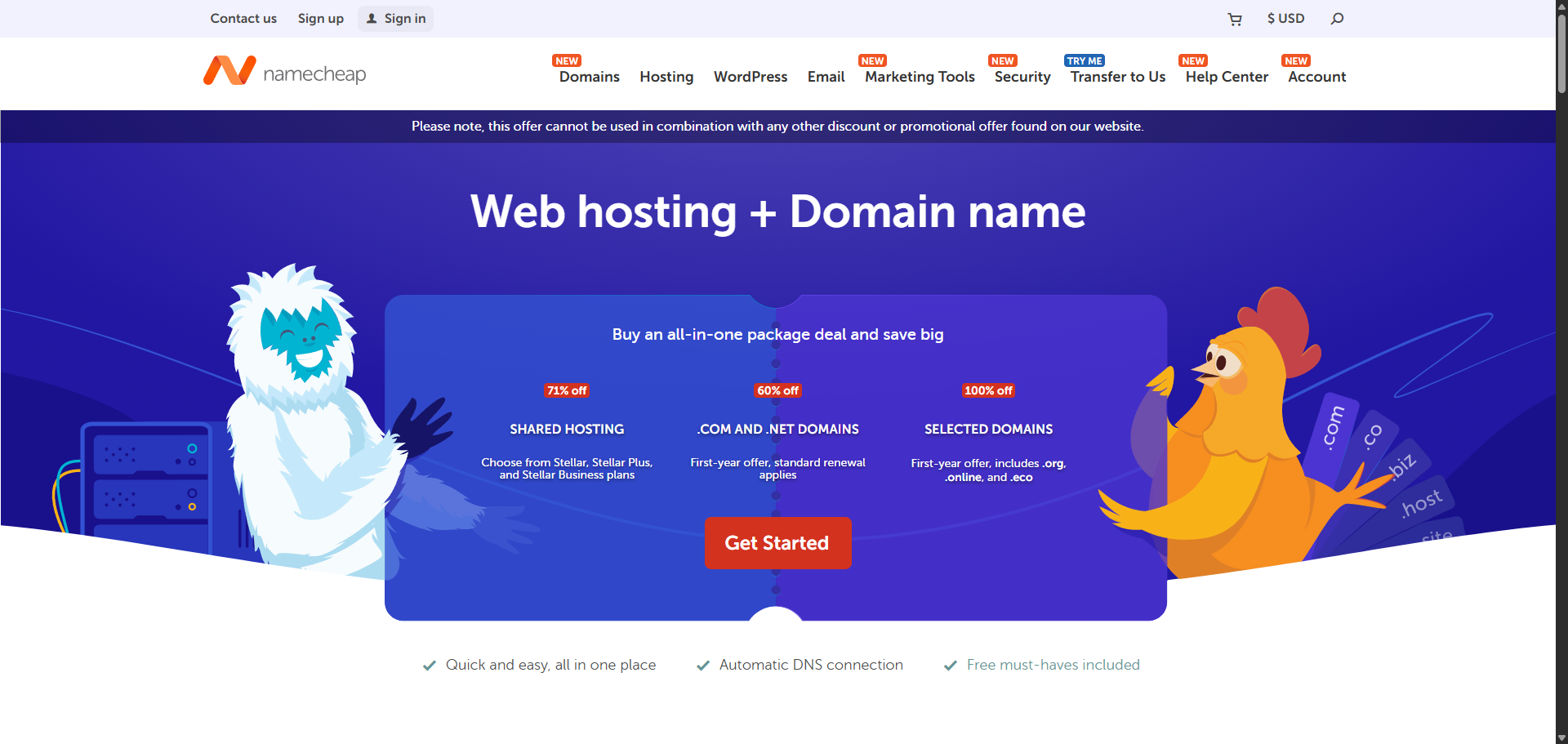
Step 1: Register Your Domain Name
If you do not already own a domain name, register one through providers like Namecheap, GoDaddy or Squarespace. Some web hosting providers bundle a free domain with their hosting packages, which can save you money in the first year.
If you need both website and email hosting, look for providers that offer combined plans so you can manage everything from one dashboard. Keep your domain name short, professional, and aligned with your business name wherever possible.

Step 2: Choose your email hosting service
Use the email hosting comparison table and individual breakdowns above to match a provider to your budget and needs. Consider whether you need a hosted email solution or a cloud email setup integrated with your web hosting or website hosting environment. Some providers also offer email marketing tools as part of their plans, which is worth noting if you plan to run newsletters or outreach campaigns.
Step 3: Verify your domain
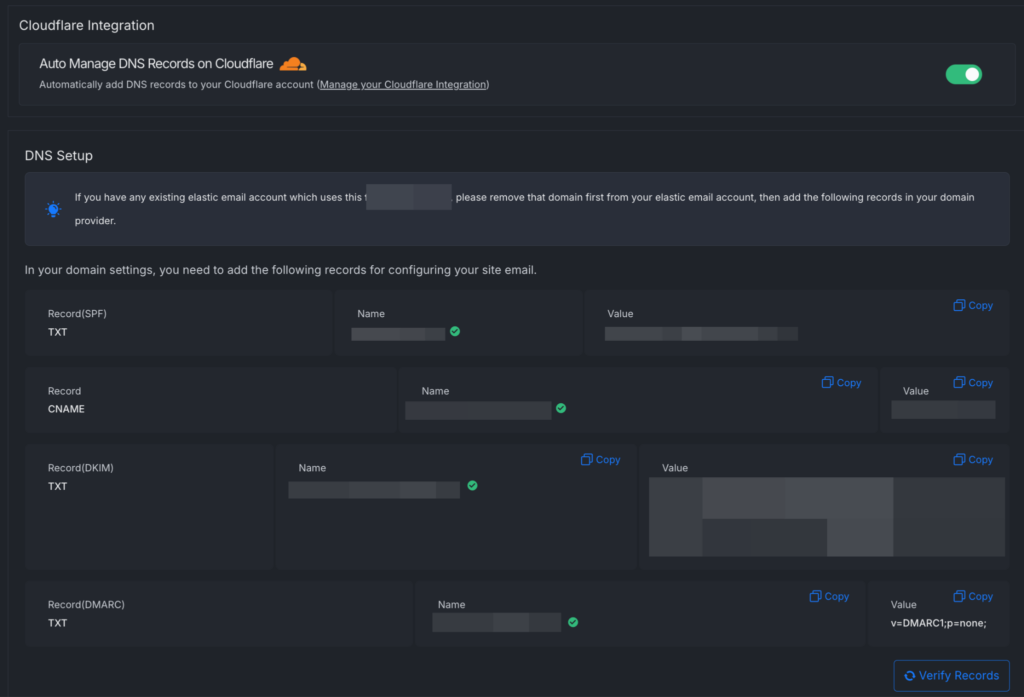
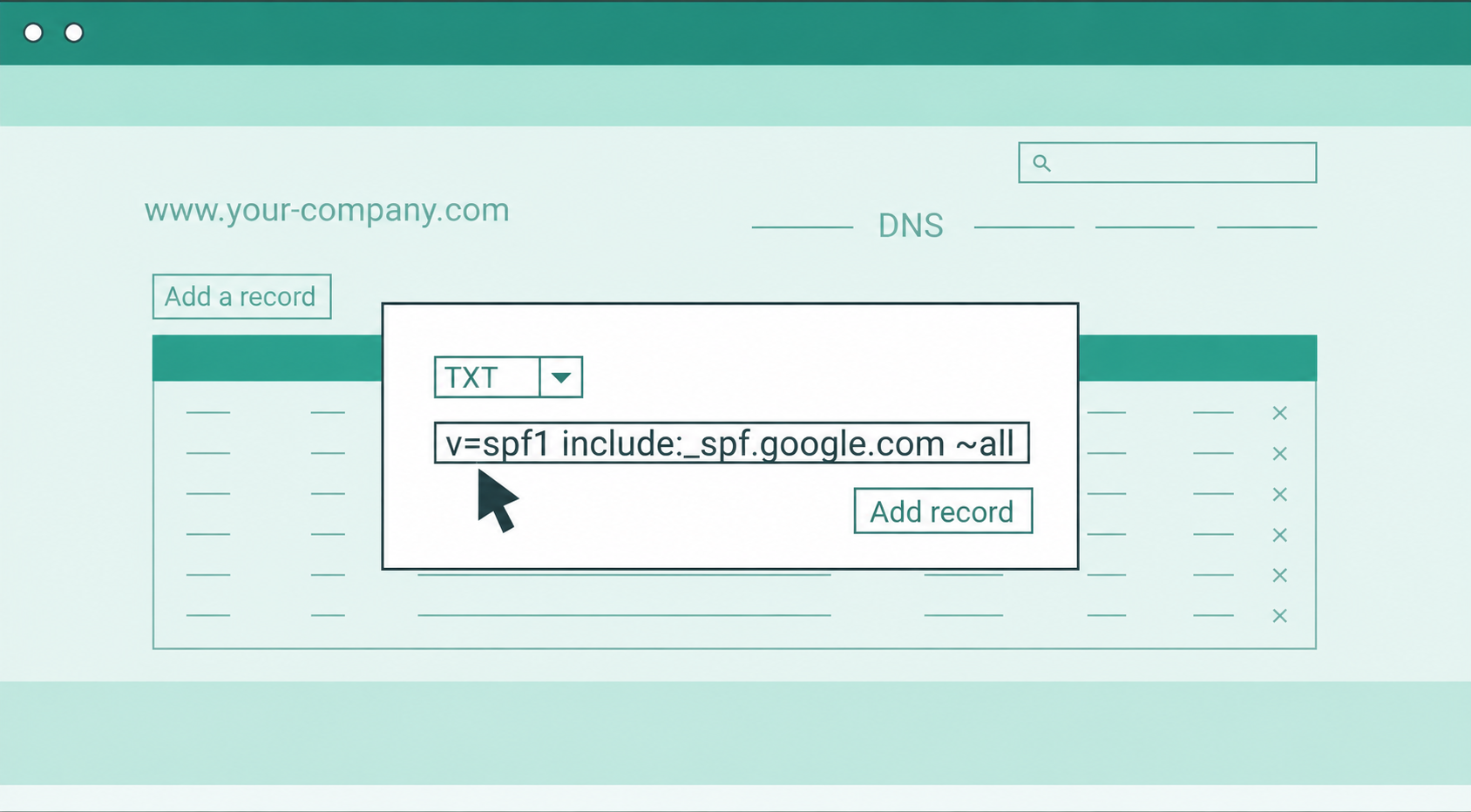
Every email hosting service will ask you to add a TXT or CNAME record to your domain name’s DNS settings. This proves you own the email domain and allows the provider to route your email correctly.

Step 4: Configure your DNS records
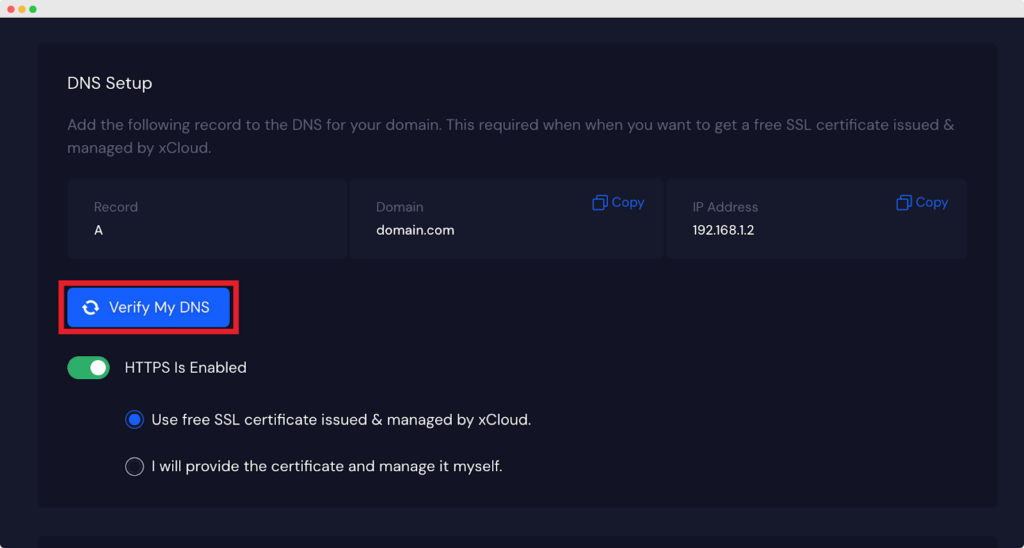
In xCloud, email delivery depends on correctly configured DNS records. MX records control where incoming email messages for your email domain are delivered and ensure they reach the right email servers.
To complete this setup, add the required MX records inside your xCloud server DNS settings. You can follow the guide to configure DNS records properly.
Once the records are added, DNS propagation typically takes around 15 to 30 minutes, though in some cases it may take longer depending on your domain name provider. After propagation is complete, your domain will start routing emails to your xCloud mailbox.
You can follow the guide to configure DNS records properly.

Step 5: Set up SPF, DKIM and DMARC
These three authentication protocols protect your email domain from being used in phishing or spoofing attacks and also improve your email deliverability. Most email hosting services walk you through this during onboarding.
For a deeper look at how email authentication protocols work and why they are critical for your sender reputation, Mailtrap’s DMARC guide is an excellent resource to bookmark.
If you are also sending transactional or email marketing campaigns from your email domain, test your SMTP configuration in a sandboxed environment before going live. Tools like Mailtrap Email Testing allow you to verify that your email messages look correct and authenticate properly before hitting real inboxes.

Start your professional email setup with confidence
Professional email hosting helps your business communicate with credibility, security and consistency. Whether you are starting fresh or moving beyond a free email account, today’s solutions make it easy to create custom email addresses that match your brand.
The right choice depends on your needs. Google Workspace and Microsoft 365 suit teams that rely on productivity and collaboration tools, while Proton Mail focuses on privacy and security. If you prefer to manage email alongside your hosting environment, xCloud Mailbox offers a streamlined option with built-in mailbox management.
Before going live, test delivery and setup to ensure smooth communication from day one.
FAQs
What is the best email hosting service for small businesses in 2026?
The best email hosting service for small businesses depends on your needs.
- Google Workspace is ideal for teams that use Google apps.
- Neo Mail is best for small businesses seeking affordable professional email, AI tools, and an included domain option.
- Microsoft 365 suits businesses with heavy Office use.
- Zoho Mail is the best value free email hosting option.
- For privacy, ProtonMail is the top choice.
- xCloud Mailbox is best if you are already on a managed server plan.
What is the difference between web hosting and email hosting?
Web hosting stores your website files and makes your site accessible online. Email hosting manages your email accounts, routes email messages, and handles storage for your inbox. Many hosting services for small businesses offer both, but they are technically separate services. Some businesses use one provider for web hosting and another for their email hosting service
Is free email hosting reliable enough for a small business?
Free email hosting can work for early-stage businesses but it comes with limitations. Email services on free plans often include lower storage space, restricted email accounts, and limited customer support. For most small businesses, a paid entry-level plan from a reliable email hosting service offers much better reliability and security features at an affordable price.
Do I need a custom domain name for business email?
Yes. A professional custom domain name, such as name@yourbusiness.com builds credibility and trust with clients. Most popular email platforms for business support custom domain setup. Free personal email addresses from Gmail or Yahoo are not suitable for business communication and can quietly hurt your brand reputation
What email hosting cost should a small business expect?
Email hosting cost for small businesses typically ranges from $1 to $15 per user per month depending on the provider and plan. Budget providers like Zoho Mail and Titan Email start around $1 to $2.50/user/month, while Neo Mail starts at $1.25 per mailbox per month and includes 10 GB of storage. Full-featured email hosting services start at $6/user/month for Microsoft 365 (Exchange Online) and $7/user/month for Google Workspace. The right email hosting cost depends on how many users you have and which features you need.
What are the most important security features in an email hosting service?
The most critical security features to look for include SPF, DKIM, and DMARC authentication, anti-spam filtering, advanced antivirus and malware scanning, two-factor authentication, and end-to-end encryption (for high-security needs). A good email hosting service should offer most of these as standard to protect your email domain from phishing and spoofing attacks.