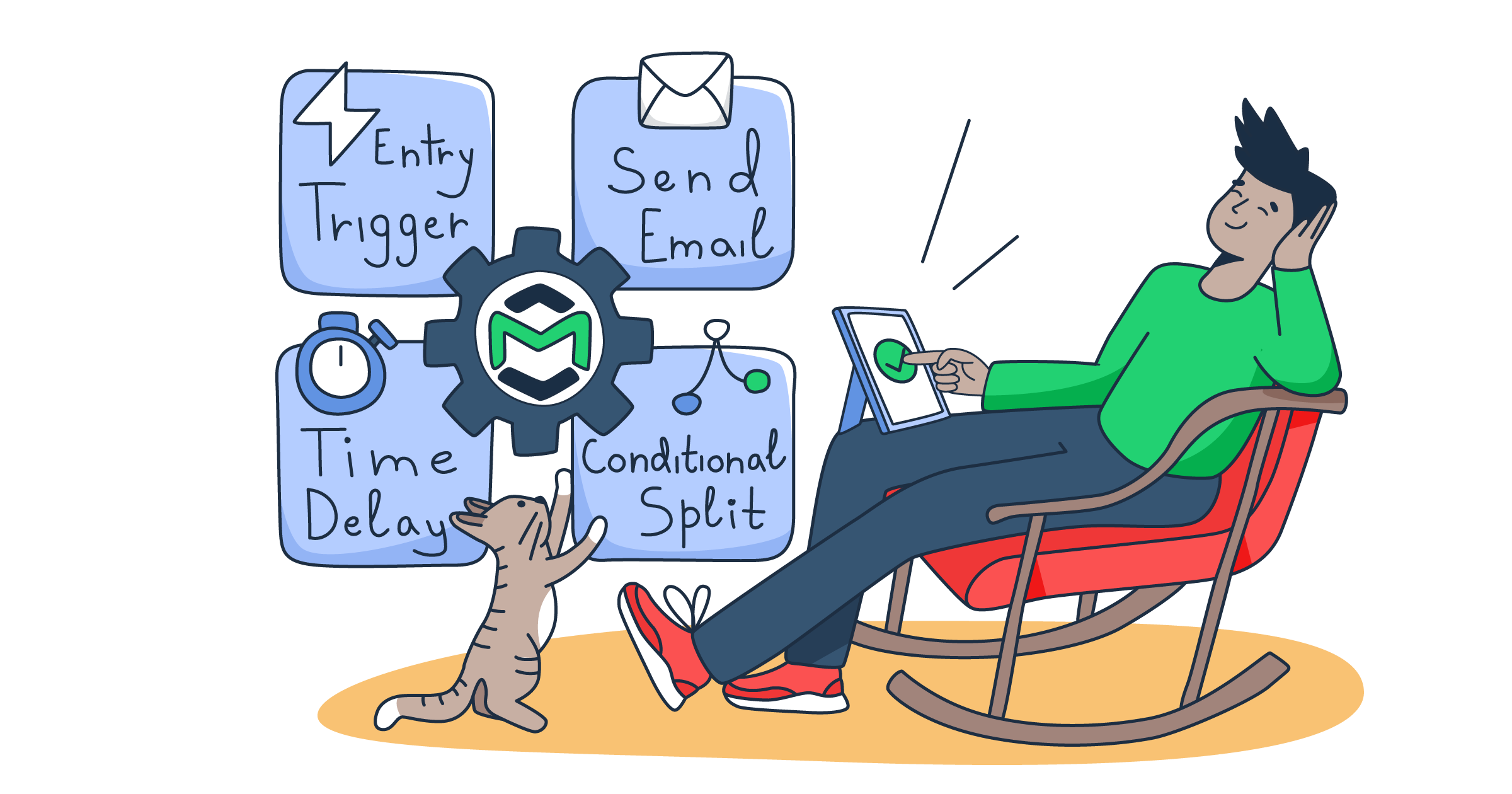
We are excited to announce the release of Automations, which allows you to set up triggers, actions, and rules to automate your email sending from a visual, no-code editor.
Note: The feature is free and is included by default in all plans. Feel free to read the official documentation here.
How Mailtrap Automations work
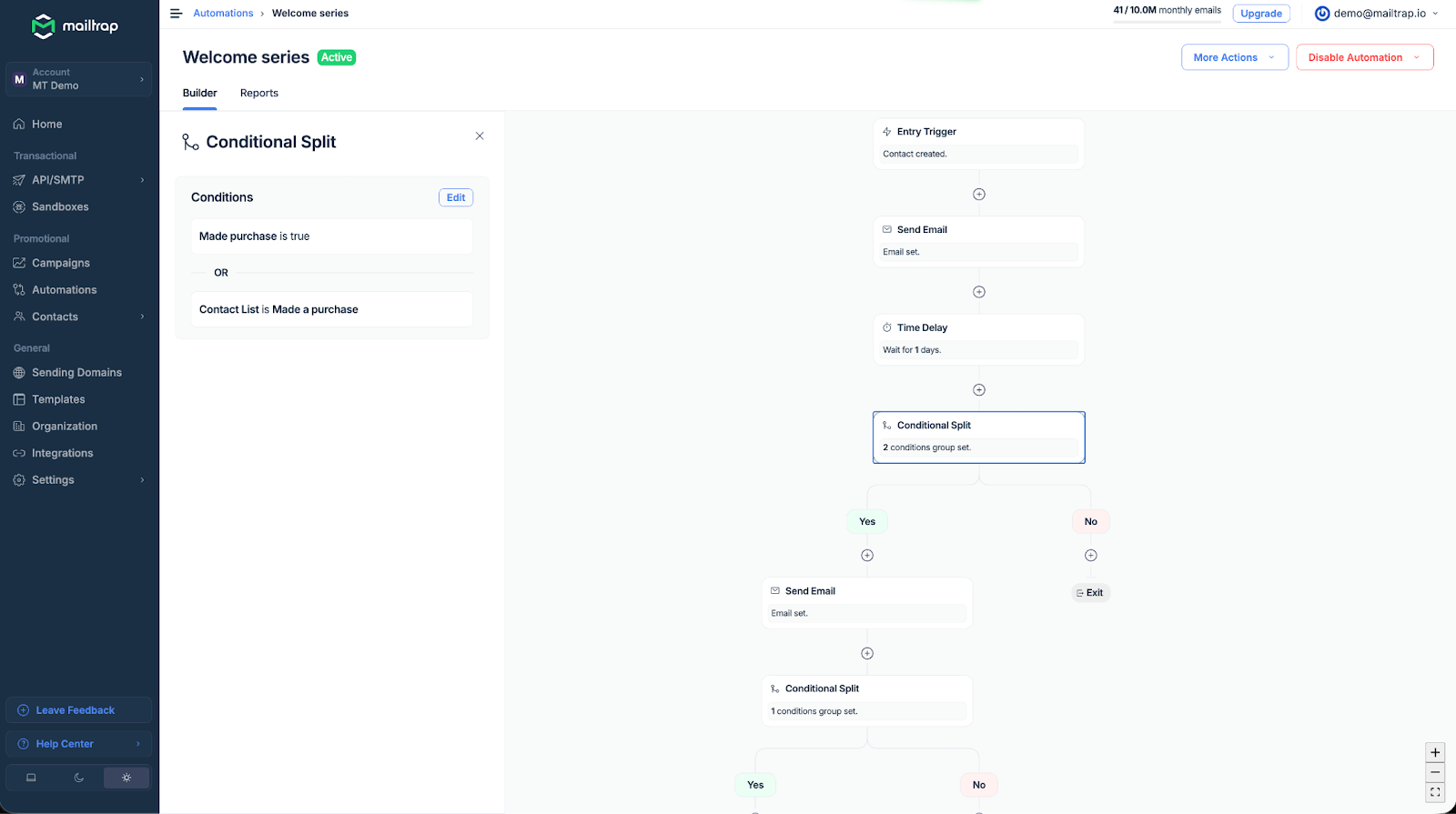
Every automation starts with a trigger, the event that kicks things off. From there, you connect actions (what happens) and rules (when and under what conditions) to shape the sequence. You can use various criteria to choose whom to send emails to and when, including contact properties, list membership, field changes, and custom API events.
Most importantly, once the logic is built, it runs 24/7.
Contacts enter automations through your existing integrations, such as API calls, Zapier, n8n, Make.com, or any tool of your choice.

What can you create with Mailtrap Automations?
Currently, you can build the following workflow automations with Mailtrap:
- Welcome series emails – A multi-step onboarding sequence for new contacts.
- Educational nurturing – Guide contacts through your product or topic area over time.
- Onboarding prompts – Nudge users through adoption milestones as key events happen.
- Engagement campaigns – Deliver targeted content when contacts enter key segments.
- Re-engagement campaigns – Win back inactive subscribers with targeted messaging.
- Post-purchase flows – Maximize customer value after purchase.
- Milestone celebrations – Recognize key moments with timely, personalized emails.
- Churn prevention emails – Respond to billing events with automated recovery sequences.
Monitoring the performance of your workflows
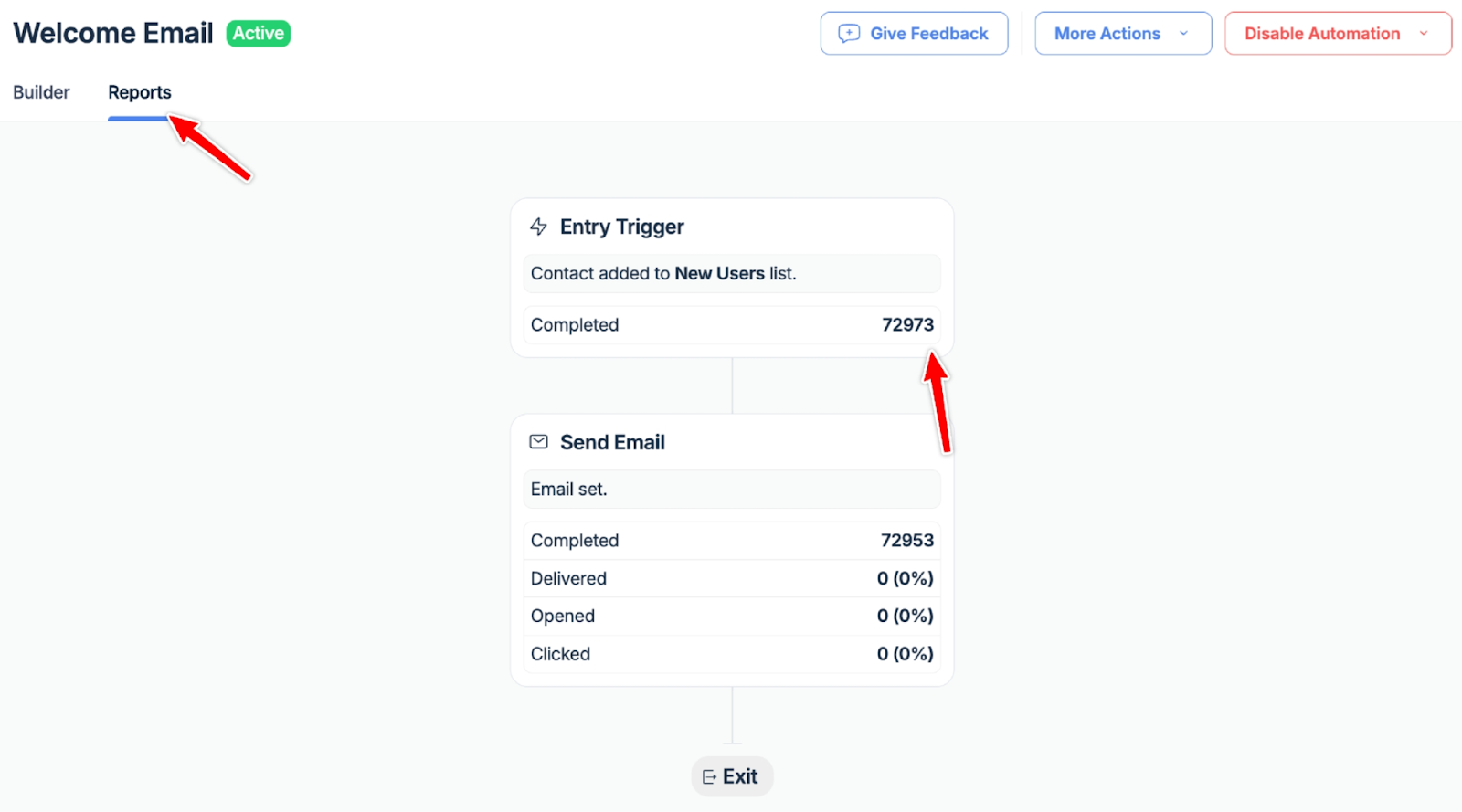
As with everything at Mailtrap, we made sure Automations come with built-in reporting so you can track how your sequences perform. Simply click on the Reports tab within any automation to see:
- Number of step completions
- Completed automation workflows
- Delivered, opened, and clicked emails
This lets you see exactly where contacts are engaging and where they’re dropping off, so you can optimize accordingly.